


1
/
5
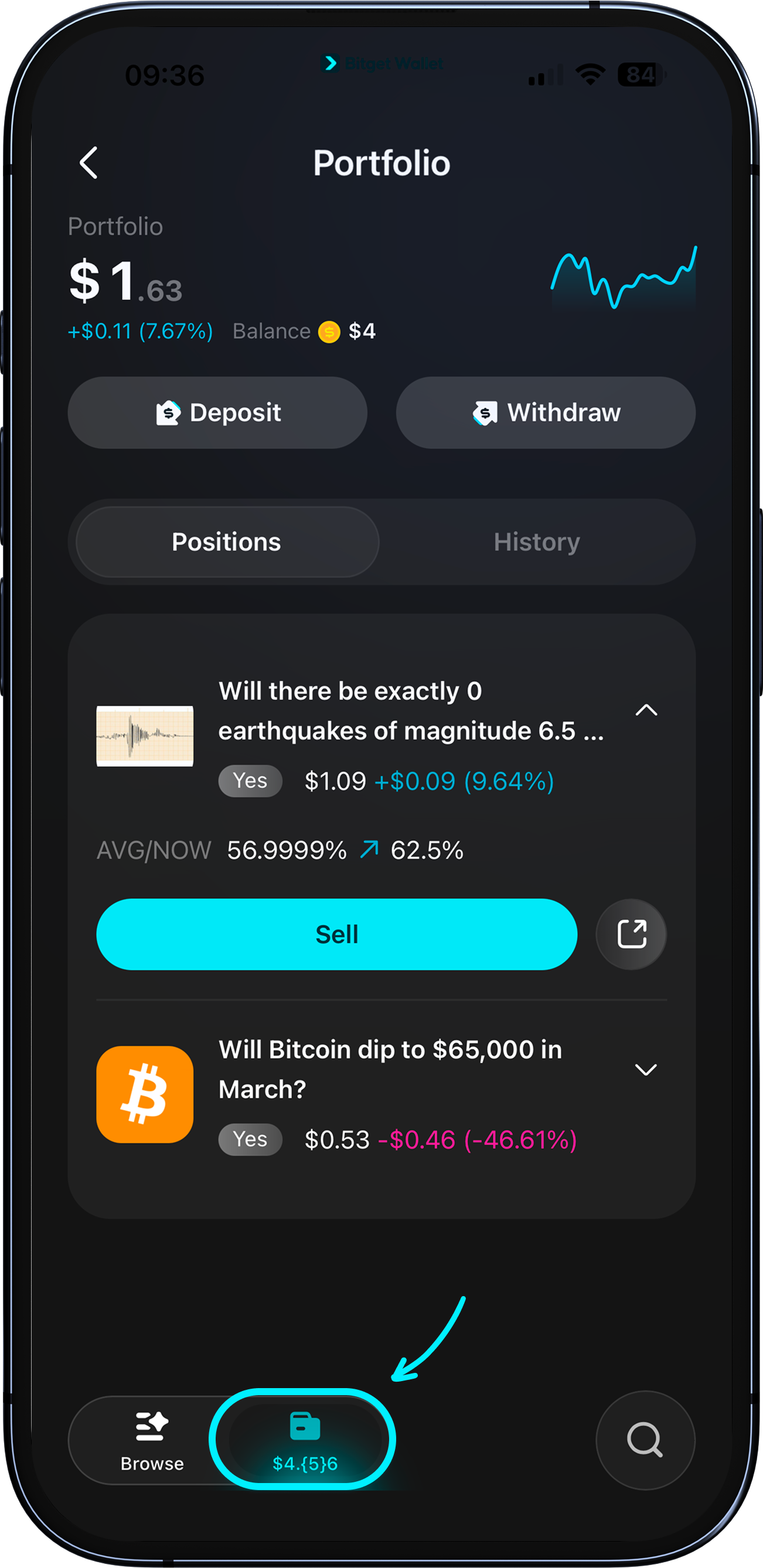
Overview of your portfolio
Your portfolio is your home base for everything you've predicted. It shows your total position value, today's PnL, available balance, and a "Deposit" and "Withdraw" button.
Tap "Portfolio" in the bottom navigation to access it at any time.
Your portfolio is your home base for everything you've predicted. It shows your total position value, today's PnL, available balance, and a "Deposit" and "Withdraw" button.
Tap "Portfolio" in the bottom navigation to access it at any time.
1
/
5
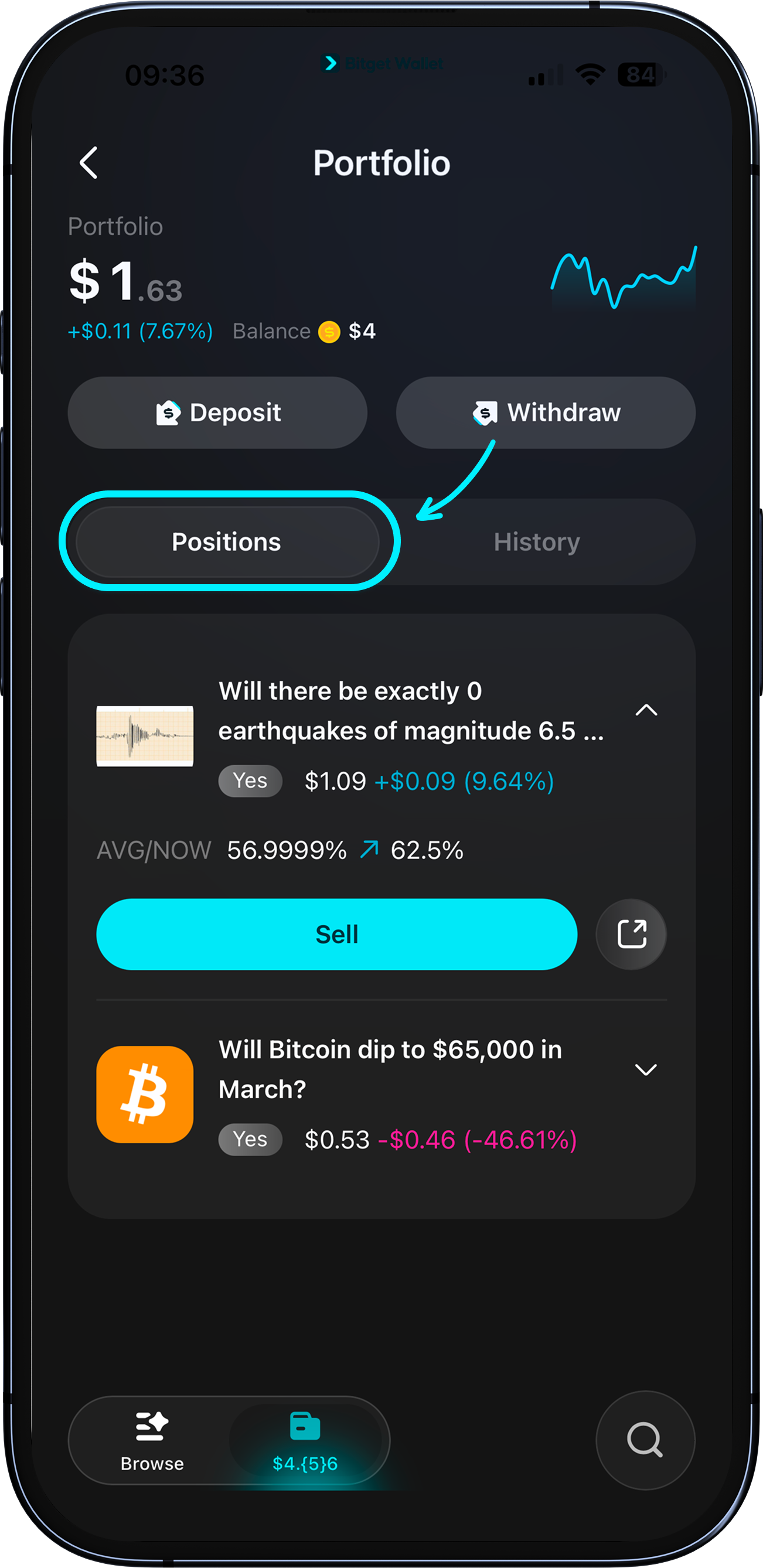
Viewing and managing open positions
Tap the "Positions" tab to see all your open positions, listed by entry time.
Tap any card to expand it and see your entry odds, current probability, and PnL.
Tap "Sell" to open the cash out panel and close the position early.
1
/
5
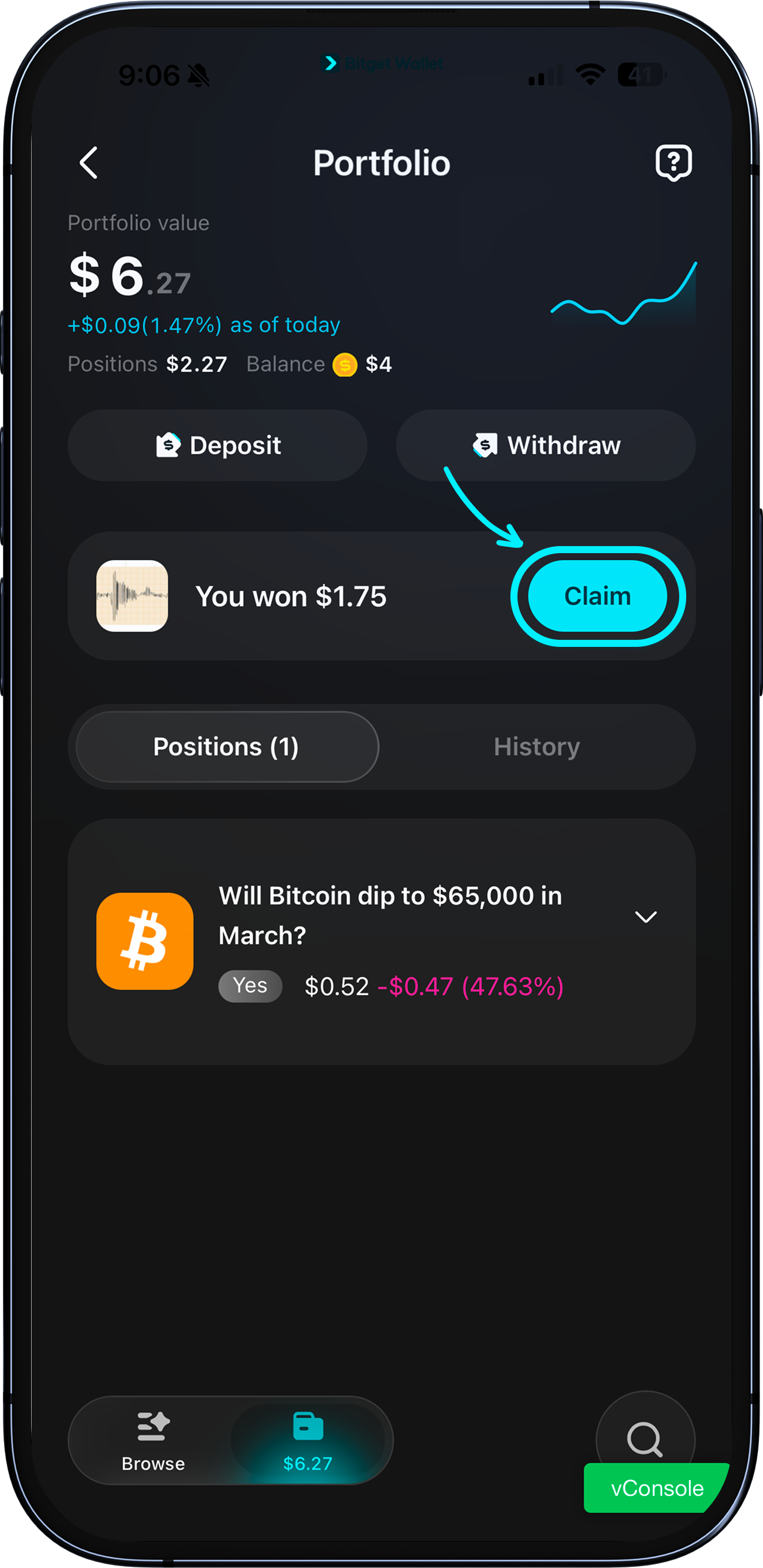
Claiming your winnings
When an event you predicted correctly is settled, a "You won $X" card will appear at the top of your portfolio with a "Claim" button.
Tap "Claim" to receive your payout.
If you've won multiple predictions, each will show its own claim card.
After claiming, you'll see a confirmation screen — tap "Done" to return to your portfolio.
1
/
5
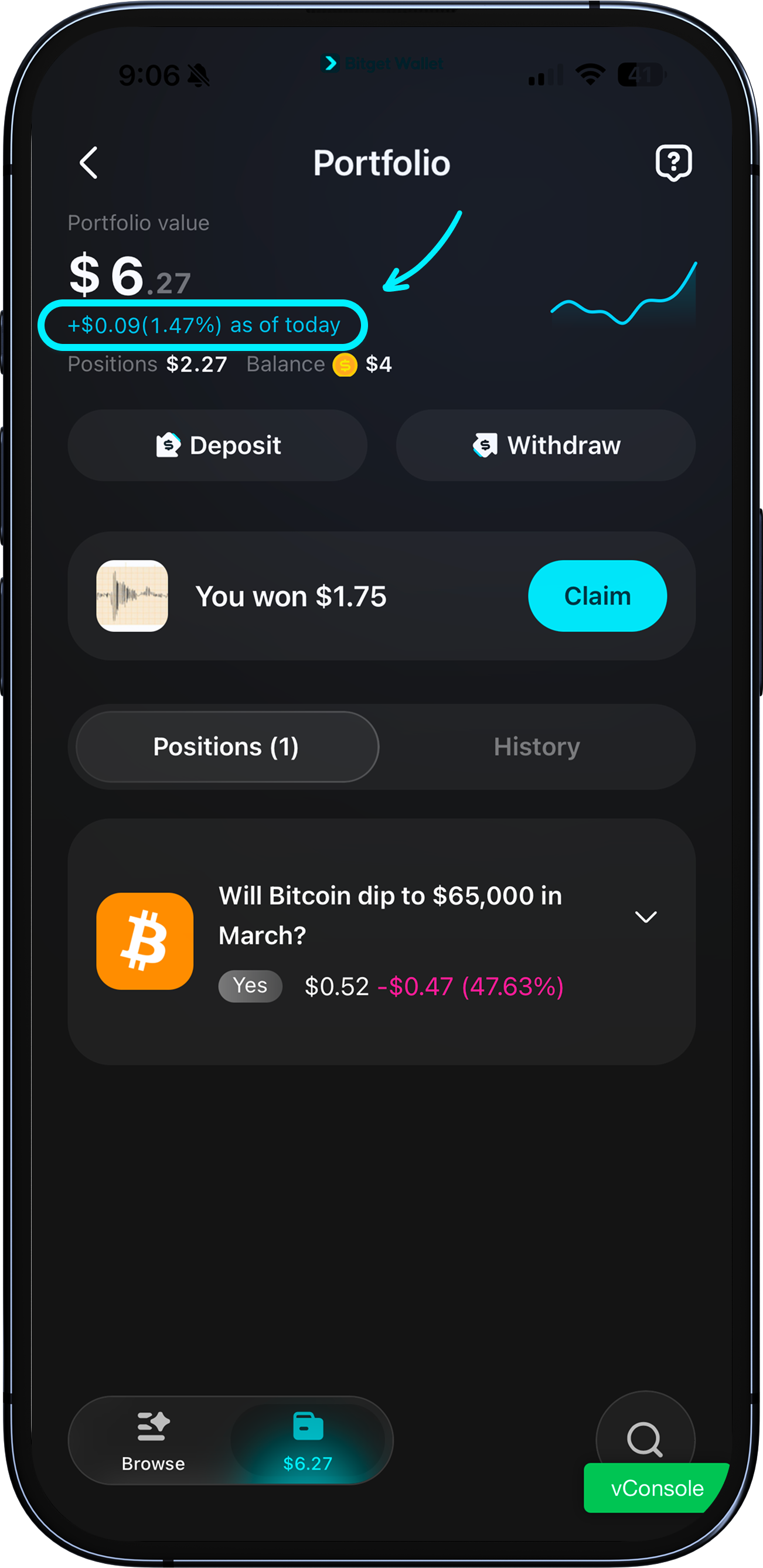
Reading your PnL
Your portfolio shows today's PnL in both dollar amount and percentage. Individual position cards show your cumulative PnL since you entered. Blue means you're up; red means you're down.
1
/
5
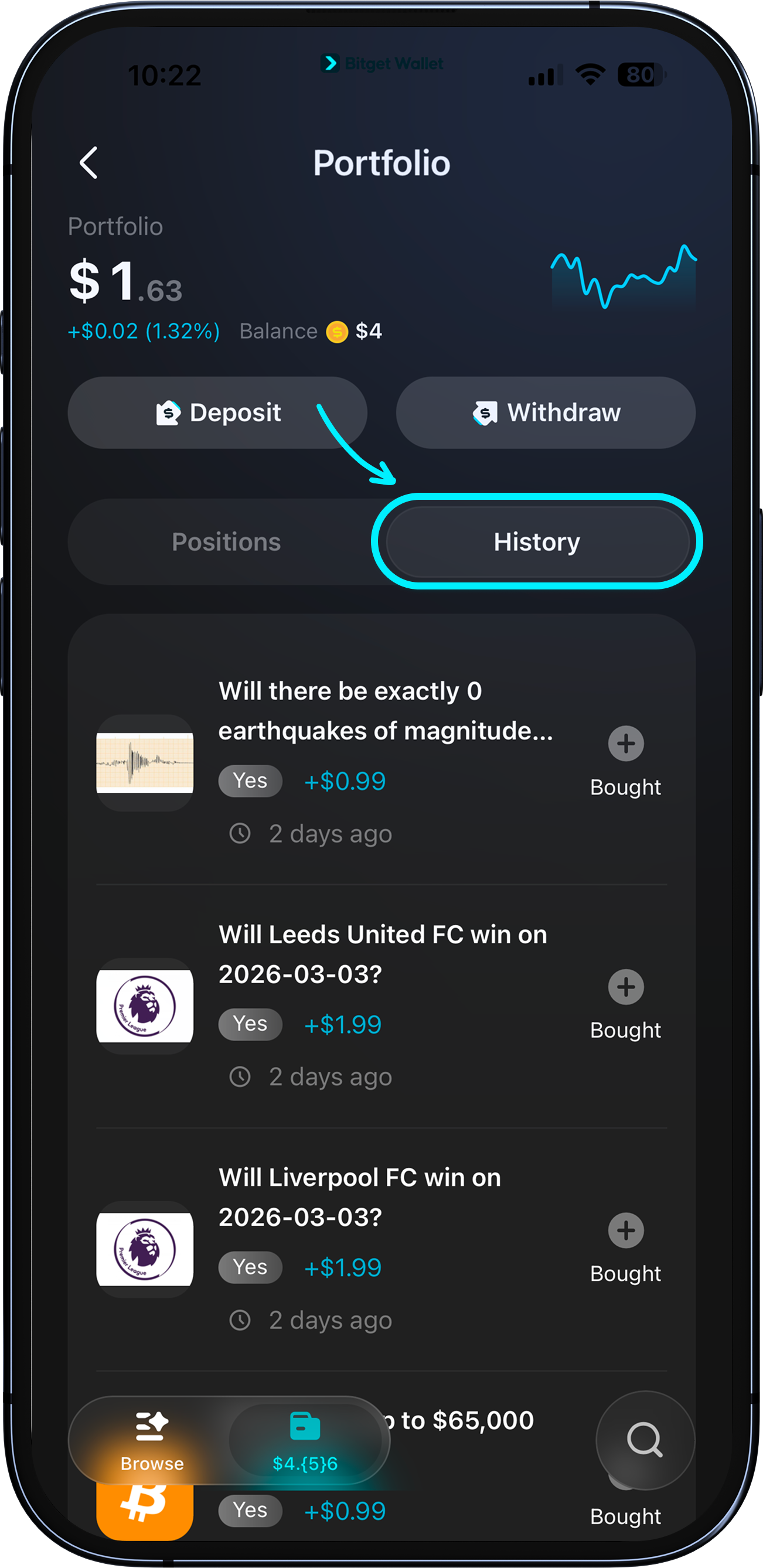
Viewing your order history
Tap the "History" tab to see your full prediction history – every event you've participated in, listed from most recent to oldest.
Each entry shows the event, your predicted outcome, settlement status (Won or Lost), and your payout. Deposit and withdrawal records are also shown here.