


1
/
3
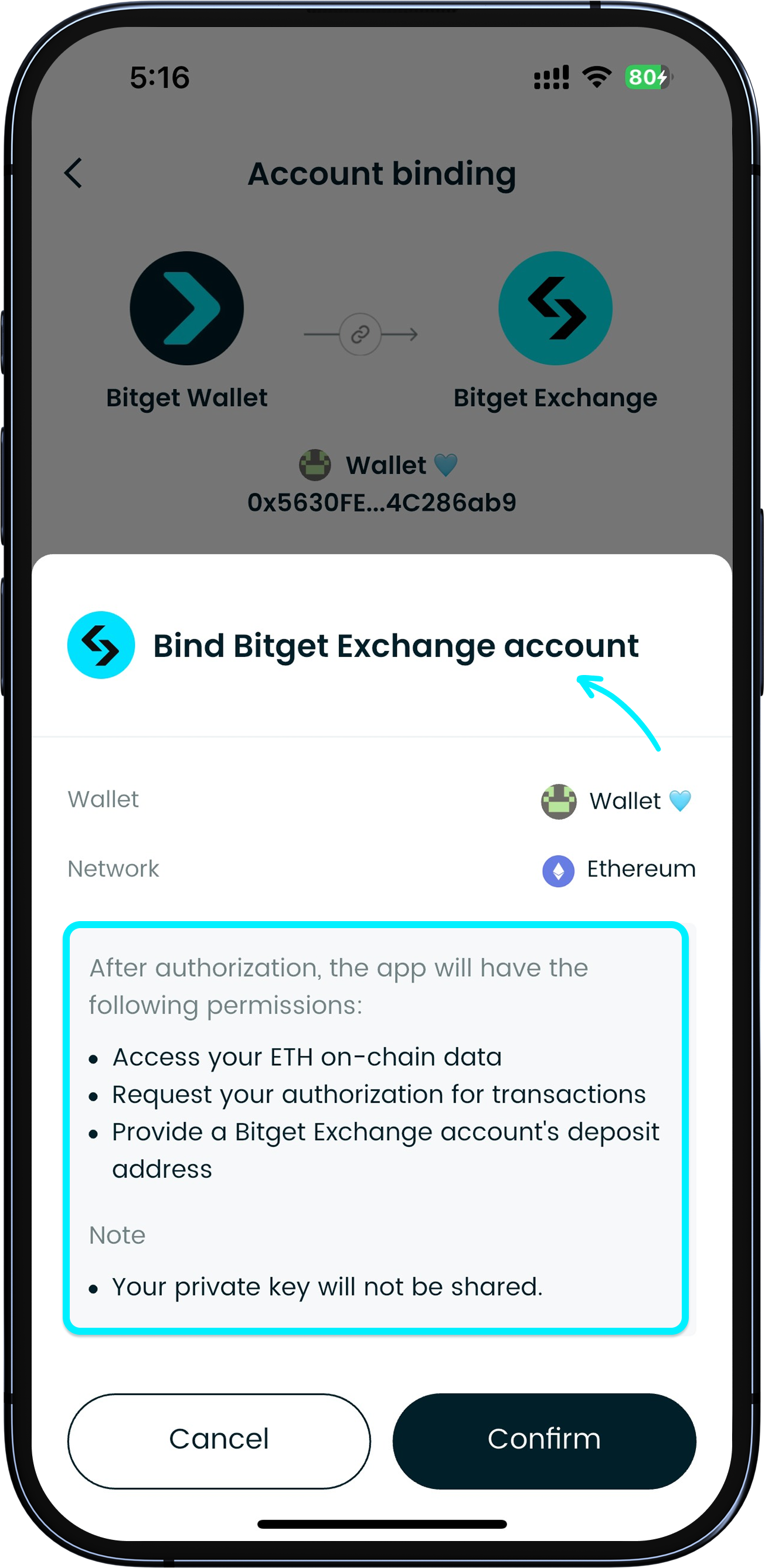
What are wallet approvals and signatures?
<b>Wallet approvals means you allow a DApp (decentralized application) or smart contract to operate specified assets in your wallet within a certain scope. </b>Because you control a decentralized wallet, these DApps and contracts can use your assets only after you approve them.
A wallet signature uses your private key to cryptographically sign data or transactions to prove "you agreed". It can be used for login, placing orders, message confirmation, or submitting on-chain transactions.
<b>Wallet approvals means you allow a DApp (decentralized application) or smart contract to operate specified assets in your wallet within a certain scope. </b>Because you control a decentralized wallet, these DApps and contracts can use your assets only after you approve them.
A wallet signature uses your private key to cryptographically sign data or transactions to prove "you agreed". It can be used for login, placing orders, message confirmation, or submitting on-chain transactions.
1
/
3
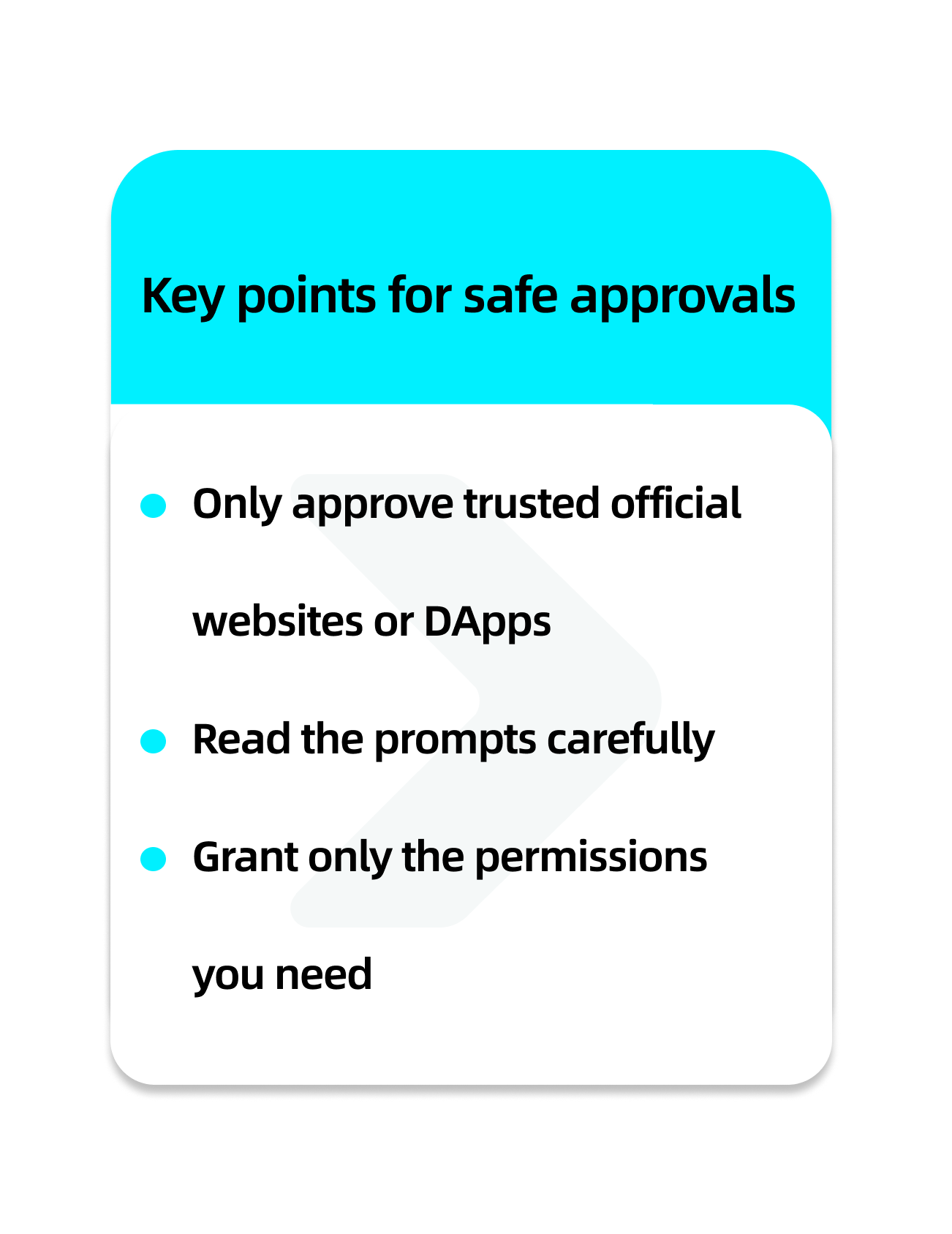
How to keep approvals and signatures safe
Only authorize trusted official websites or DApps. Before authorizing or signing, read the prompts carefully, make sure you grant only the required permissions, and avoid granting full or unlimited allowances.
<b>If you encounter unknown apps, unfamiliar links, or someone asks you for approval, refuse it, and avoid doing any approvals or signing on non-official pages.</b>
1
/
3
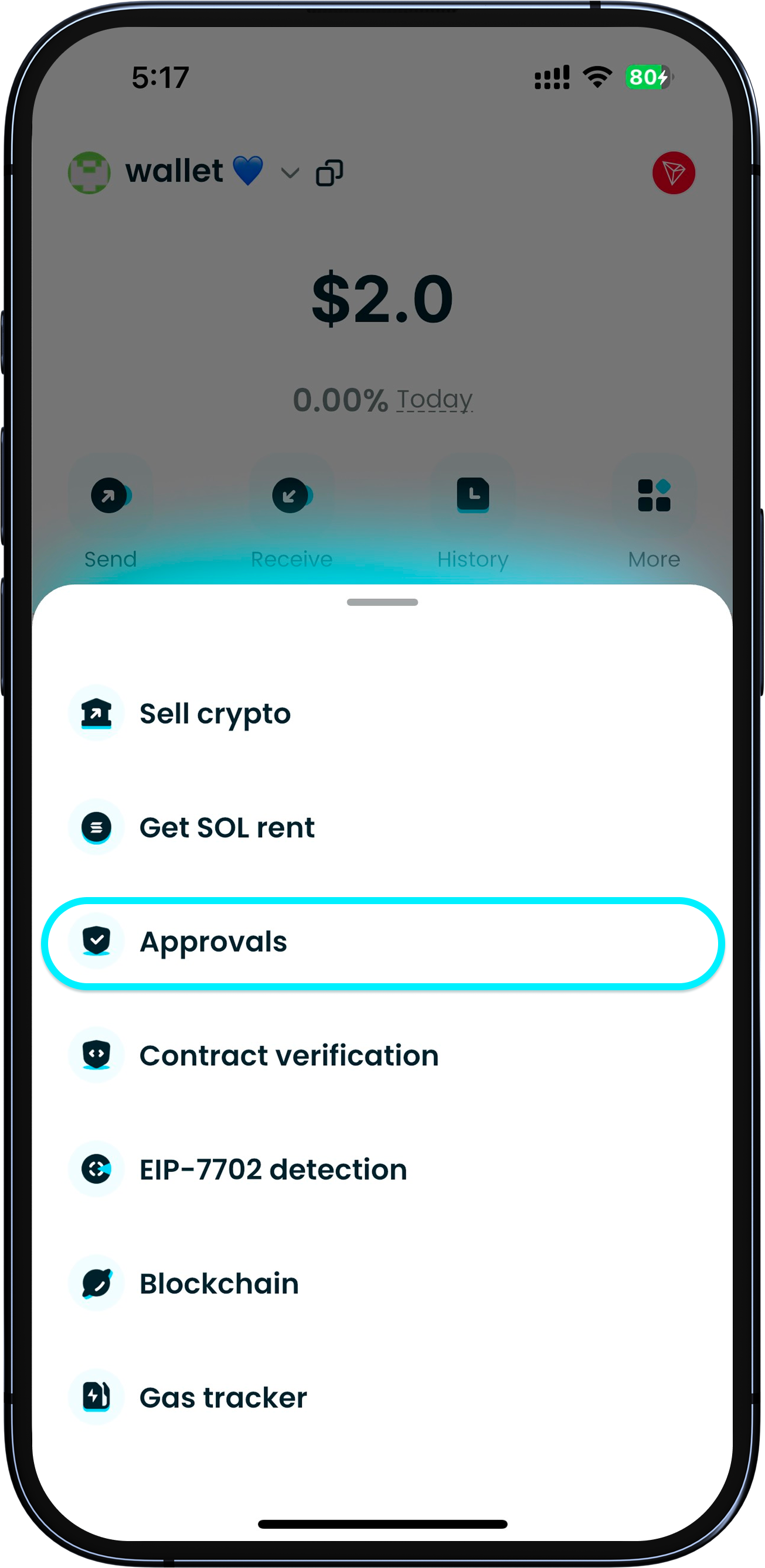
Check your authorizations regularly
<b>To protect your wallet assets, regularly review your approval records and revoke unnecessary approvals. </b>
Open the Bitget Wallet App, go to "Wallet" > "More" > "Approvals" to view current approval details, and choose "Revoke" or "Edit quota".