


1
/
5
What is MemeScan?
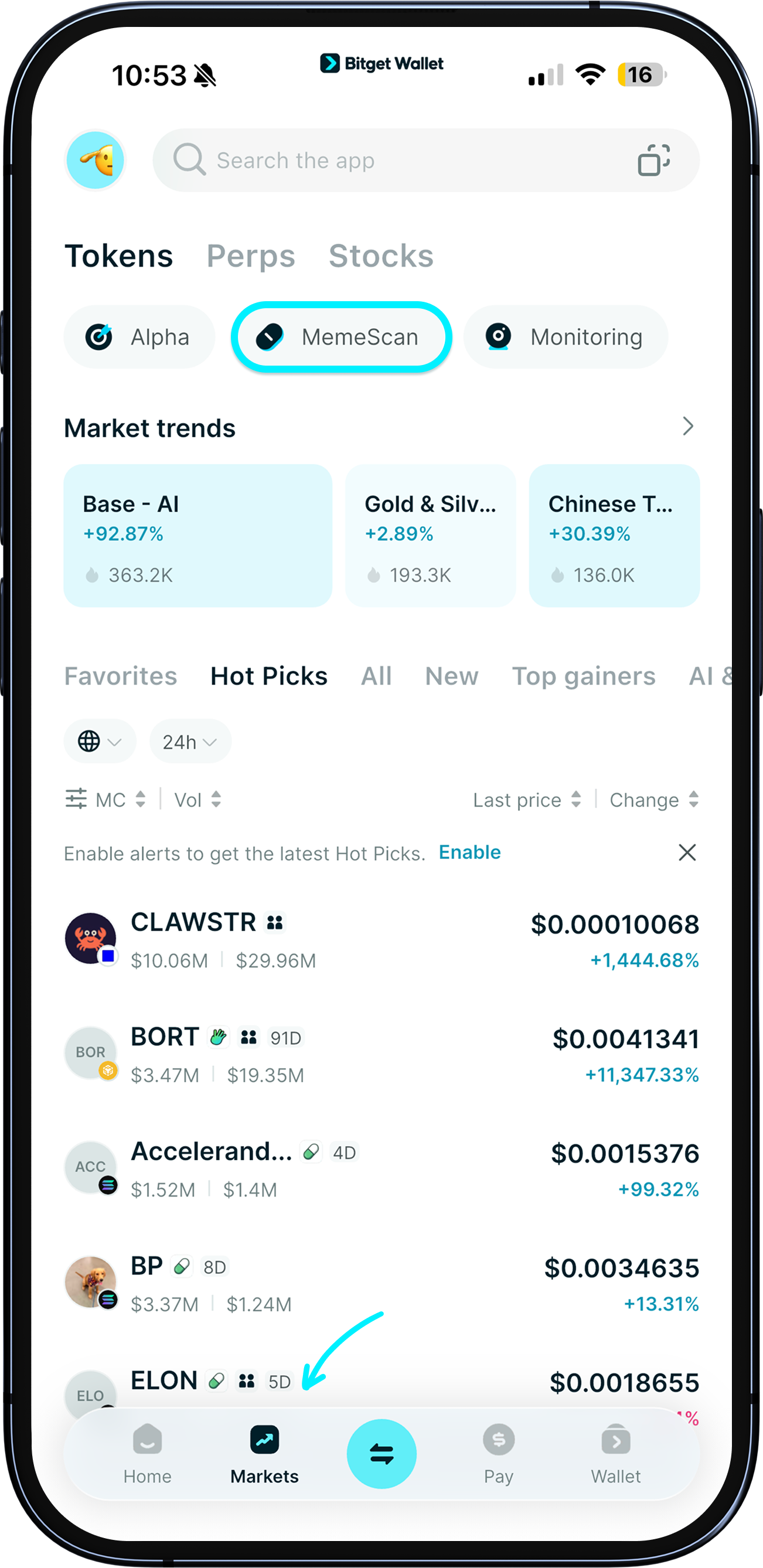
MemeScan is Bitget Wallet's mobile‑first token buying tool. Screen, analyze, and trade on a single page with data-driven insights – helping you find early tokens, explore on-chain opportunities, and pursue greater returns. So you can <b>quickly and precisely catch the next breakout token.</b>
Trade internal-market tokens on Pump.fun, Bonk.fun, Believe, Bags, and Trends.fun, with more platforms to come.
MemeScan is Bitget Wallet's mobile‑first token buying tool. Screen, analyze, and trade on a single page with data-driven insights – helping you find early tokens, explore on-chain opportunities, and pursue greater returns. So you can <b>quickly and precisely catch the next breakout token.</b>
Trade internal-market tokens on Pump.fun, Bonk.fun, Believe, Bags, and Trends.fun, with more platforms to come.
1
/
5
Token list – Finalizing
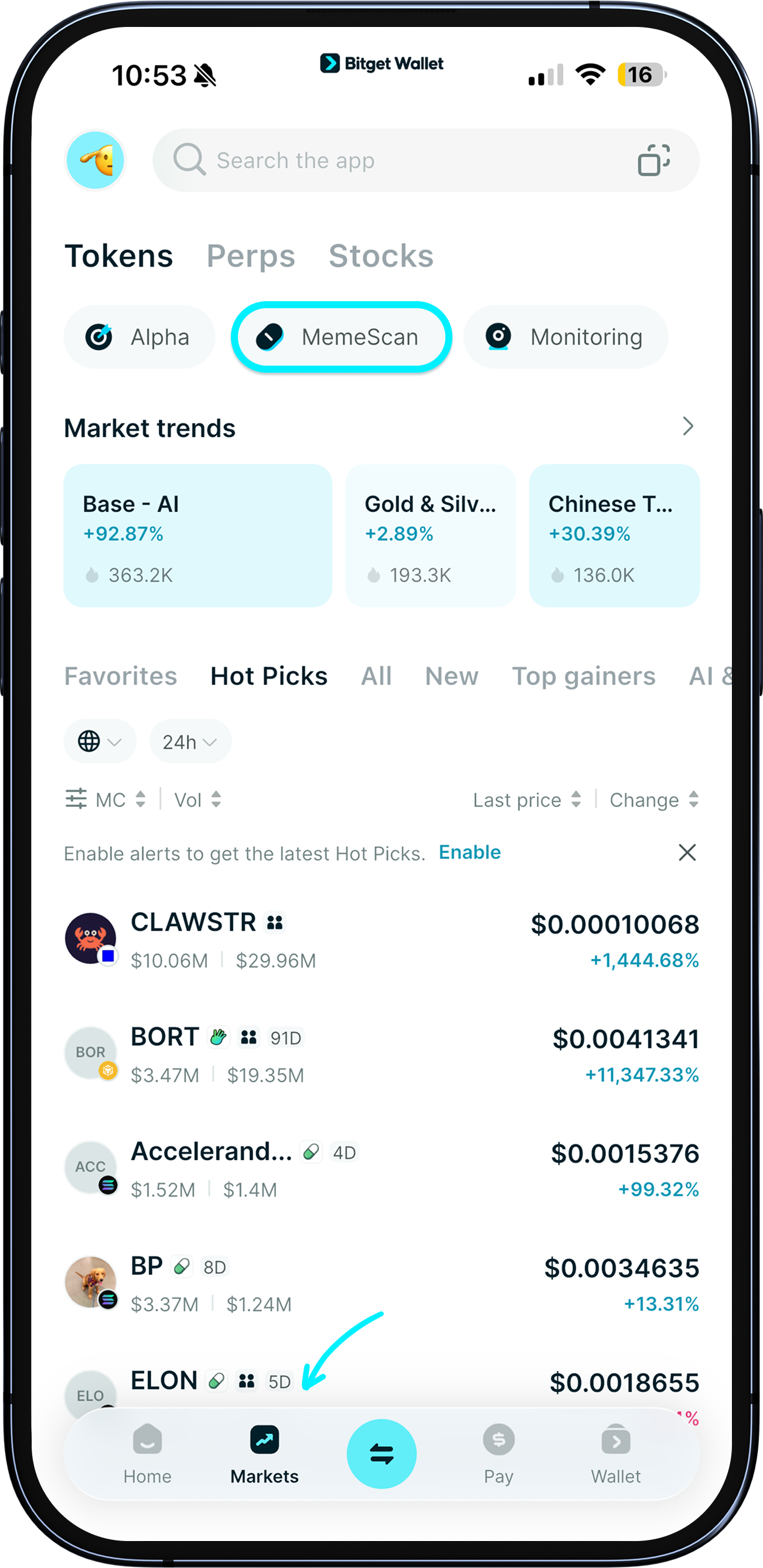
After updating your Bitget Wallet App to the latest version, on the home page, tap "MemeScan", or go to “Markets” > "Tokens" and select “MemeScan" to see a default list of "Finalizing" tokens.
<b>Finalizing</b>: These tokens are close to reaching the target market cap (e.g., $100,000 on Pump.fun) while still in the internal trading stage. They're about to be launched to public trading, making this the perfect time to screen and position yourself early.
1
/
5
Switching token lists
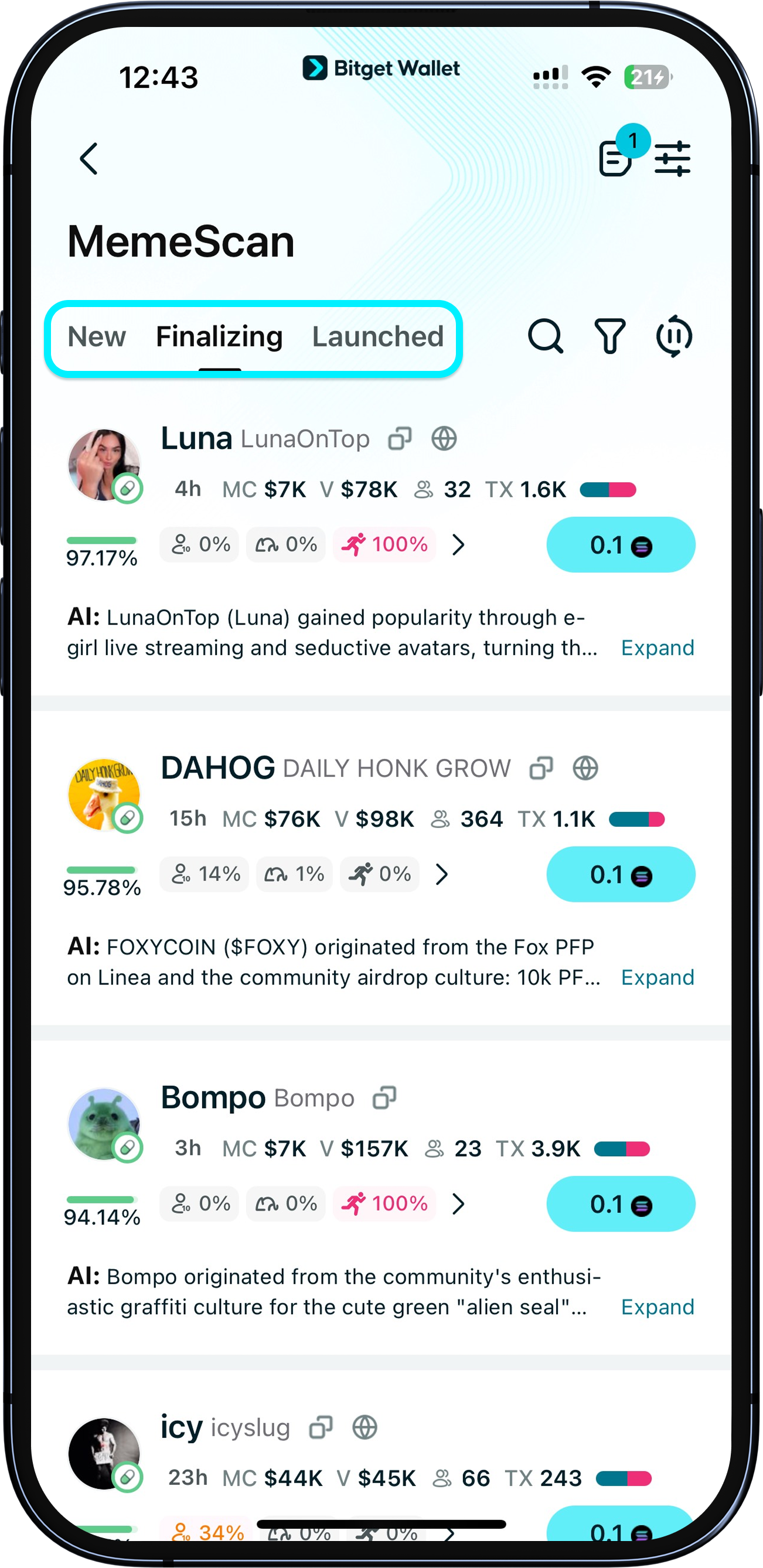
You can also switch to the “New” or “Launched” lists.
<b>New</b>: These toekns have just been created on a launch platform (e.g. Pump.fun) but haven't had liquidity added yet. It's still in the internal stage and not tradable. This is the best time to research its narrative and holder structure to catch early opportunities.
<b>Launched</b>: Liquidity has been added and the tokens are now tradable on major DEXs (e.g. Jupiter). With more data available, this stage is ideal for active screening and short-term trading.
1
/
5
Real-time token tracking
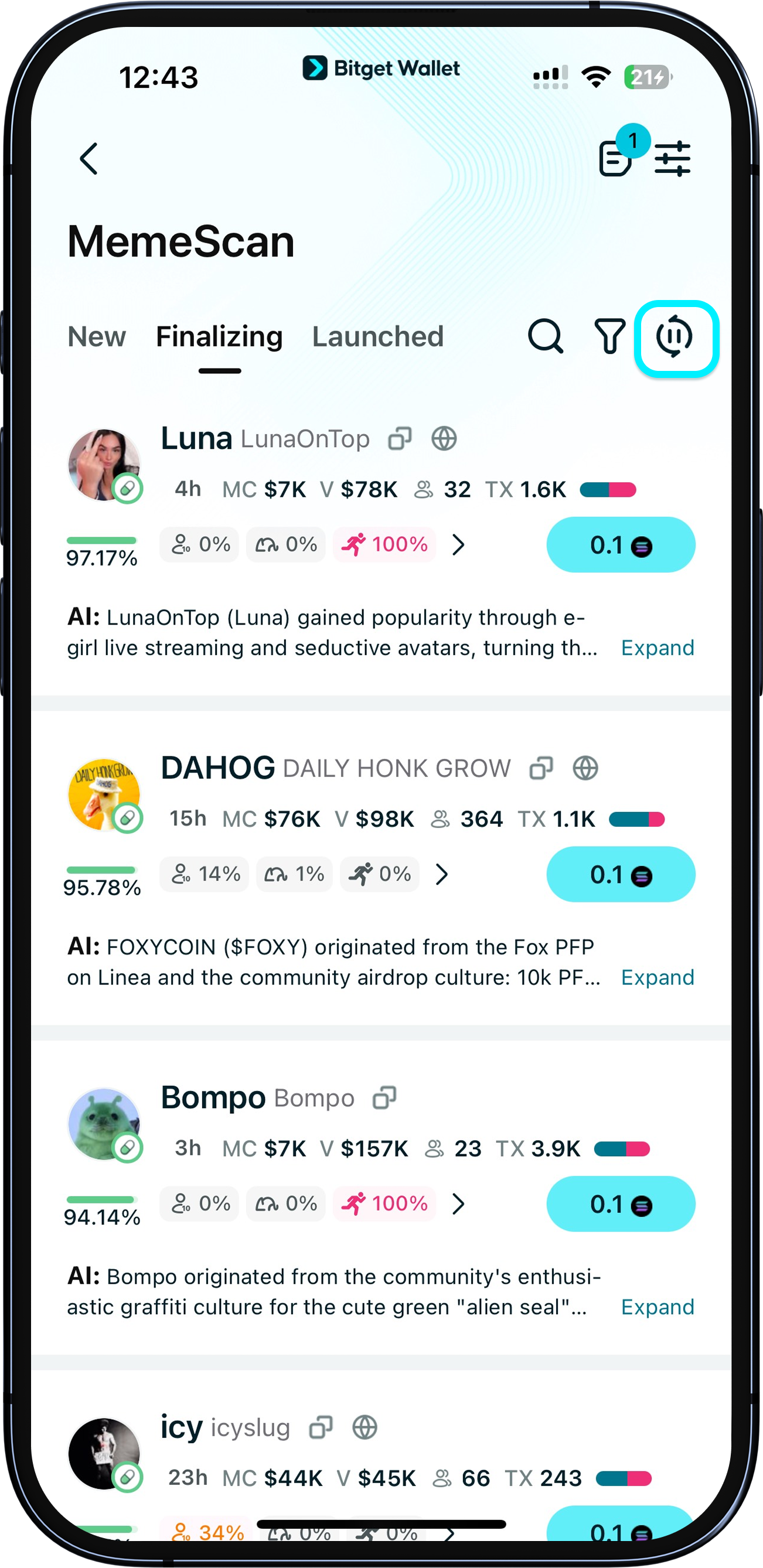
The token lists are always <b>updated in real-time</b>, so you never miss a beat! To pause the update, tap the "Pause" icon.
1
/
5
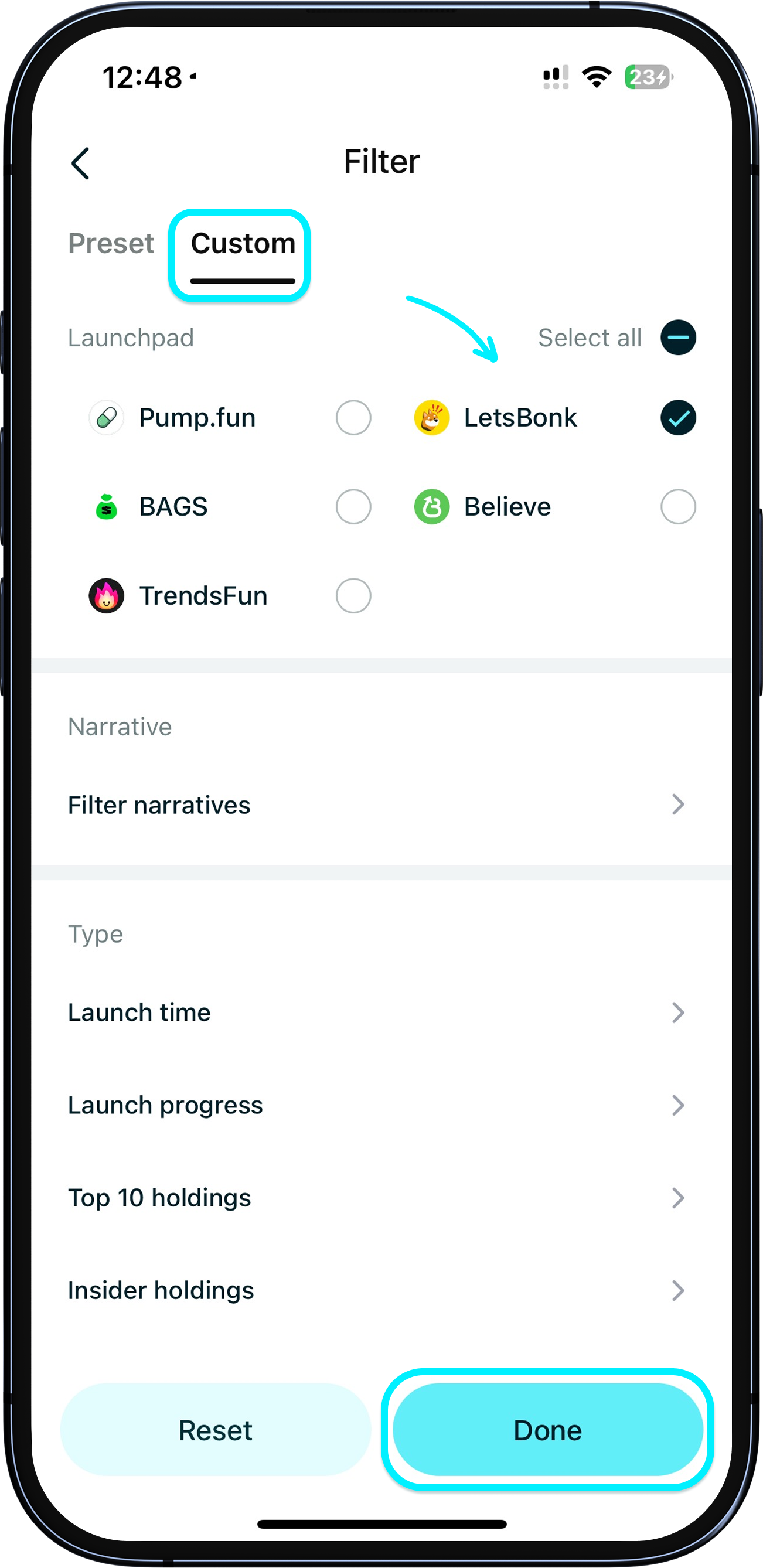
How do I switch between launchpads?
In MemeScan, tap the filter icon, choose the launchpad you want, then tap "Done".