


1
/
7
How to shop on Bitget Wallet
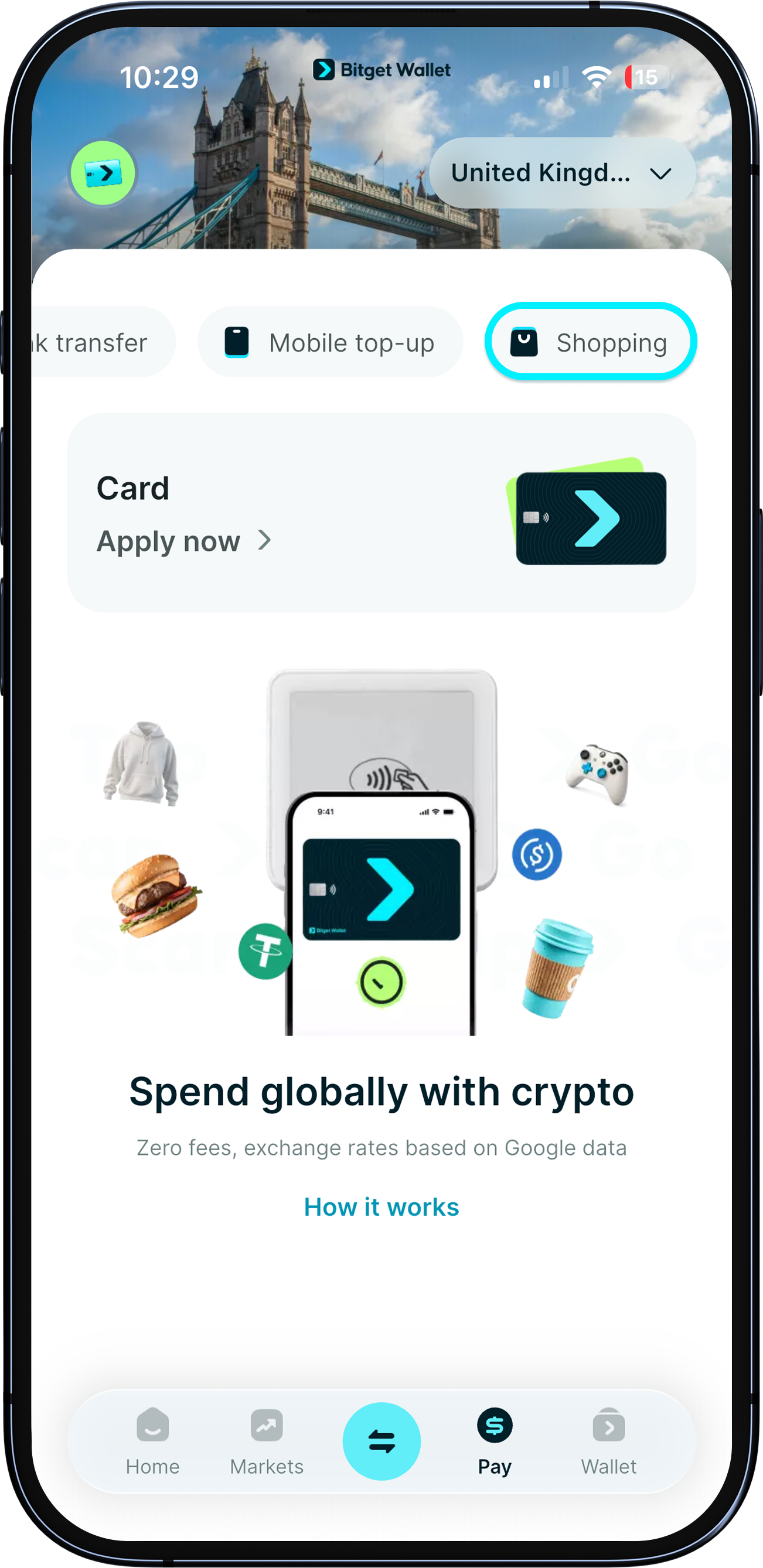
Now you can indulge in online shopping right here in the Bitget Wallet app – from fashion to game credits, and hotel bookings to eSim topups – all at exclusive prices.
Visit "Pay" > "Shopping" to start exploring!
Now you can indulge in online shopping right here in the Bitget Wallet app – from fashion to game credits, and hotel bookings to eSim topups – all at exclusive prices.
Visit "Pay" > "Shopping" to start exploring!
1
/
7
Explore different categories
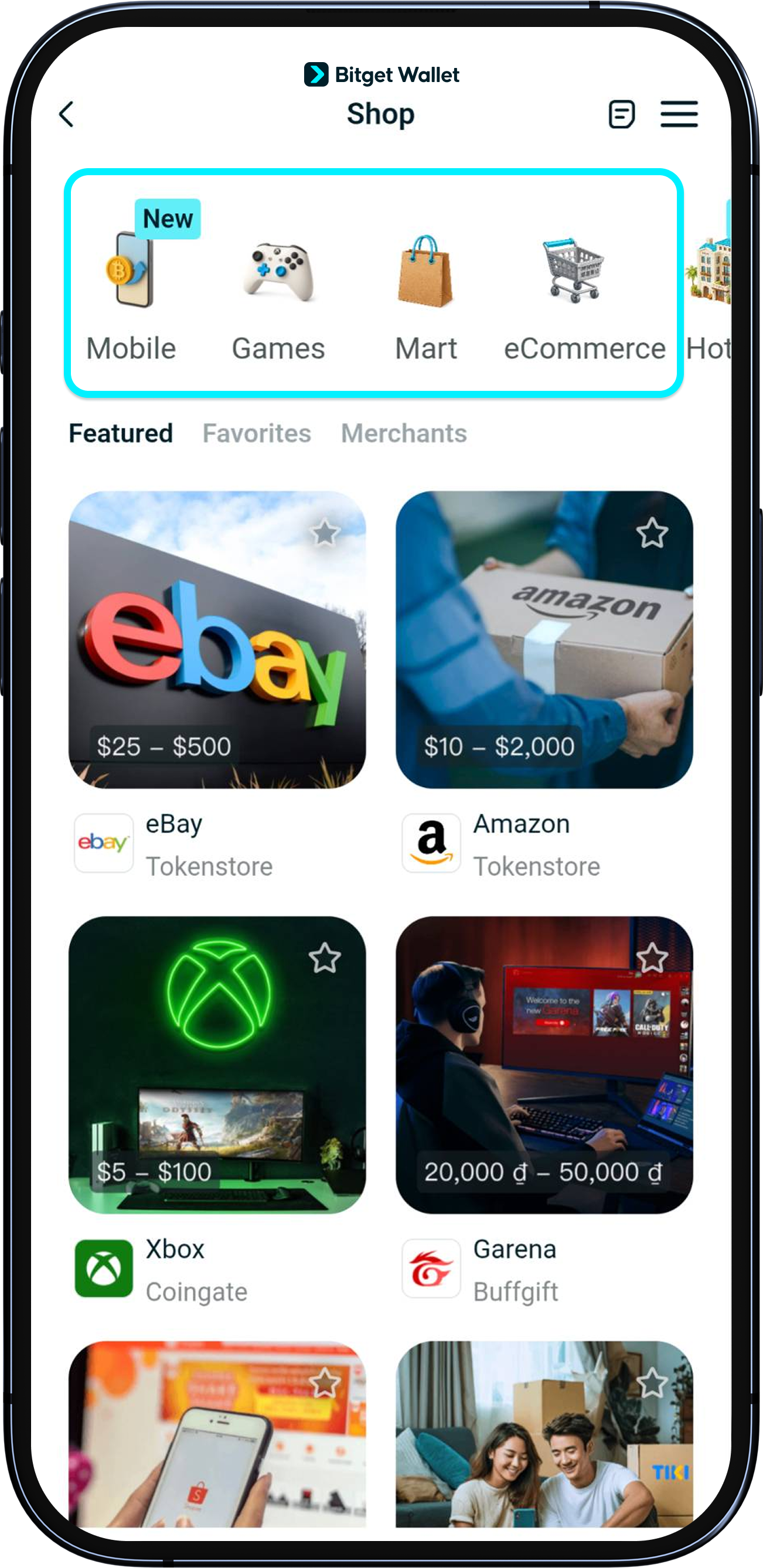
Here, you'll see the different categories of products, ranging from hotel bookings, game credits, media gift cards for Netflix and Spotify, and even eSims for your next trip abroad.
Tap on any of these to discover how you can spend your crypto at our partner merchants.
1
/
7
Add to favorites
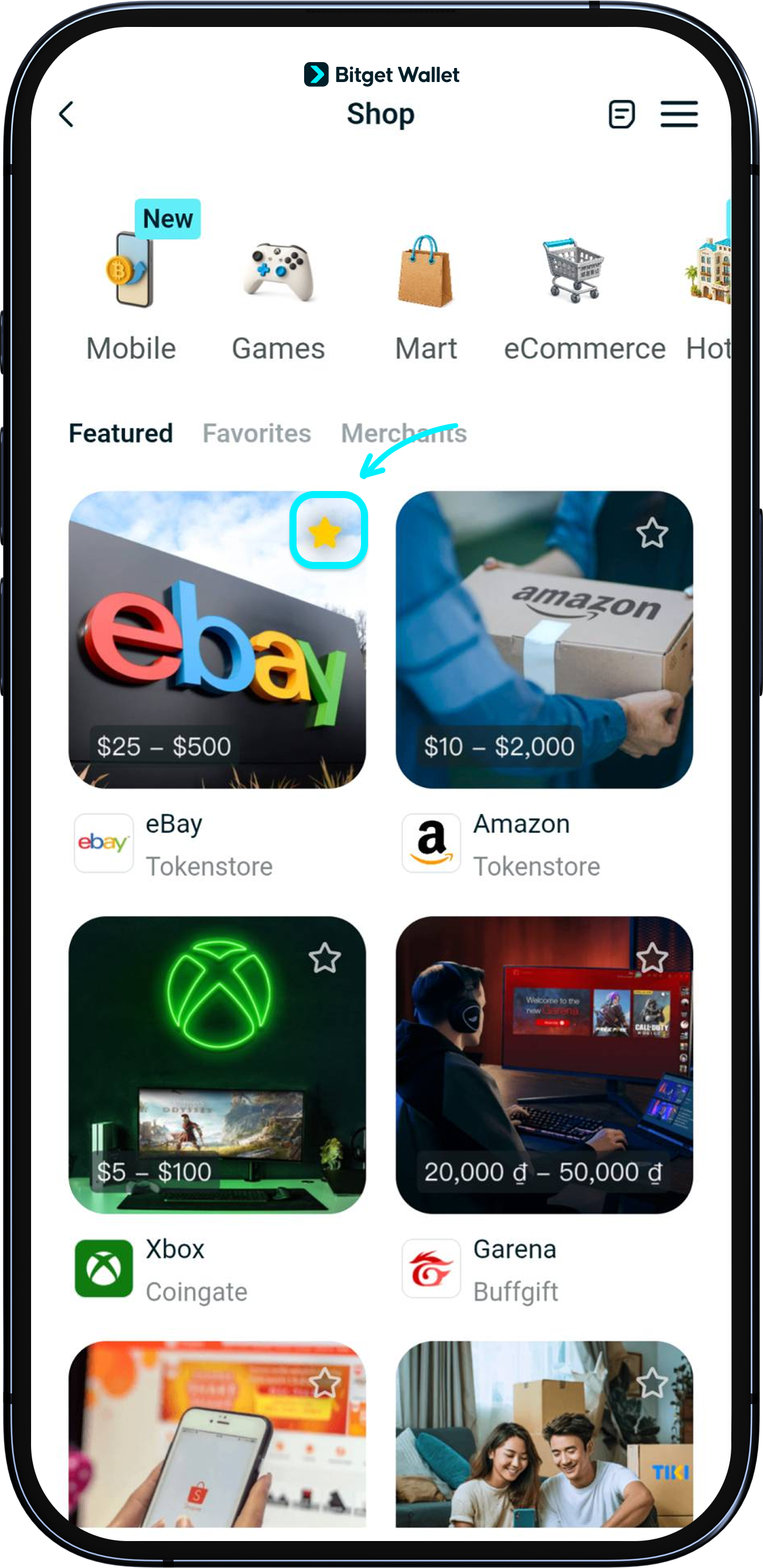
See something that caught your eye? Simply tap on the star icon at the top right corner of each product to add them to your favorites.
These will then be stored under "Favorites" for quick access the next time you shop.
1
/
7
How to make a purchase
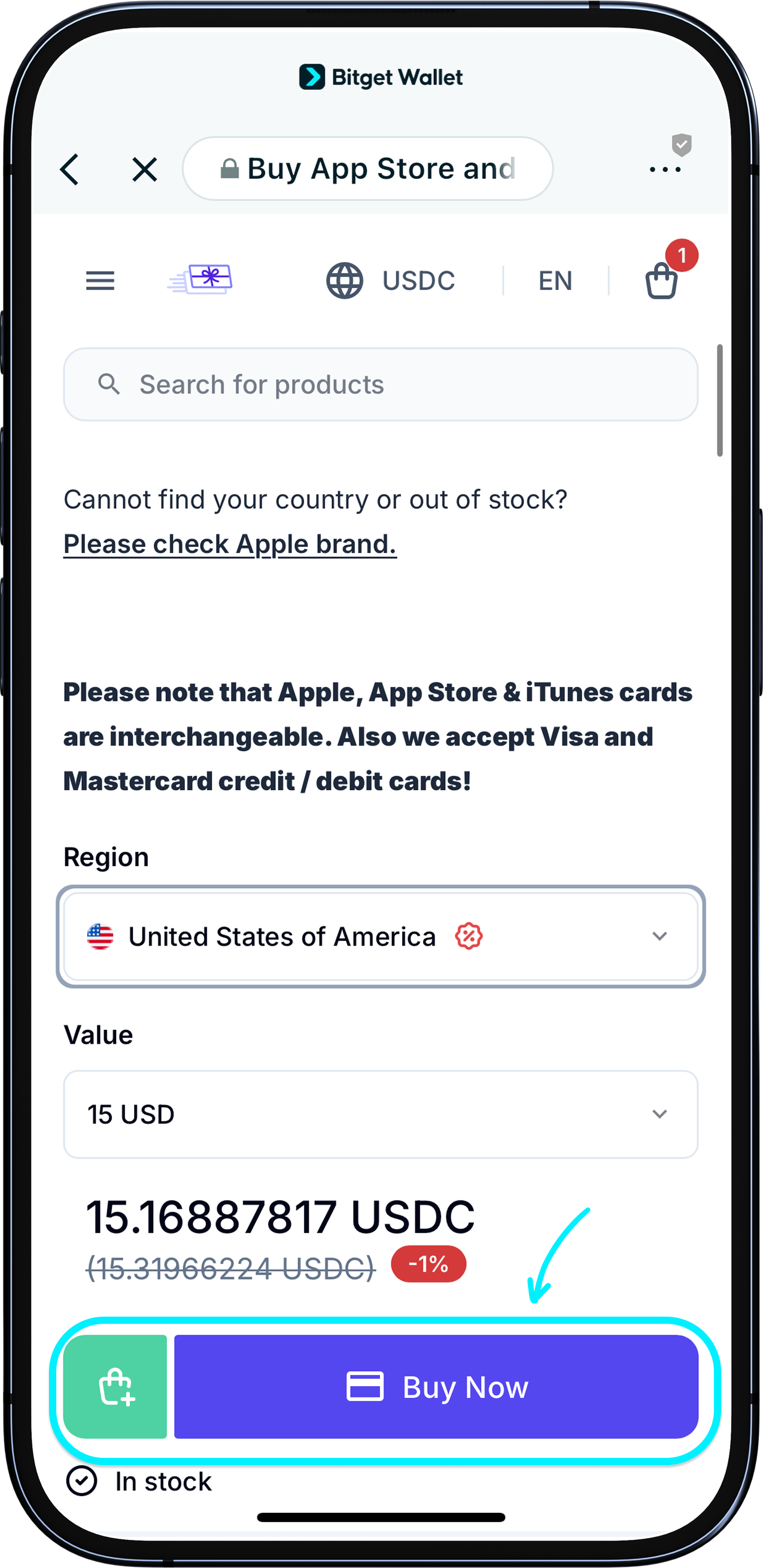
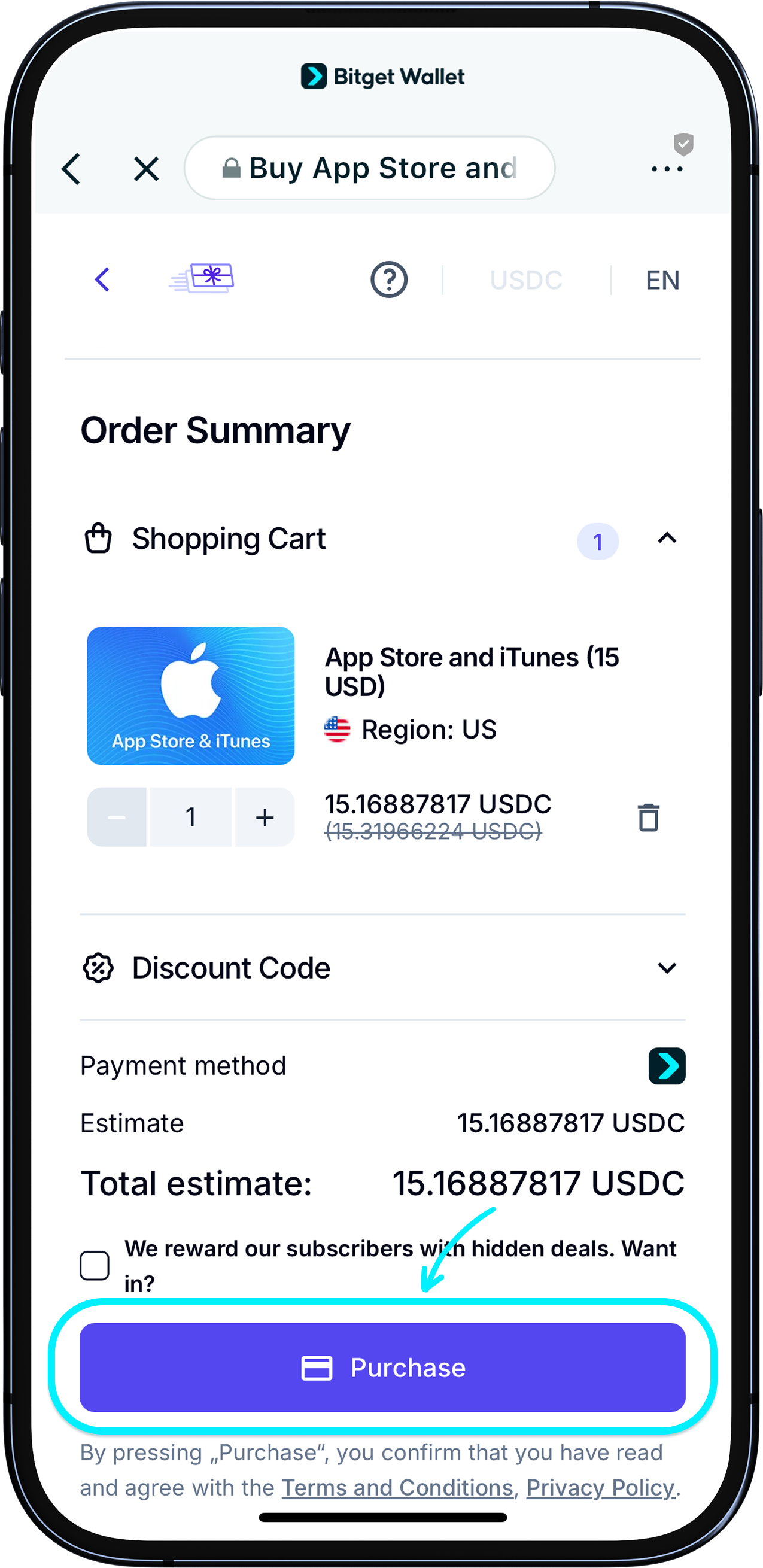
When you tap on a product, you will be redirected to the page of our trusted partner merchant. Here, you may be asked to create an account with our partner. Simply follow the instructions to continue the purchase.
1
/
7
Checking out
On the checkout page, you'll be asked to select your payment method, cryptocurrency, and network. Select the token you want to pay with, then tap "Continue to Payment."
<b>Before you check out, make sure you have sufficient funds to complete the payment.</b>
1
/
7
Receiving your purchase
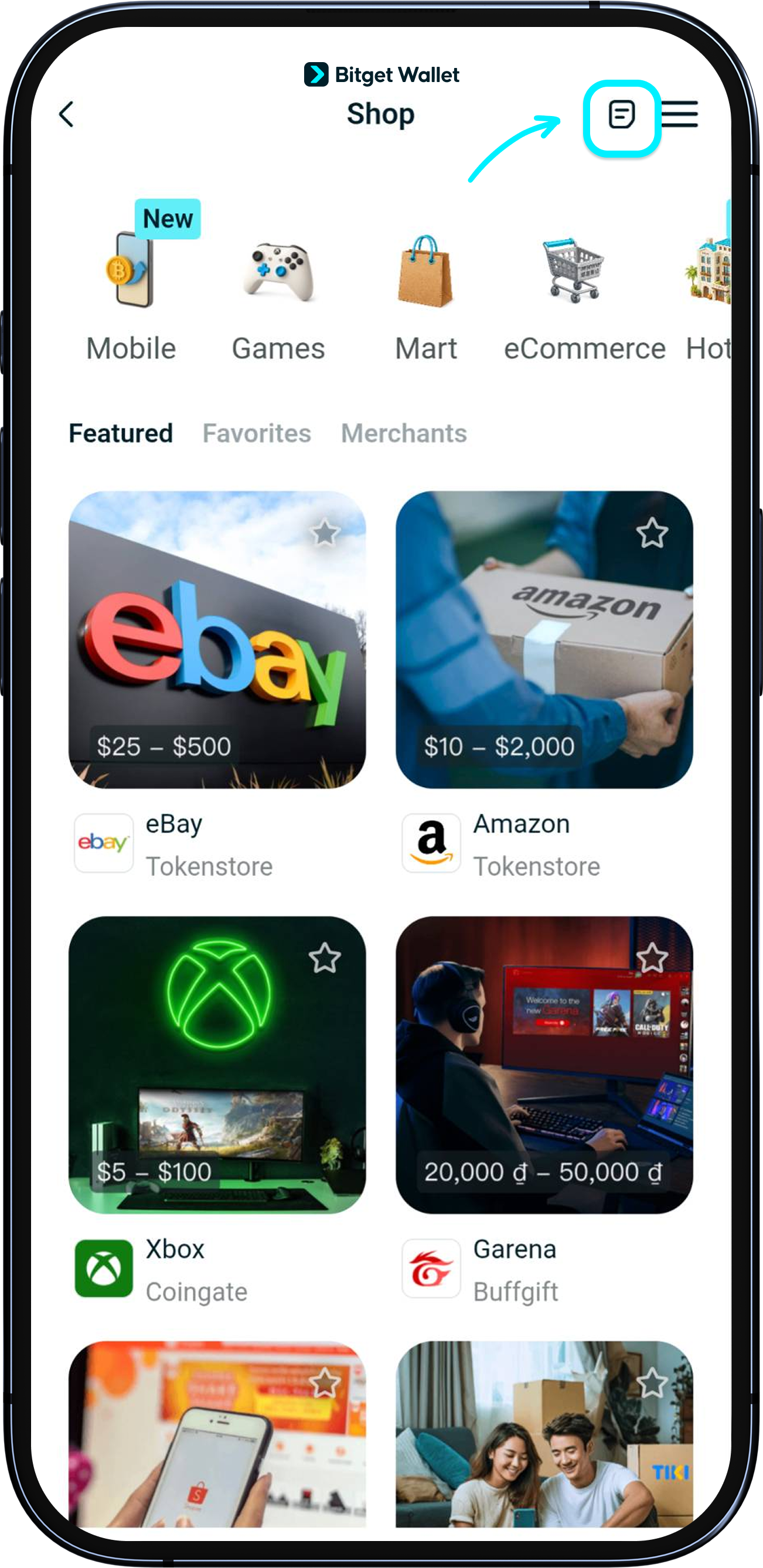
You can check your transaction at "Shop" > "History". Your purchase will be sent to you via email (usually immediate) or delivery address, depending on your product.
To track your delivery, please log in to the page of our partner merchant.
1
/
7
Refunds and exchanges
Refunds and exchanges are settled directly with our partner merchants. Please follow the steps provided on their individual sites.