


1
/
7
Sharing is caring!
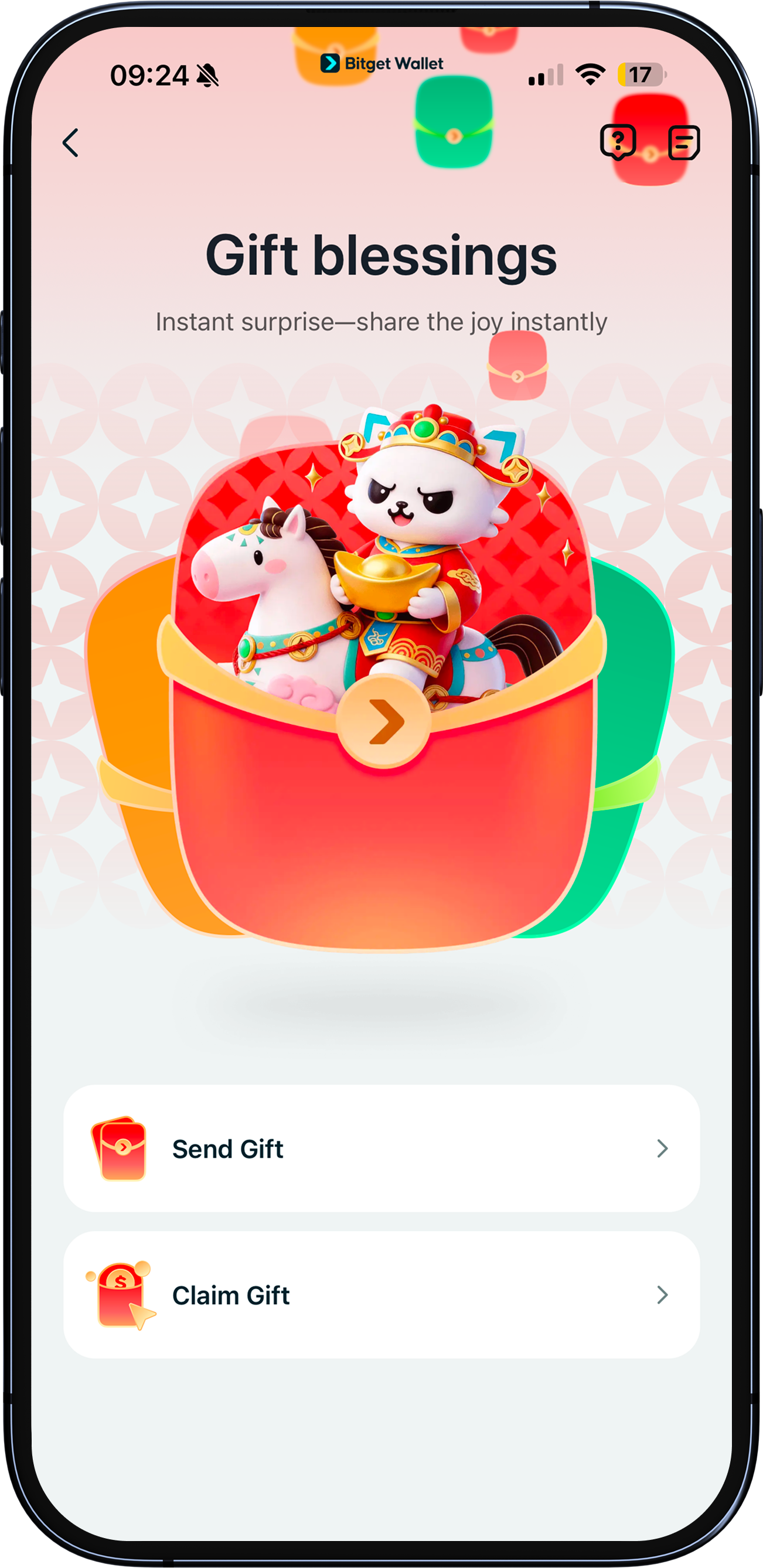
Whether it's the new year, a birthday, or a special anniversary, you can show your friends and family some love by sending them a gift – from your Bitget Wallet.
Whether it's the new year, a birthday, or a special anniversary, you can show your friends and family some love by sending them a gift – from your Bitget Wallet.
1
/
7
How to send a gift
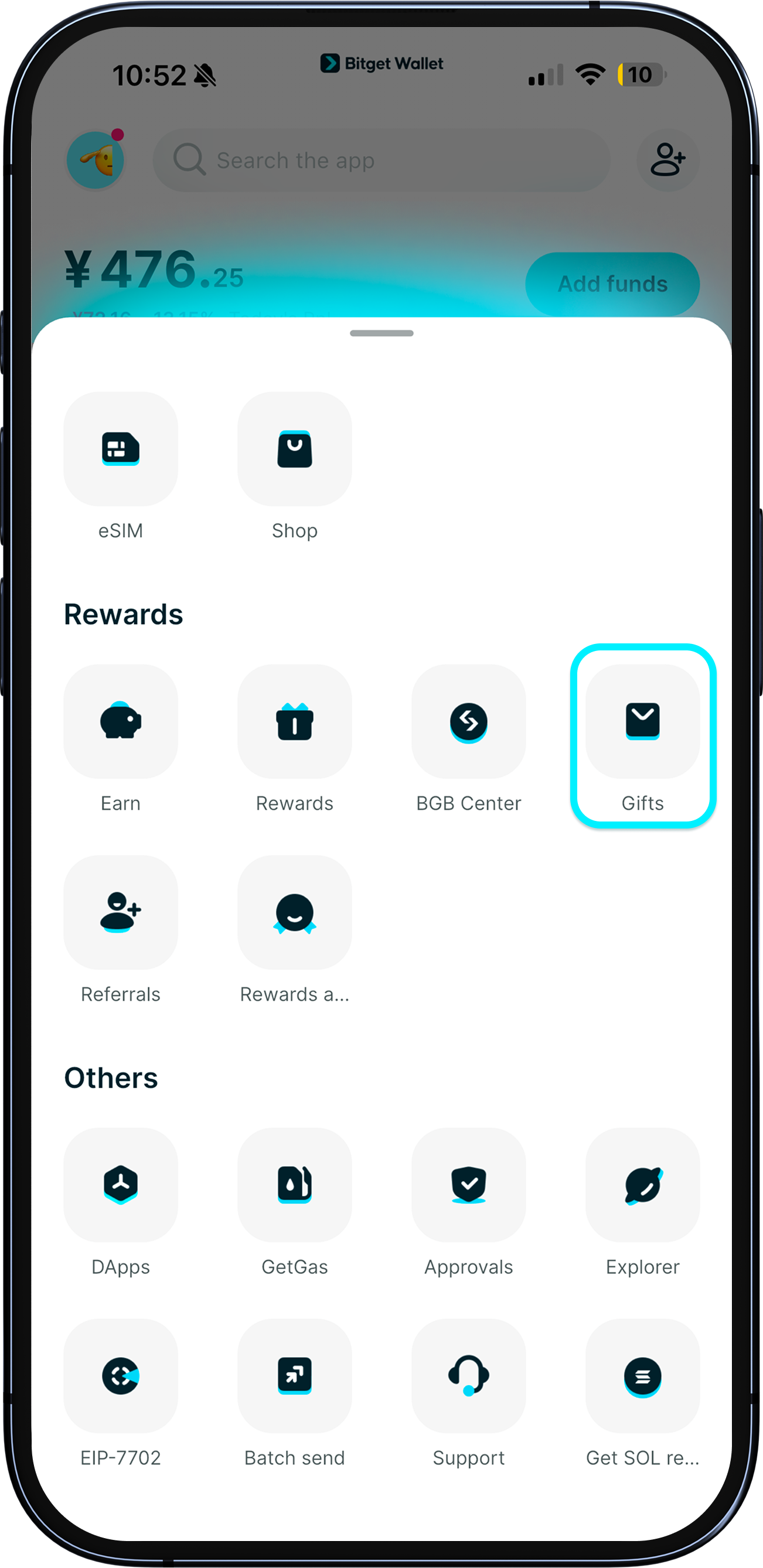
Update your app to the latest version (9.34.0 and later).
Go to "Home" > "More" > "Gifts" and tap "Send a gift".
You can send the gift to anyone. <b>If they don't already own a Bitget Wallet, they will be automatically redirected to download the app.</b>
1
/
7
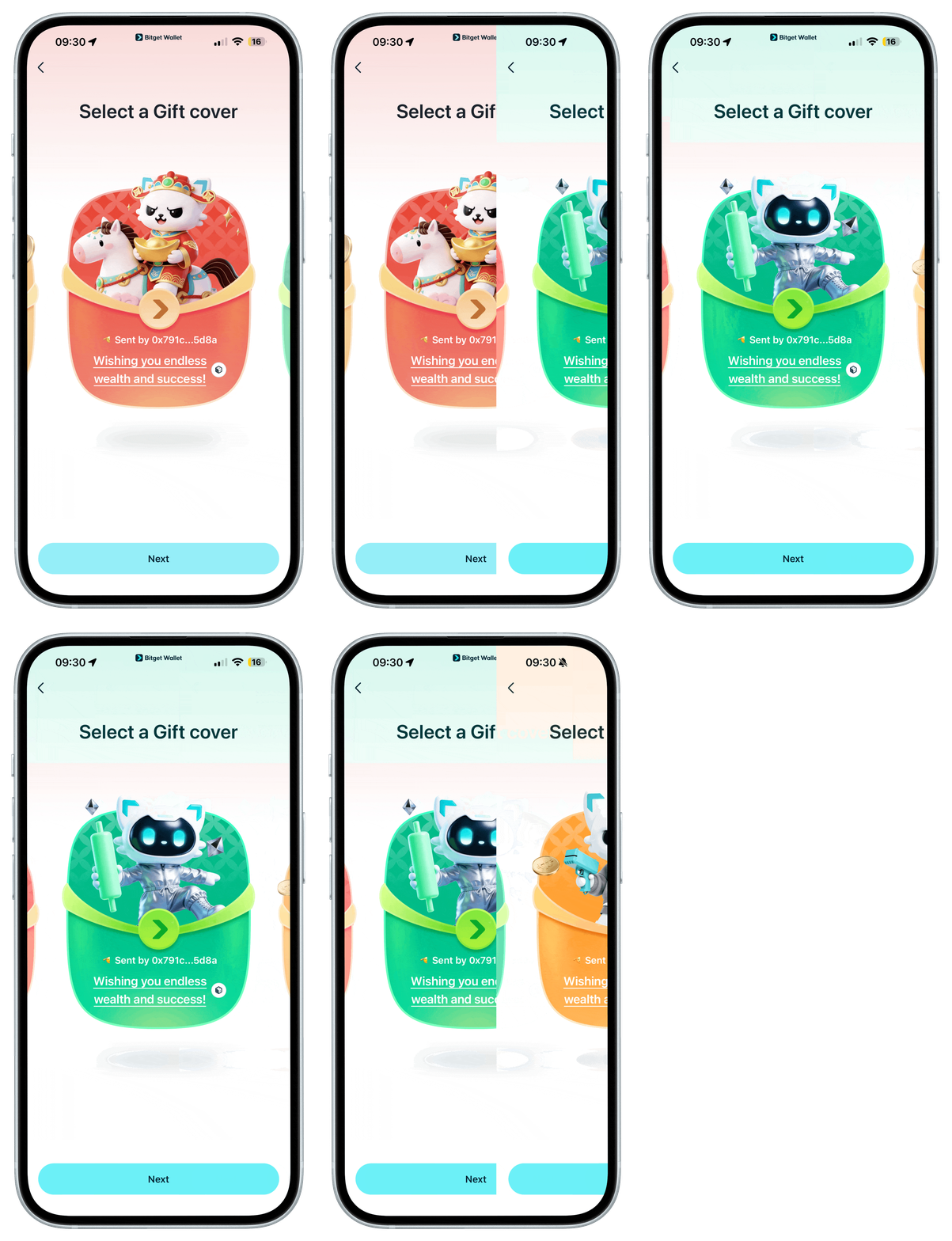
Choose your favorite design
Swipe left or right to choose your favorite gift design. Each comes with a default greeting which you can customize.
1
/
7
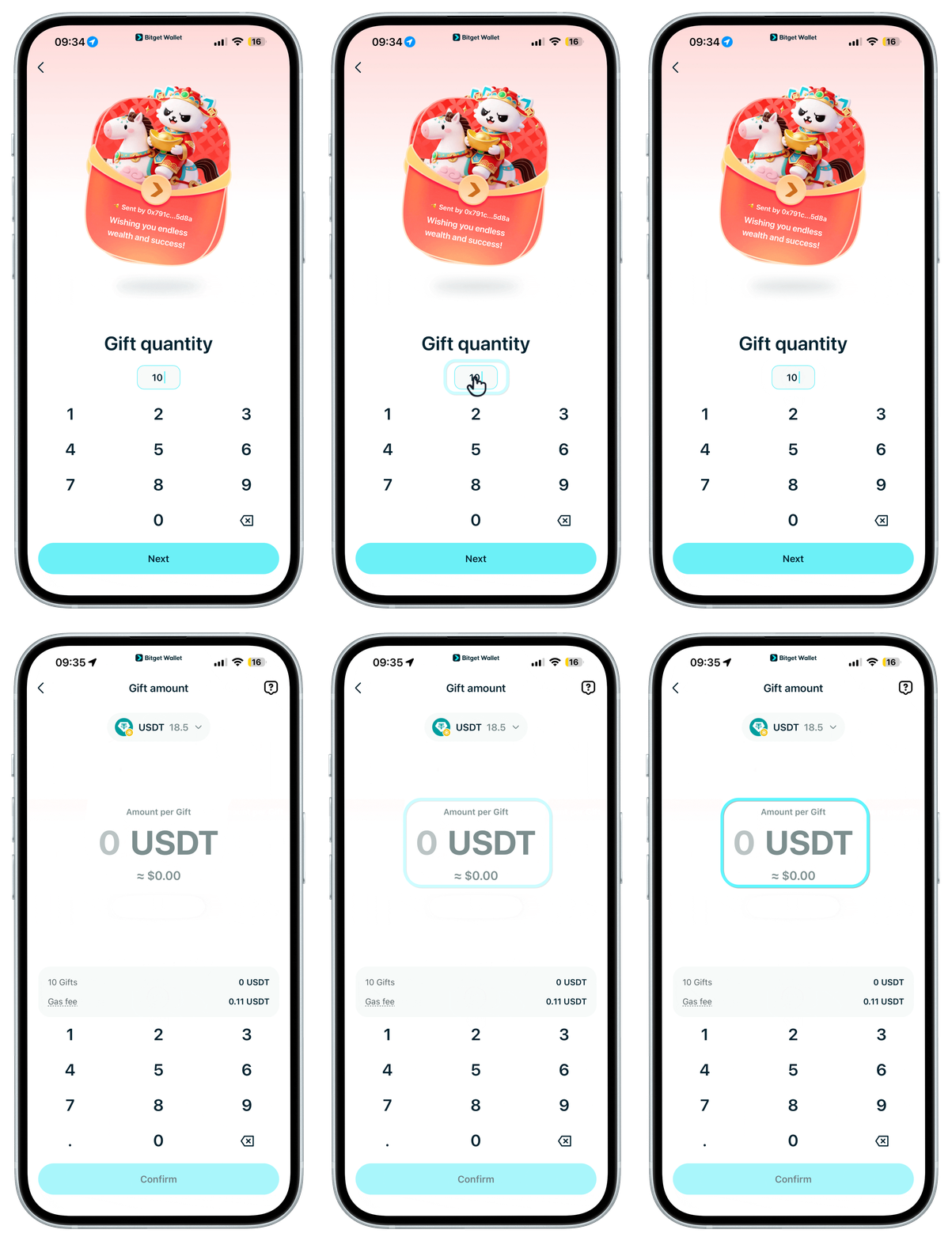
Pick quantity, token, and amount
Enter the number of gifts and the token you want to send, and enter the amount per gift. You can choose from tokens such as USDT, USDC, BNB, or ETH.
1
/
7
Gas fees
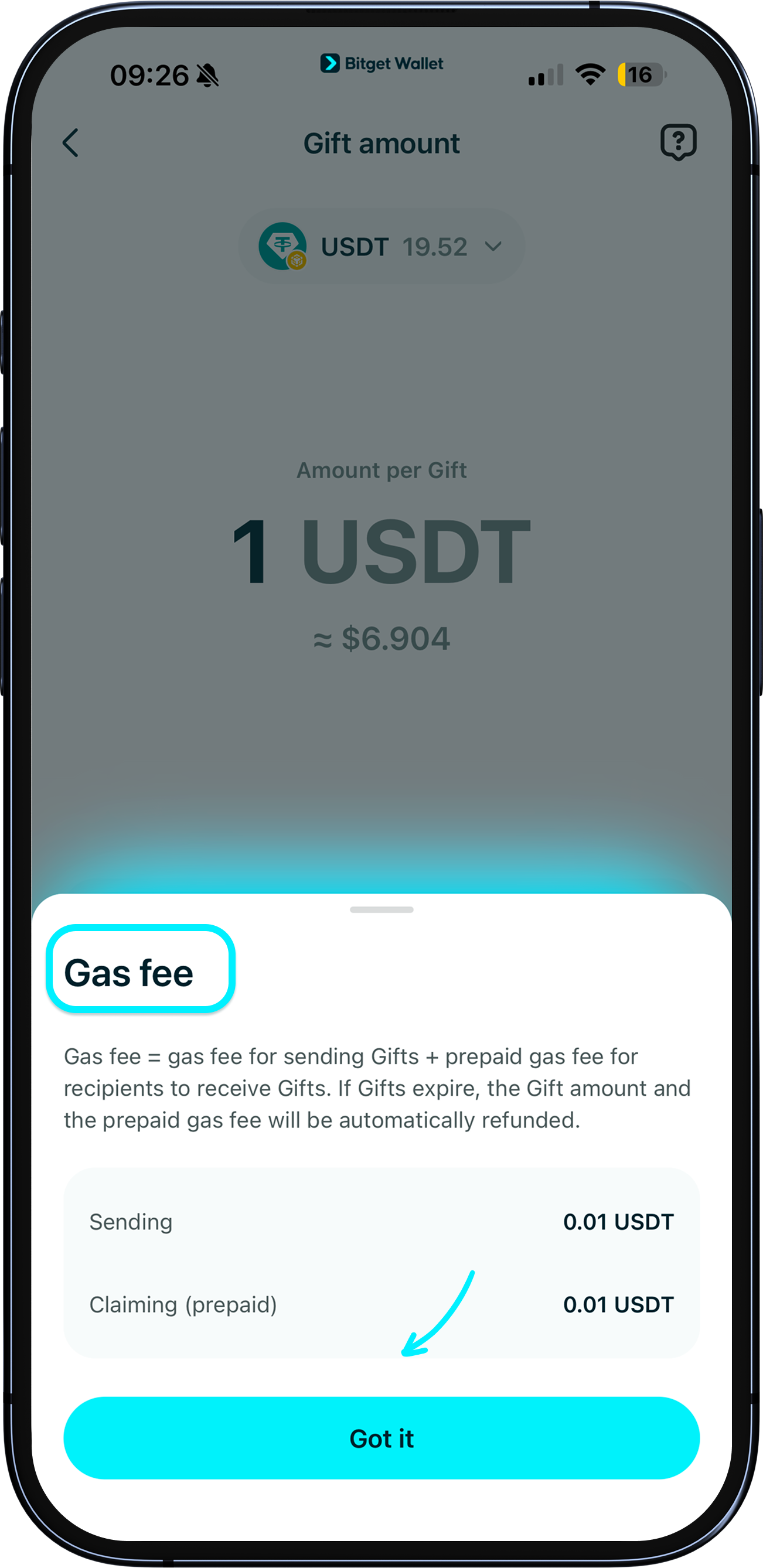
Gas fees apply for both sending and receiving gifts. And since you're the one sending, it's also nice that you pay for the "receiving" gas fees of your loved ones.
All fees will be clearly shown on your confirmation page.
1
/
7
Confirm and share
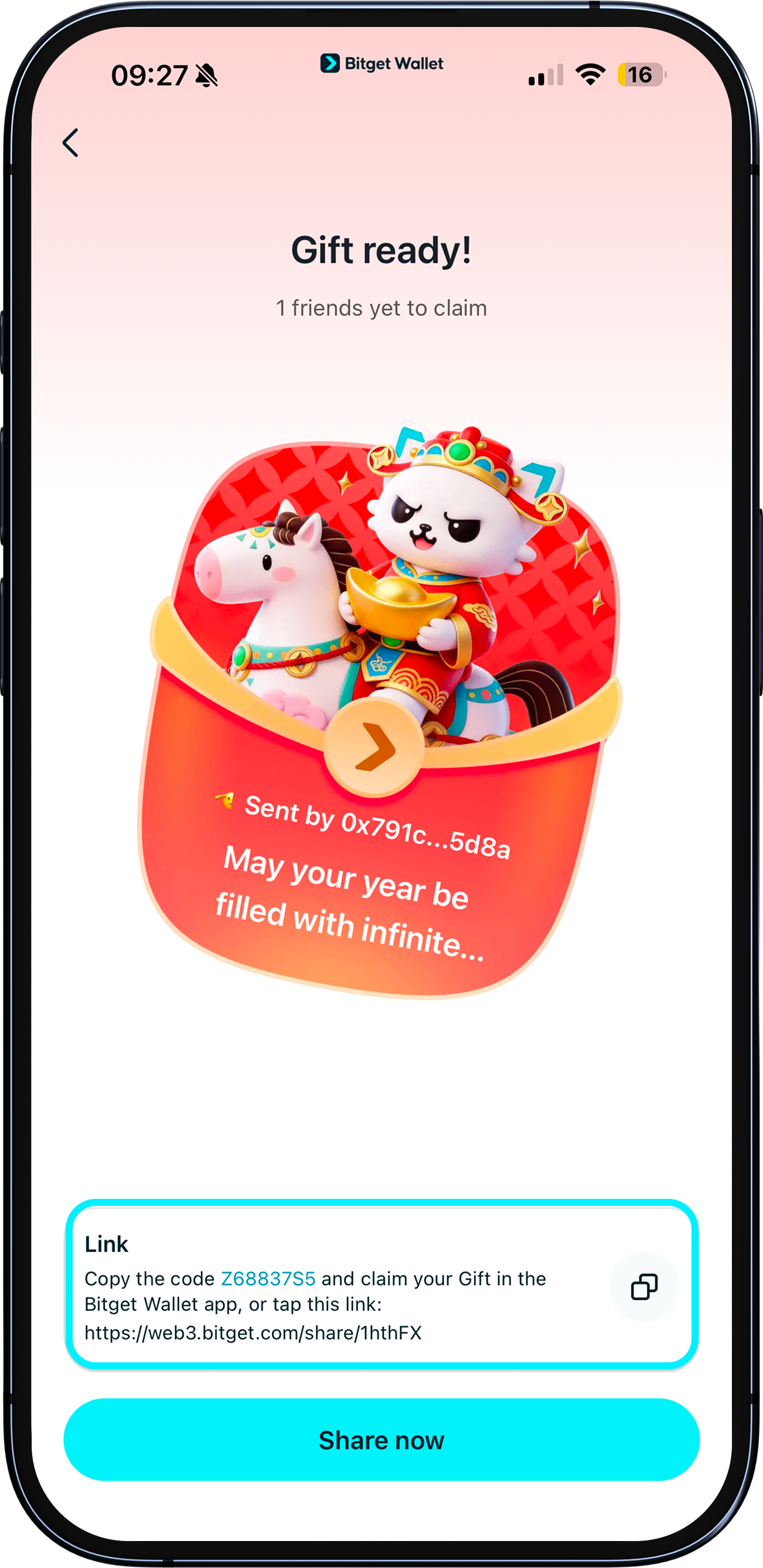
Once you sign and confirm, you can copy the link (includes your gift code) to share with your friends. <b>Note: Anyone with this link can claim your gift. Be cautious when sharing.</b>
You can also tap "Share" and send the a QR code via any social channel.
1
/
7
Important: claim within 24 hours
Your link is <b>only valid for 24 hours</b>. After this, if not all gifts have been claimed, your remaining funds and prepaid "receiving" gas will be refunded.
