


¿Qué es una billetera marmot?
Una billetera marmot es una herramienta de gestión de activos digitales diseñada para interactuar con el token marmotcoin (MARMOT), un activo digital experimental impulsado por la comunidad que opera en la cadena de bloques EVM (Ethereum Virtual Machine). A diferencia de proyectos establecidos con respaldo corporativo, MARMOT se define por su infraestructura mínima y la falta de un documento técnico formal o un proyecto matriz establecido. Su presencia web oficial se limita actualmente a una página de propinas personal, lo que subraya su naturaleza como una iniciativa de base y anónima.
Con una base de poseedores muy pequeña de aproximadamente 97 direcciones, el proyecto está orientado principalmente a participantes de criptomonedas en etapa inicial y experimentadores en cadena. Debido a que MARMOT existe como un token basado en EVM, requiere una billetera que sea totalmente compatible con los protocolos estándar de Ethereum. Una billetera marmot le permite almacenar, enviar y recibir estos tokens, interactuar con modelos de gobernanza experimentales y participar en los incentivos comunitarios de nicho que definen este proyecto.
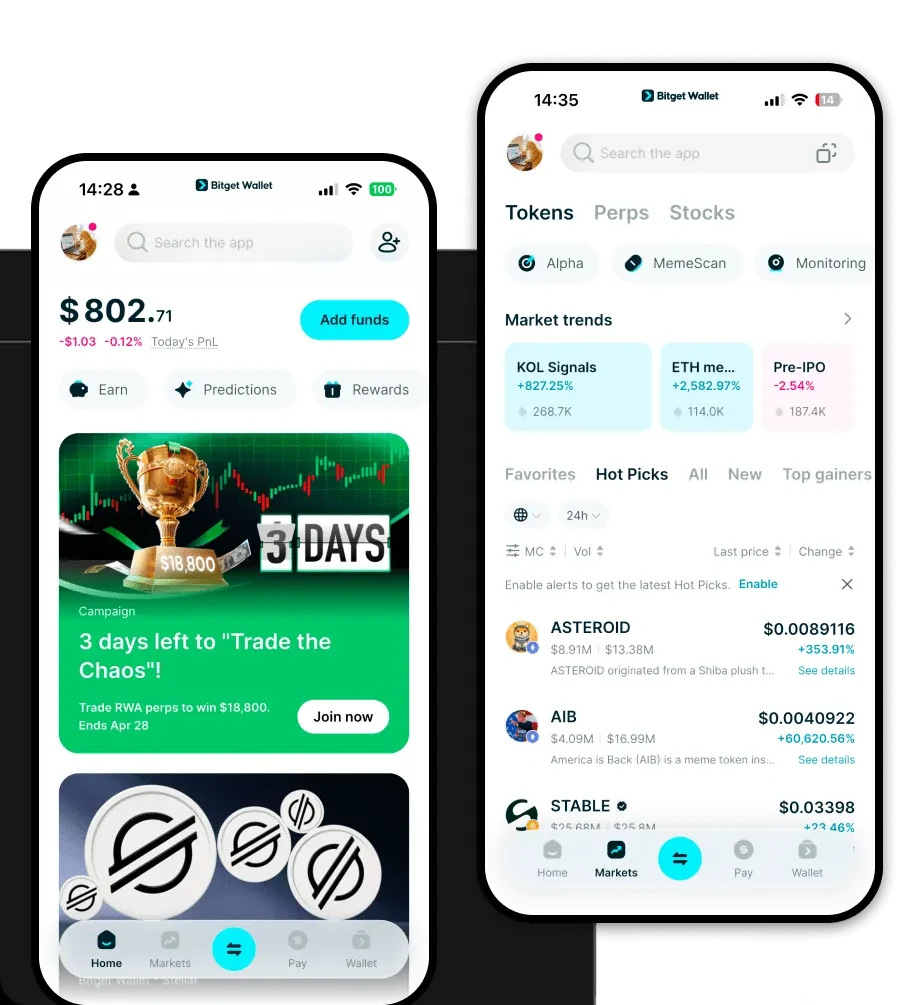
Descargar la billetera Bitget marmot
La gestión de tokens experimentales como MARMOT requiere una billetera que ofrezca flexibilidad y una seguridad robusta. Bitget Wallet destaca como una solución líder para los usuarios que navegan por el ecosistema EVM. Ya sea que esté utilizando un dispositivo móvil o un navegador de escritorio, puede acceder fácilmente a sus activos e interactuar con aplicaciones descentralizadas.
Bitget Wallet ofrece soporte multicadena completo, lo que garantiza que pueda gestionar sus tokens MARMOT junto con otros activos sin cambiar de interfaz. Es una billetera de autocustodia, lo que significa que usted conserva el control total sobre sus claves privadas y frases semilla, lo cual es esencial para proyectos con orígenes anónimos. Puede descargar Bitget Wallet en iOS, Android o como una extensión de navegador para comenzar de inmediato.
¿Por qué elegir la billetera Bitget marmot?
Al tratar con tokens experimentales impulsados por la comunidad, la elección de la billetera es crítica. Bitget Wallet ofrece ventajas específicas para tokens basados en EVM como MARMOT:
- Compatibilidad EVM perfecta: Como billetera nativa de EVM, Bitget le permite importar fácilmente billeteras existentes a través de frases semilla o claves privadas, asegurando que pueda administrar sus tenencias de MARMOT sin fricción.
- Gestión avanzada de tarifas de gas: El ecosistema EVM a menudo fluctúa en los costos de transacción. Bitget Wallet proporciona seguimiento y optimización de tarifas de gas en tiempo real, asegurando que sus transacciones de comercio especulativo o propinas se ejecuten de manera eficiente.
- Marco de seguridad robusto: Si bien MARMOT es un proyecto anónimo, la seguridad de su billetera no debería serlo. Bitget Wallet está respaldada por un fondo de protección de usuarios de 300 millones de dólares, lo que proporciona una capa adicional de seguridad para sus activos digitales.
- Navegador DApp integrado: Para interactuar con las plataformas experimentales y las funciones de propinas asociadas con MARMOT, el navegador DApp incorporado de Bitget le permite conectarse directamente a sitios en cadena sin salir de la aplicación.
- Soporte de tokens personalizados: Dado que MARMOT puede no estar listado en todos los intercambios principales, Bitget Wallet le permite agregar manualmente contratos de tokens personalizados, asegurando que siempre pueda ver y administrar su saldo.
Cómo crear una billetera marmot
Configurar su billetera para mantener MARMOT es un proceso sencillo. Siga estos pasos para comenzar:
Paso 1: Descargue e instale la aplicación Bitget Wallet desde el sitio web oficial o la tienda de aplicaciones de su dispositivo.Paso 2: Abra la aplicación y seleccione 'Crear una nueva billetera'. Asegúrese de realizar una copia de seguridad de su frase de recuperación en una ubicación segura y fuera de línea.Paso 3: Una vez que su billetera esté configurada, estará en el tablero principal. Dado que MARMOT es un token EVM, asegúrese de que su billetera esté configurada en la red correcta compatible con Ethereum (por ejemplo, Ethereum Mainnet o la L2 específica donde está implementado MARMOT).Paso 4: Vaya a la sección de gestión de 'Activos' o 'Tokens'. Haga clic en el icono '+' para agregar un token personalizado.Paso 5: Pegue la dirección del contrato oficial de MARMOT. La billetera obtendrá automáticamente los detalles del token. Una vez confirmado, su saldo de MARMOT aparecerá en su pantalla de inicio.
¿Qué puede hacer con una billetera marmot?
Mantener MARMOT en su Bitget Wallet desbloquea varias interacciones específicas dentro del ecosistema:
- Comercio especulativo: Utilice el agregador DEX integrado de la billetera para intercambiar MARMOT por otros activos, aprovechando los grupos de liquidez que puedan existir para tokens experimentales.
- Propinas comunitarias: Utilice la billetera para enviar pequeñas cantidades de MARMOT a otros miembros de la comunidad, cumpliendo con la utilidad principal del proyecto como activo de propinas.
- Experimentación en cadena: Participe en los modelos de gobernanza experimental en cadena del proyecto, lo que le permitirá participar en votaciones descentralizadas o mecanismos de propuesta directamente desde la interfaz de su billetera.
- Señalización social: Use la dirección de su billetera para demostrar su participación en las primeras etapas de la comunidad MARMOT, sirviendo como una forma de señalización social entre otros experimentadores en cadena.
En qué se diferencian las billeteras marmot de otras billeteras criptográficas
La distinción entre una billetera marmot y otras radica en gran medida en su dependencia de la arquitectura EVM. A diferencia de las billeteras diseñadas para cadenas basadas en UTXO (como Bitcoin), que dependen de las salidas de transacciones no gastadas, una billetera basada en EVM como Bitget utiliza un modelo basado en cuentas. Esto significa que cada transacción implica un 'nonce' y un cambio de estado dentro de la máquina virtual de Ethereum.
Además, debido a que MARMOT es un proyecto experimental impulsado por la comunidad, la billetera que elija debe manejar la volatilidad de las tarifas de gas mejor que una billetera de intercambio custodial estándar. Si bien una billetera custodial podría pausar los retiros o restringir el acceso a tokens de nicho, una billetera EVM de autocustodia garantiza que usted tenga acceso las 24 horas del día, los 7 días de la semana a sus tokens MARMOT, independientemente del estado de la infraestructura oficial del proyecto. Esta autonomía es vital para interactuar con iniciativas anónimas de base donde los canales de soporte oficiales pueden ser limitados.