


1
/
5
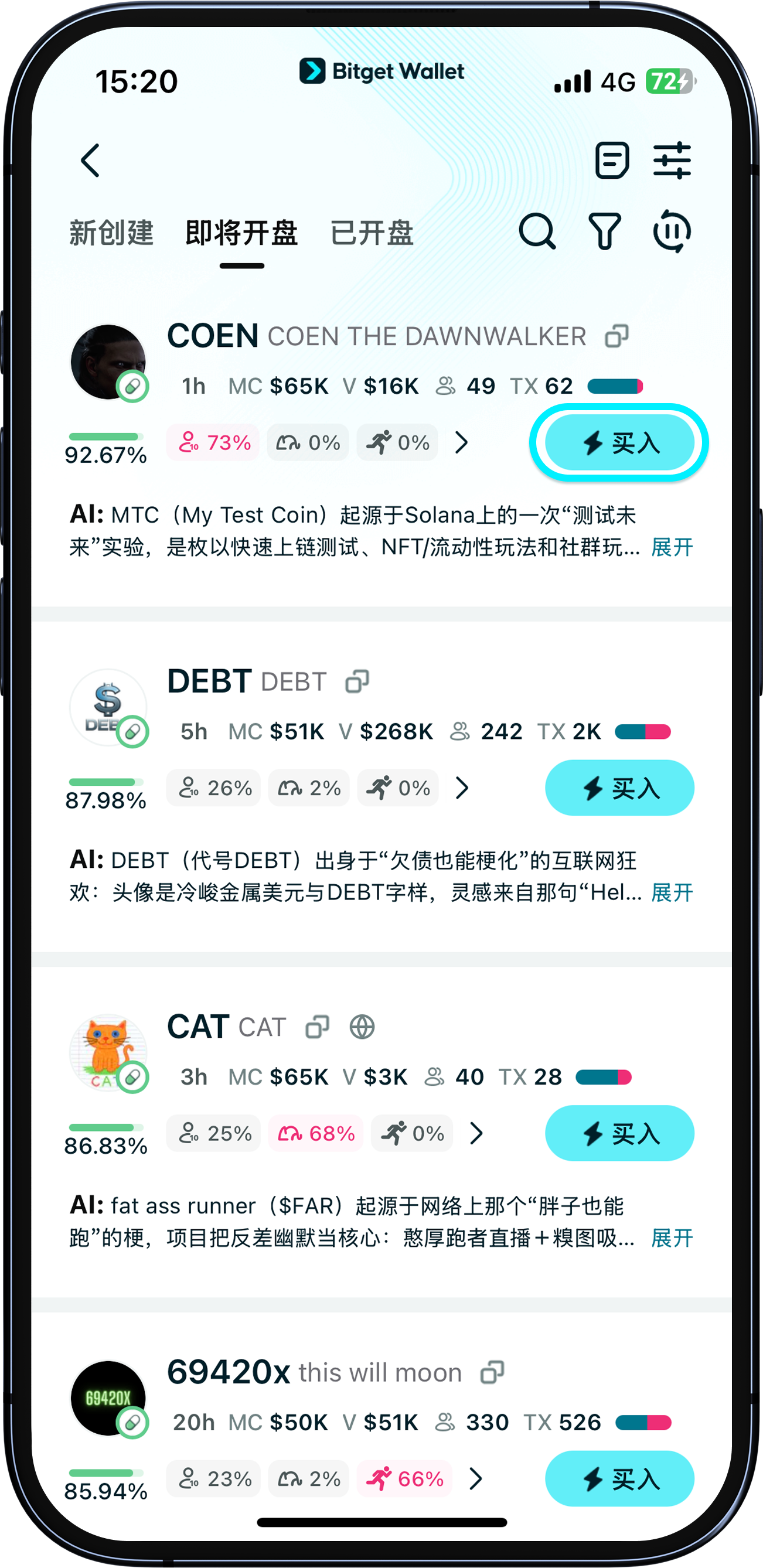
How to make your first trade
For your first trade, simply click "Buy" next to the token and tap the amount you want to purchase. You can use our recommended slippage and priority gas fee for seamless trading or choose your preferences. Then tap "Continue Trading".
For your first trade, simply click "Buy" next to the token and tap the amount you want to purchase. You can use our recommended slippage and priority gas fee for seamless trading or choose your preferences. Then tap "Continue Trading".
1
/
5
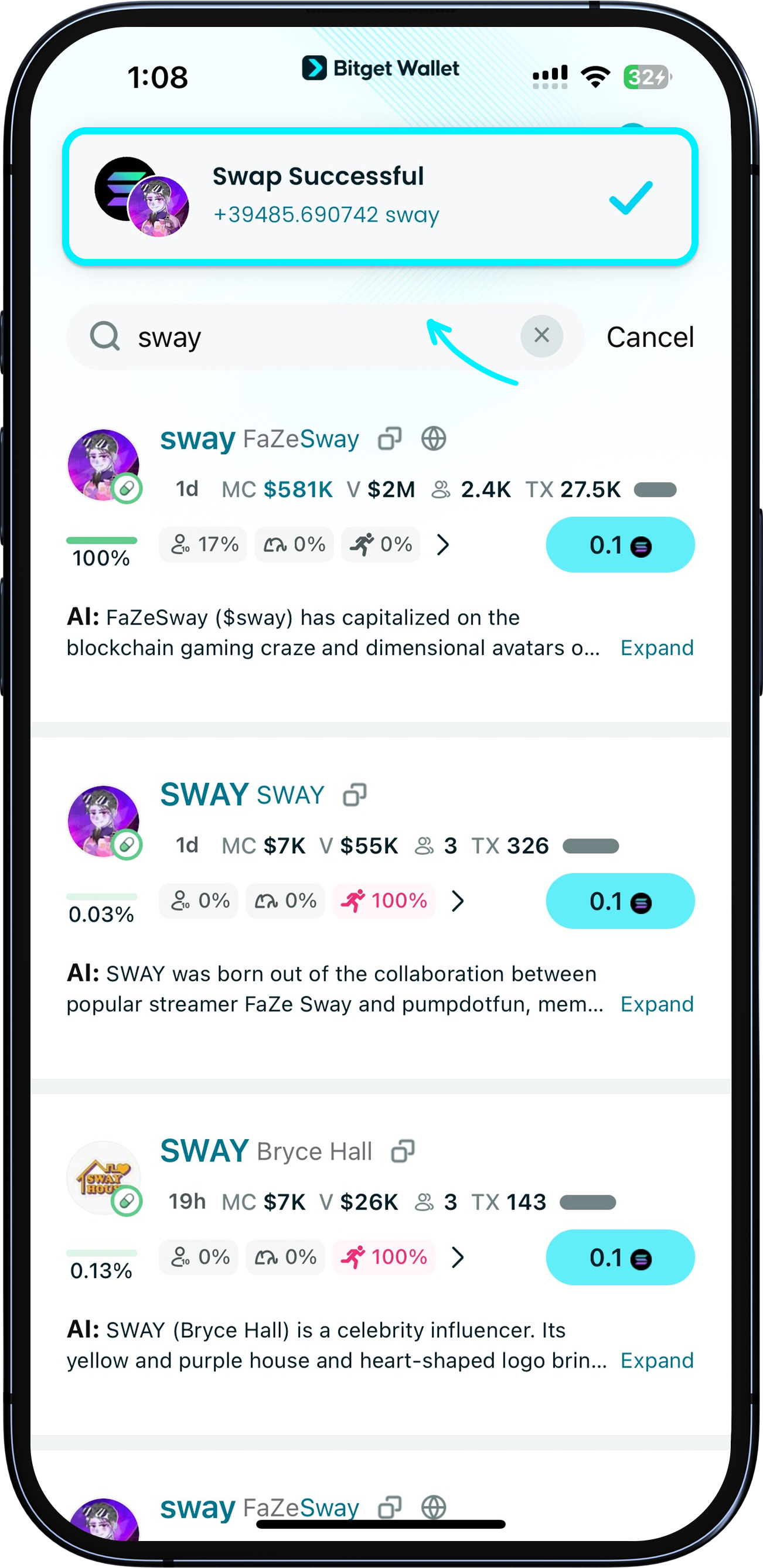
Tracking transaction status
After submitting your order, you can track the transaction progress on the page.
1
/
5
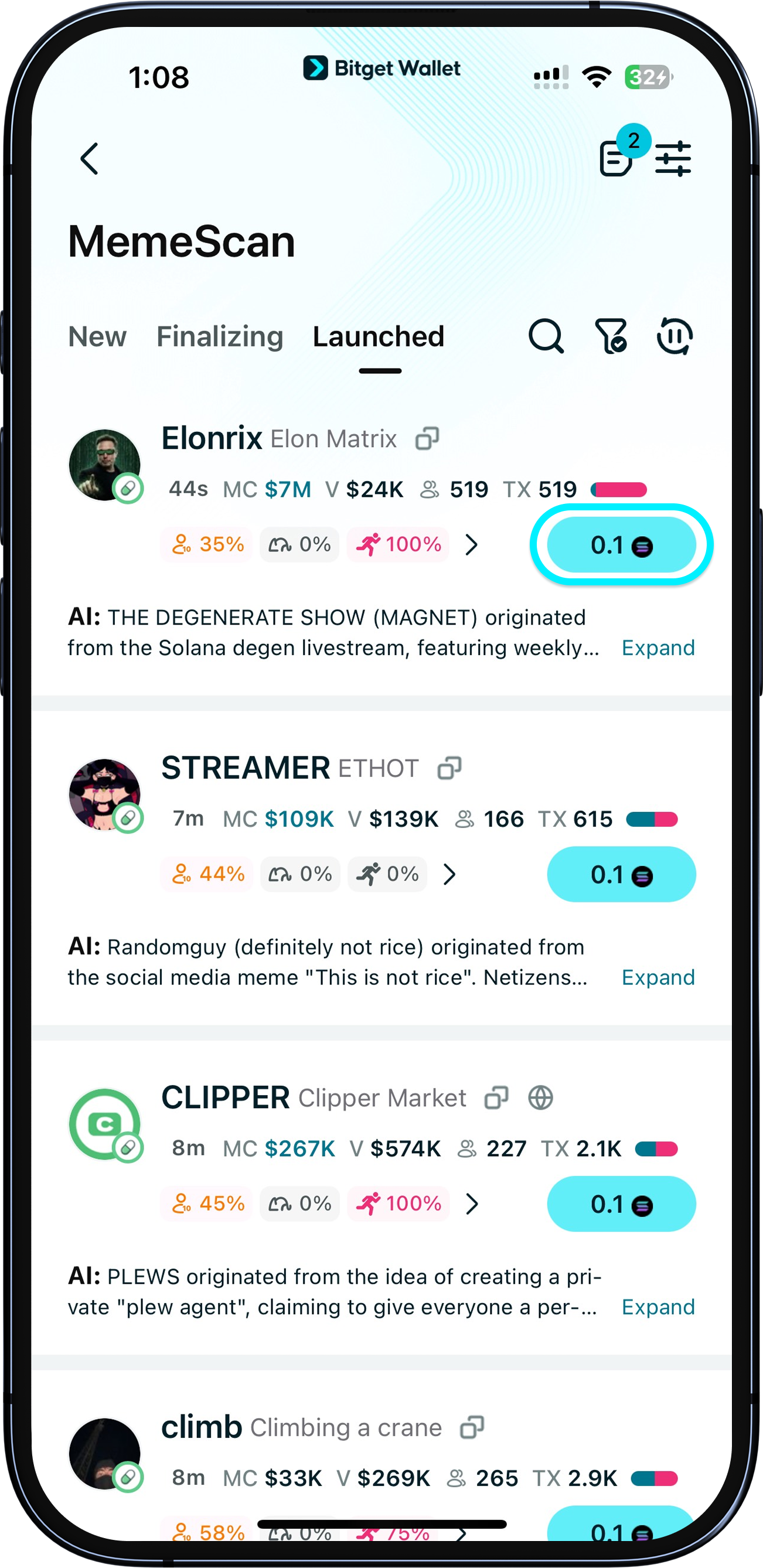
Saving your trade settings
The amount, slippage, and other settings you use for this trade will be saved as your default parameters, so your next trade can be completed even faster.
1
/
5
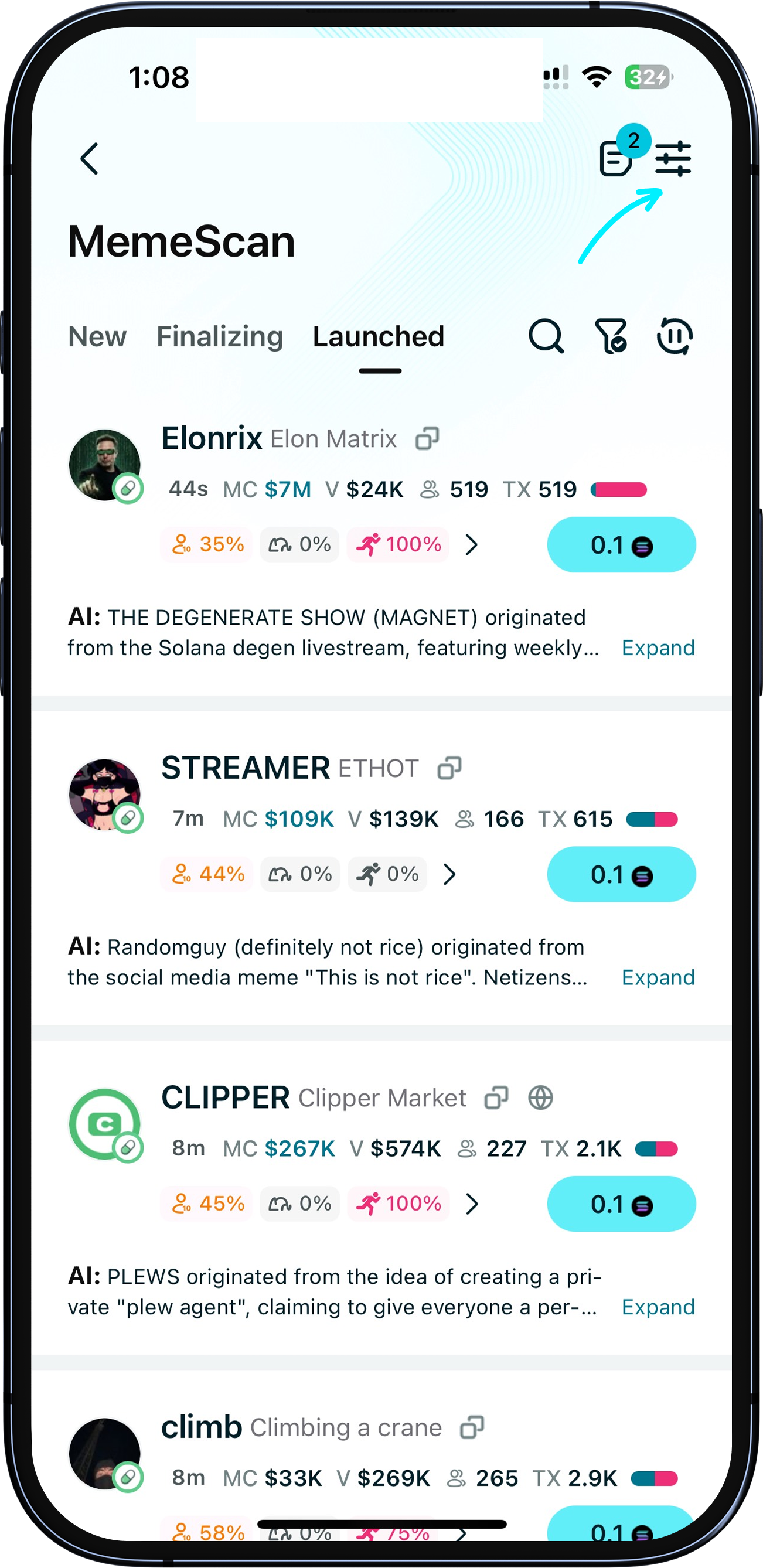
Editing your trade settings
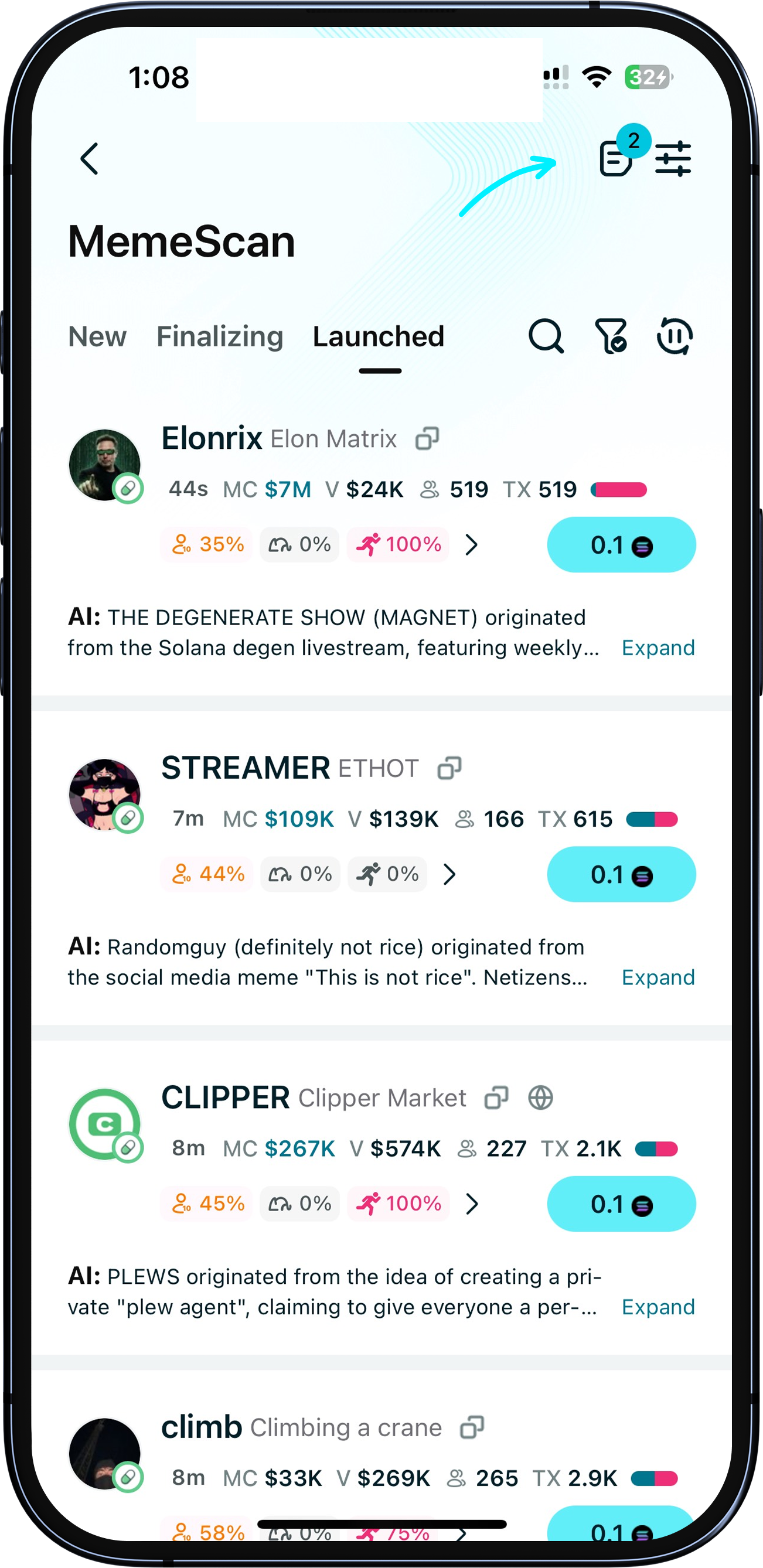
To edit your trade settings, tap the icon in the upper right corner, adjust your preferences, and save.
1
/
5
View positions
You can also easily check your current positions. Tap the icon in the top right to quickly see the value and PnL of your holdings – making it super simple to buy more or sell anytime.