


1
/
2
How to activate your Bitget Wallet Card
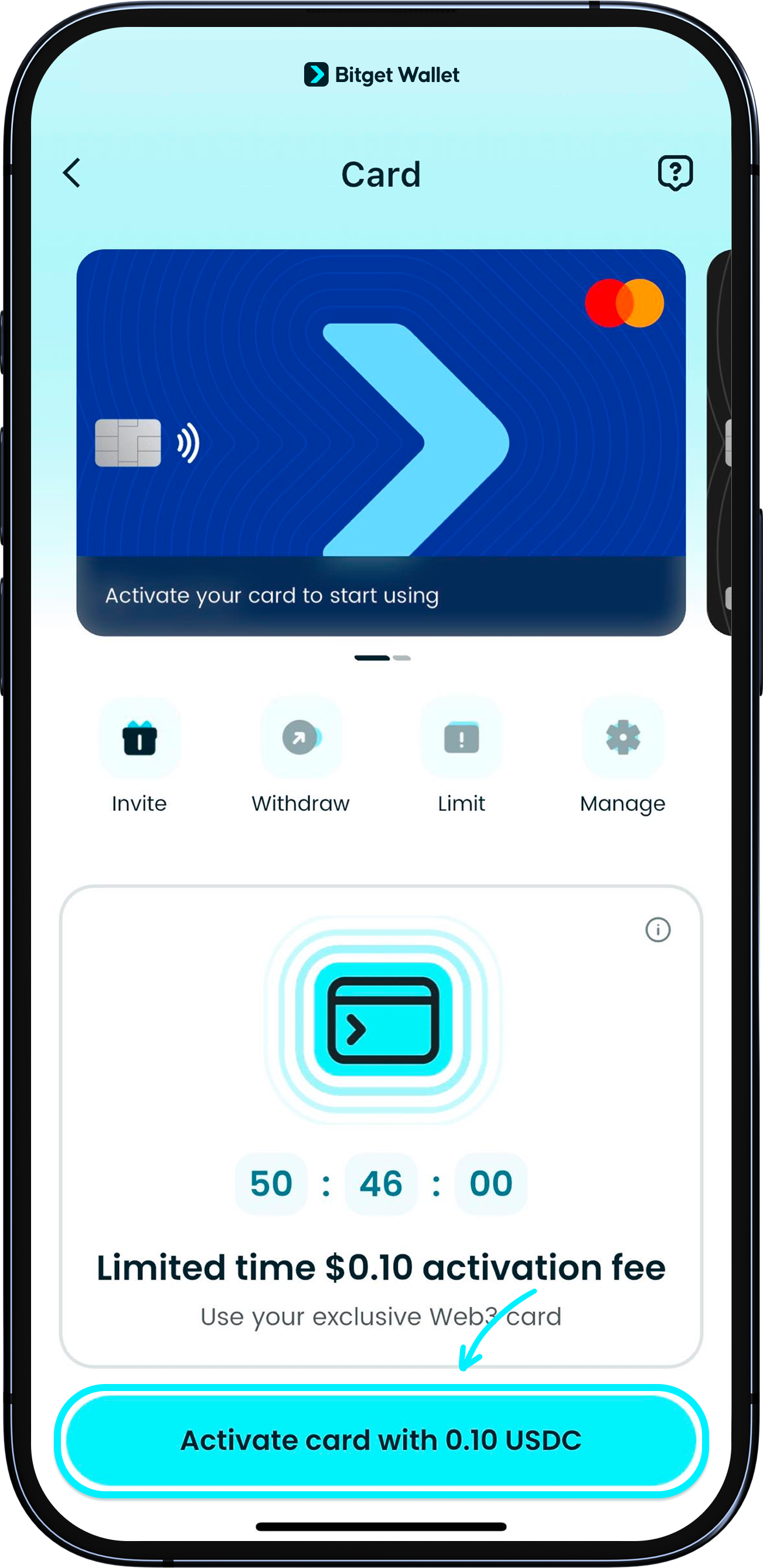
To activate your card, you'll need to pay an activation fee using USDC on the Base network.
<b>Within 72 hours of KYC approval: 0.1 USDC
After 72 hours: 10 USDC</b>
We recommend activating your card as soon as possible after KYC approval to enjoy the lower activation fee. <b>Please Swap or Buy USDC on the Base network beforehand. Only this token is accepted for your activation fee and top-ups.</b> Tap the button to make the payment and activate your card.
To activate your card, you'll need to pay an activation fee using USDC on the Base network.
<b>Within 72 hours of KYC approval: 0.1 USDC
After 72 hours: 10 USDC</b>
We recommend activating your card as soon as possible after KYC approval to enjoy the lower activation fee. <b>Please Swap or Buy USDC on the Base network beforehand. Only this token is accepted for your activation fee and top-ups.</b> Tap the button to make the payment and activate your card.

1
/
2
Prompt: “GPS not allowed”
If you see a prompt about GPS during the process, please go to your device's settings to authorize Bitget Wallet App to access your location.