


1
/
7
Viewing open orders
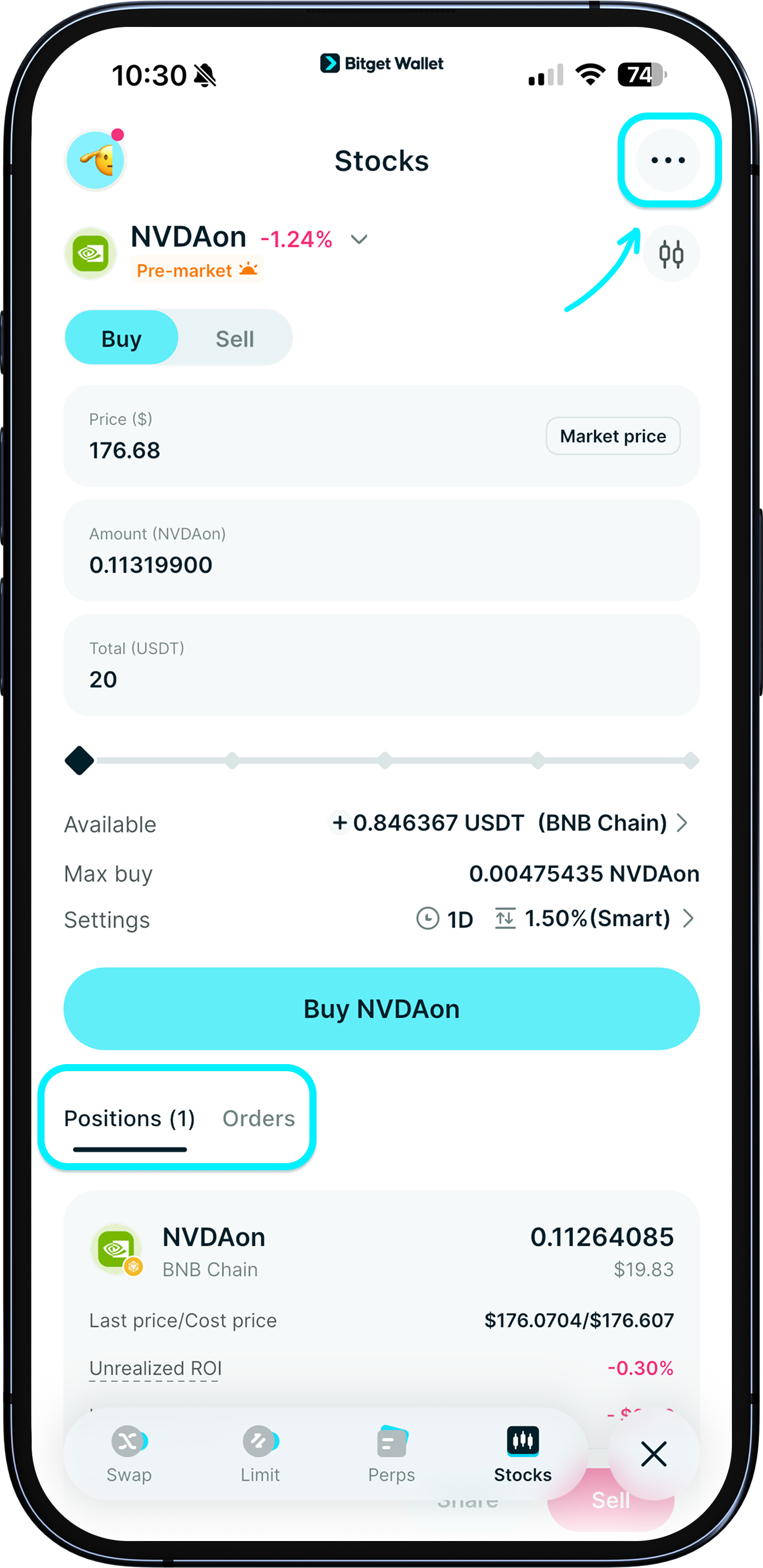
At the bottom portion of the "Stocks" page, you'll see your positions and your currently active open orders.
You can also tap the top-right corner to enter "Order History" to view all limit orders you've submitted, including both your current open orders and expired orders.
At the bottom portion of the "Stocks" page, you'll see your positions and your currently active open orders.
You can also tap the top-right corner to enter "Order History" to view all limit orders you've submitted, including both your current open orders and expired orders.
1
/
7
Viewing dividends
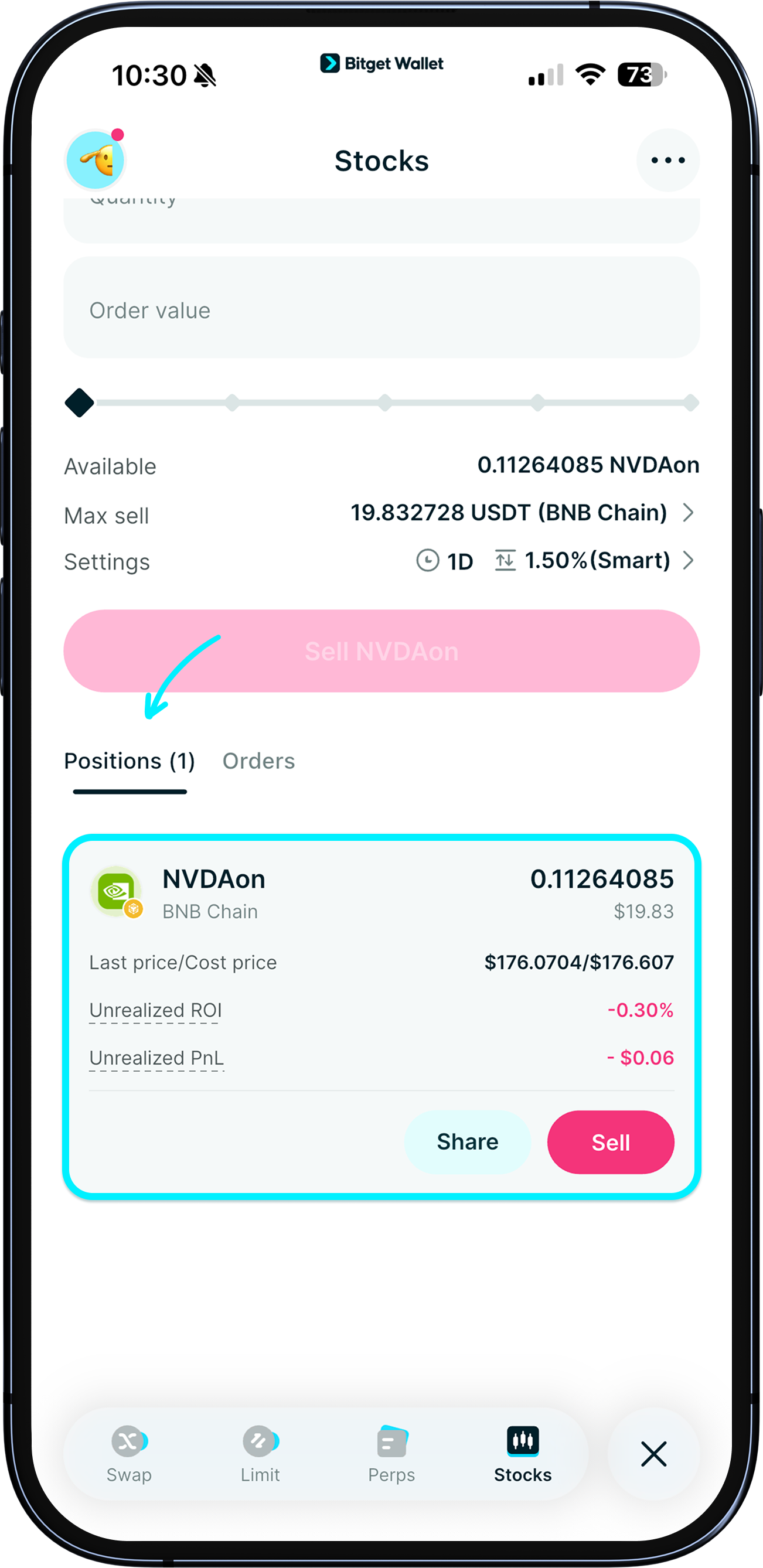
Dividends for stock tokens are not paid in cash. <b>Ondo automatically reinvests the net dividend into the underlying stock</b>. In short, your return appears as an <b>increase in the stock token amount/price you hold</b>.
E.g., if Tesla (TSLA) is $100 and pays a $2 dividend, after a 30% withholding tax you receive $1.40.
That $1.40 is used to buy more TSLA; at $98, that buys about 0.014 shares.
Your token changes from representing 1.000 shares to about 1.014 shares, with an equivalent price of $99.40.
1
/
7
Canceling an order
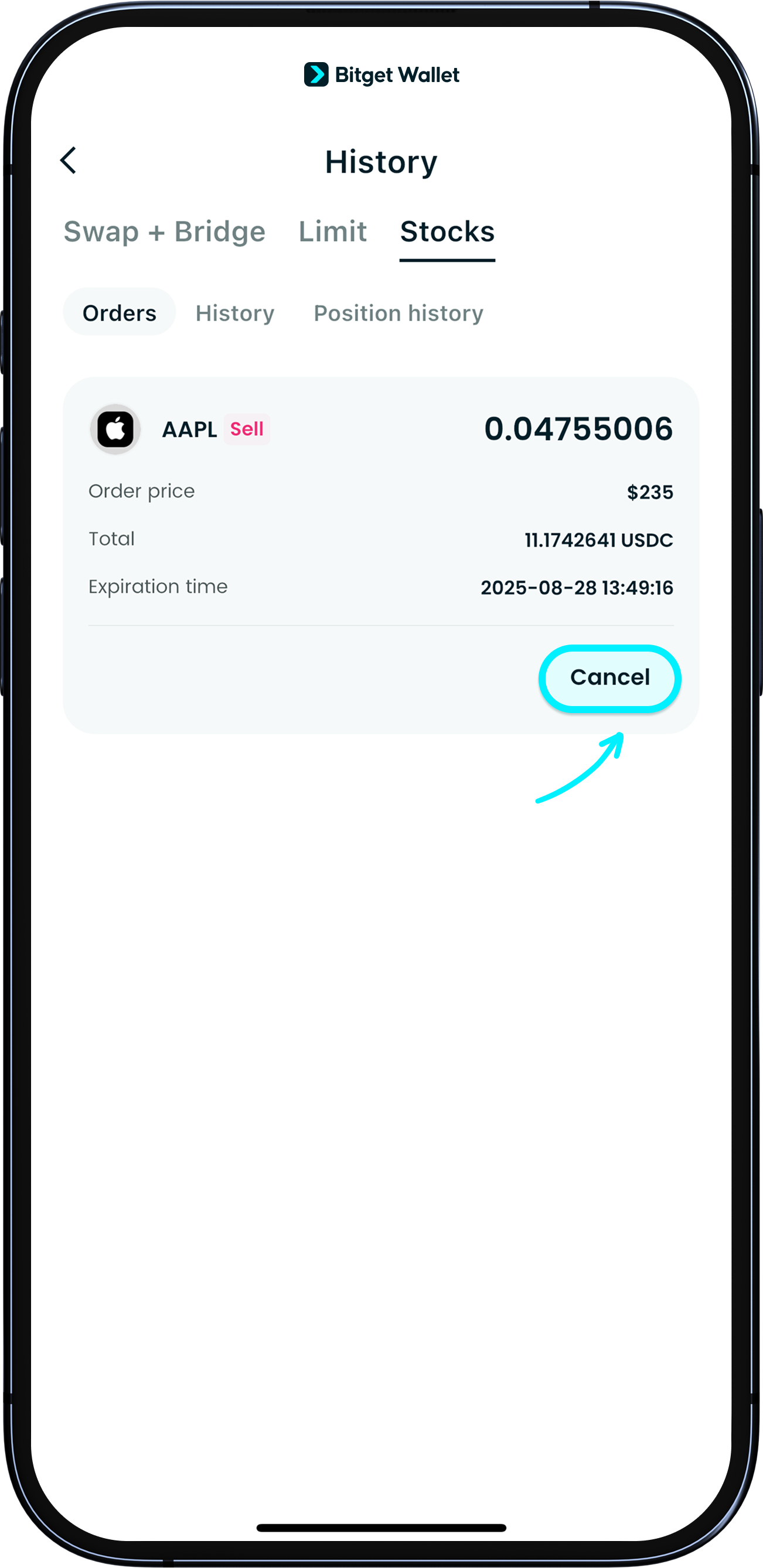
If you want to cancel an order, look for the order at the bottom portion of the "Stocks" page or in "Order History," then tap "Cancel."
1
/
7
How to view orders, dividends, or cancel orders
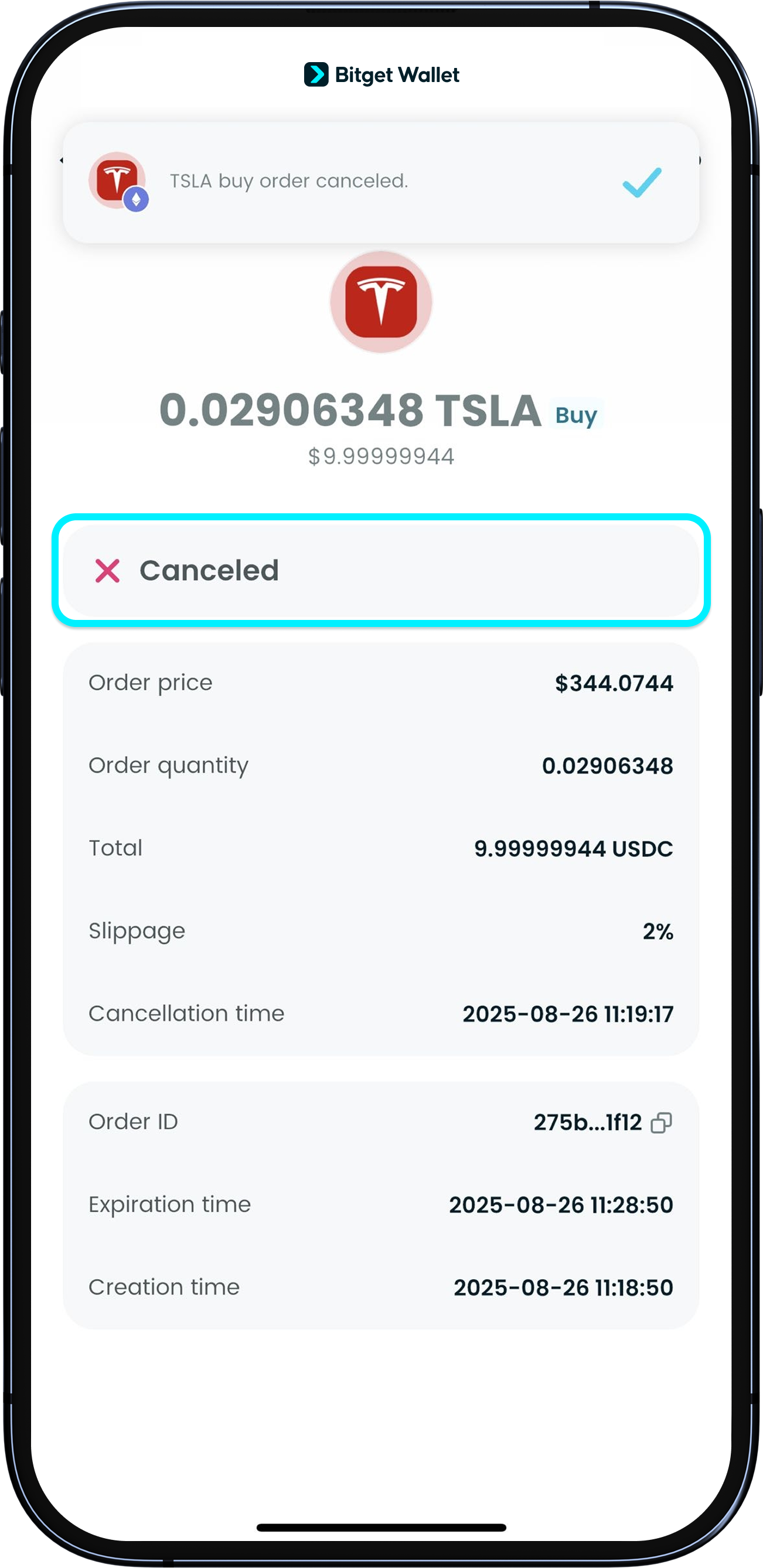
After a successful cancellation, the status will change to "Canceled". <b>You can cancel an order at any time before it is fully filled.</b>
1
/
7
Gas fees for cancellation
Even when you cancel, the action is recorded on-chain, so gas is required. Since no trade has been made, no trading fees will be charged.
1
/
7
If cancellation fails
Check that you have enough native coins to pay for the gas; canceling an order still needs a small amount of gas.
1
/
7
Cancel orders you no longer want
Please cancel any unneeded limit orders in time. If your wallet later has enough funds and the market meets your order conditions, the order may execute and cause unintended losses.