Descargar ahora
Descargar ahora


Tron (TRX) Wallet
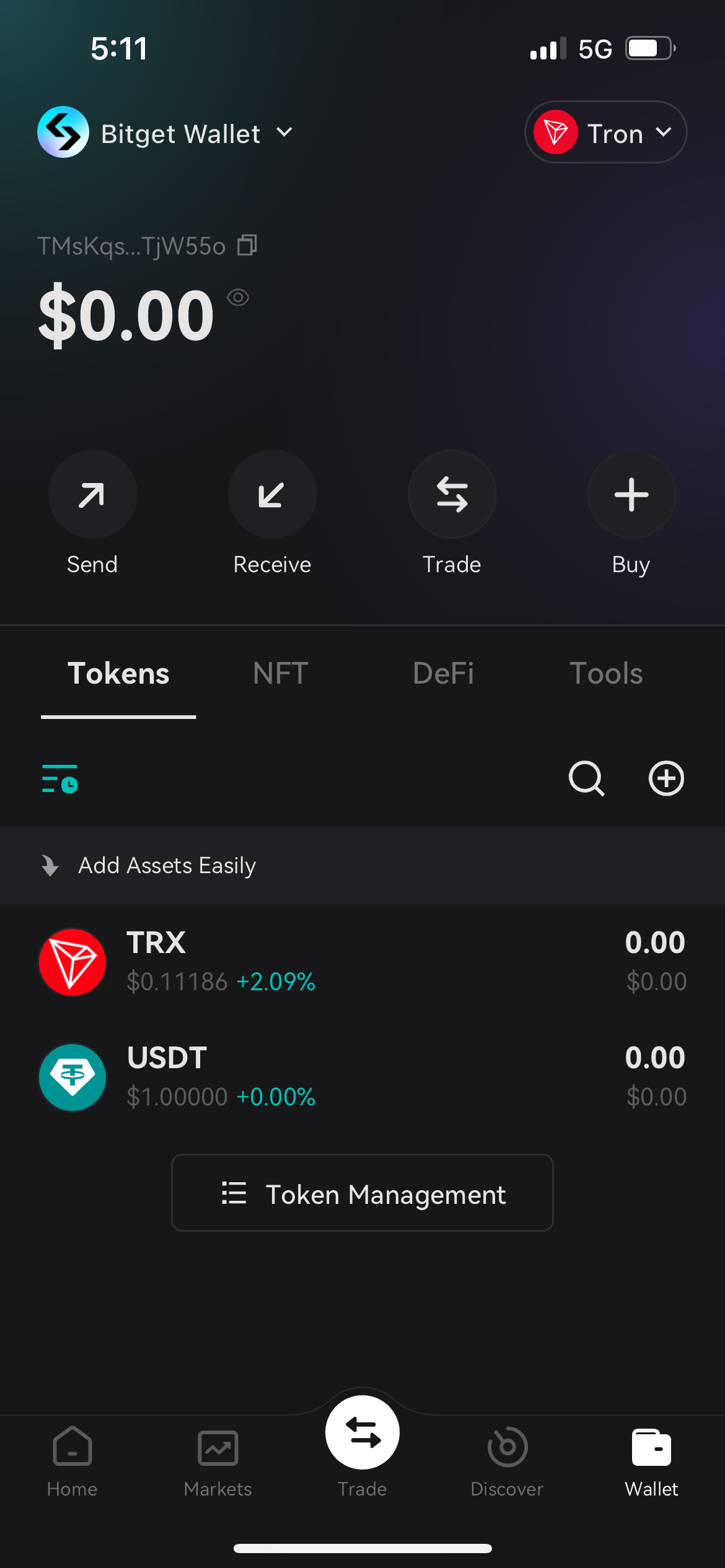
With Bitget Wallet, you can easily create or import Tron wallets and make transfers, swaps and other transactions. You can experience the great Tron ecosystem while resting assured knowing that your assets are in a safe place.





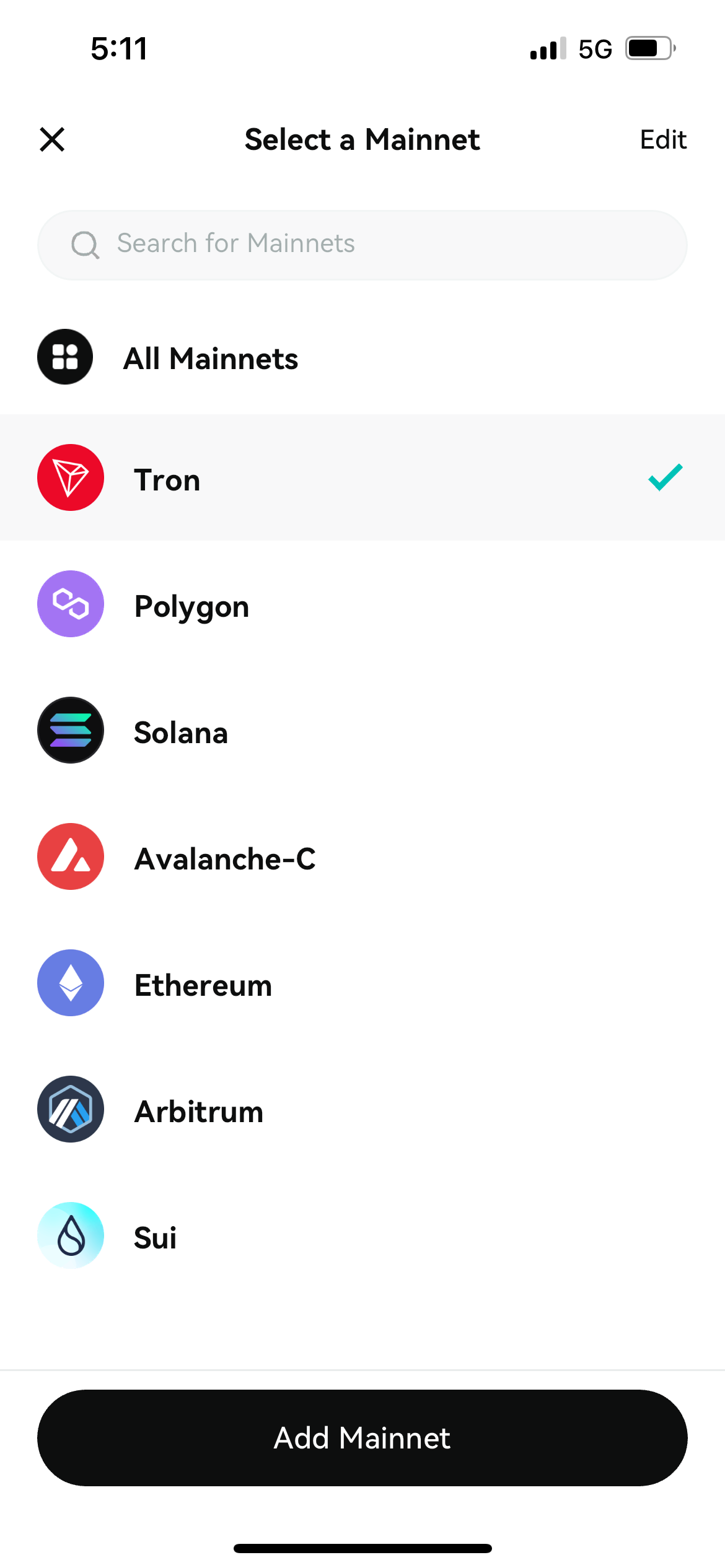
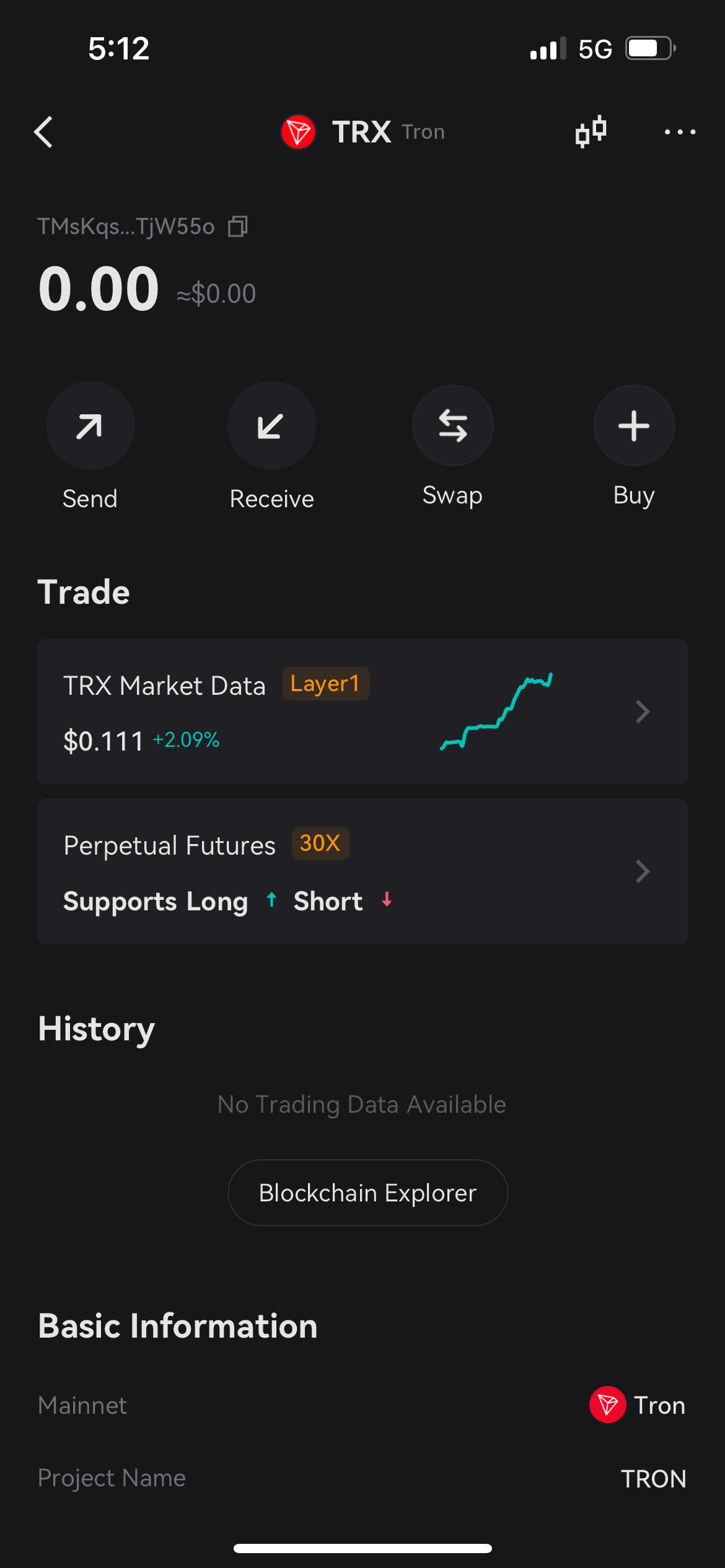
How to download Bitget Wallet and create a TRON wallet?
- 1. Go to Google Play or App Store to download Bitget Wallet.
- 2. Install and launch Bitget Wallet. Choose “Create A Wallet”.
- 3. Select “Add Mainnet”, select “TRON”.
- 4. Return to the homepage of Bitget Wallet. The TRON mainnet and TRX are now showing on the homepage!
You can also use our OTC feature to buy TRX/USDT/USDC (TRC20) with fiat currency and swap for other tokens.
Tron (TRX) Wallet Features
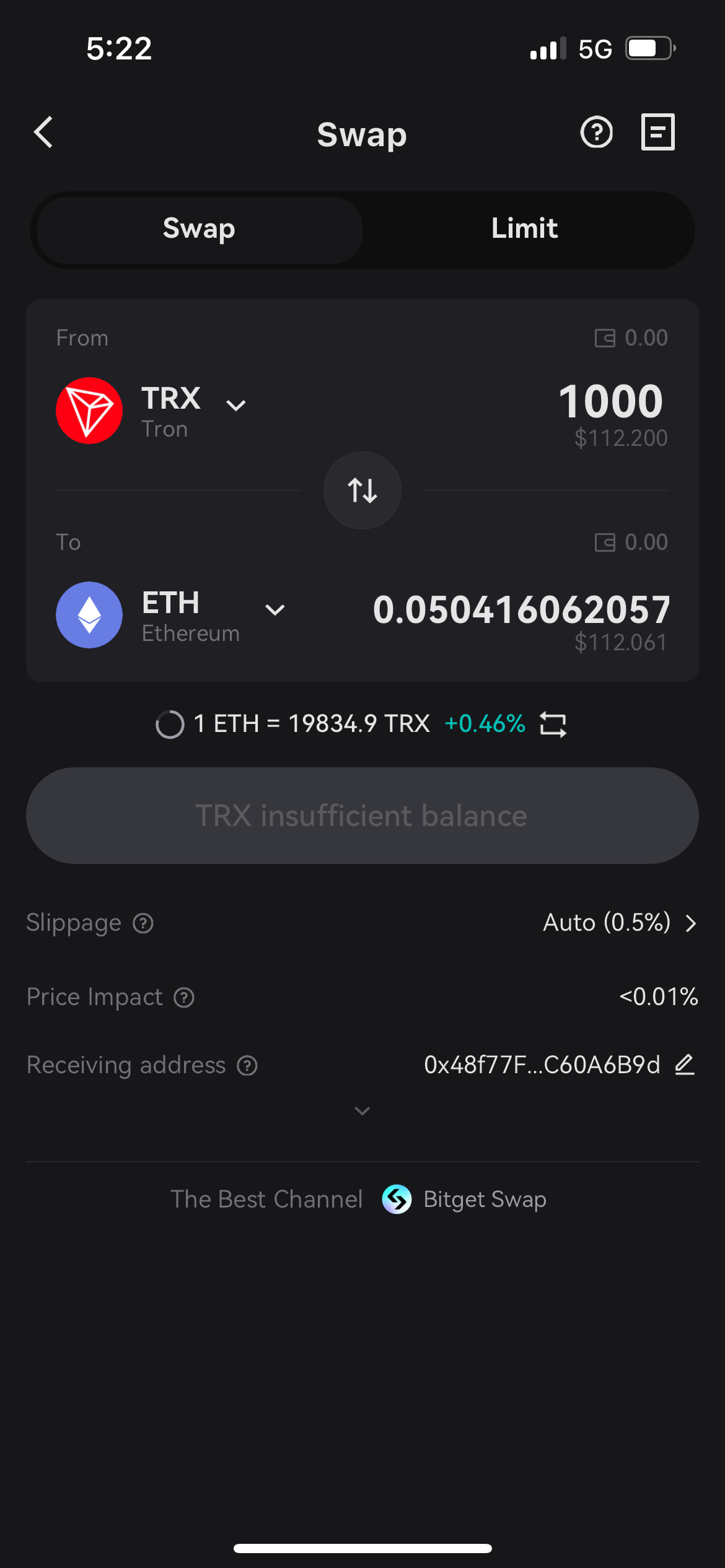
Swap on TRON
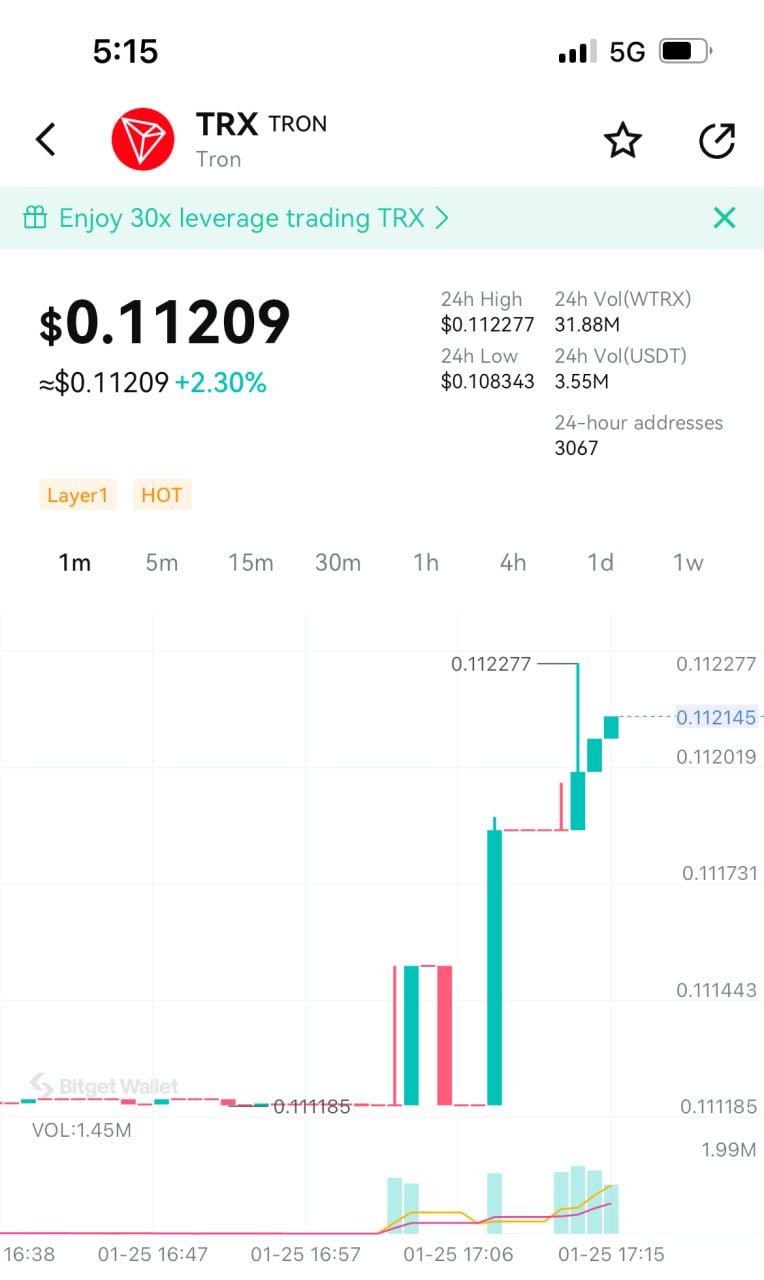
Bitget Swap offers the most comprehensive Ripple market intelligence, including real-time price charts, dynamic candlestick data (available by minute, hour, day, week, month, or year), token contract details, current market capitalization, circulating supply, active wallet addresses, trading history, and in-depth analytics. Bitget Wallet also supports cross-chain swaps of TRX across multiple mainnets, ensuring a smooth and efficient user experience.
Bitget Swap supports TRON Network’s “Gasless Trading” service, allowing users to swap tokens even without holding TRX for transaction fees — simply by using other on-chain assets within the TRON network to complete the exchange.
This feature is powered by Bitget Wallet’s multi-chain gas payment tool, GetGas, which enables users to pay gas fees with popular assets like USDT, USDC, ETH, or SOL, without needing to prepare TRX gas in advance. Transactions are executed seamlessly from start to finish.
By using GetGas, users enjoy a first TRON transfer that’s completely gas-free, followed by a 50% long-term discount on future transfers, dramatically lowering on-chain transaction costs and making cross-chain and transfer operations smoother and more effortless. During the promotional period, users who activate GetGas for the first time and deposit at least $20 will also receive an extra $5 Gas voucher, with a chance to win a $50 Gas voucher grand prize.
Visita Bitget Swap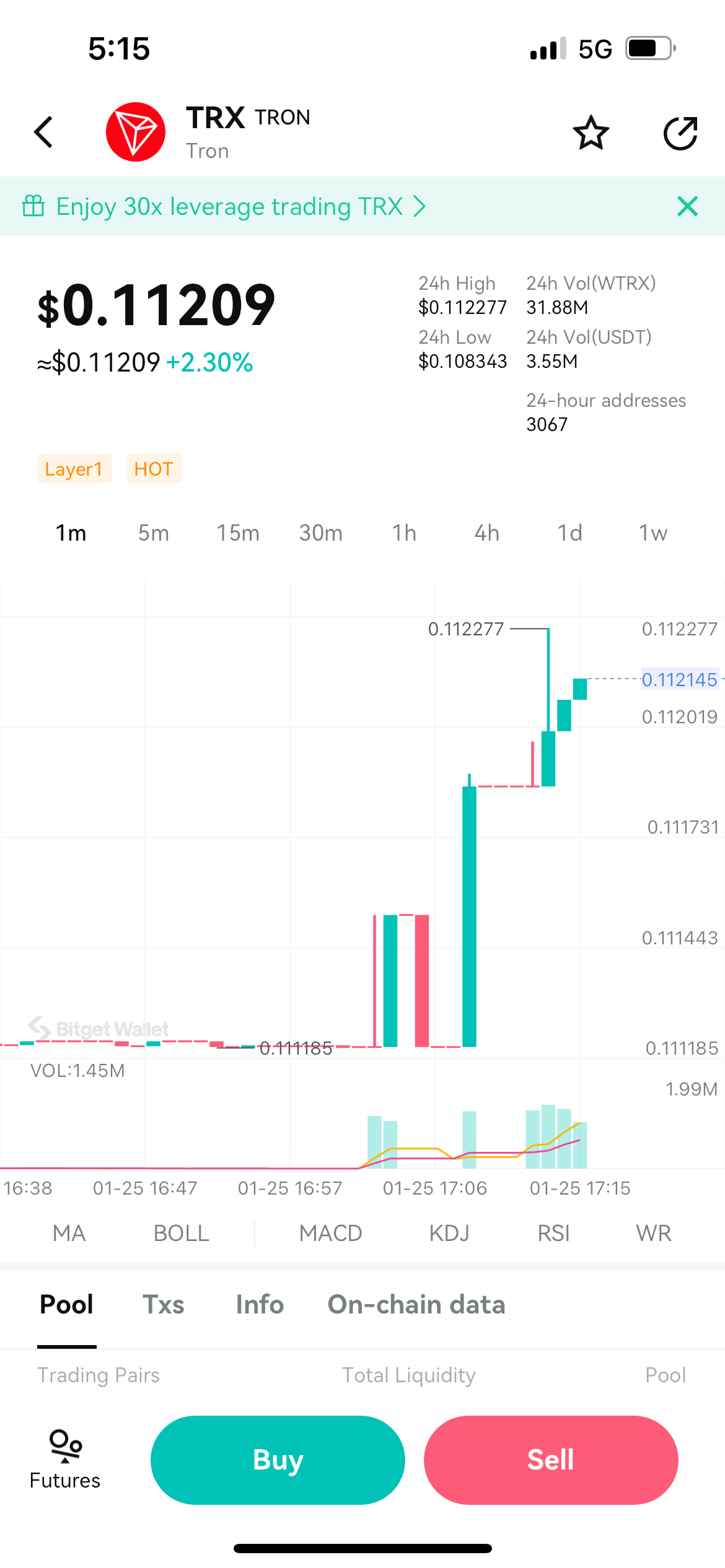
DApps on TRON
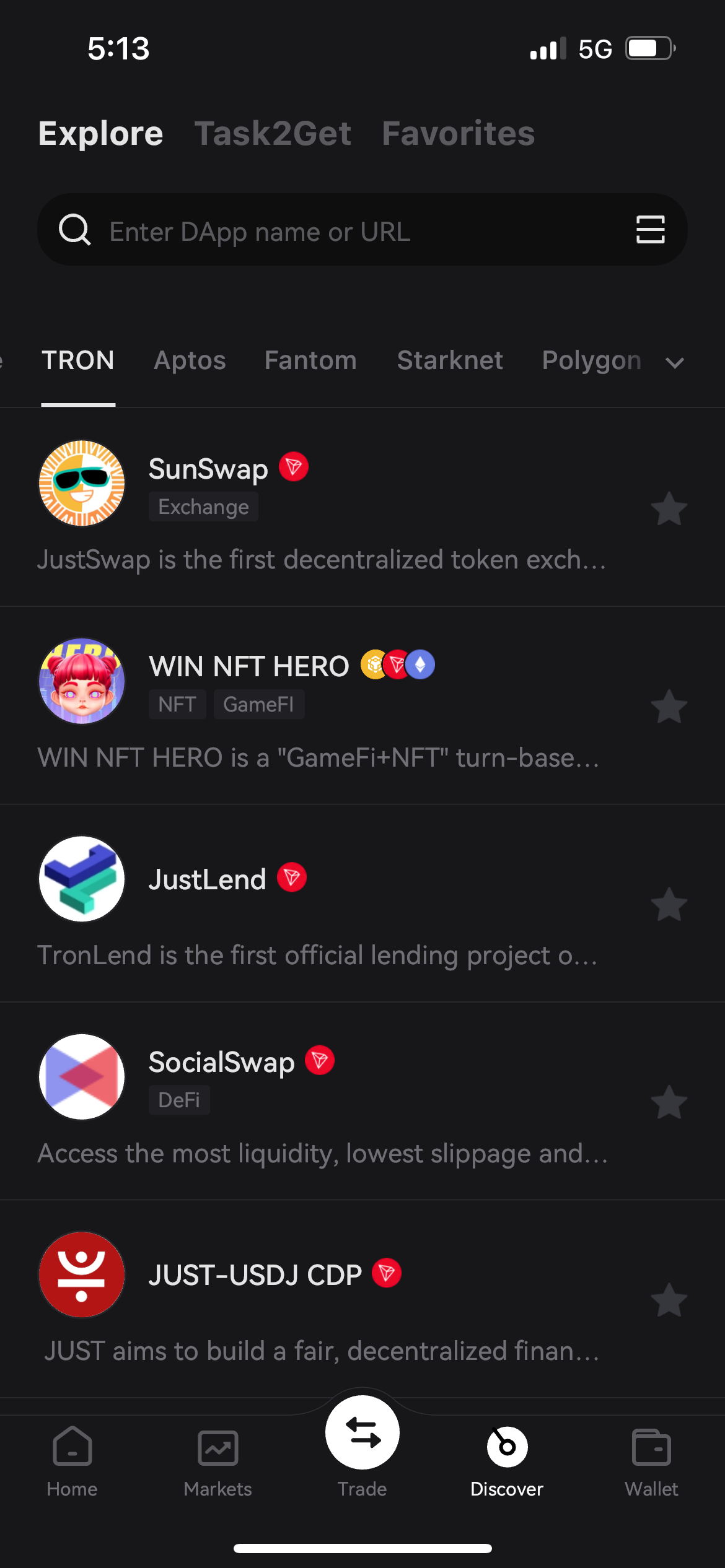
Bitget Wallet’s Discover page now fully supports a wide range of DApps within the TRON ecosystem, including categories such as DeFi, NFT, GameFi, Bridge, Exchange, Mining, Tools, Social, and Loan platforms.
Users can easily find and join trending TRON-based projects directly from the DApp section of Bitget Wallet, gaining instant access to popular decentralized applications like JustLend and SunSwap through the built-in Bitget Wallet DApp browser for seamless on-chain interaction.
During use, Bitget Wallet users can take advantage of the GetGas feature to instantly pay gas fees required for cross-chain transactions or DApp interactions — no need to prepare TRX in advance. This ensures smoother operations and a frictionless Web3 experience.
Experience the TRON ecosystem effortlessly with Bitget Wallet — discover, connect, and interact across DApps all in one place.
Visita el navegador de dApps de Bitget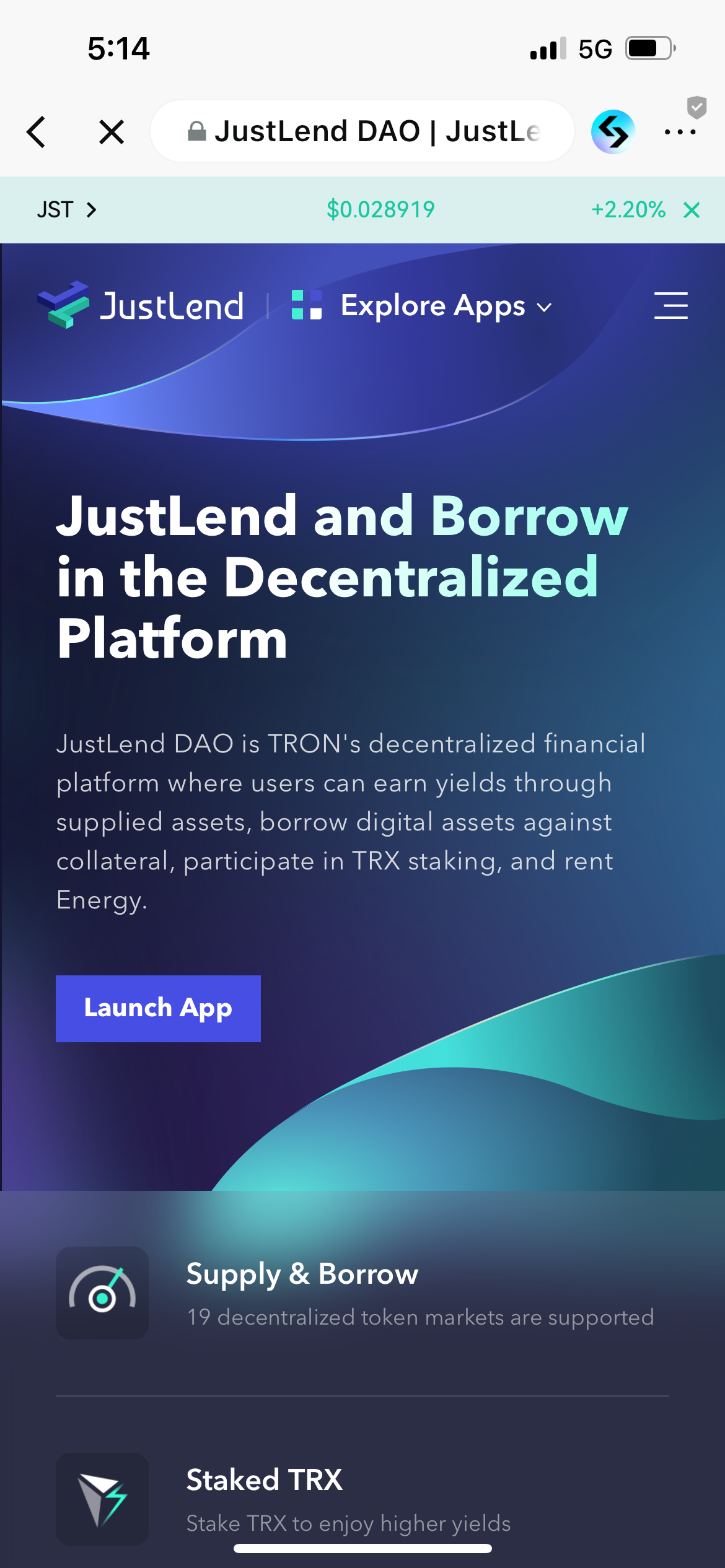
FAQ
How to buy TRON (TRX) using Bitget Wallet?
What’s the best TRON wallet?
How to deposit TRON (TRX) into Bitget Wallet?
About Tron (TRX)
What is Tron?
TRON was launched in 2018, and in July of the same year, it completed the acquisition of BitTorrent, officially building the foundation of the TRON ecosystem. As one of the largest and most widely used blockchain ecosystems in the world, TRON now hosts over 1,000 DApps, with both its developer and user counts exceeding twice that of Ethereum. TRON is open-source and fully compatible with Ethereum, meaning developers can easily migrate their smart contracts from Ethereum to the TRON network with little or no modification. Beyond that, TRON supports virtual machines, node elections, wallet integration, and decentralized exchanges, offering developers a high-throughput, highly scalable, and reliable mainnet environment. By optimizing TPS (Transactions Per Second), TRON enables high-frequency usage, with daily transaction volumes far exceeding those of Bitcoin and Ethereum. Thanks to its strong technical foundation, TRON can support a wide range of DApp deployment models, accommodating millions of users while maintaining excellent scalability. TRON’s robust network structure, secure user assets, intrinsic value, and Delegated Proof-of-Stake (DPoS) reward distribution mechanism all contribute to a highly reliable and sustainable blockchain ecosystem. Explore TRON’s thriving Web3 ecosystem directly through Bitget Wallet — the all-in-one gateway for DeFi, NFT, and cross-chain innovation.What is TRX?
TRX is the native token of the TRON network, currently supporting three main token standards: TRC-10, TRC-20, and TRC-721. As TRON continues to expand its ecosystem, the use cases for TRX have become increasingly diverse and essential. TRX is widely used for staking to gain voting rights, as collateral in DeFi lending markets, and as a unit of account in NFT marketplaces. Its versatility makes it a core component of TRON’s growing ecosystem. Today, TRON boasts over 100 million users, with a total value locked (TVL) exceeding $7.7 billion and a market capitalization of more than $9.7 billion. With such strong fundamentals and adoption, TRX has firmly established itself as one of the most indispensable tokens in the global crypto industry. Manage, stake, and trade TRX seamlessly on Bitget Wallet — your gateway to the expanding TRON ecosystem.What is USDD?
The USDD stablecoin, issued by the crypto central bank TRON DAO Reserve, is a decentralized, over-collateralized stablecoin that was officially launched in May 2022. Powered by the cross-chain protocol of BitTorrent Chain, USDD is available across multiple leading blockchains, including Ethereum and BNB Chain, enabling seamless interoperability within the broader DeFi ecosystem. BitTorrent, an internet company providing decentralized services, enhances data and content distribution through its scalable distributed architecture and intelligent marginalization technology, giving creators and consumers greater control over their content. This has attracted over 100 million monthly active users worldwide. USDD maintains one of the highest collateral ratios among all stablecoins, with its daily trading volume often exceeding $10 million, making it one of the most trusted and resilient decentralized stablecoins in the market. Store and trade USDD securely with Bitget Wallet — your one-stop solution for managing stablecoins across Ethereum, BNB Chain, and TRON.How to access the Tron ecosystem?
The easiest way to access the TRON on-chain ecosystem is through Bitget Wallet. As one of TRON’s official partner wallets, Bitget Wallet supports cross-chain asset swaps, token exchanges, and a rich selection of DApps, making it the ultimate gateway to TRON’s expanding network. The Bitget Wallet DApp section now supports over 100 mainnets, allowing users to switch to the TRON network directly within the app. With a clean, secure, and beginner-friendly interface, Bitget Wallet helps users easily explore the TRON ecosystem and DeFi protocols in just a few taps. Download Bitget Wallet today to seamlessly enter the TRON Chain ecosystem — trade, explore, and experience Web3 the smarter way.How to transfer Tron (TRX) to other crypto wallets?
To transfer TRX from your TRON wallet to another crypto wallet or exchange, follow these simple steps: 1. Go to the Bitget Wallet home screen and tap “Send.” 2. Select the “TRON” network and choose “TRX.” 3. Enter the recipient address and amount, then confirm the transaction. 4. Before you finish, double-check the address and confirm network compatibility to avoid any loss of funds. If you have GetGas enabled, you can pay TRON network fees directly with your wallet balance or Gas vouchers, making each transfer smoother, faster, and more cost-efficient—no TRX gas preparation required. Tip for SEO readers: Use Bitget Wallet to securely send TRX, manage fees with GetGas, and enjoy reliable transfers on the TRON network.How to stake Tron (TRX)?
Users can stake TRX directly on the TRON mainnet through Bitget Wallet to earn stable and passive rewards with just a few taps. Currently, the total TRX staked exceeds $4.44 billion, accounting for over 50.37% of the circulating supply, with a staking market value of $4.9 billion — a strong indicator of TRON’s vibrant and resilient ecosystem. On the TRON Nile testnet, users can also participate in TRX liquid staking through DApps. Additionally, the Stake 2.0 mechanism by JustLend DAO allows users to stake TRX and receive sTRX tokens, enabling a dual-yield strategy: 1. Stake TRX to gain TRON Power, which can be used to vote for Super Representatives and earn on-chain rewards. 2. Generate Energy through TRX staking, which can then be leased out for extra income. Start your TRX staking journey today with Bitget Wallet and unlock the full potential of TRON’s DeFi ecosystem — earn, vote, and grow all in one place.

Acerca de nosotros
Products

Acerca de nosotros
Products