


1
/
8
Preparing for your first swap
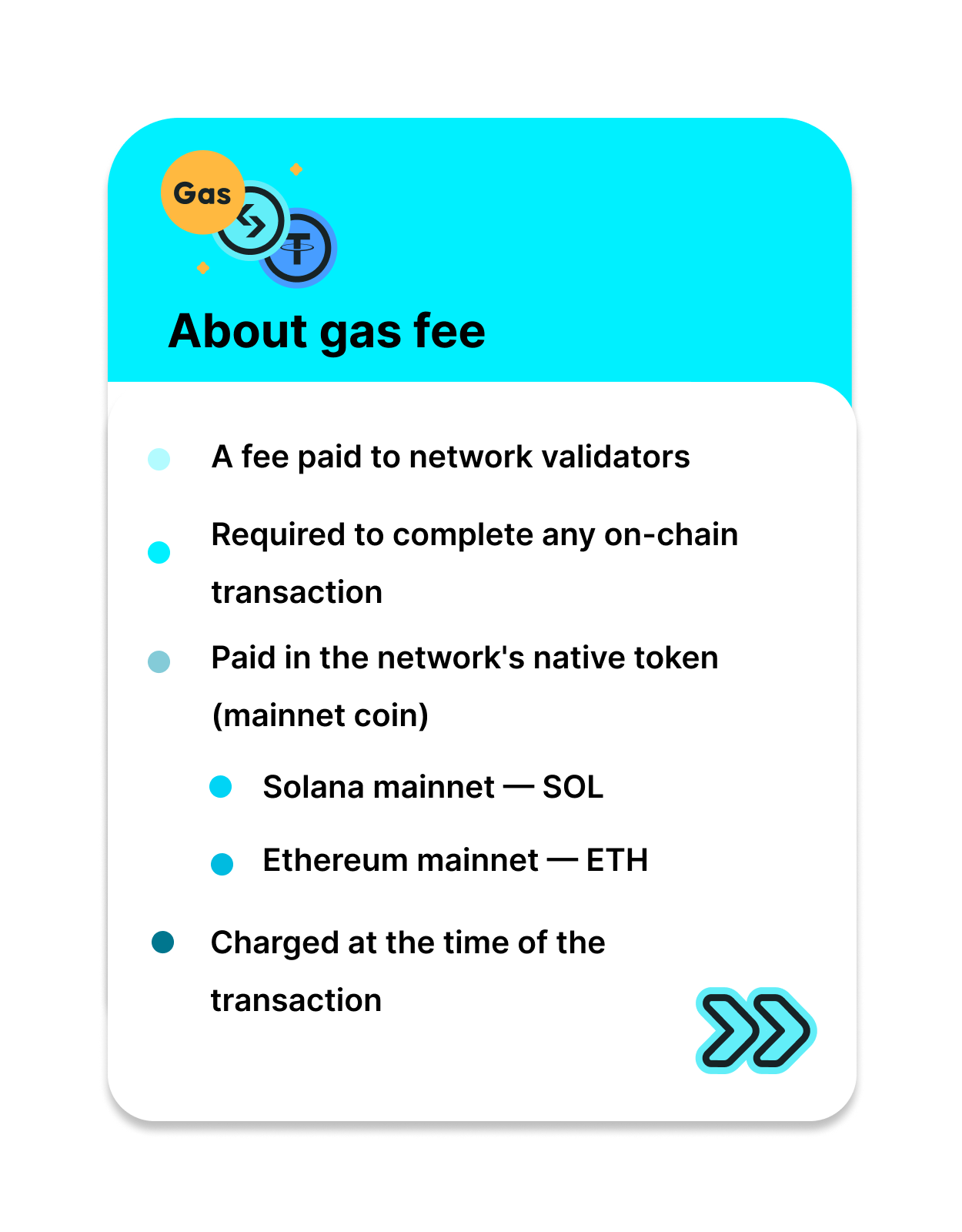
All same-chain and cross-chain transactions require a gas fee to be paid along with your trade. To ensure smooth trades, keep some native tokens handy.
All same-chain and cross-chain transactions require a gas fee to be paid along with your trade. To ensure smooth trades, keep some native tokens handy.
1
/
8
Choose the token to sell
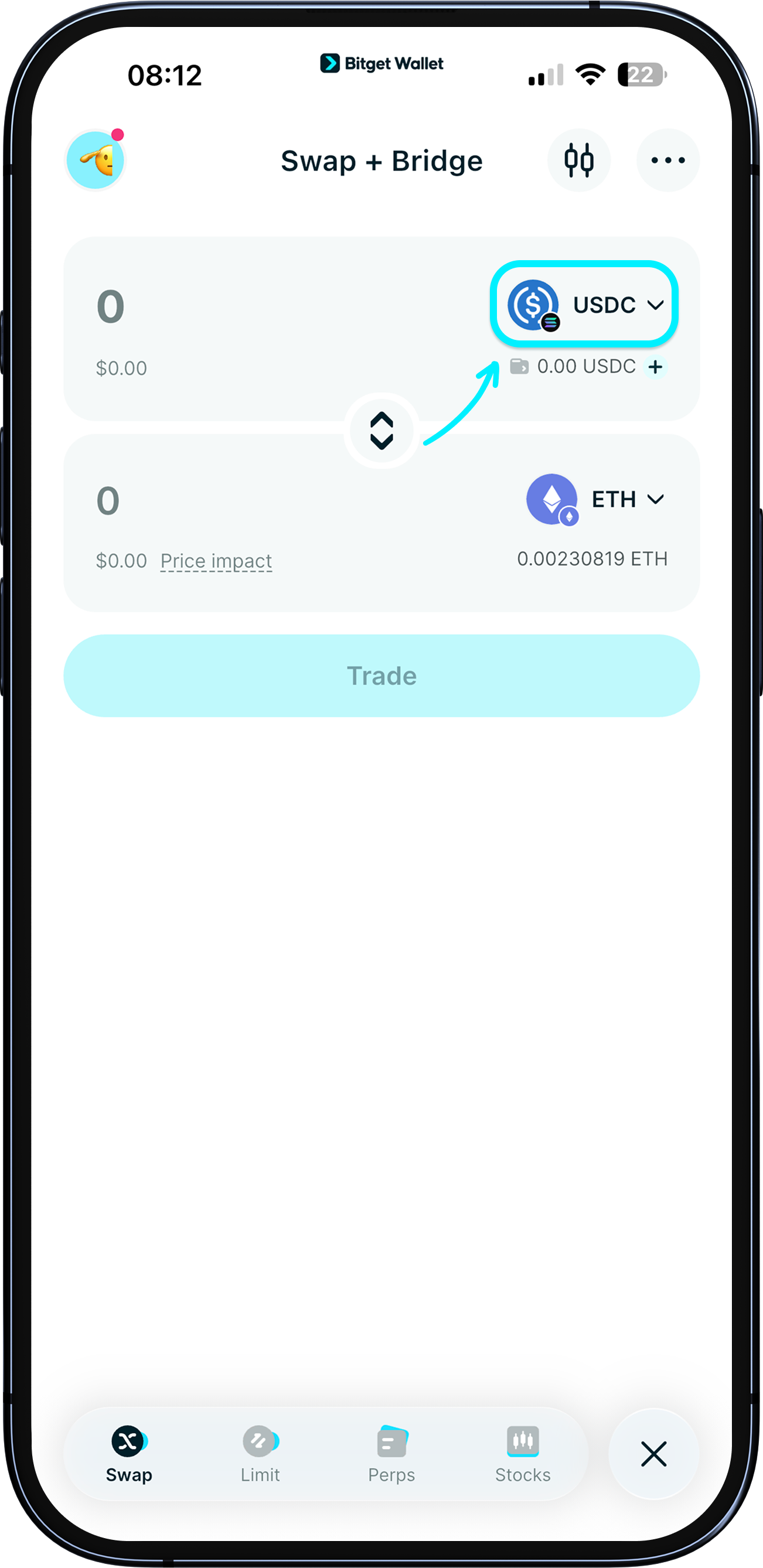
In "Trade", under "Swap + Bridge", choose the network you're using and the cryptocurrency you want to sell (such as USDC on Solana). Enter the amount you plan to sell.
1
/
8
Choose the token to buy
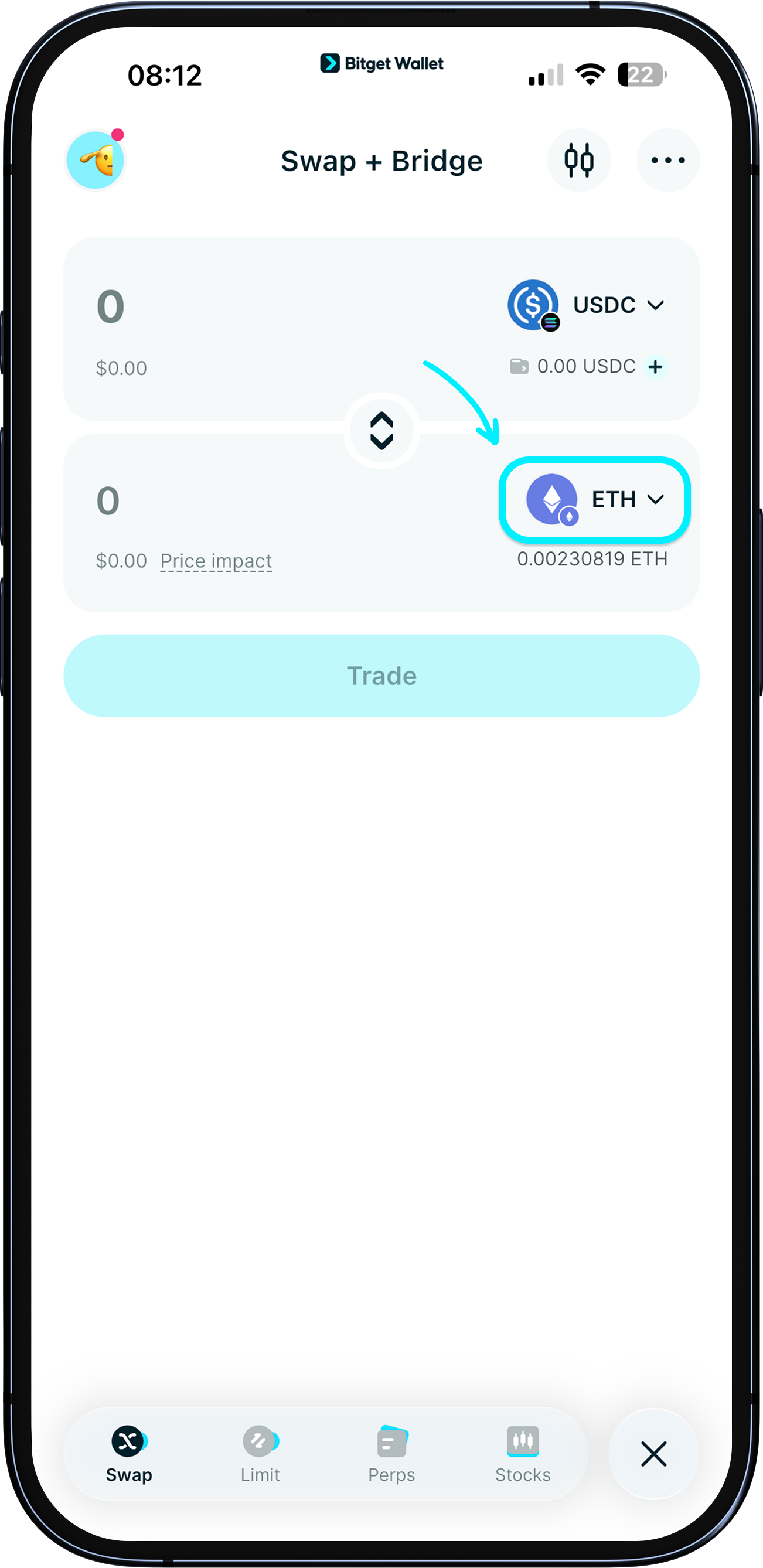
<b>We support both same- and cross-chain transactions</b>
If you're selling USDC on Solana, buying tokens from the network (such as TRUMP) classifies it as a same-chain transaction. But, if you buy tokens from a different network (like Ethereum), it becomes a cross-chain transaction. In general, cross-chain transactions have higher gas fees.
1
/
8
Check transaction details
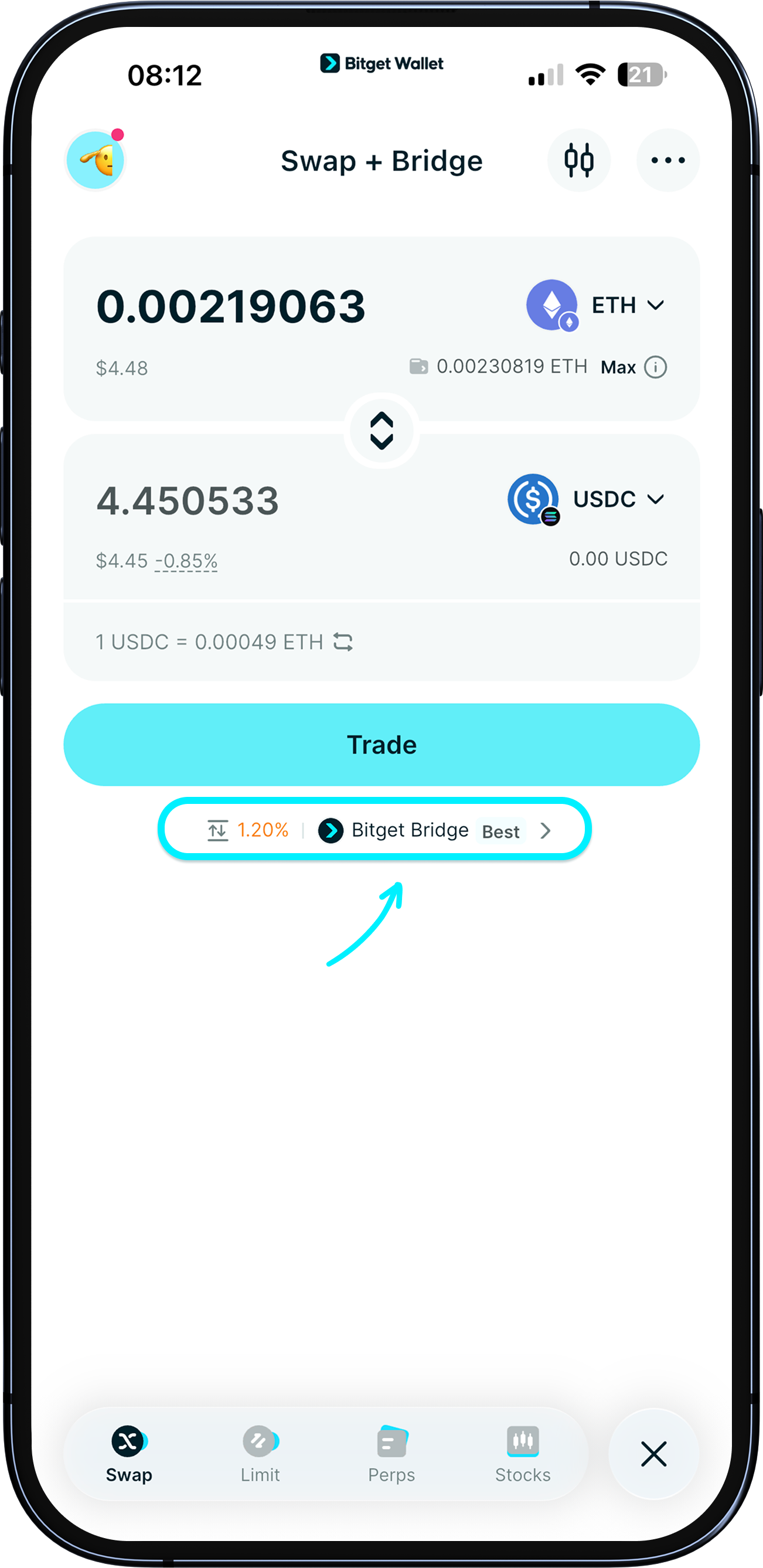
You'll see how many tokens you can buy based on the real-time price. Here, you can also check the current slippage, price impact (which could influence your final token count). You can also change the destination address if you want the destination to be another wallet other than the one you already own.
1
/
8
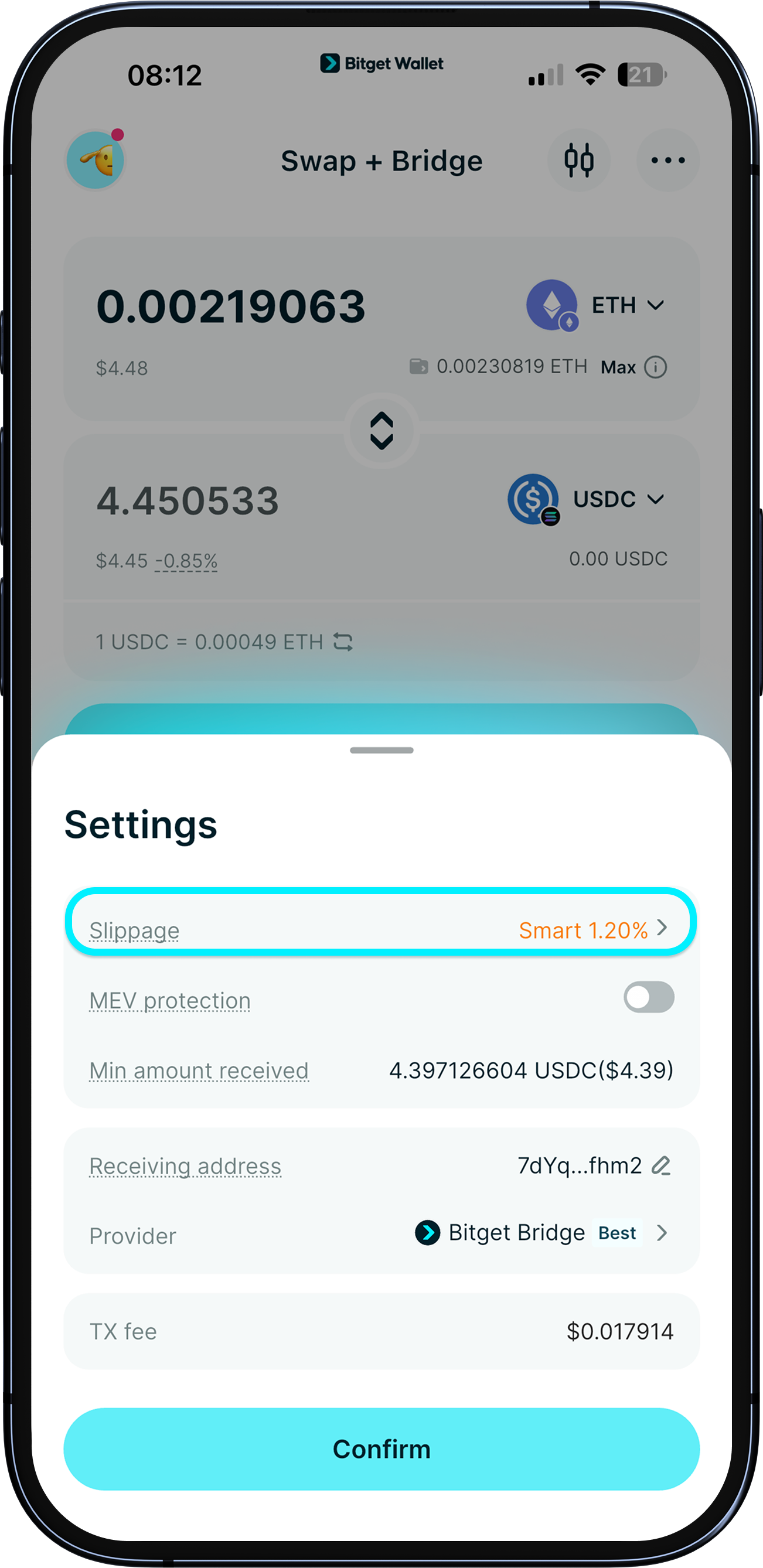
Set the correct slippage
When the price of a token is very volatile or the pool has low liquidity, setting a low slippage tolerance may cause the transaction to fail.
We recommend <b>using Bitget Wallet's Smart slippage</b> to ensure smooth transactions.
1
/
8
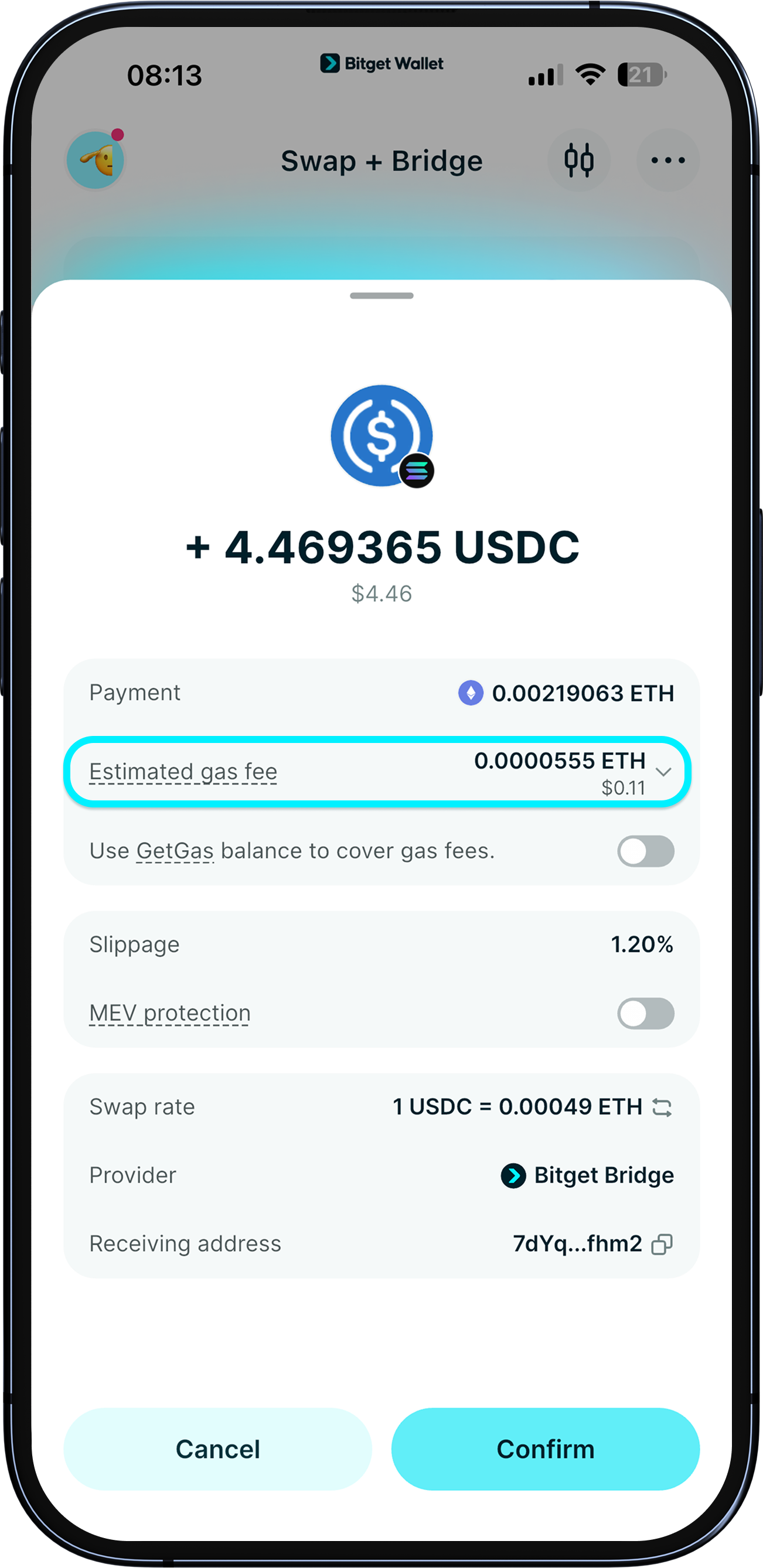
Confirm the gas fee
<b>Gas fees are required for on-chain transactions.</b> Tap "Confirm" to view the estimated Gas fee. If you don't have enough gas fees, you will be asked to "Top up". Simply follow the instructions to do that.
1
/
8
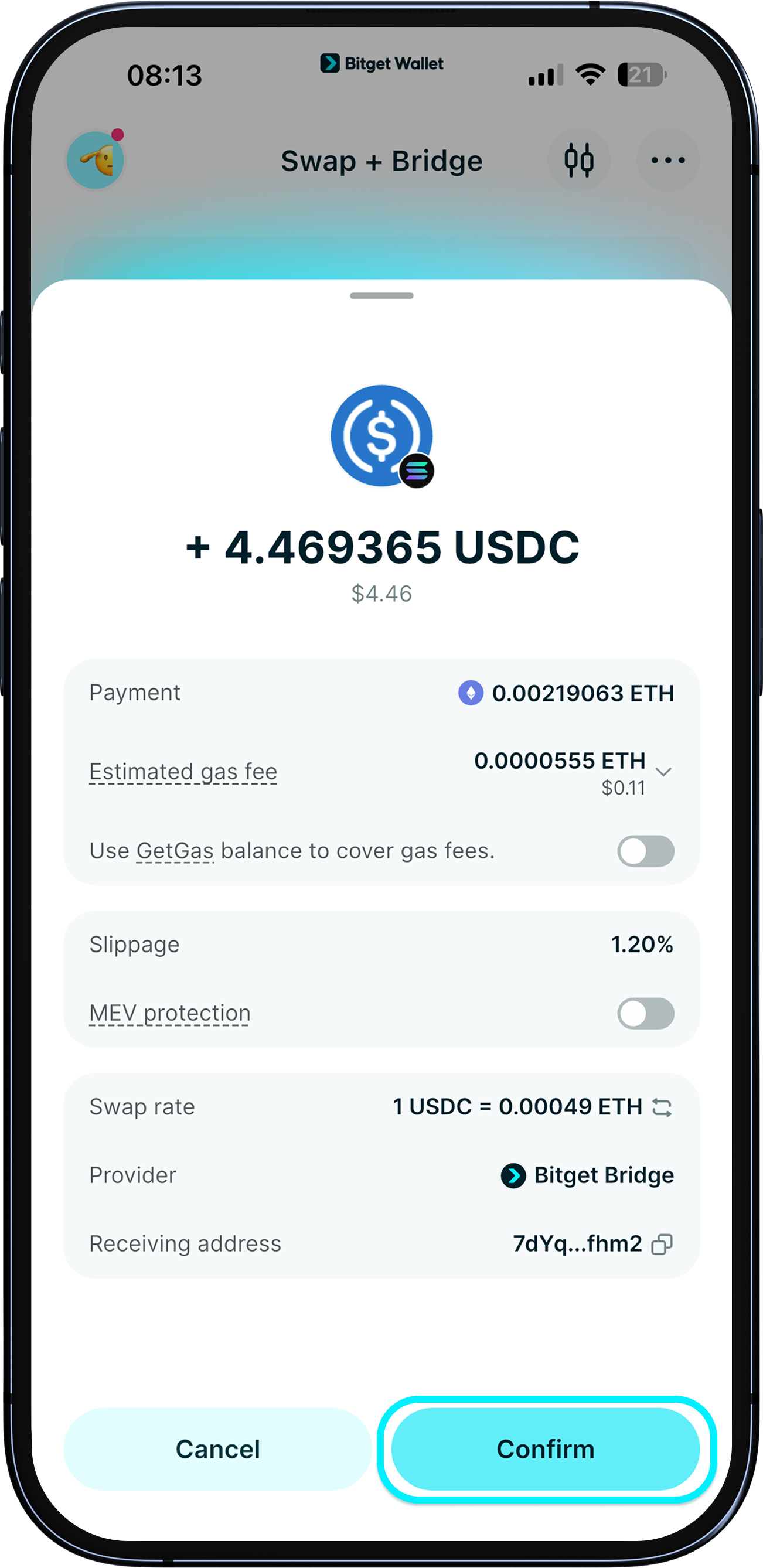
Confirm the transaction
Click "Confirm" again on the transaction details page and wait for the transaction to be confirmed on the chain.
<b>Remember that once you click "Confirm", the transaction cannot be canceled. Even if the transaction fails, you will still be charged a gas fee.</b>
1
/
8
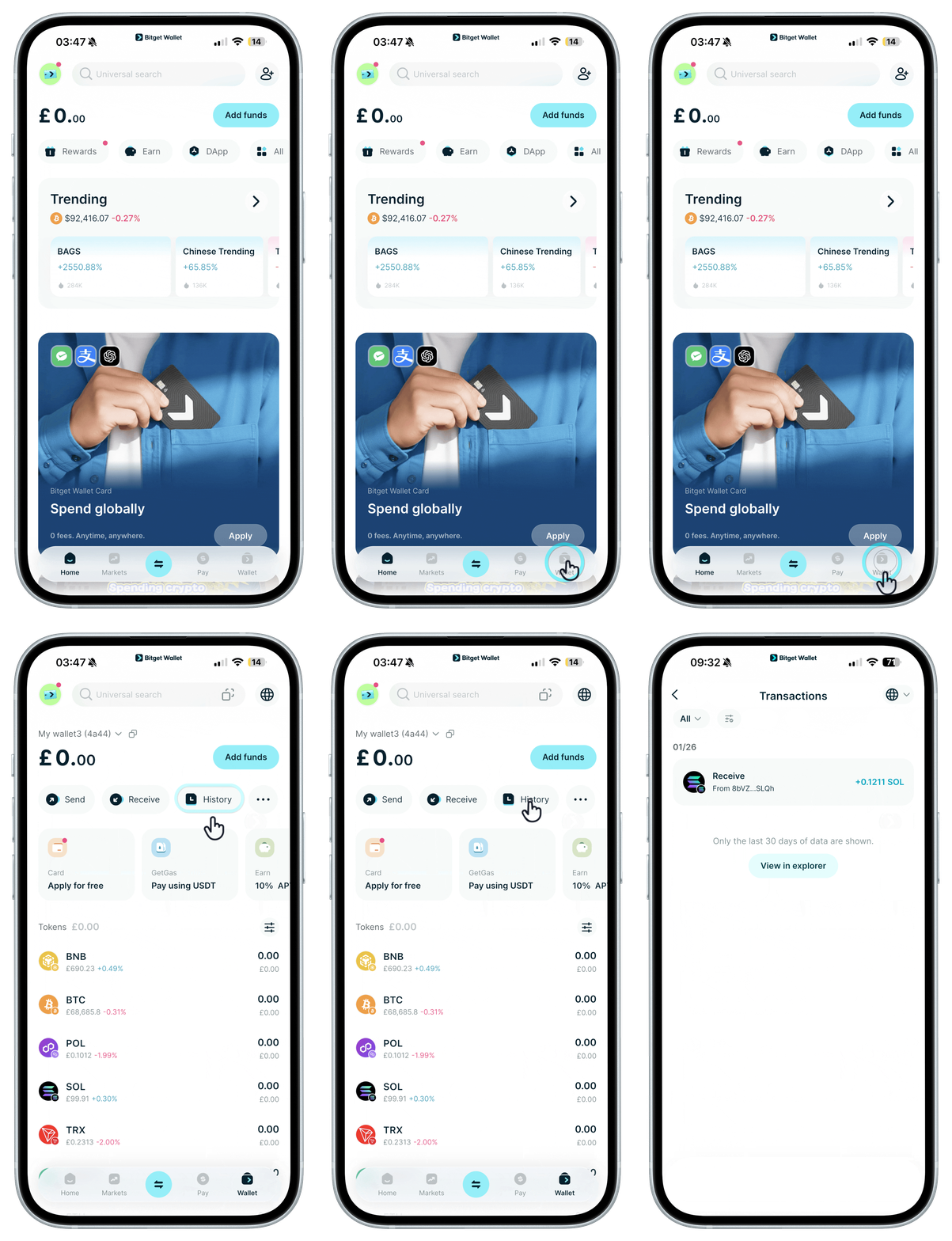
Track your transaction
Check your transaction status under "Wallet" > "History". Once the transaction is done, the currency you bought will be displayed in your wallet automatically.
