


1
/
5
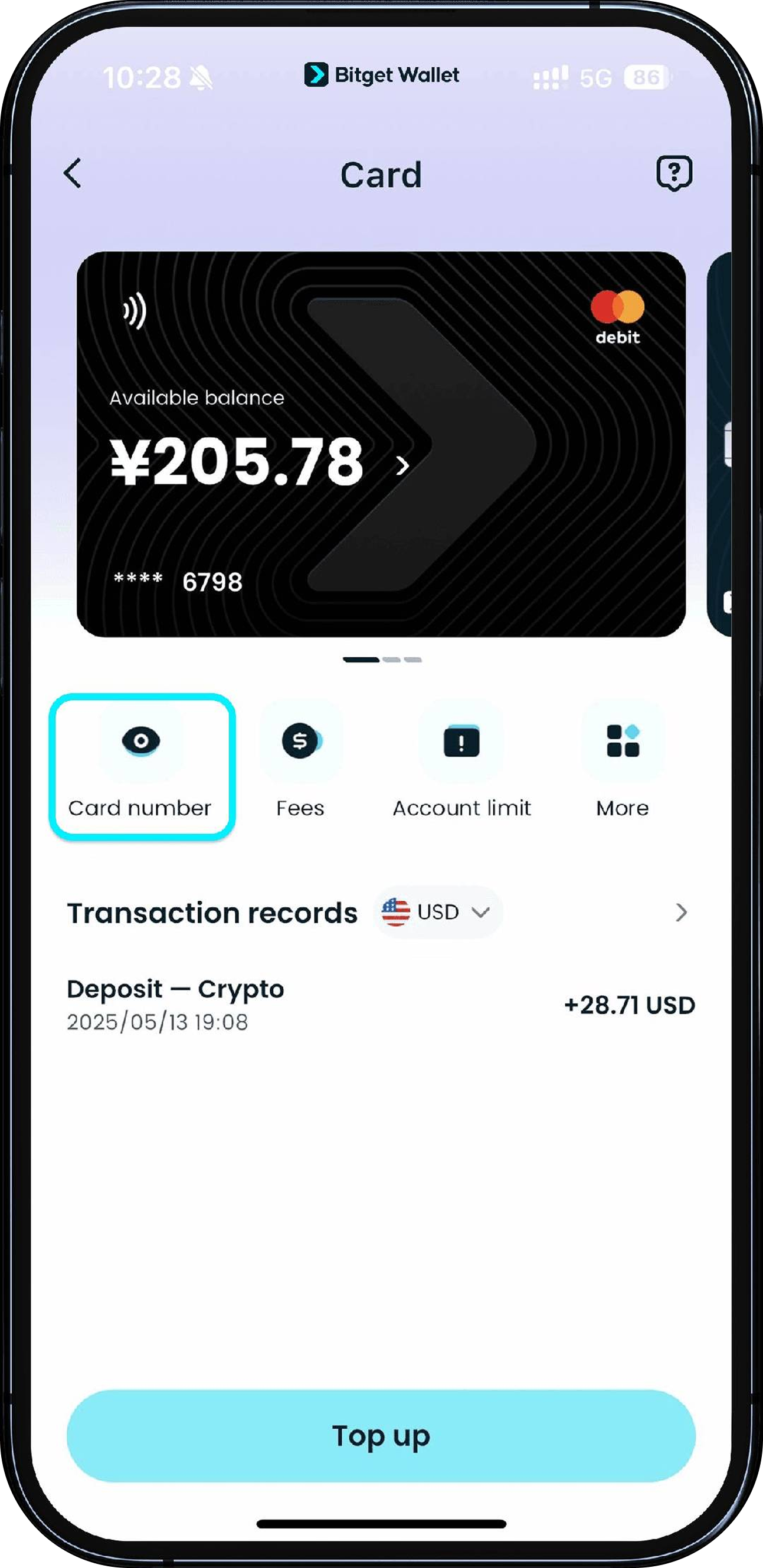
Get your card details
Tap "Card number" on your card's page and follow the quick authorization steps to view your card number, expiration date, and CVV/CVC. Please keep this information safe and do not share it with anyone.
If you can't see the full card details, please reduce the font display size on your device and try again.
Tap "Card number" on your card's page and follow the quick authorization steps to view your card number, expiration date, and CVV/CVC. Please keep this information safe and do not share it with anyone.
If you can't see the full card details, please reduce the font display size on your device and try again.
1
/
5
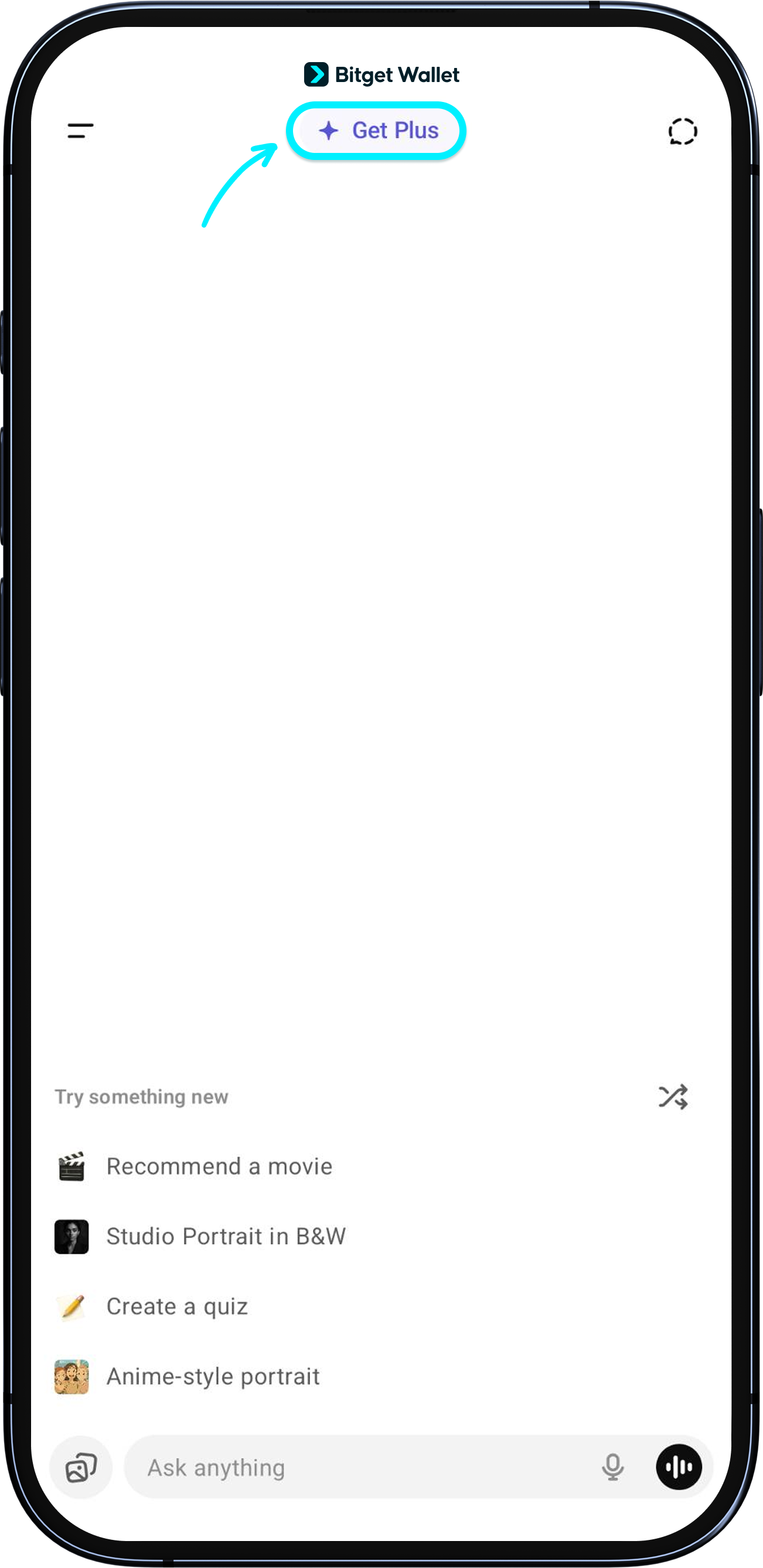
Subscribing to ChatGPT
Tap "Get Plus" on ChatGPT to subscribe. Under "Payment methods", tap "Add card" and enter your Bitget Wallet Card details.
<b>Your card can be linked to only one ChatGPT account. Do not use it for another account.</b>
1
/
5
Use the same IP address for login and subscription
Make sure you are using the same IP address for ChatGPT login and subscription. Frequently switching IPs may trigger security checks and cause payment failures.
1
/
5
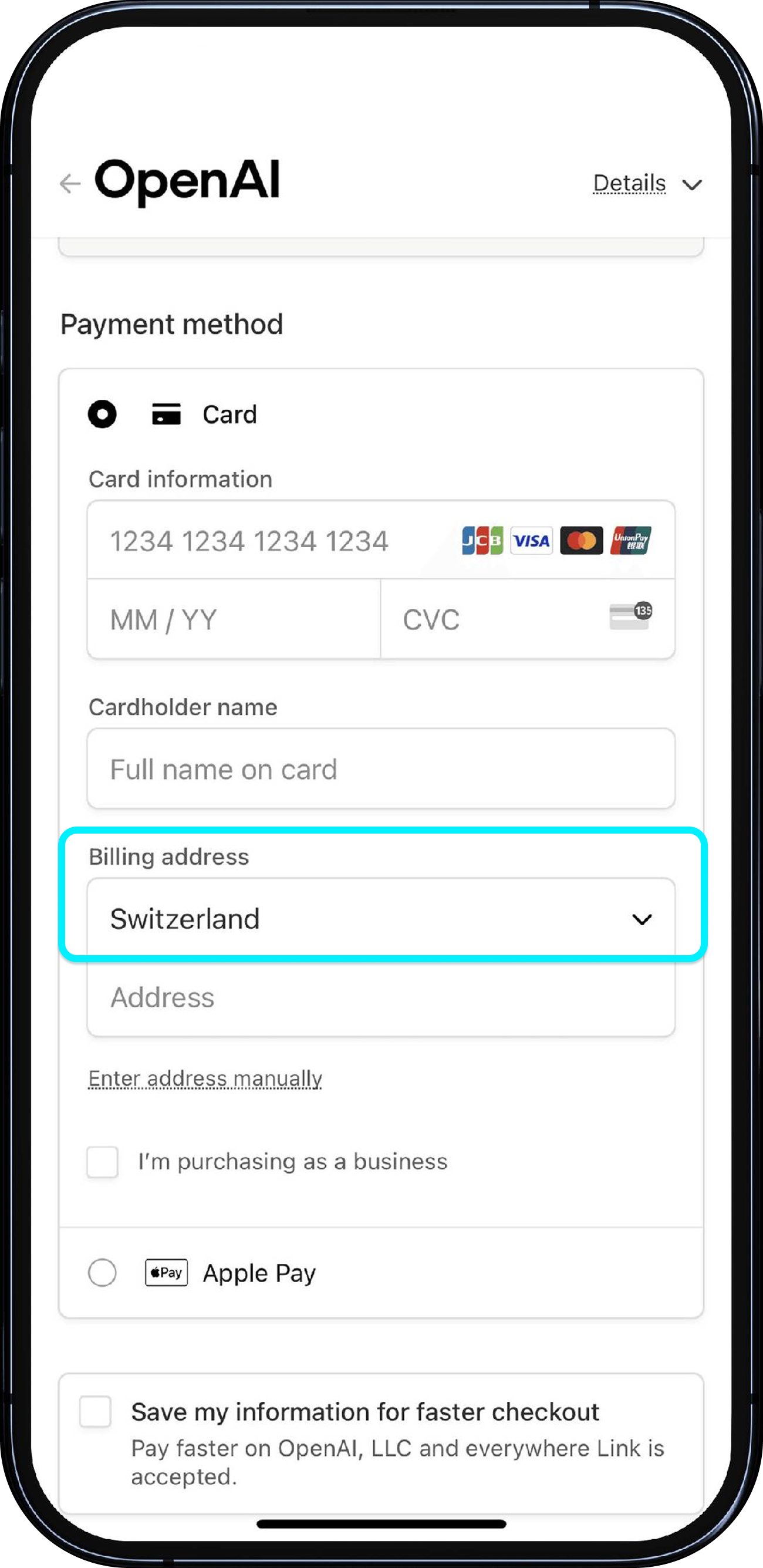
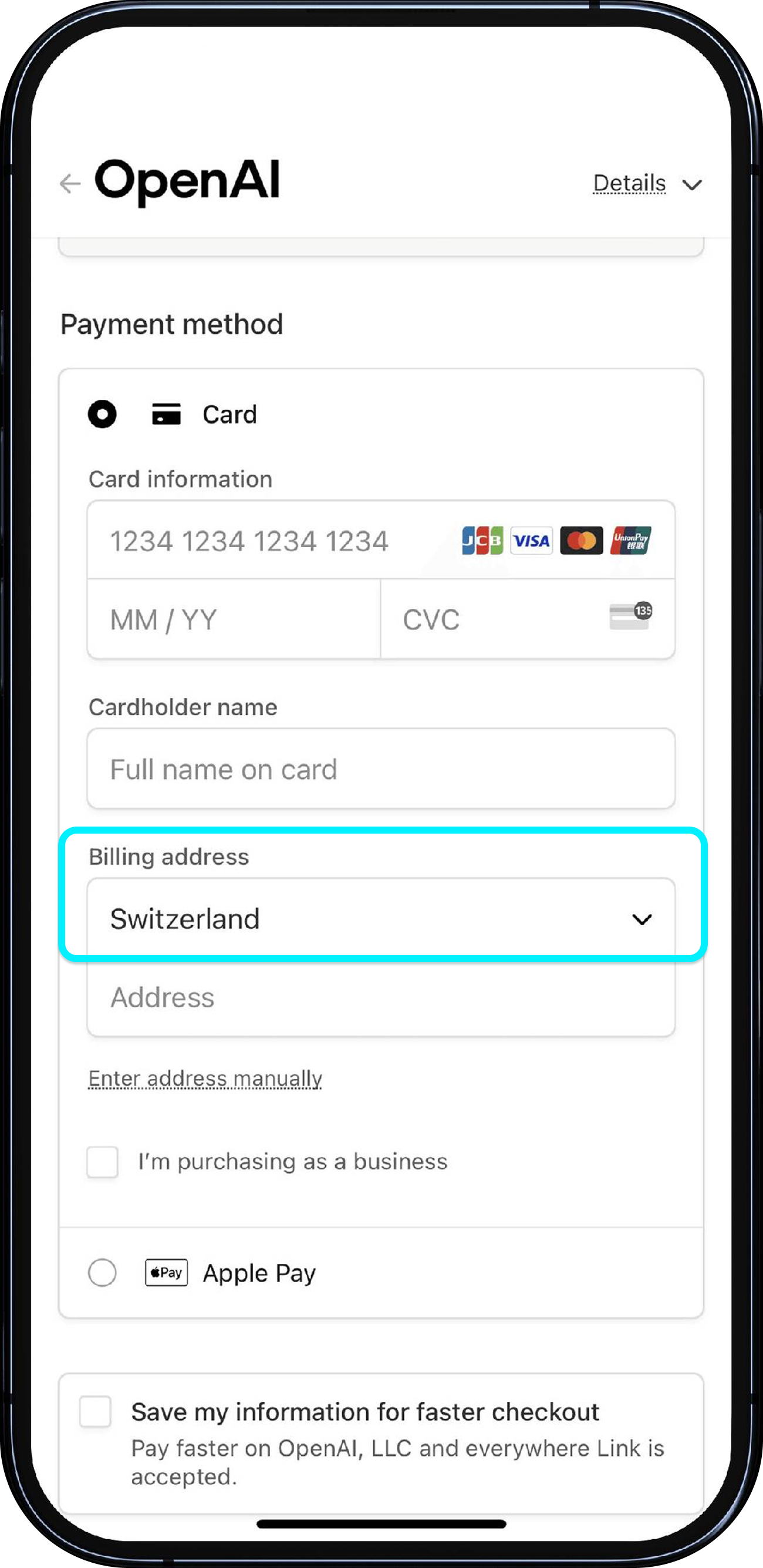
Set your billing address
<b>Do not use a billing address in Mainland China or Hong Kong</b>; ChatGPT is blocked in these regions. Enter an address that matches the country of the IP you are using for subscription.

1
/
5
Still unable to add your card?
<b>If payment or card adding still fails, check these common reasons first:</b>
• Card already linked to another OpenAI account – each Fiat24 card can only be linked to one account.
• Insufficient balance – ensure your Fiat24 wallet has enough to cover the charge.
• Billing country or IP mismatch – your OpenAI billing country must match your card's region and current IP.
If none apply, try again later or contact OpenAI Support.