



1
/
3
How to add a network
We support over 130 major blockchain networks, as well as many niche or emerging projects, so you can add any network you'd like to trade on.
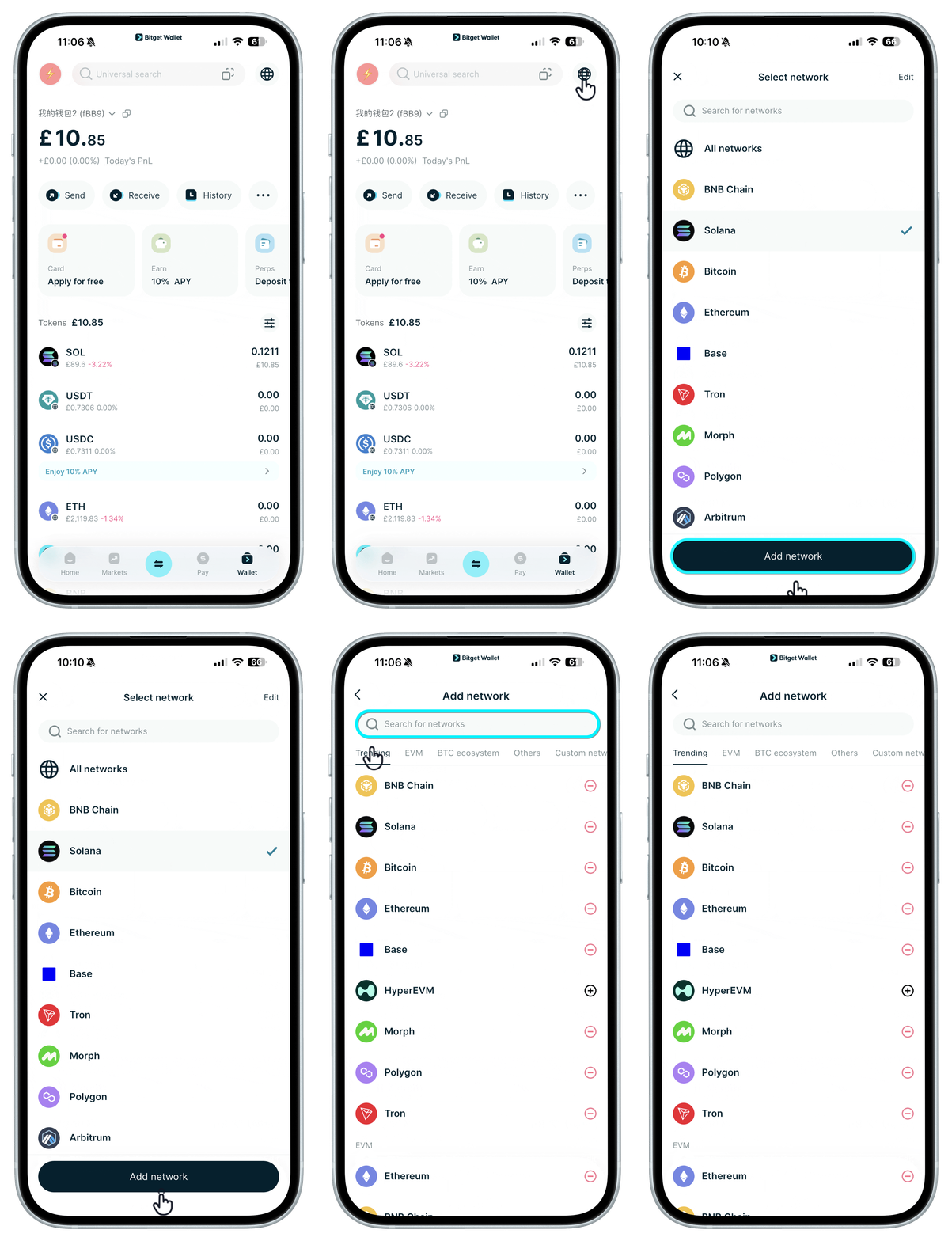
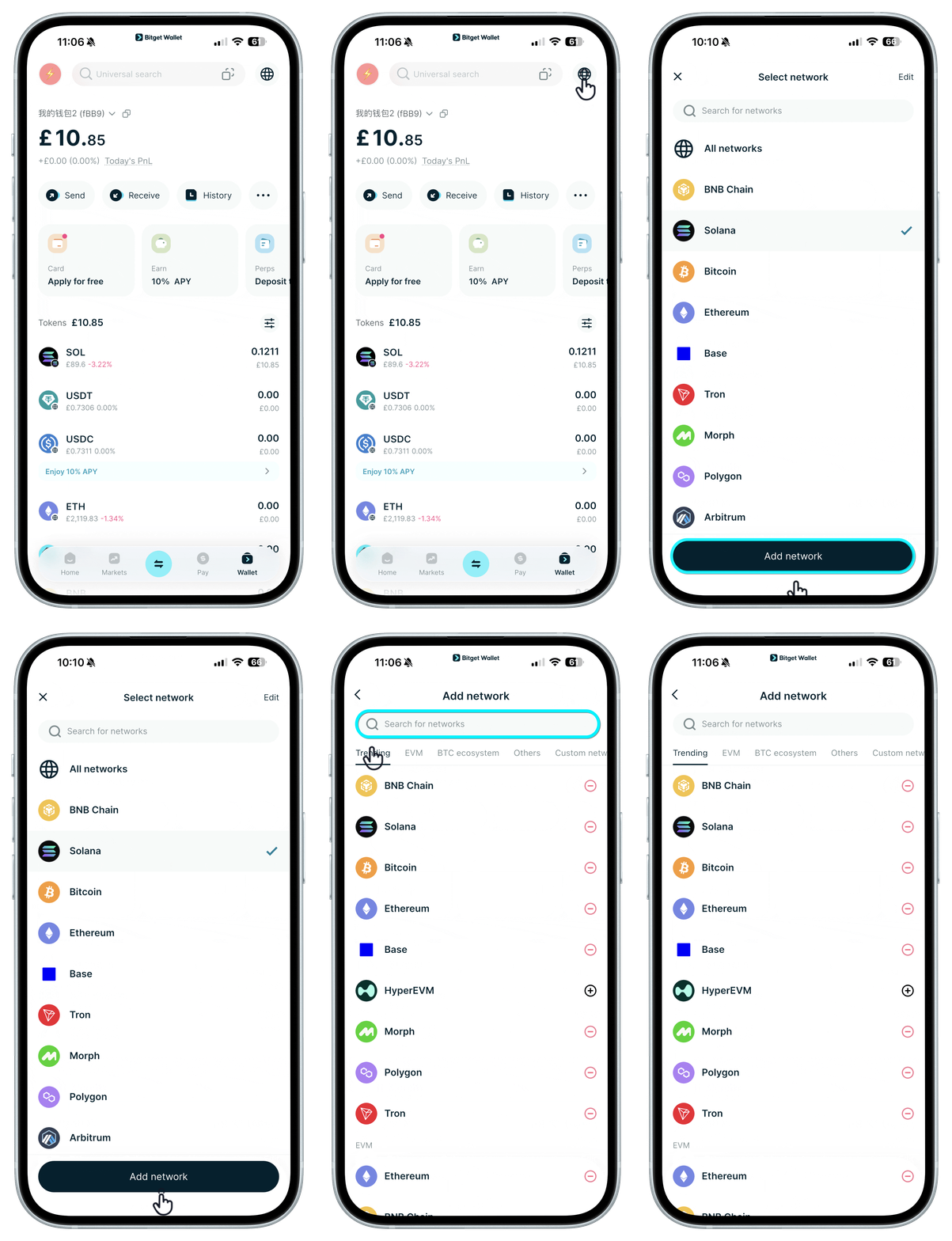
In "Wallet", tap the "Select network" icon in the top right corner.
We support over 130 major blockchain networks, as well as many niche or emerging projects, so you can add any network you'd like to trade on.
In "Wallet", tap the "Select network" icon in the top right corner.
1
/
3
How to add a network
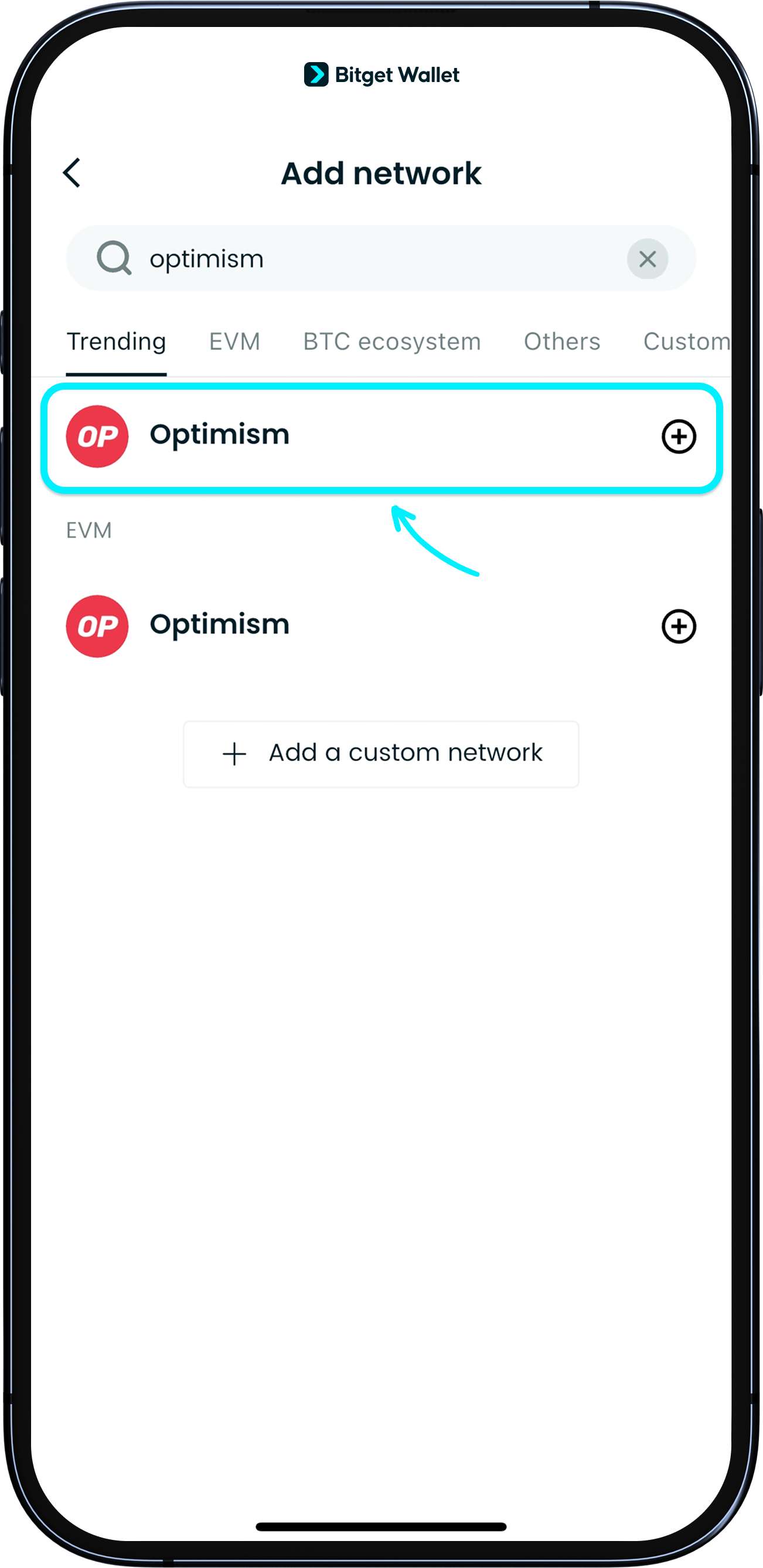
Search for the network by name or click on "Add Network" to select from the list.
Tap the "+" next to a network to add it to your wallet.
1
/
3
How to add a network
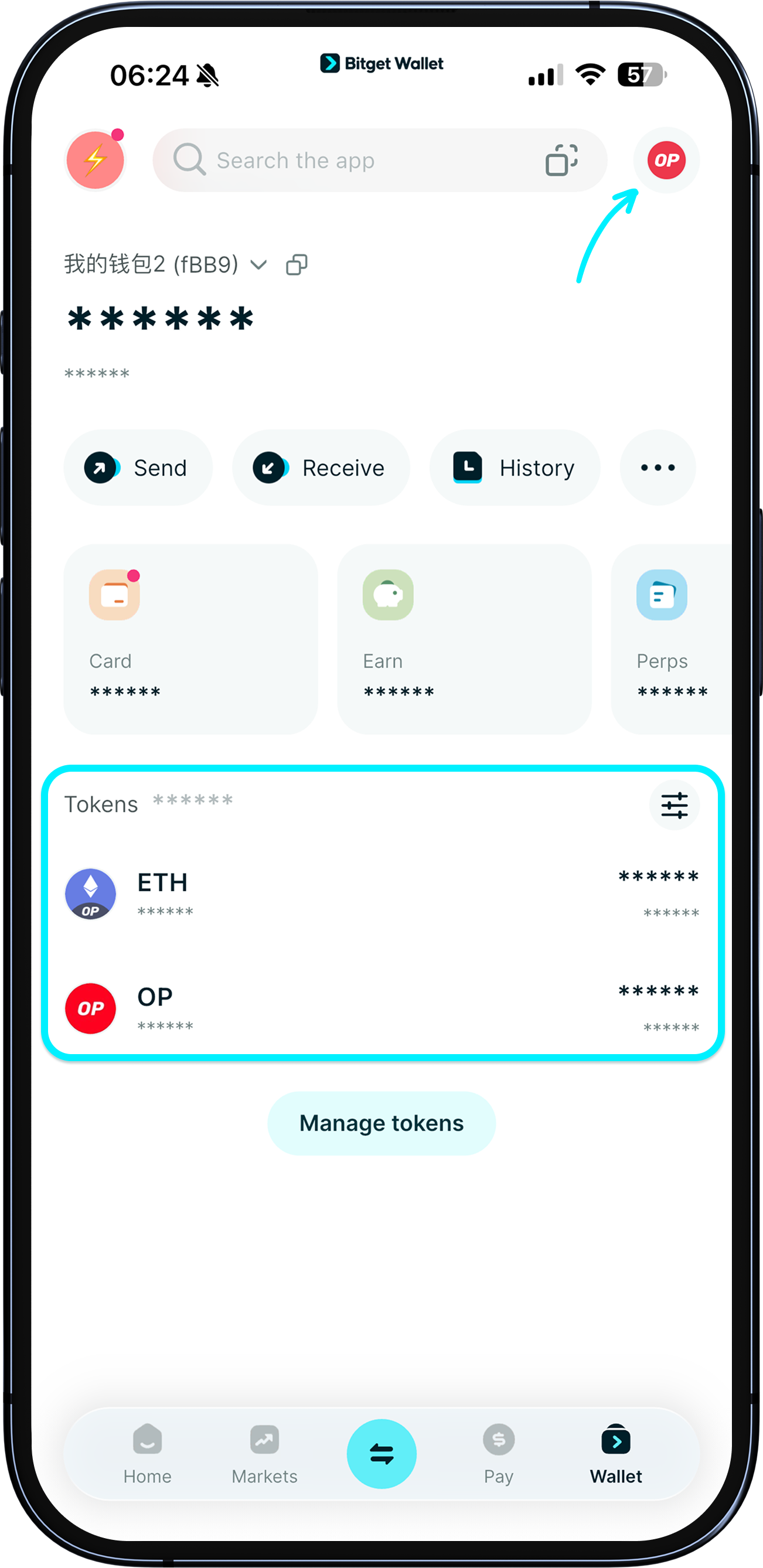
Once added, the network's tokens will show in your asset list.