


1
/
5
Sending crypto
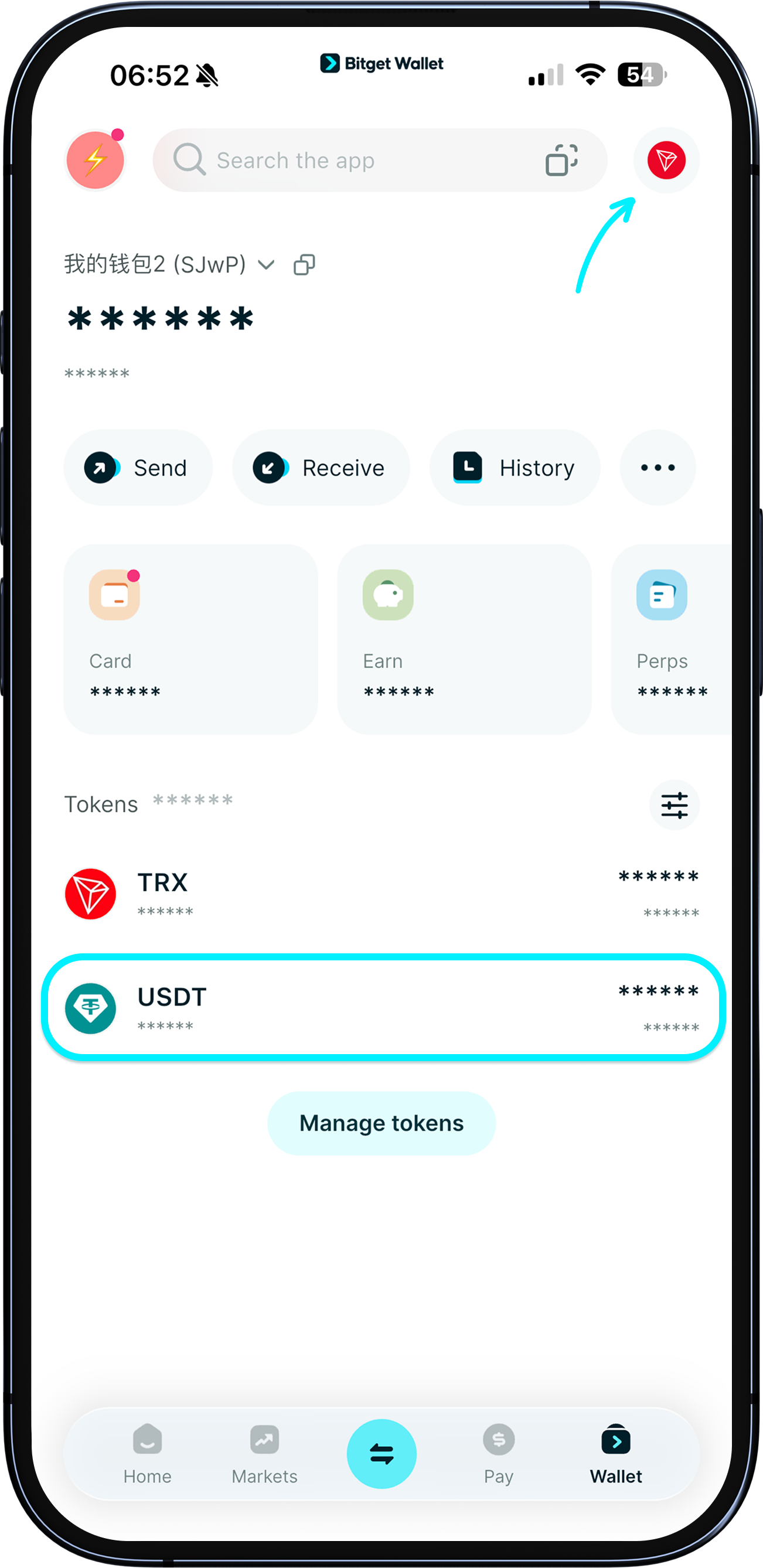
To send crypto, you'll first need the correct address from the person receiving it, ensuring both the transfer and receipt are on the same network.
E.g., if you're sending USDT on the Tron network, get the recipient's Tron address.
To send crypto, you'll first need the correct address from the person receiving it, ensuring both the transfer and receipt are on the same network.
E.g., if you're sending USDT on the Tron network, get the recipient's Tron address.
1
/
5
Sending crypto
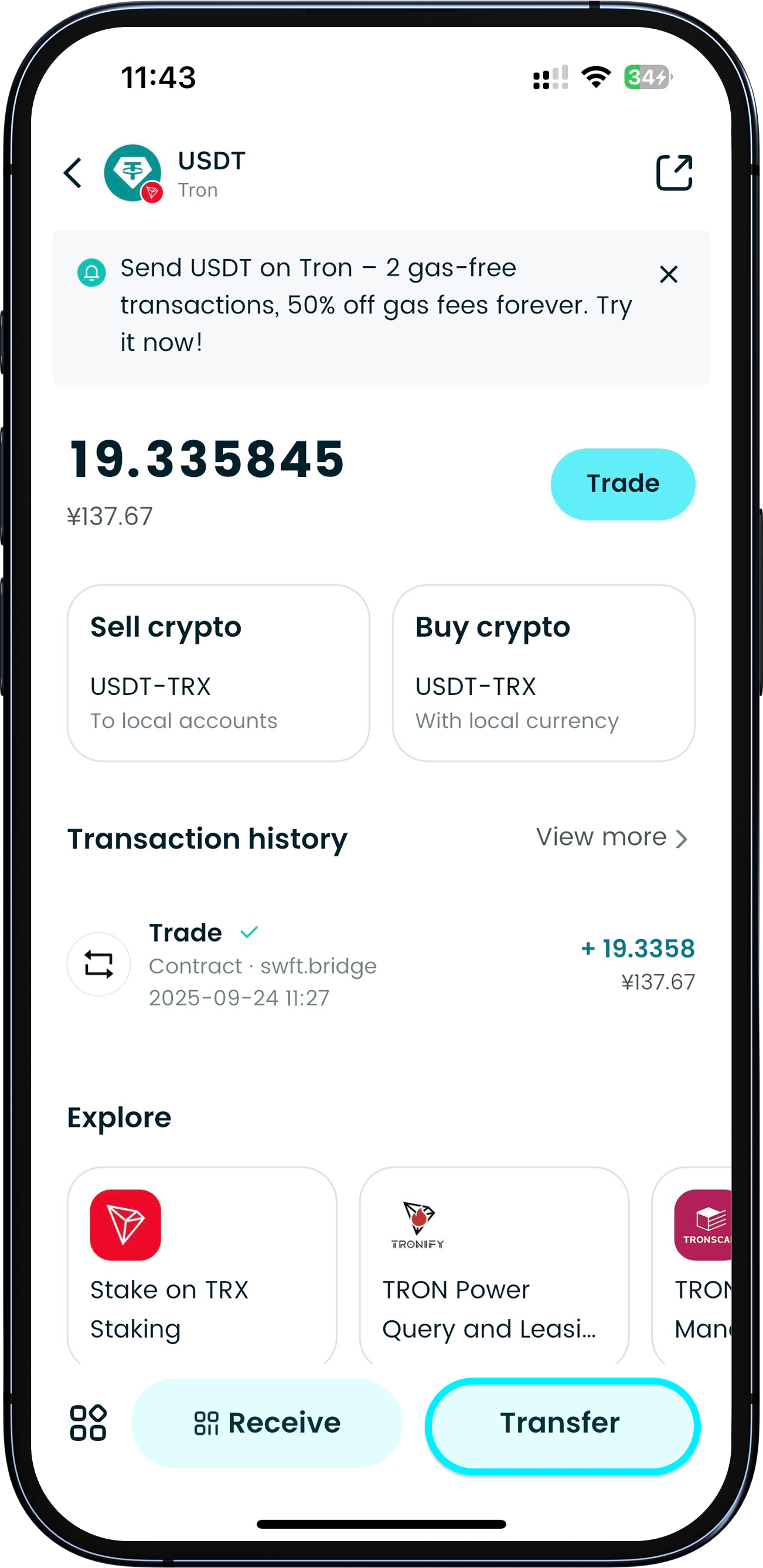
Navigate to the token's page, select the network, then tap "Send".
1
/
5
Sending crypto
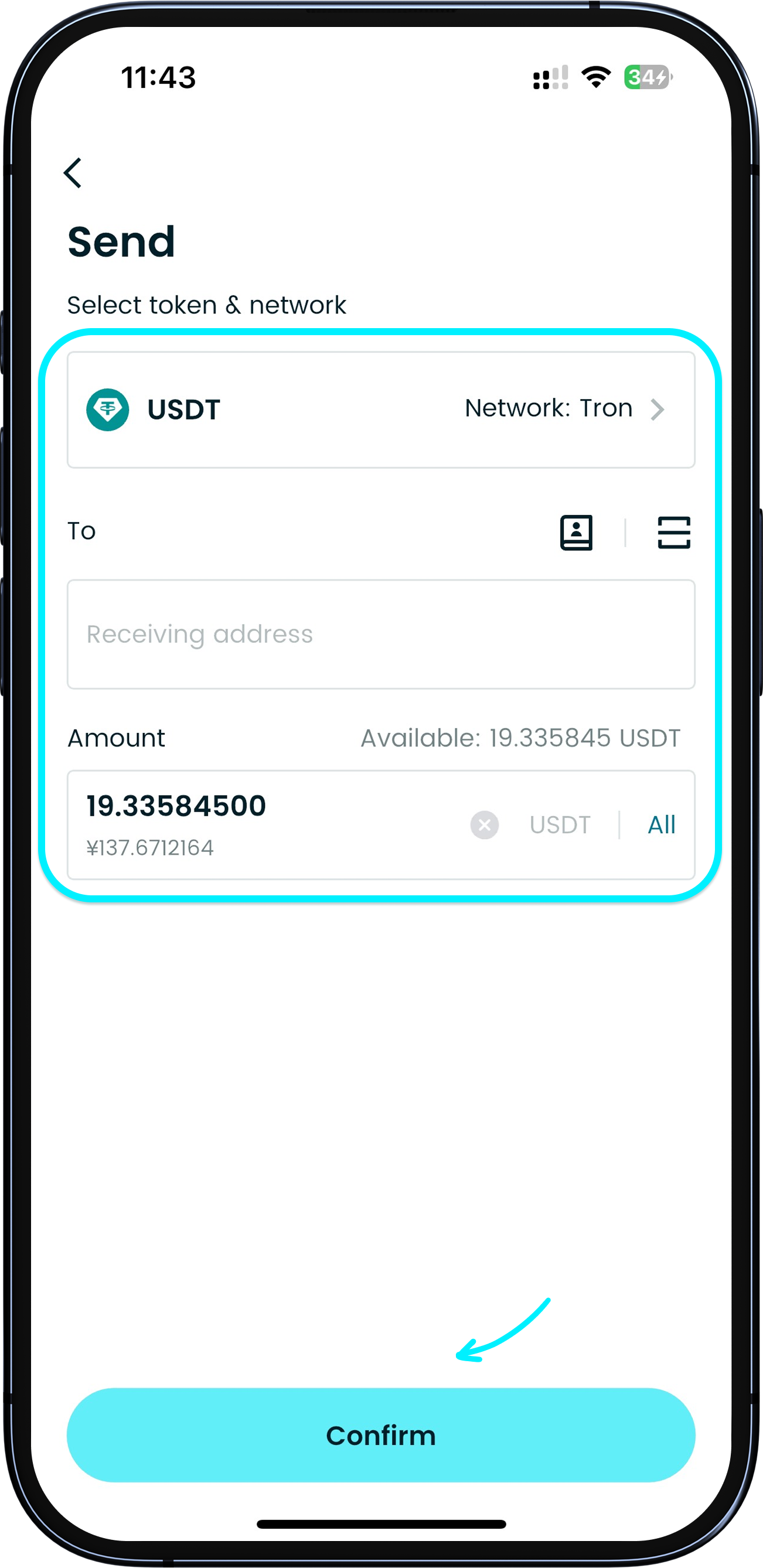
Select the token and network, paste your recipient's address or scan their address QR code, enter the amount, and tap confirm. Enter your PIN to complete the transaction.
1
/
5
Sending crypto
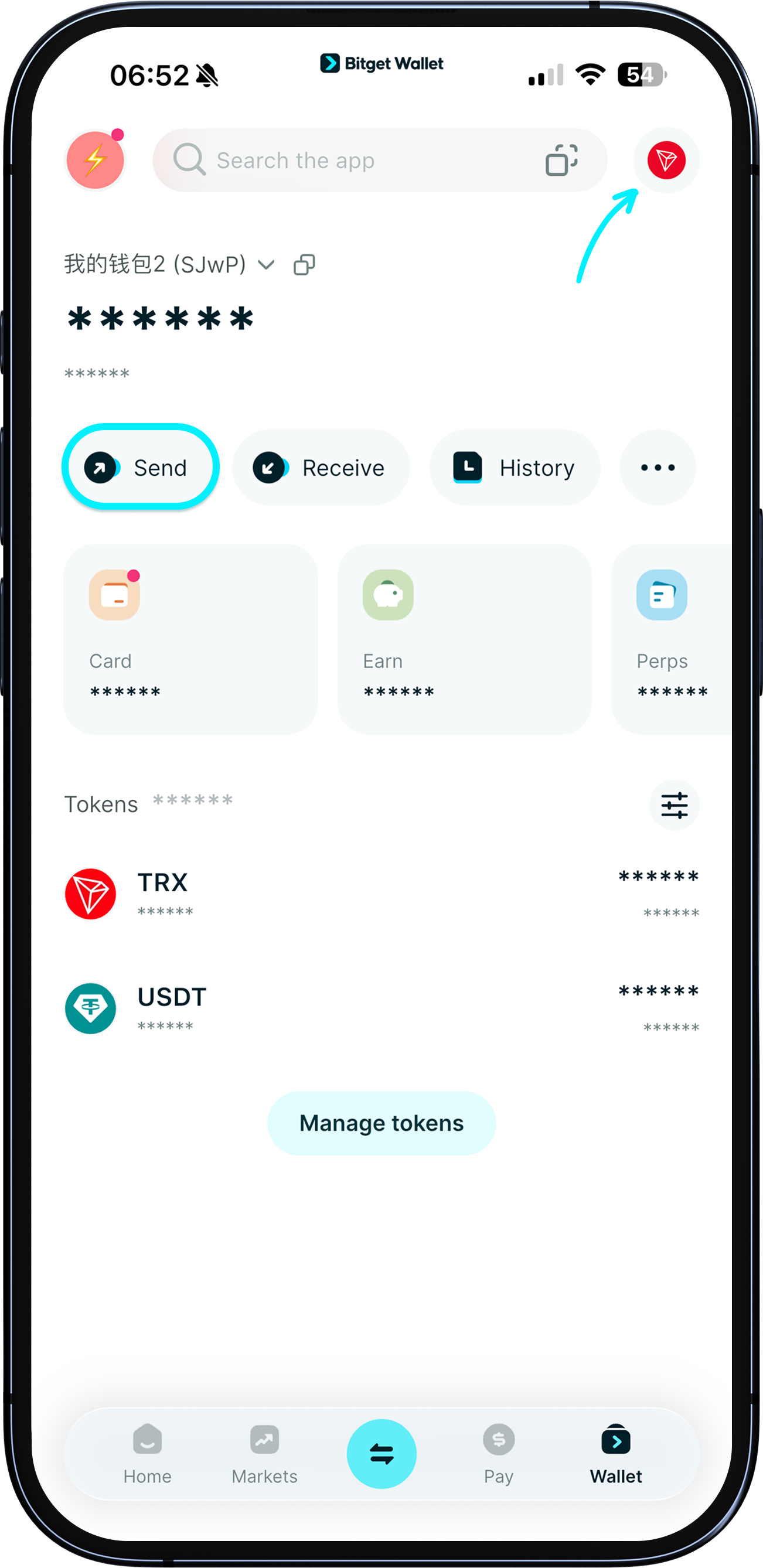
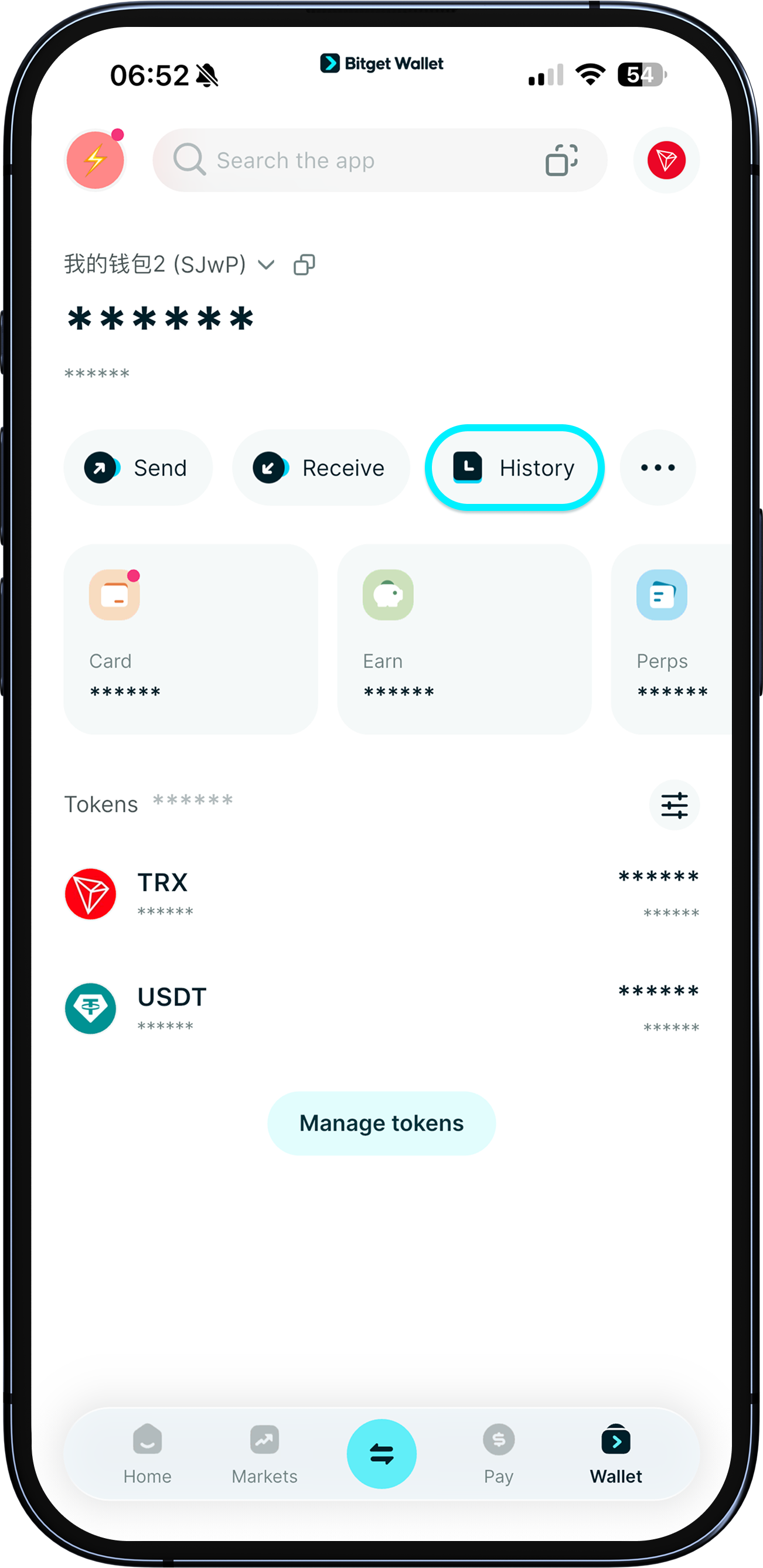
You can also go to "Wallet" > "Send", then choose the token and network to send.
<b>Important: Always check that the recipient's address is correct to avoid losses. </b>
1
/
5
Sending crypto
Important: Always check that the recipient's address is correct to avoid losses. After sending, check the status in "History".
<b>Recipient didn't receive the funds?</b> If status shows "Complete", funds left your wallet – ask the recipient to check the correct address on the same network. If "Pending", wait for network confirmation. If "Failed", funds remain in your wallet. Contact Customer Support with your transaction ID if needed.