


1
/
5
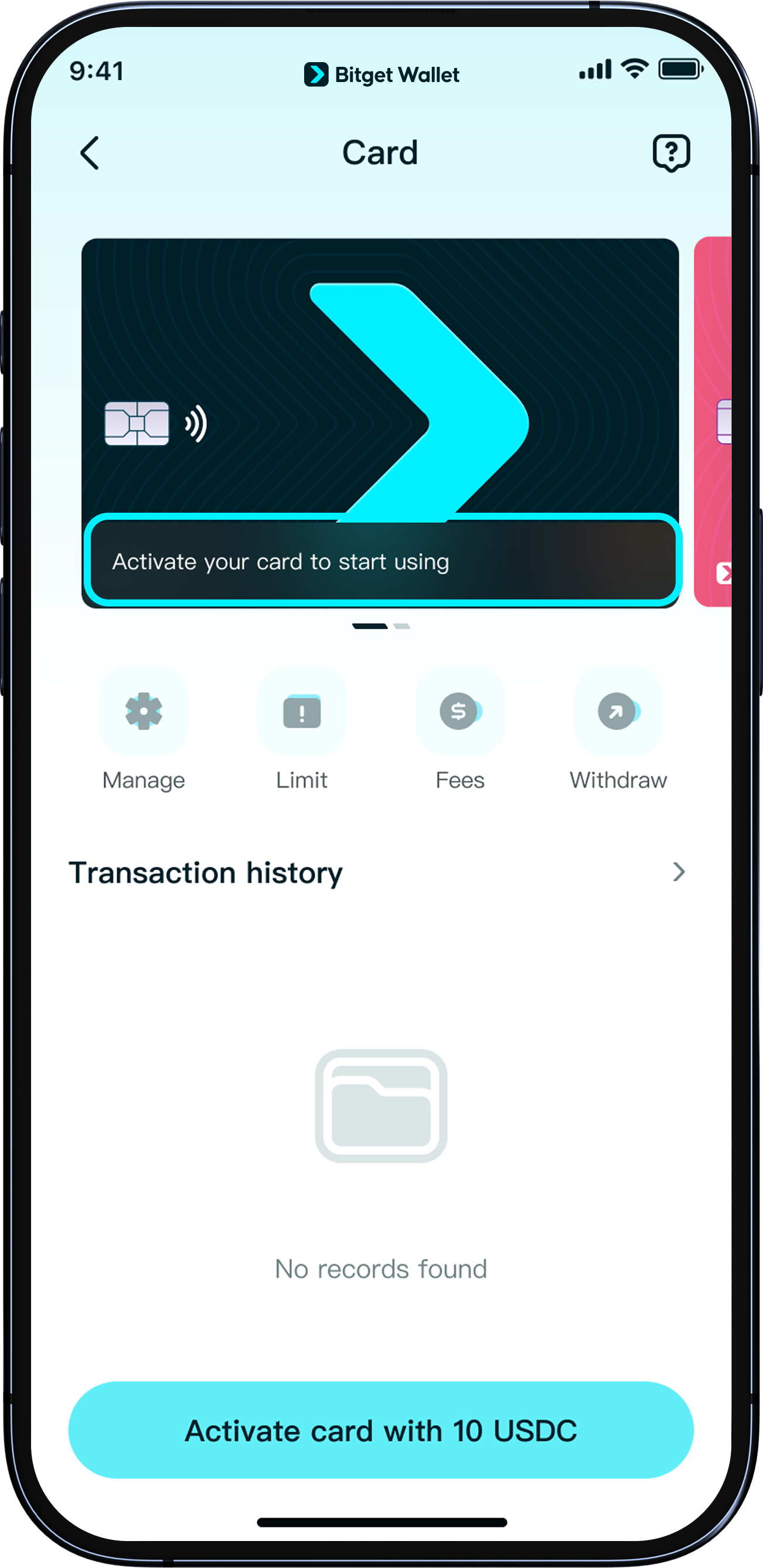
How to activate your Bitget Wallet Card
To activate your card, <b>we recommend depositing at least 12 USDC/USDT on a supported network</b>. Please check the supported networks listed in the app before you proceed. The deposited amount can be used for future spending.
To activate your card, <b>we recommend depositing at least 12 USDC/USDT on a supported network</b>. Please check the supported networks listed in the app before you proceed. The deposited amount can be used for future spending.
1
/
5
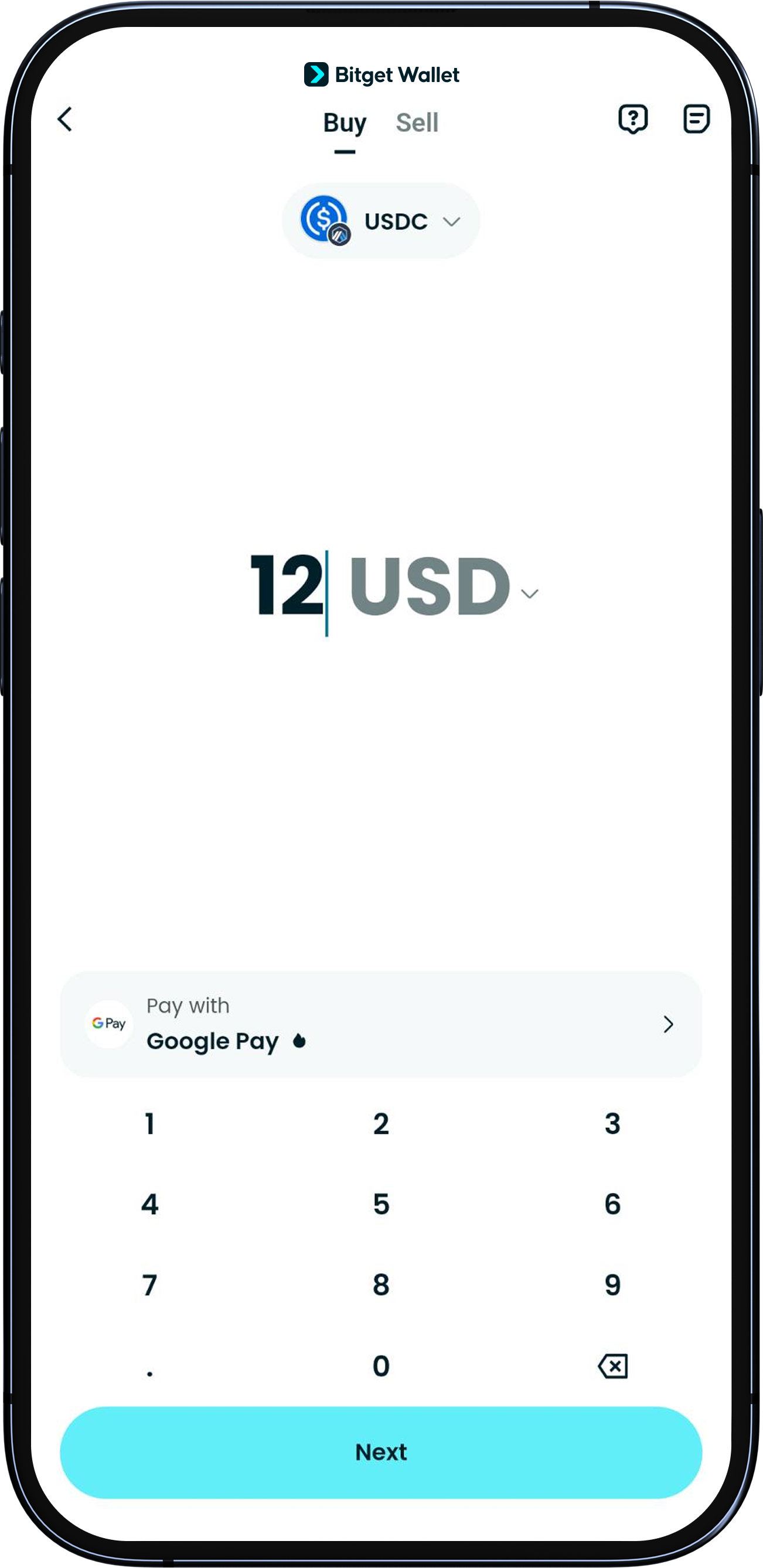
Top up with USDC/USDT
<b>Please Swap or Buy at least 12 USDC/USDT beforehand. This token must be in the same wallet you are using to apply for the card.<b>
Then return to "Wallet" > "Card" and tap "Activate now" to begin.
1
/
5
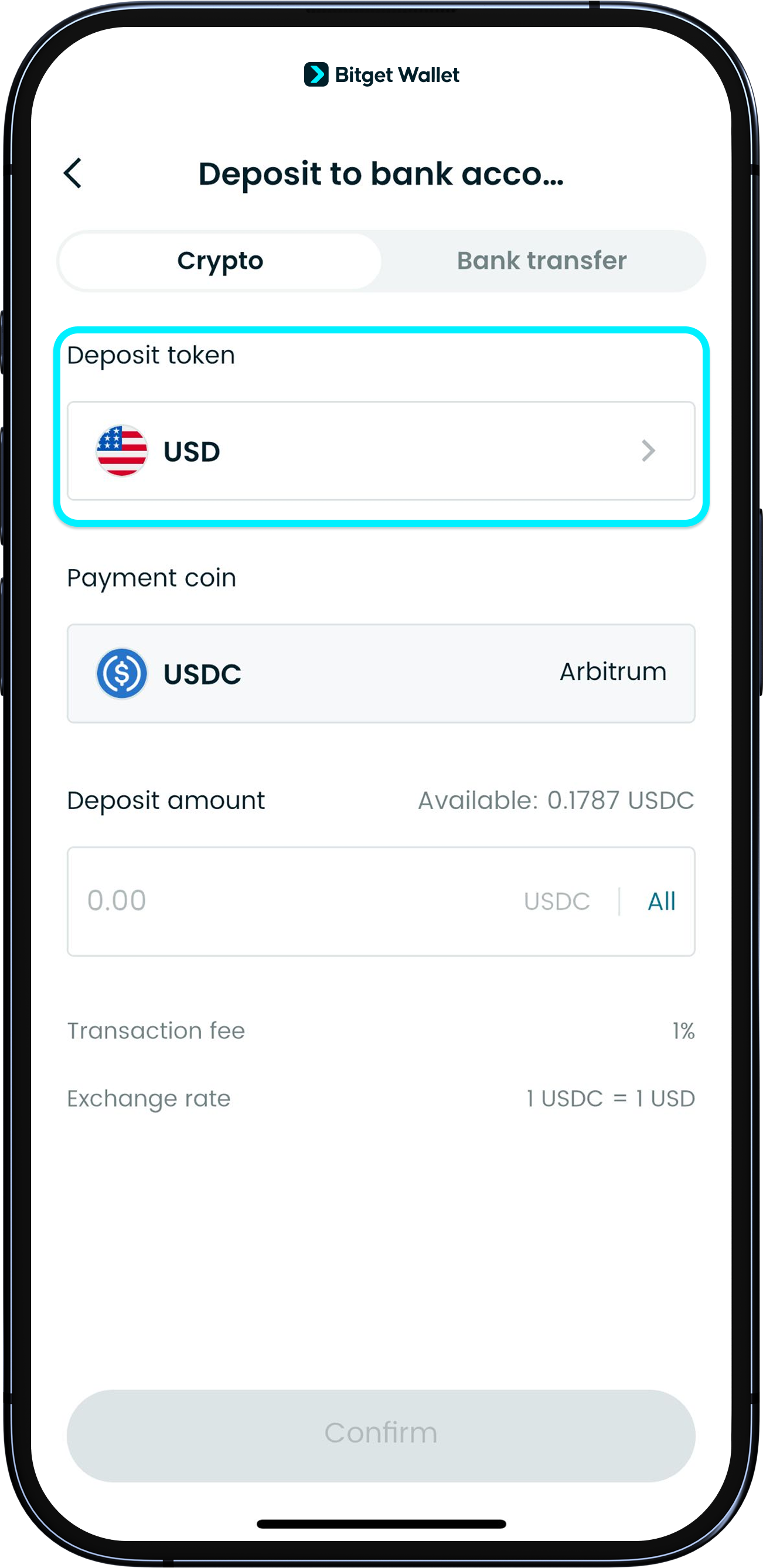
Set USD as deposit token
<b>Only USDC (USD) deposits are supported for activation.</b>
Please make sure the "Deposit" currency is set to “USD” before you transfer funds. Deposits in other cryptocurrencies will not activate the card.
1
/
5
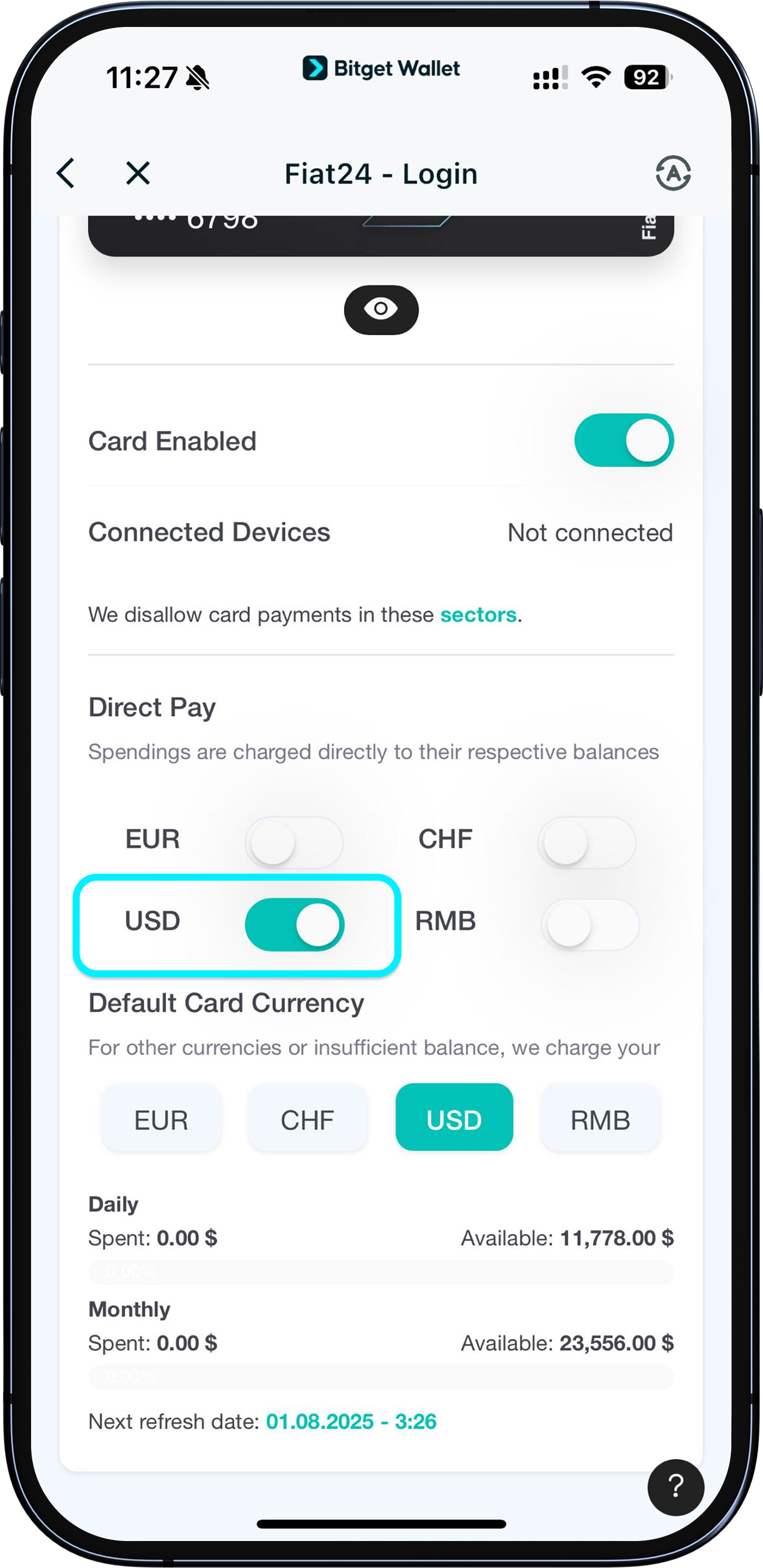
Authorize currency
After successful activation, if you’d like to spend in USDC, go to "Card" > "More" > "Manage" and check if USDC spending authorization is enabled.
If it’s not enabled, tap the button next to the currency and follow the prompts.
For more details, see section: Authorizing and selecting spending currencies.
1
/
5
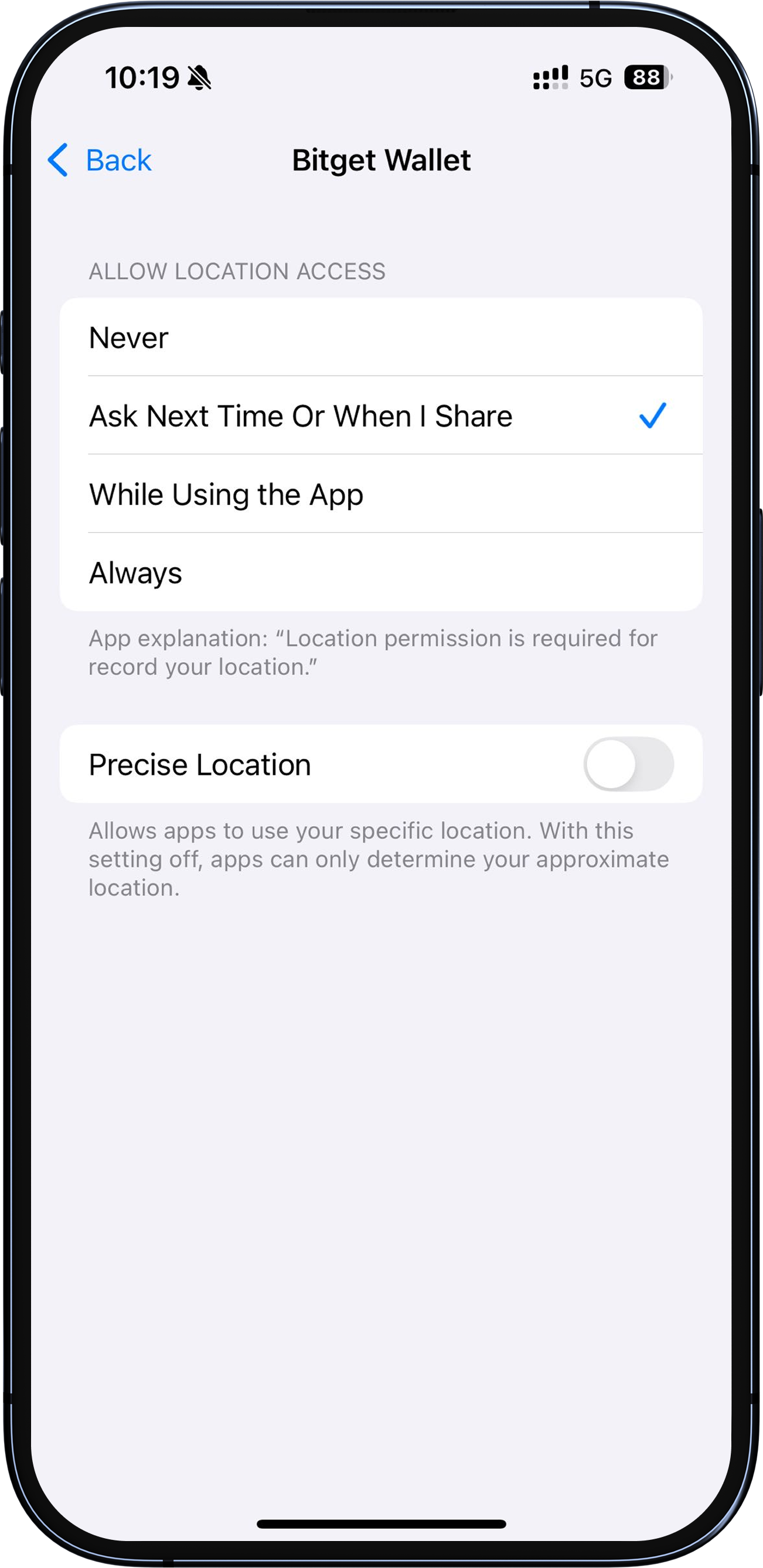
Prompt: “GPS not allowed”
If you see a prompt about GPS during the process, please go to your device's settings to authorize Bitget Wallet App to access your location.
