


1
/
8
Check token perps markets
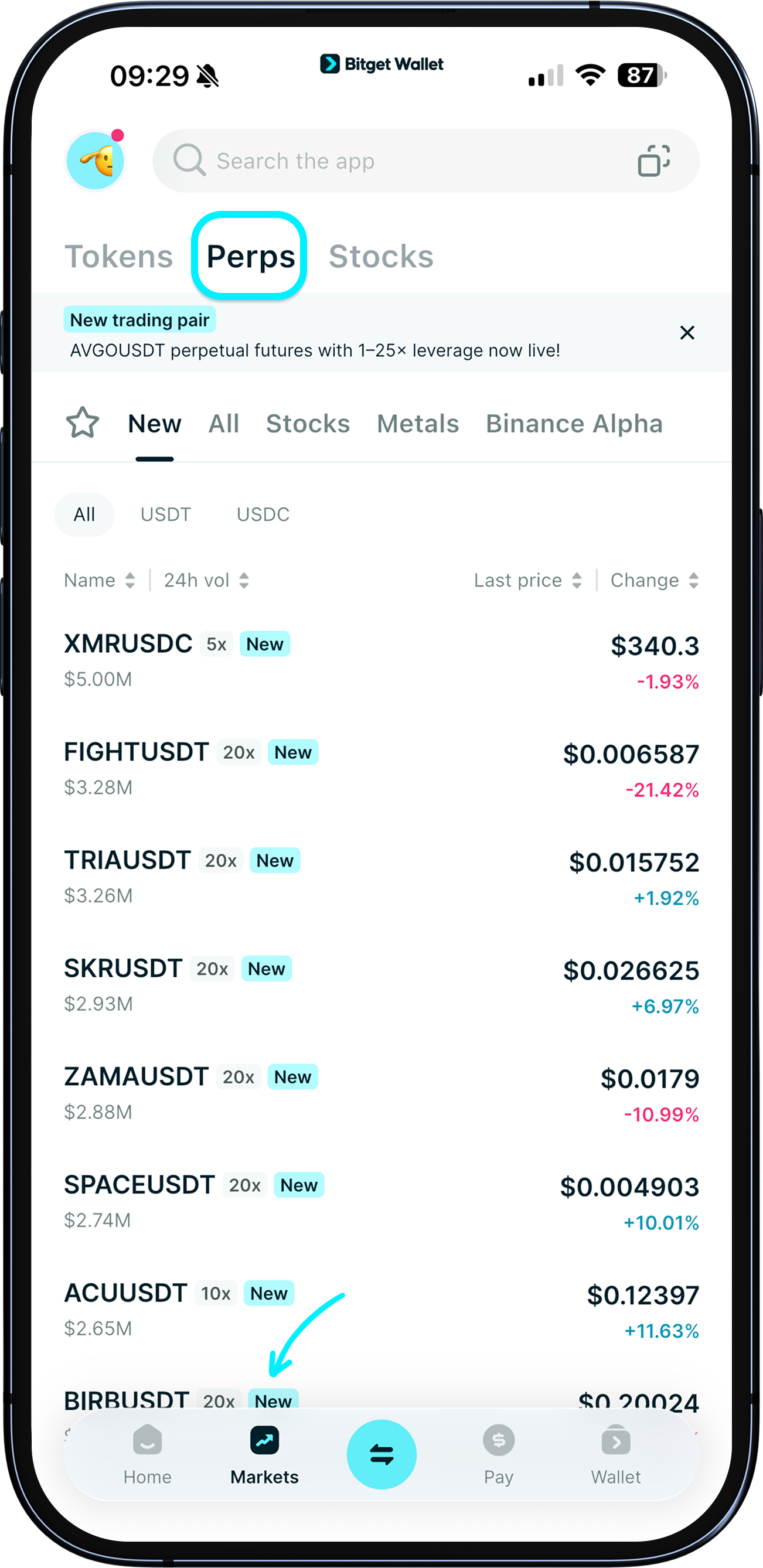
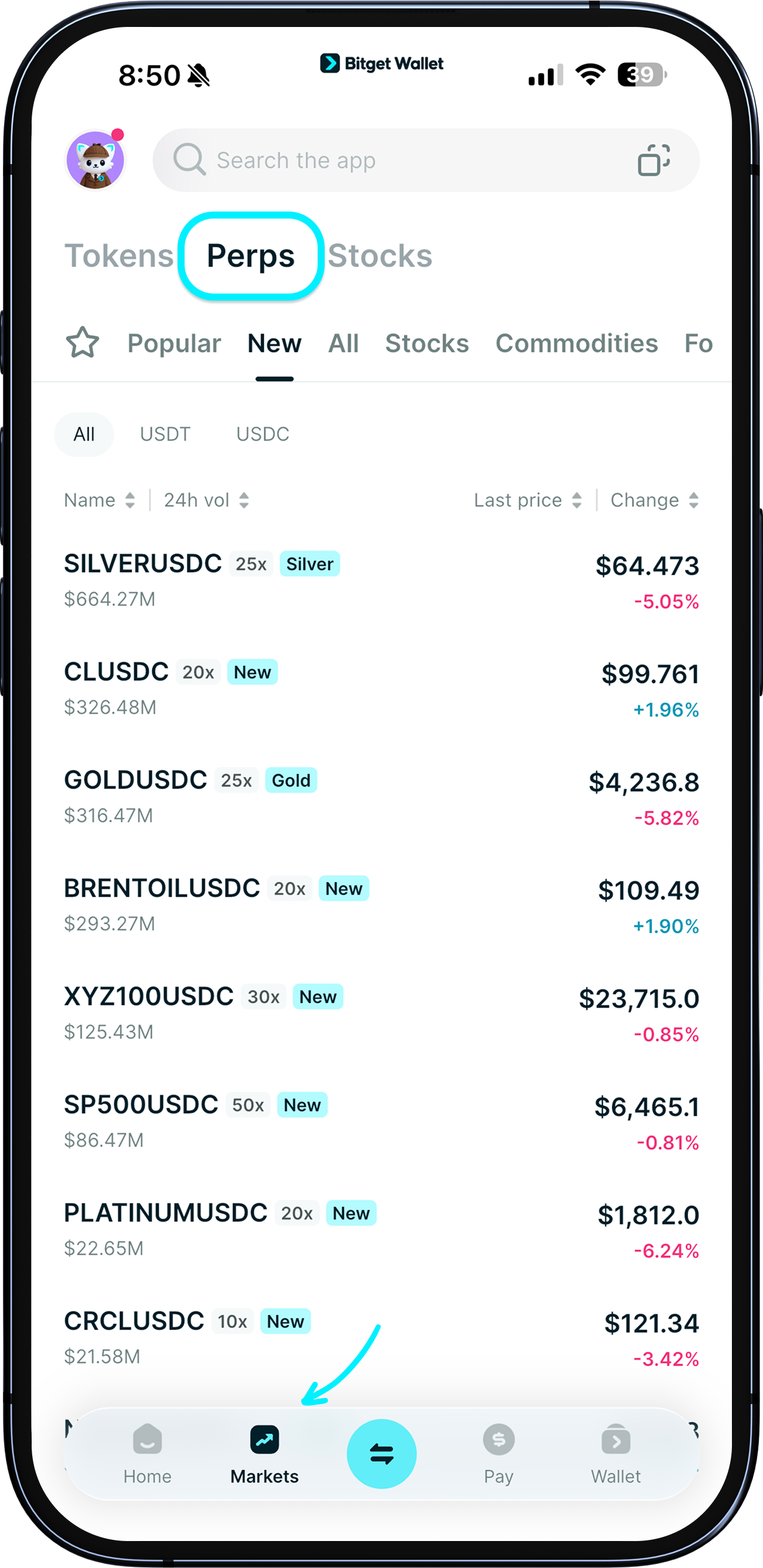
Go to "Markets" to browse or search token perps pairs. Here you can filter by categories such as "New" and "Stocks".
Tap a pair to see its detail page with candlestick chart and recent trades. Tap "Buy long" or "Sell short" to enter the trading page.
Go to "Markets" to browse or search token perps pairs. Here you can filter by categories such as "New" and "Stocks".
Tap a pair to see its detail page with candlestick chart and recent trades. Tap "Buy long" or "Sell short" to enter the trading page.
1
/
8
Transfer funds to your perps account
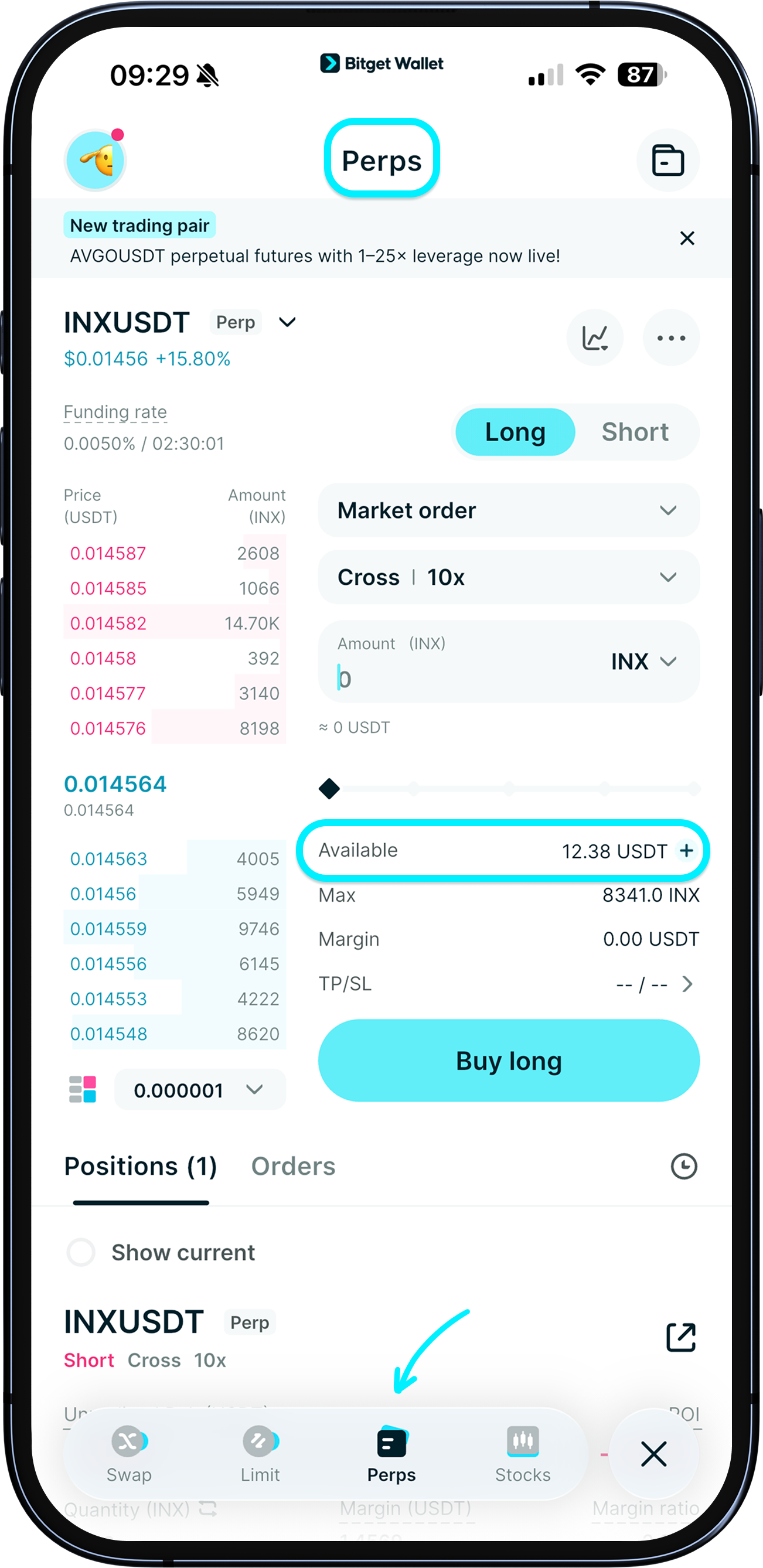
Before trading, fund your Perps account. In "Trade" > "Perps", check your available USDT/USDC and tap "+" to make a deposit.
You can transfer from your Bitget Wallet or send USDT/USDC from another wallet to your Perps account address.
Note: Your Perps account is separate from your wallet account. Transfers to the Perps account require gas fees.
1
/
8
Place a perps trade
Go to "Trade" > "Perps".
Tap the pair name to switch to another token pair.
Tap "Cross" to switch margin mode between "Cross" and "Isolated".
Tap "10x" to adjust leverage.
Tap the "star" icon to favorite the pair and view its chart on the trading page.
Tap “...” for more settings and info.
1
/
8
Choose order type
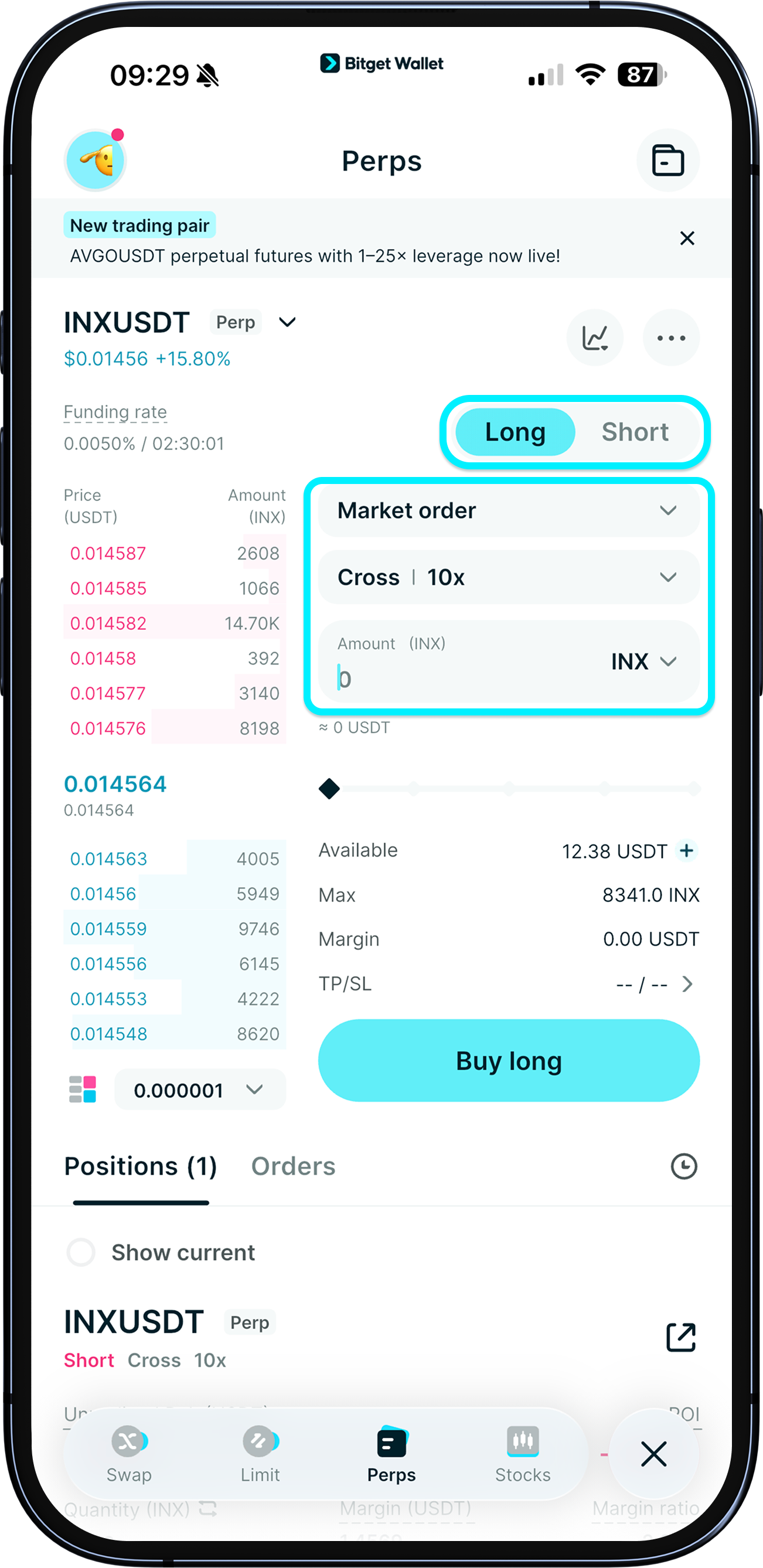
Tap "Limit order" to change order type: Limit, Market, or Trigger.
Set price and amount. Required margin is auto-calculated.
Based on your view, tap "Buy long" if you expect price to rise, or "Sell short" if you expect price to fall.
1
/
8
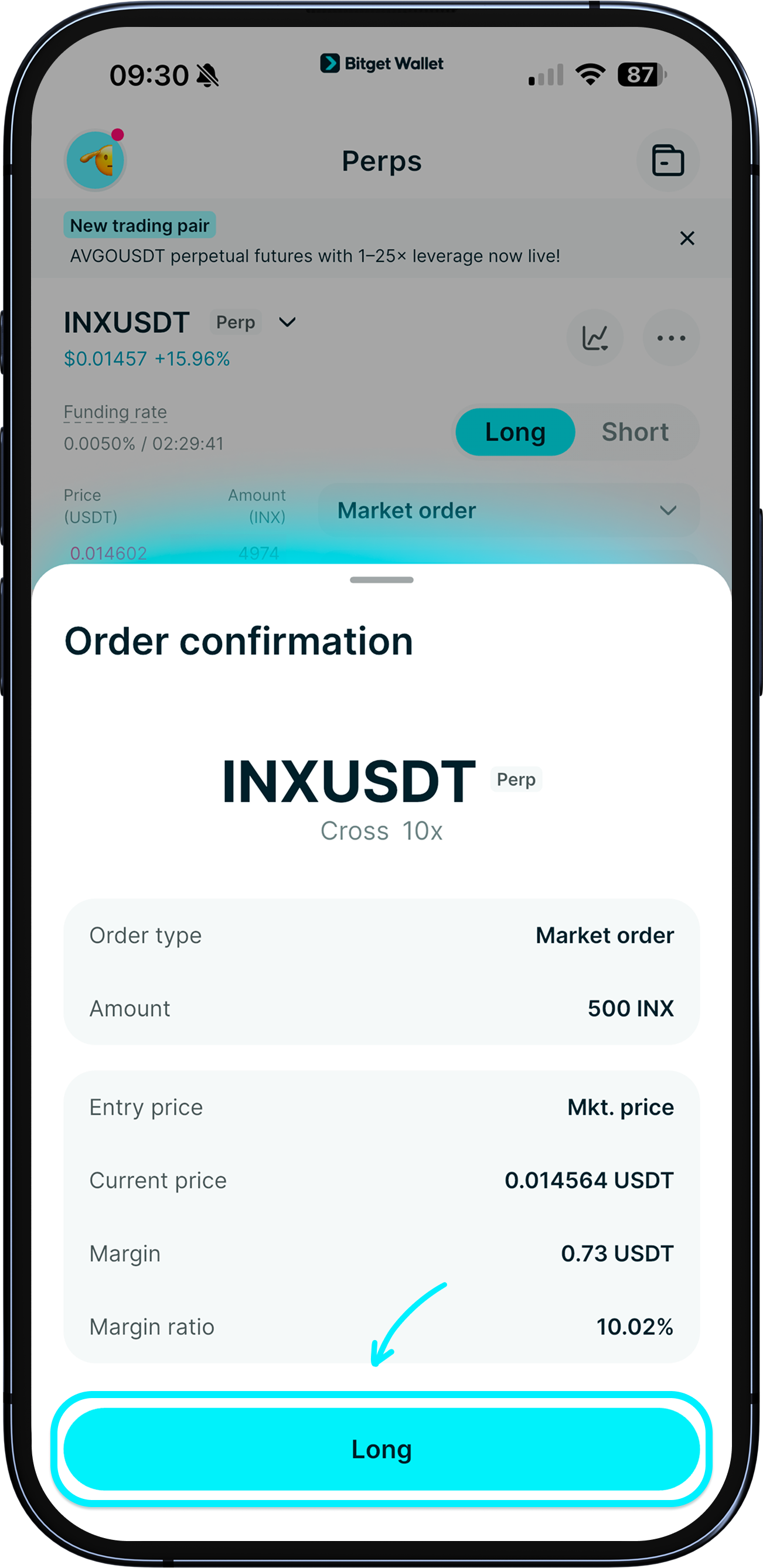
Confirm the order
Review the perps order details. Tap "Confirm" to place the order.
1
/
8
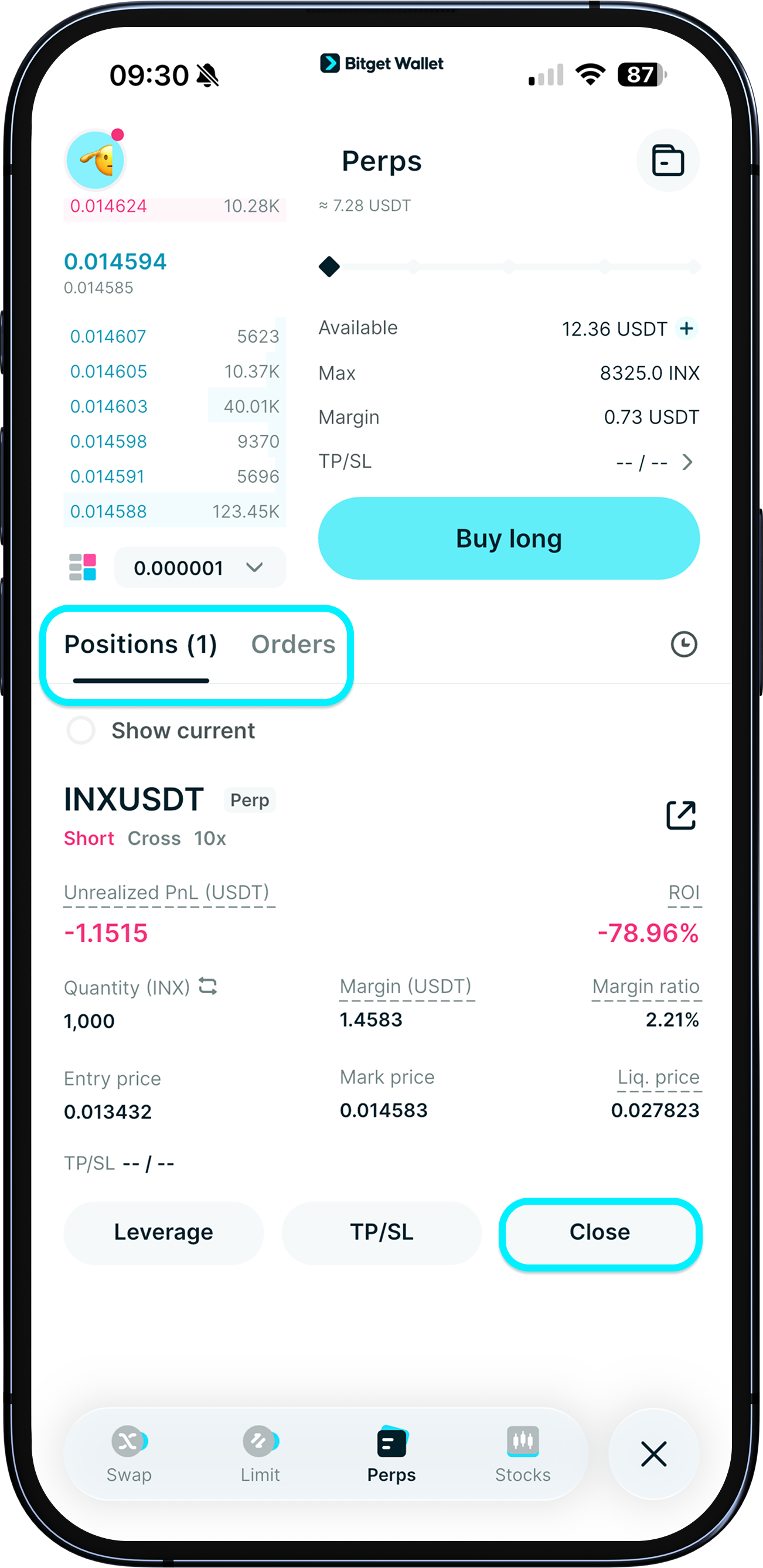
View and manage your position
After your order fills, your open position and key metrics appear at the bottom of the page.
If you placed a Trigger order, find it under "Open orders".
To close a position, tap "Close".
1
/
8
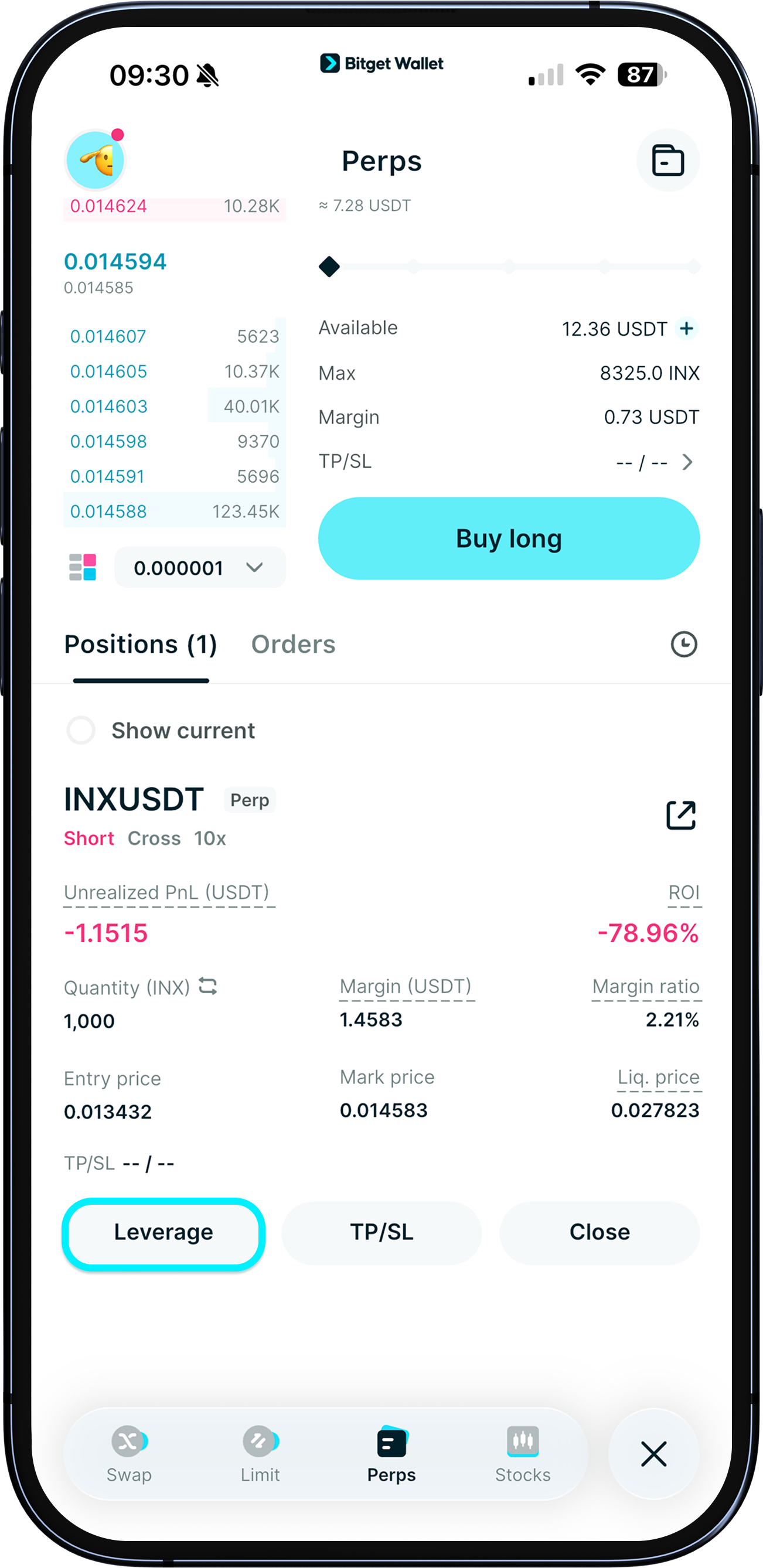
Adjust leverage
You can adjust leverage before the order is filled. Higher leverage reduces required margin but increases risk.
1
/
8
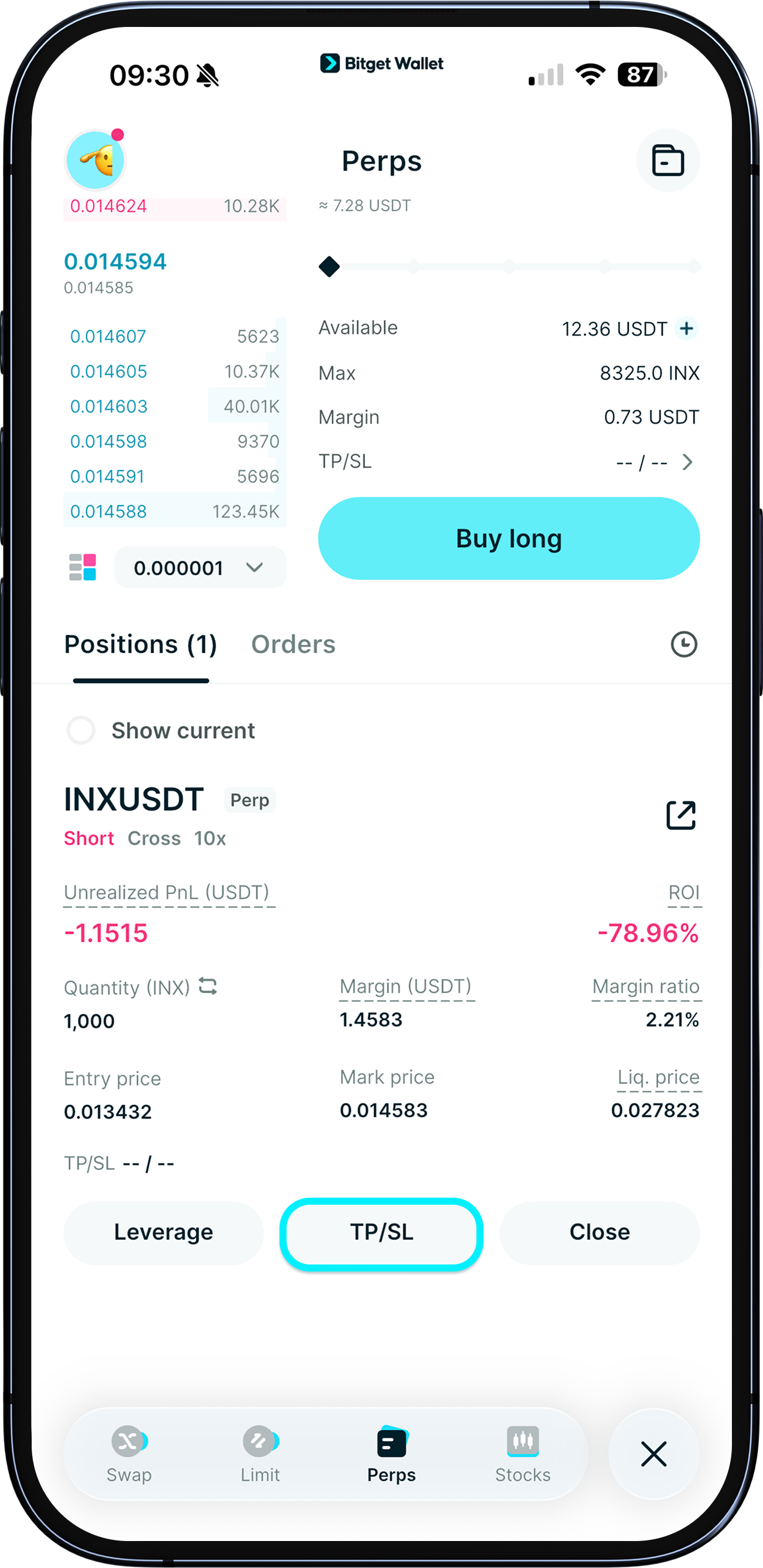
Set take-profit and stop-loss
Add TP/SL to lock in gains and limit losses. Choose the trigger type (Last price or Mark price), set the trigger price(s), and the system will calculate your estimated PnL automatically.