



1
/
6
How to safely import another wallet
Already have a wallet? No problem! You can bring it over to Bitget Wallet. You can import using seed phrases, private keys, or cloud backups. But more often, we suggest importing via seed phrases to comfortably accommodate future public networks.
To move your wallet over, first:
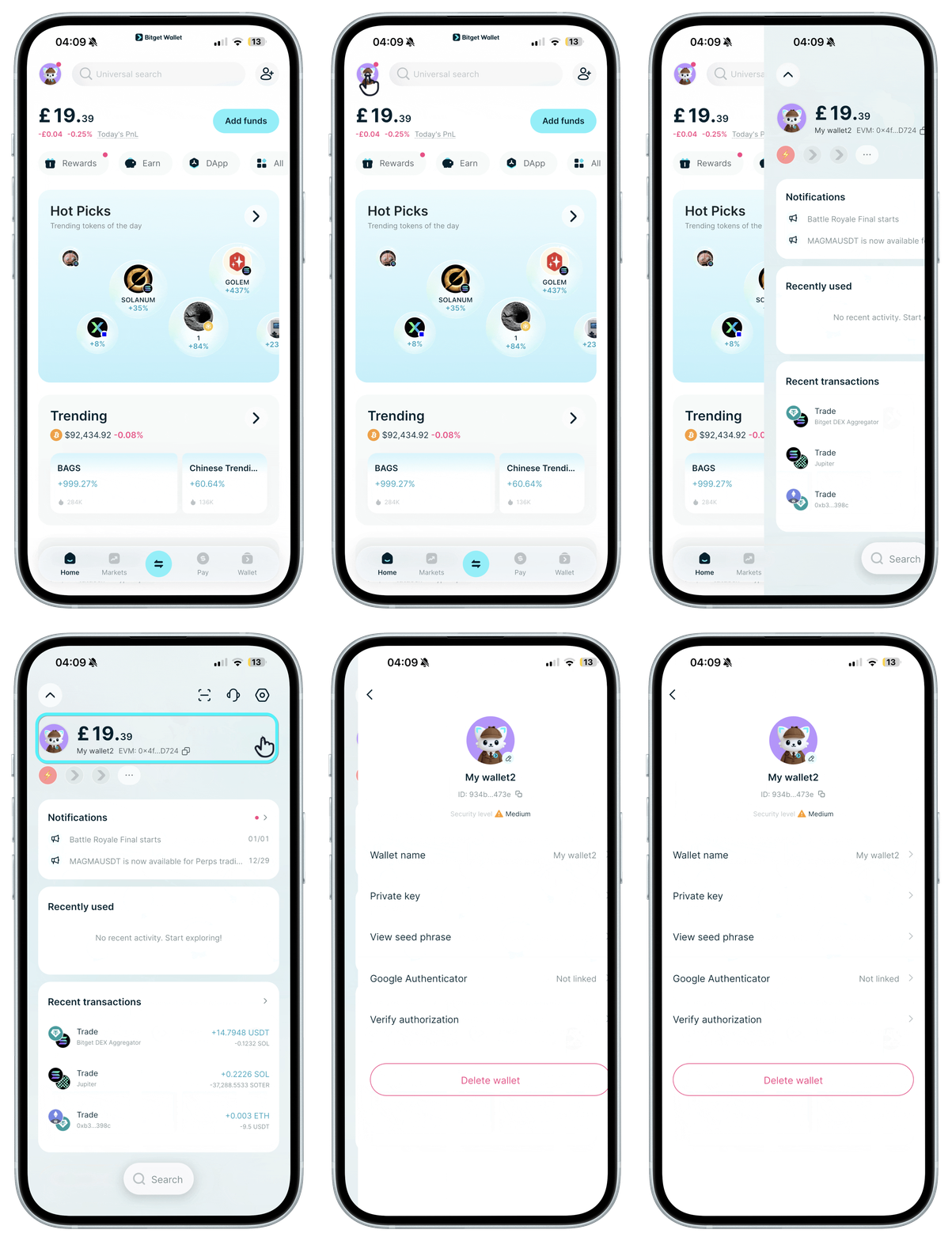
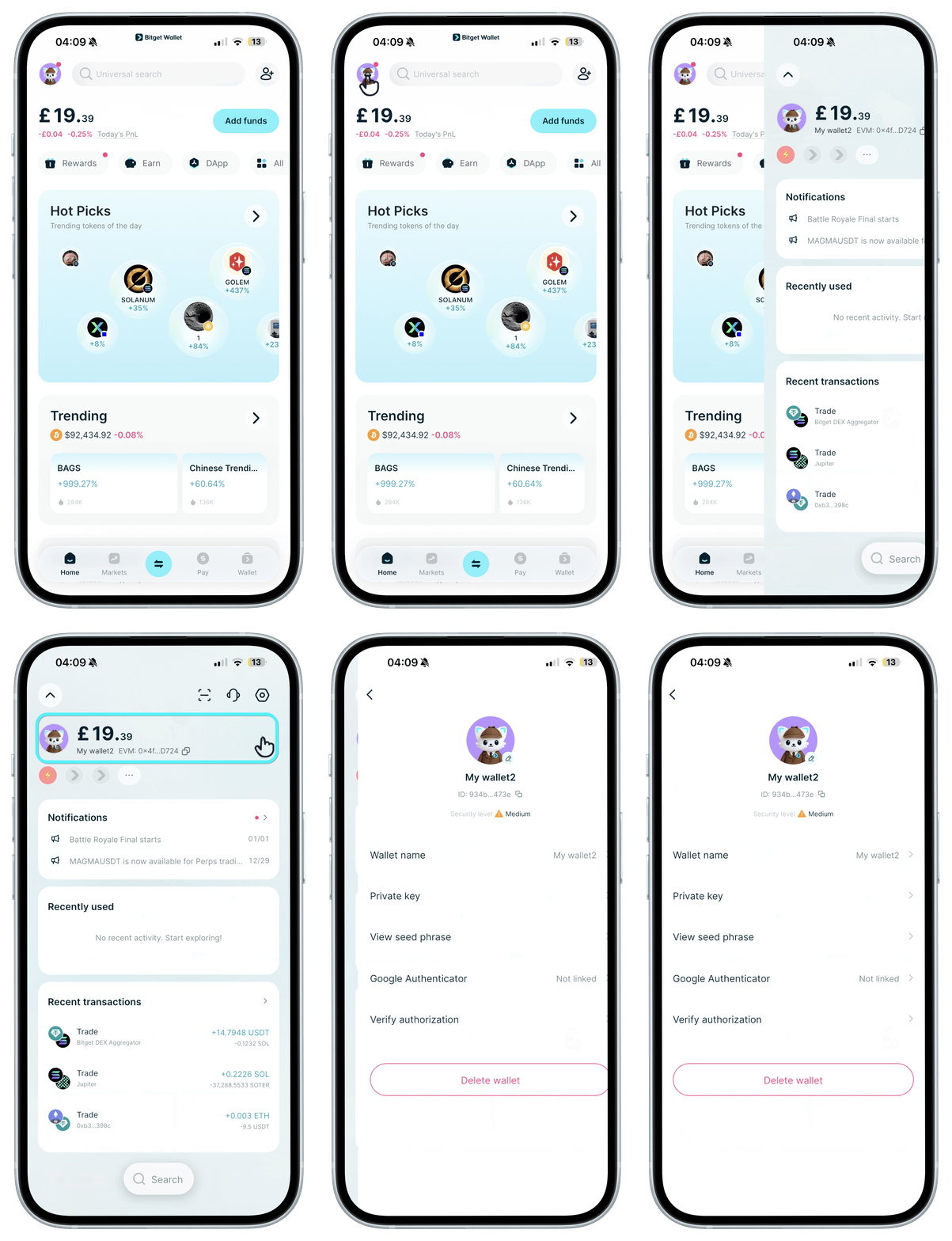
Retrieve backup: In your existing wallet app, locate your seed phrases or private key, typically found on the wallet management page. Record it correctly in a secure environment and check the spelling and order of words.
Already have a wallet? No problem! You can bring it over to Bitget Wallet. You can import using seed phrases, private keys, or cloud backups. But more often, we suggest importing via seed phrases to comfortably accommodate future public networks.
To move your wallet over, first:
Retrieve backup: In your existing wallet app, locate your seed phrases or private key, typically found on the wallet management page. Record it correctly in a secure environment and check the spelling and order of words.
1
/
6
How to safely import another wallet
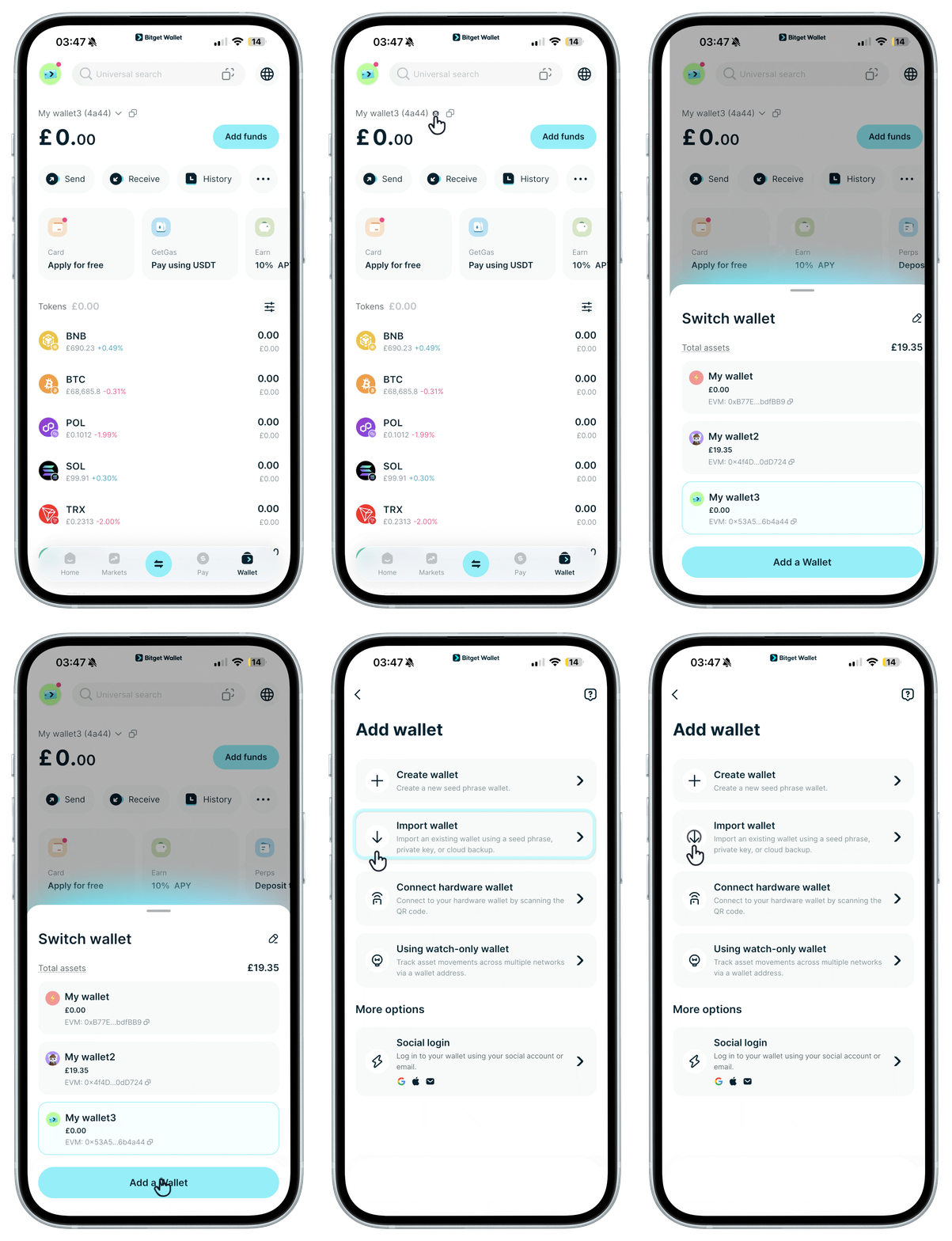
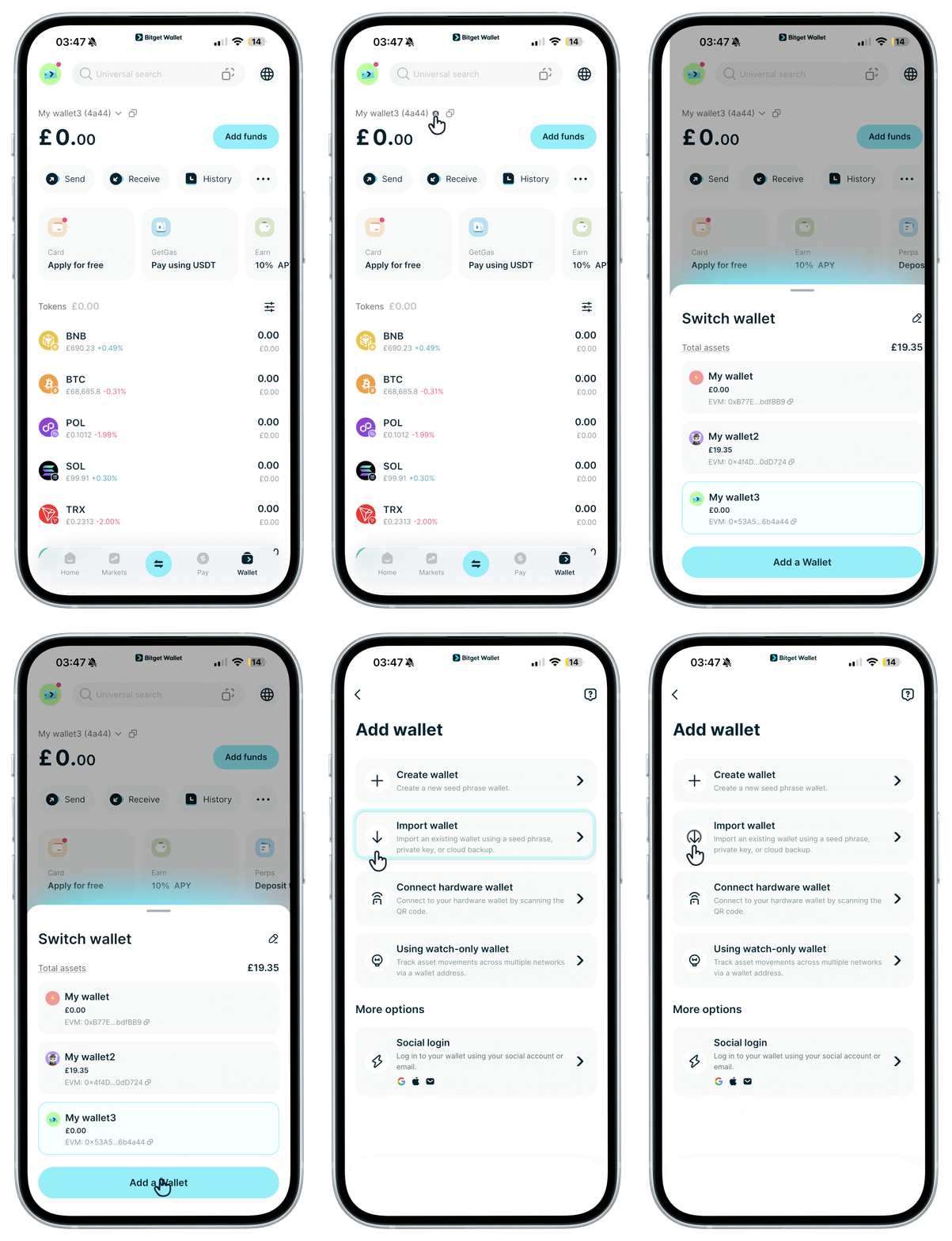
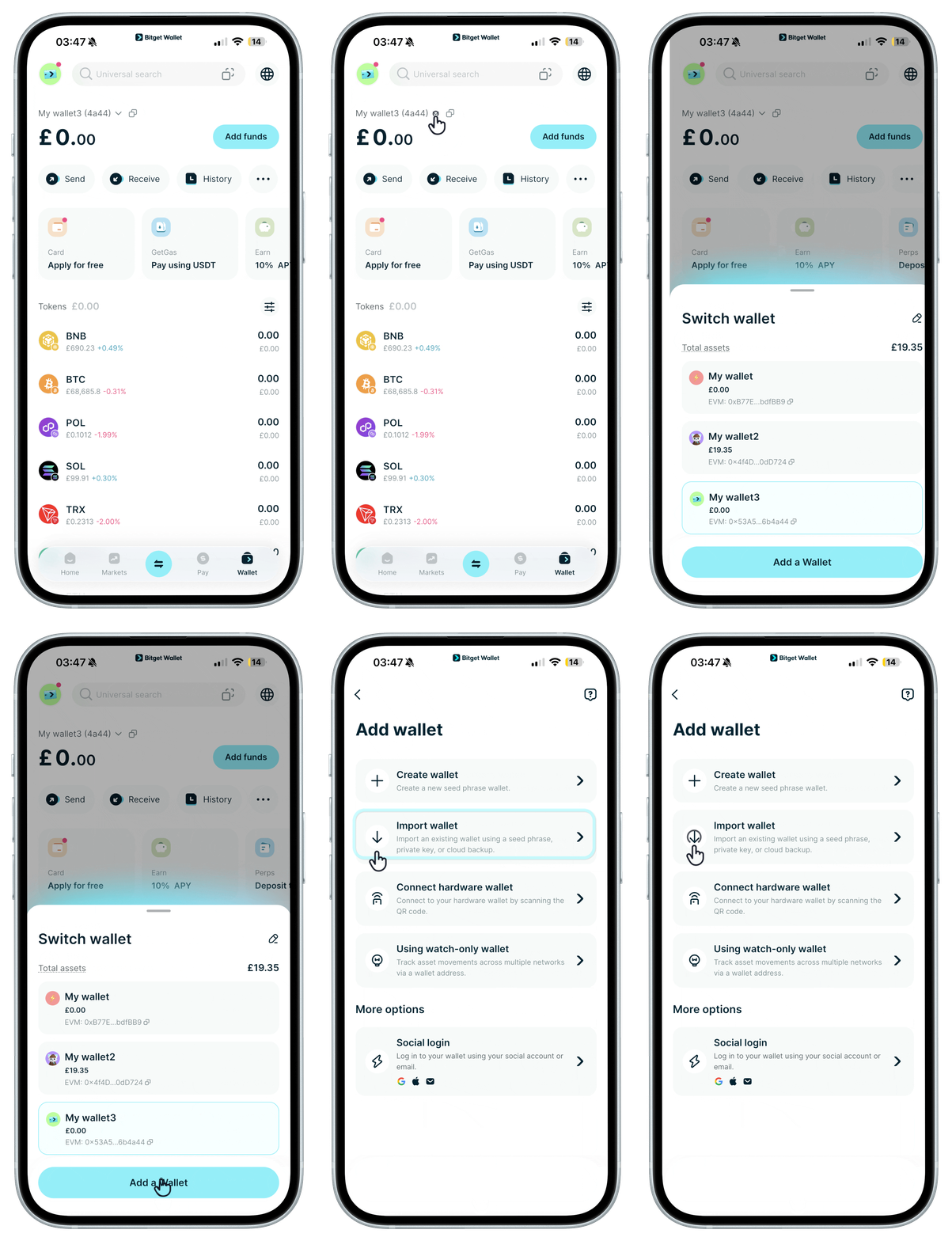
Open Bitget Wallet, tap your avatar, and select "Add Wallet" > "Import Wallet".
1
/
6
How to safely import another wallet
Choose the "Seed phrase or private key wallet" option and click "Import".
1
/
6
How to safely import another wallet
Enter your seed phrase or the private key and tap "Confirm".
1
/
6
How to safely import another wallet
After successfully importing, verify if your total assets and the assets of each chain in your new wallet match that of your previous one.
And there you go, you're all set! If you don't think you'll use your old wallet anymore, consider removing it from your previous app to keep everything secure. Always remember to manage your backups securely.
1
/
6
Seeing incorrect assets after importing your wallet?
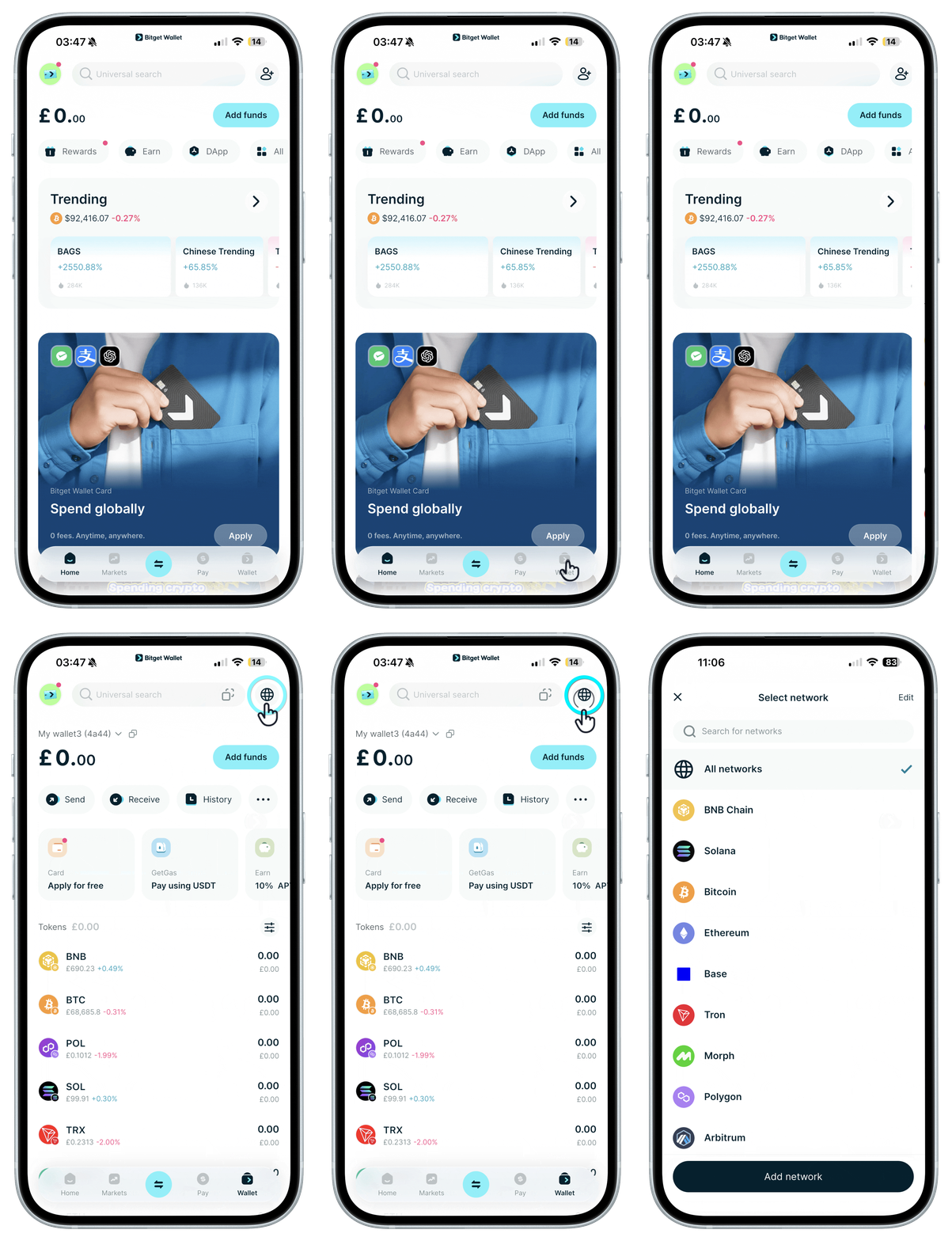
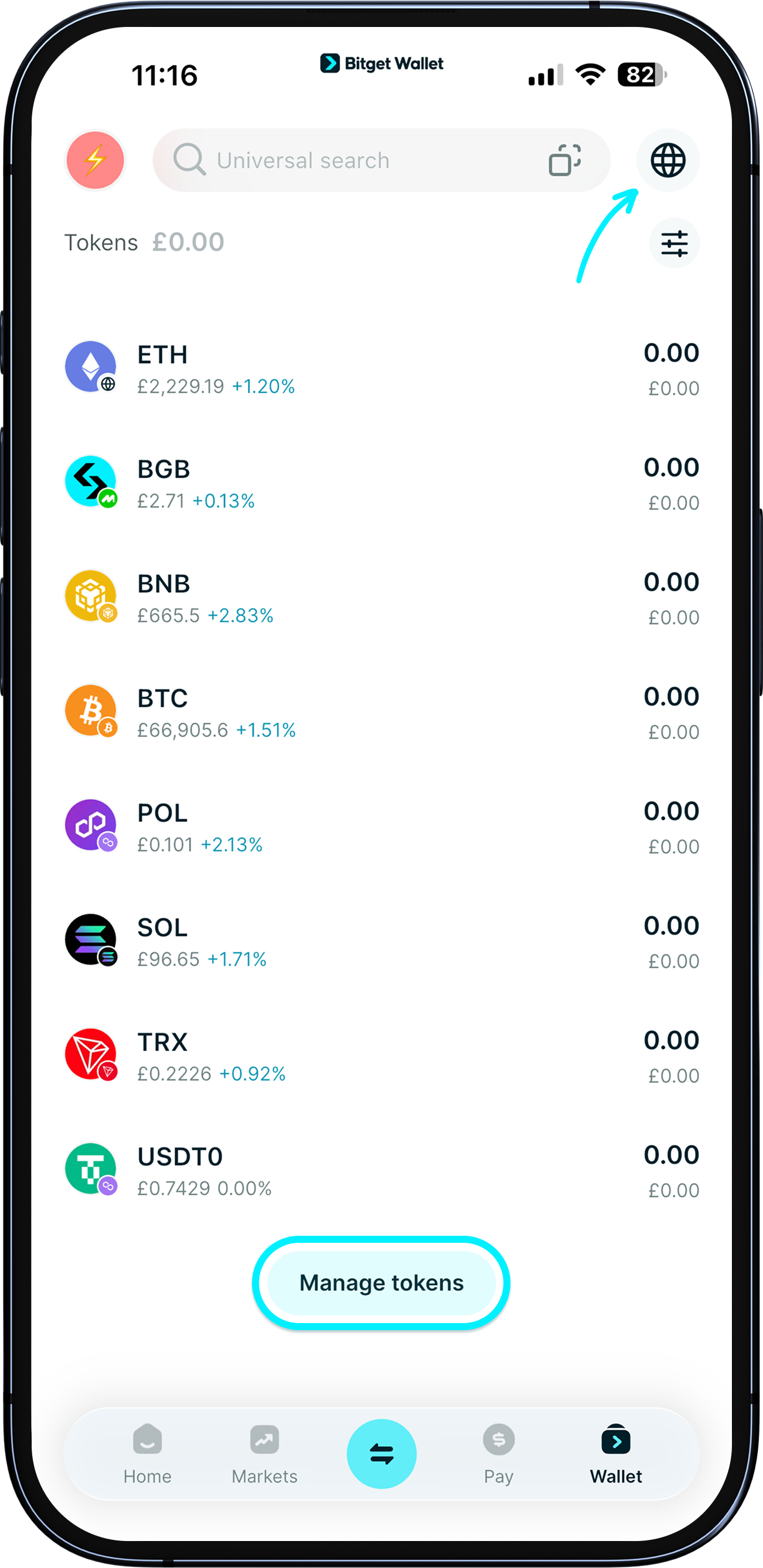
For common mainnets like EVM chains, SVM chains, TON, TRON, and Aptos, your assets on these networks will display automatically after a successful import. Try refreshing the page.
If your assets aren't on these networks and don't appear after import, remove the existing network or disable the relevant tokens first, then re-add them.