


What is a LOKTAR Wallet?
A LOKTAR wallet is a digital interface that allows you to securely store, send, and manage your LOKTAR tokens on the Solana blockchain. As an experimental derivative mascot token, LOKTAR originated from the 'Return to Memes' (RTM) community event. It is built on the Solana blockchain, reportedly named by crypto influencer Ansem, who received 25% of the supply. The project is driven by an anonymous team and focuses on community engagement, collectibles, and meme-culture ecosystem building. Because it is a native SPL token on Solana, a LOKTAR wallet must be compatible with the Solana network to ensure you can interact with decentralized applications and token transfers without compatibility issues.
Download Bitget LOKTAR Wallet
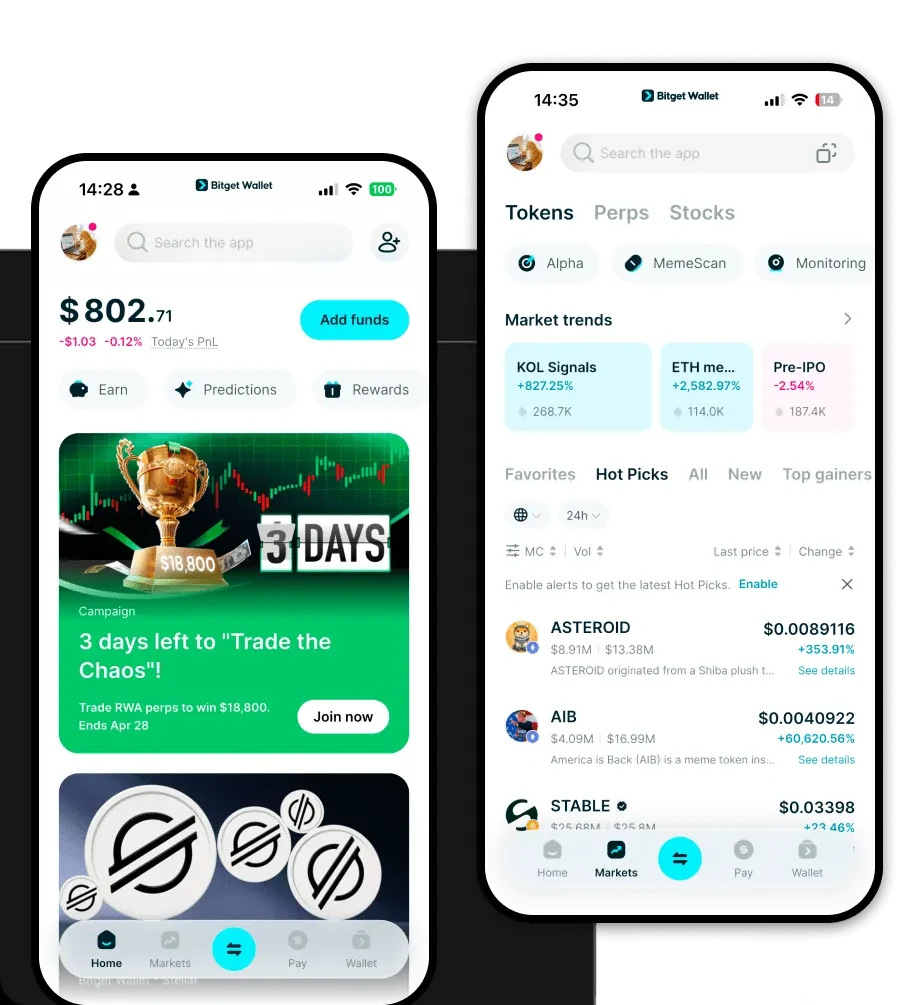
To start your journey with LOKTAR, you need a reliable gateway. We recommend you download Bitget Wallet to experience a seamless interface that puts you in full control of your assets. Unlike custodial exchange accounts, Bitget Wallet provides true self-custody, meaning you hold your private keys and seed phrases securely. Whether you prefer managing assets on the go via iOS or Android, or you need a robust browser extension for desktop interactions, Bitget Wallet covers all bases. It supports over 130 public chains, ensuring that your LOKTAR holdings are just the beginning of your multi-chain portfolio management experience.
Why Choose Bitget LOKTAR Wallet?
Choosing the right wallet for a Solana-based meme token requires specific features that cater to high-frequency, low-cost environments. Bitget Wallet stands out for the following reasons:
- Native Solana Integration: Experience lightning-fast transaction speeds and minimal fees, which are essential for active meme token trading.
- Advanced DEX Aggregation: Bitget aggregates liquidity from hundreds of decentralized exchanges, ensuring you get the best price when swapping LOKTAR.
- Robust Security Architecture: With an integrated 300 million USD user protection fund, your assets are shielded against potential on-chain threats.
- DApp Browser Access: Easily connect to Solana-based meme platforms and NFT marketplaces directly within the wallet's secure browser.
- User-Centric Asset Management: Manage your entire portfolio, including meme tokens and NFTs, in one clean, intuitive interface.
How to Create a LOKTAR Wallet
Setting up your Bitget Wallet to hold LOKTAR is a straightforward process designed for both beginners and veterans:
1. Download and Install: Visit the official website to download Bitget Wallet on your preferred device.
2. Create a New Wallet: Open the app, select 'Create Wallet,' and ensure you back up your 12-word seed phrase in a secure, offline location.
3. Set Your Password: Establish a strong, unique password to add an extra layer of local encryption to your wallet access.
4. Enable Solana: Navigate to the token management section and ensure the Solana network is enabled. You can search for the LOKTAR contract address to add it to your dashboard.
5. Receive Tokens: Click on 'Receive' under your Solana account to generate your public LOKTAR wallet address, which you can share to receive tokens.
What Can You Do With a LOKTAR Wallet?
Holding LOKTAR in a dedicated wallet like Bitget unlocks the full potential of this meme ecosystem:
- Trading on decentralized exchanges: Utilize the built-in swap features to quickly exchange LOKTAR for other Solana assets without leaving your wallet.
- Community participation: Use your wallet to connect to RTM-related community platforms, allowing you to engage with the movement directly.
- Collecting meme-based digital assets: Securely store unique LOKTAR-related NFTs and collectibles that are part of the broader ecosystem.
- Governance voting attempts: Participate in future community-driven initiatives or governance proposals that may arise as the project matures.
How LOKTAR Wallets Are Different from Other Crypto Wallets
LOKTAR is a Solana-based token, and using a specialized wallet like Bitget highlights why this is superior to legacy EVM-based wallets. Unlike Ethereum-based wallets that rely on the complex gas-heavy account model, Solana wallets leverage a high-throughput architecture. While EVM wallets often struggle with congestion and high fees during peak meme-season, the Bitget Solana-integrated wallet ensures that your transactions are processed in milliseconds with negligible costs. Furthermore, whereas some wallets require manual network configuration, Bitget offers a streamlined experience tailored for the Solana ecosystem, ensuring that your LOKTAR wallet address remains consistent and easy to manage across all your devices.