


1
/
12
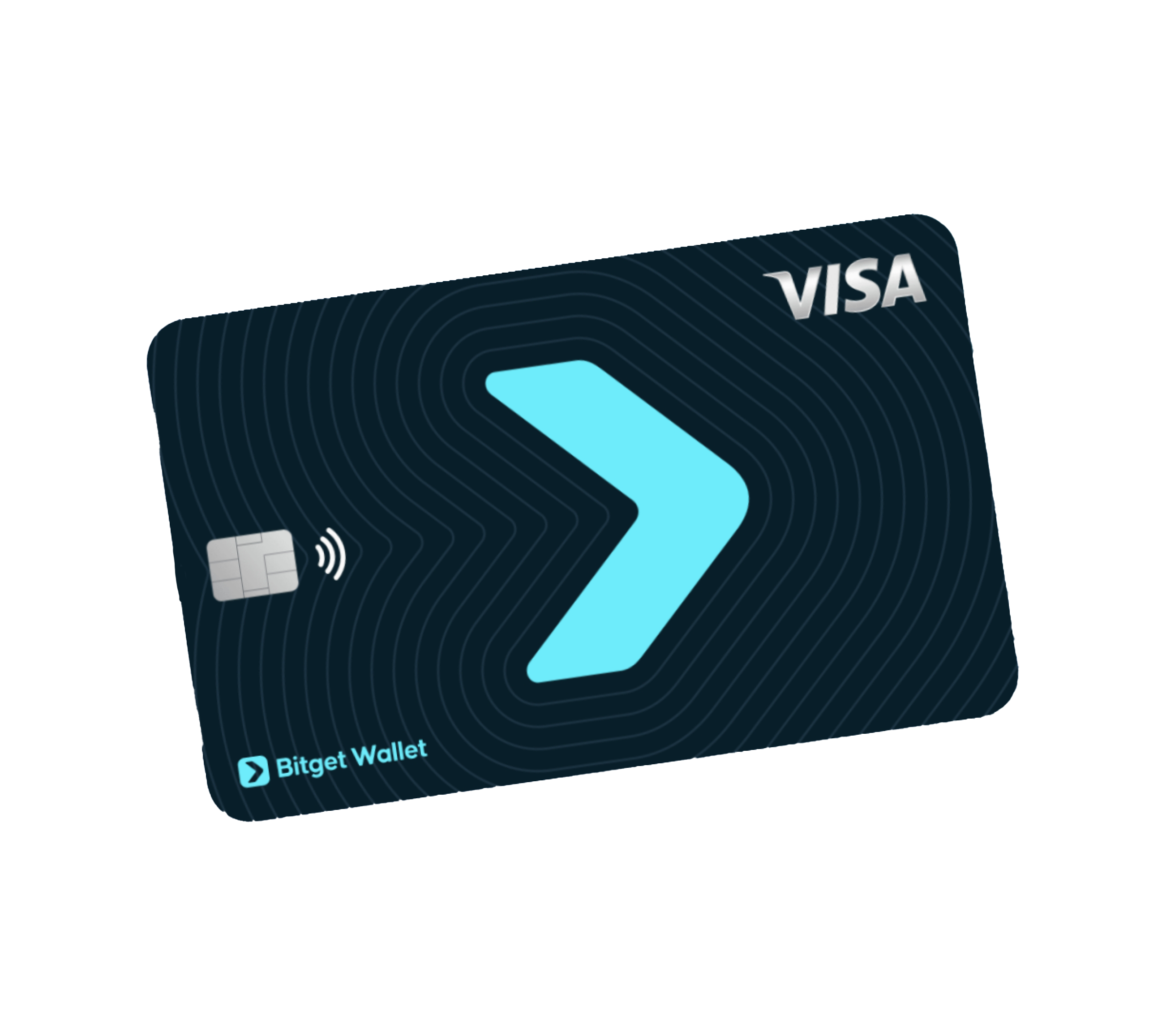
Who can apply for the physical card?
Bitget Wallet Card users who are citizens or residents (have an employment pass or proof of address) of Singapore, South Korea, Japan, Vietnam, Malaysia, Taiwan, Australia, Thailand, and the Philippines.
Bitget Wallet Card users who are citizens or residents (have an employment pass or proof of address) of Singapore, South Korea, Japan, Vietnam, Malaysia, Taiwan, Australia, Thailand, and the Philippines.
1
/
12
Apply and activate
Go to "Card" > "Physical card" > "Apply now". Submit the required information, and enter your shipping address. Once received, go to "Physical Card" > "Activate" and set your PIN.
1
/
12
How much do I have to pay to get the physical card?
49 USD (including international shipping costs).
This amount will be deducted from your card balance, so please make sure that you have sufficient funds. You can fully offset this payment by simply inviting 3 friends to sign up for the card.
1
/
12
What can I do with my physical card?
Just like any Visa debit card, you can use it worldwide for payments online and in store, as well as withdraw cash from ATMs supporting Visa.
Note: ATM withdrawals are not available in Singapore.
1
/
12
Spending limits (in-store and online)
Daily: 50,000 USD
Annual: 990,000 USD
1
/
12
ATM withdrawal limits
Per transaction: 3,000 USD
Daily: 10,000 USD, max 20 withdrawals
Monthly: 100,000 USD, max 30 withdrawals
Note: ATM withdrawals count toward your daily spending limit.
1
/
12
ATM withdrawal fees
1% of the withdrawal amount or 5 USD per transaction (whichever is higher).<br>Foreign exchange fee: 1.7%<br>Conversion fee: 0.05%<br>Some ATMs may charge an additional operator fee (shown on the ATM screen).
1
/
12
Lost/stolen card
Go to "Card" > "Manage" > "Freeze Card". On "Home", tap your avatar, then tap the "Support" icon in the top-right corner. Report the loss and request a replacement. A new virtual card will be issued (new card number/expiry/CVV). You can re-apply for a physical card if needed.
1
/
12
Card not received / lost in transit
In rare cases where your physical card hasn't arrived after 2 weeks, contact our support to verify and arrange re-shipment or cancel & reissue.
1
/
12
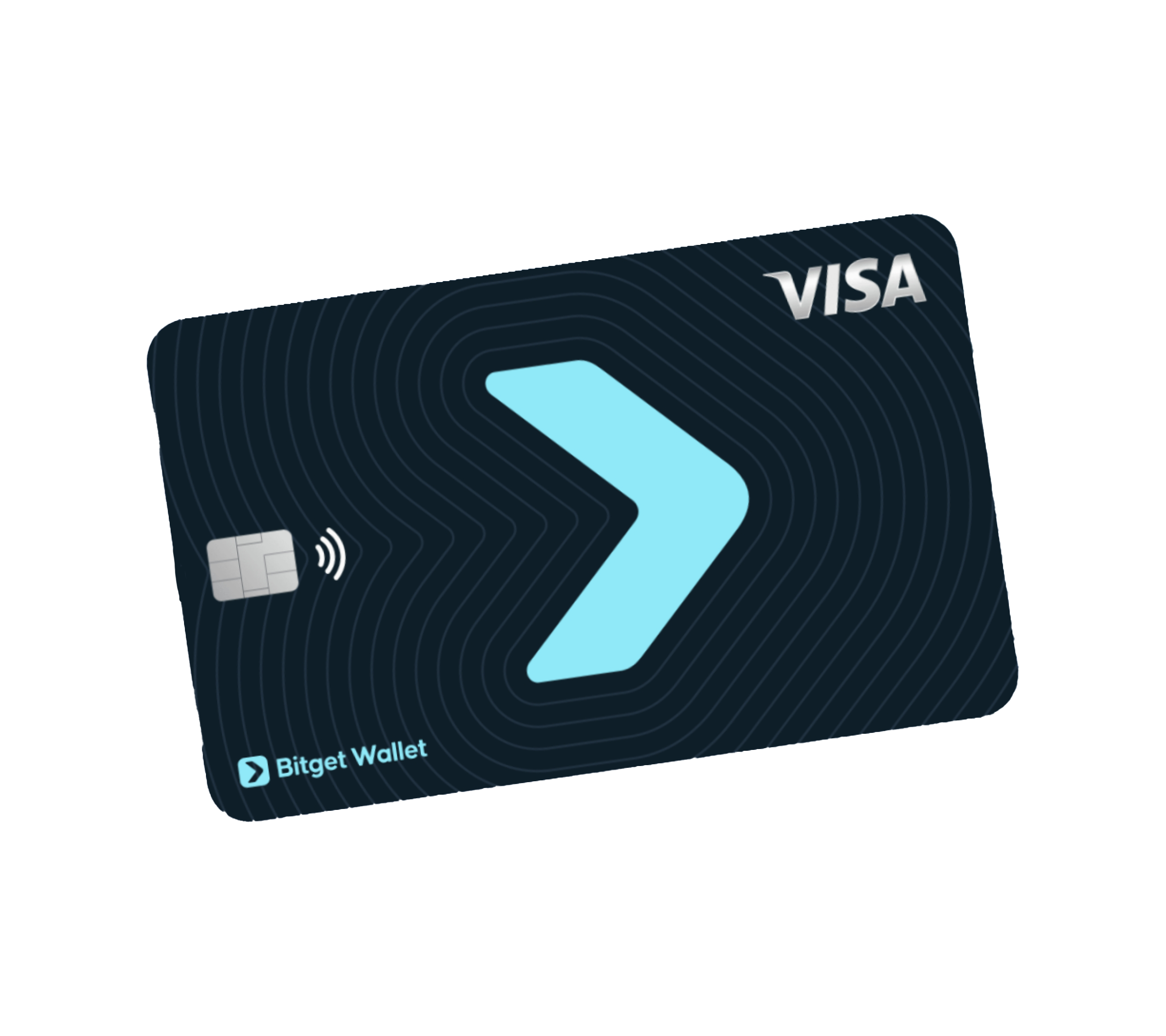
실체 카드 배송 추적
카드가 발송되면 이메일 또는 SMS로 운송장 번호를 받게 됩니다. 배송을 추적하려면 www.fedex.com으로 이동하여 운송장 번호(최대 12자리)를 입력하고 Track을 탭하세요. 배송 상태: Picked Up, In Transit, Out for Delivery, Delivered.
1
/
12
배달을 받지 못하면 어떻게 하나요?
부재 시 FedEx는 시스템에 "Attempted Delivery"를 기록하고 Door Tag 통지서를 남길 수 있습니다. 다음 방법으로 처리할 수 있습니다: FedEx 추적 페이지에서 재배달 요청; 또는 FedEx 서비스 센터 또는 픽업 포인트에서 직접 수령. 추가 도움이 필요하면 현지 FedEx 고객 서비스에 문의하세요.
1
/
12
FedEx 고객 서비스 핫라인
Malaysia: 1800-88-6363 | Singapore: 1800-743-2626 | Vietnam: 1800-585-835 | Japan: 0120-003-200 | Thailand: 66-2-491-2000 | Australia: 6-113-1150 | Philippines: 1-800-8-46-33339 | Taiwan: 886-2-2181-1973 | South Korea: 82-2-1588-0588 | Global: 1-800-463-3339 | Website: www.fedex.com
