



1
/
11
Before you start
Have your original passport ready (at least 6 months validity remaining). Turn off your VPN. Make sure your phone supports NFC (most iPads do not support NFC). Photocopies and screenshots are not accepted.
Have your original passport ready (at least 6 months validity remaining). Turn off your VPN. Make sure your phone supports NFC (most iPads do not support NFC). Photocopies and screenshots are not accepted.
1
/
11
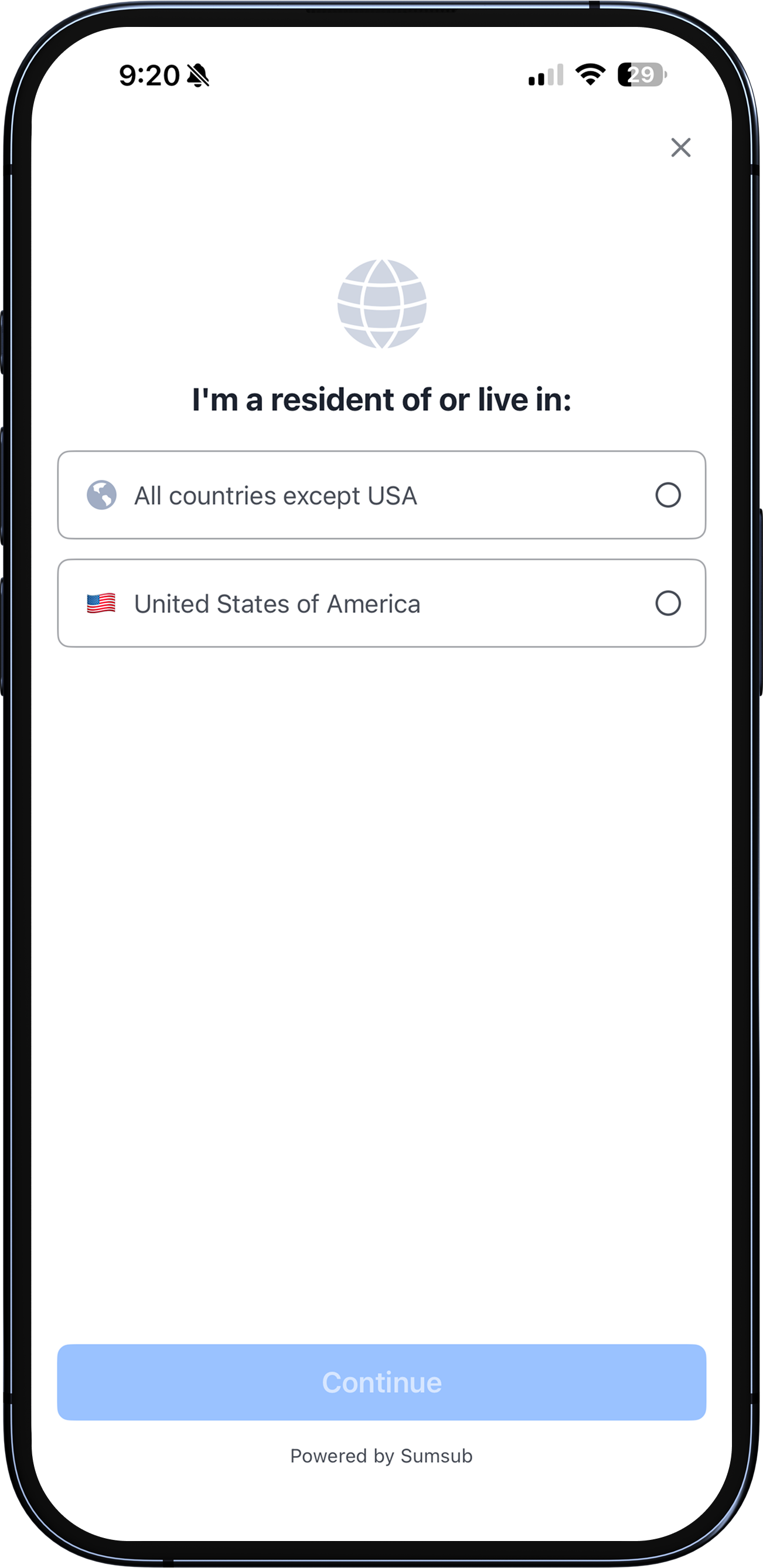
Select your country of residence
Select "All countries except the USA".
1
/
11
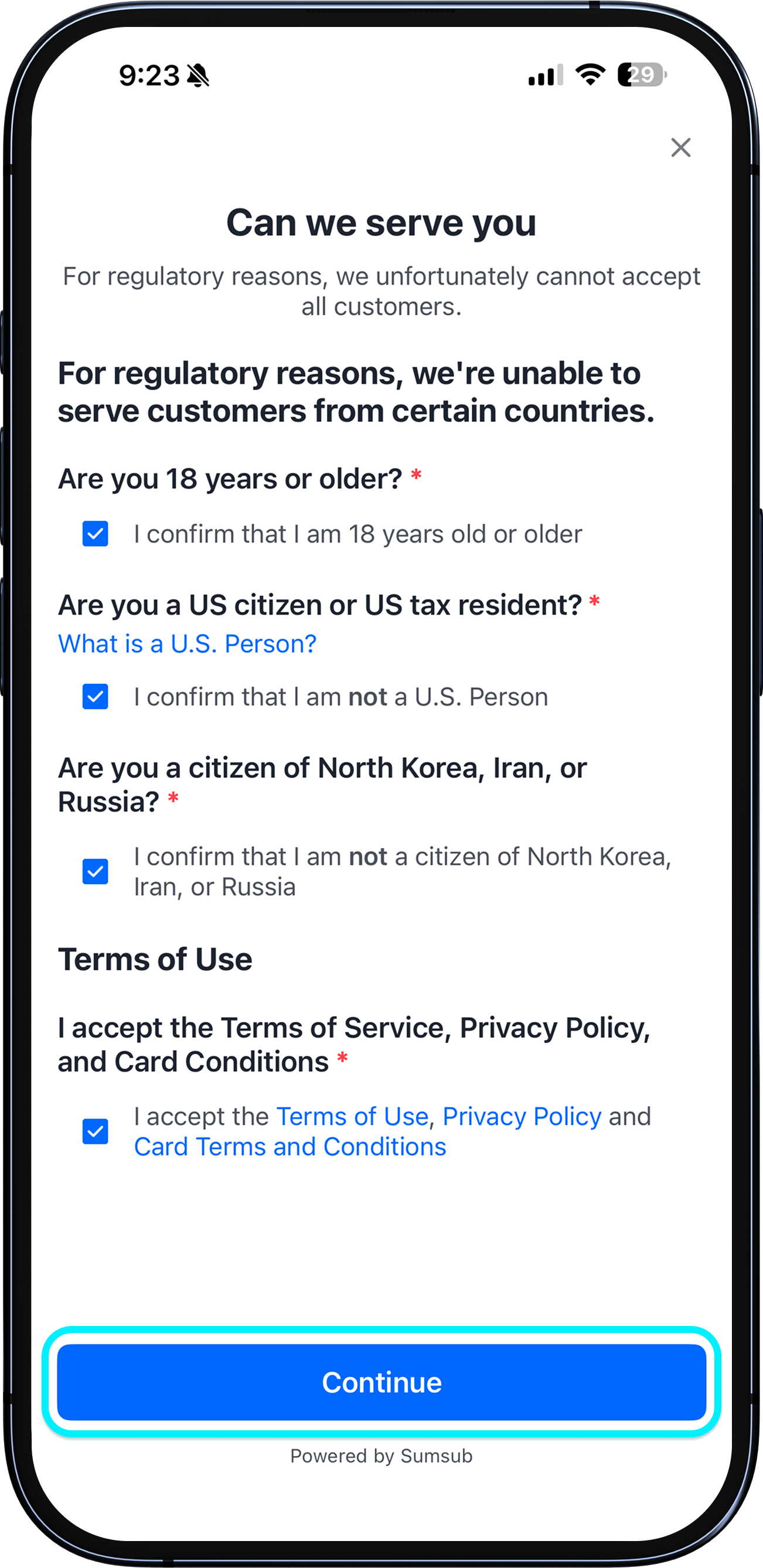
Answer basic questions
Answer a few basic questions and select your gender.
1
/
11
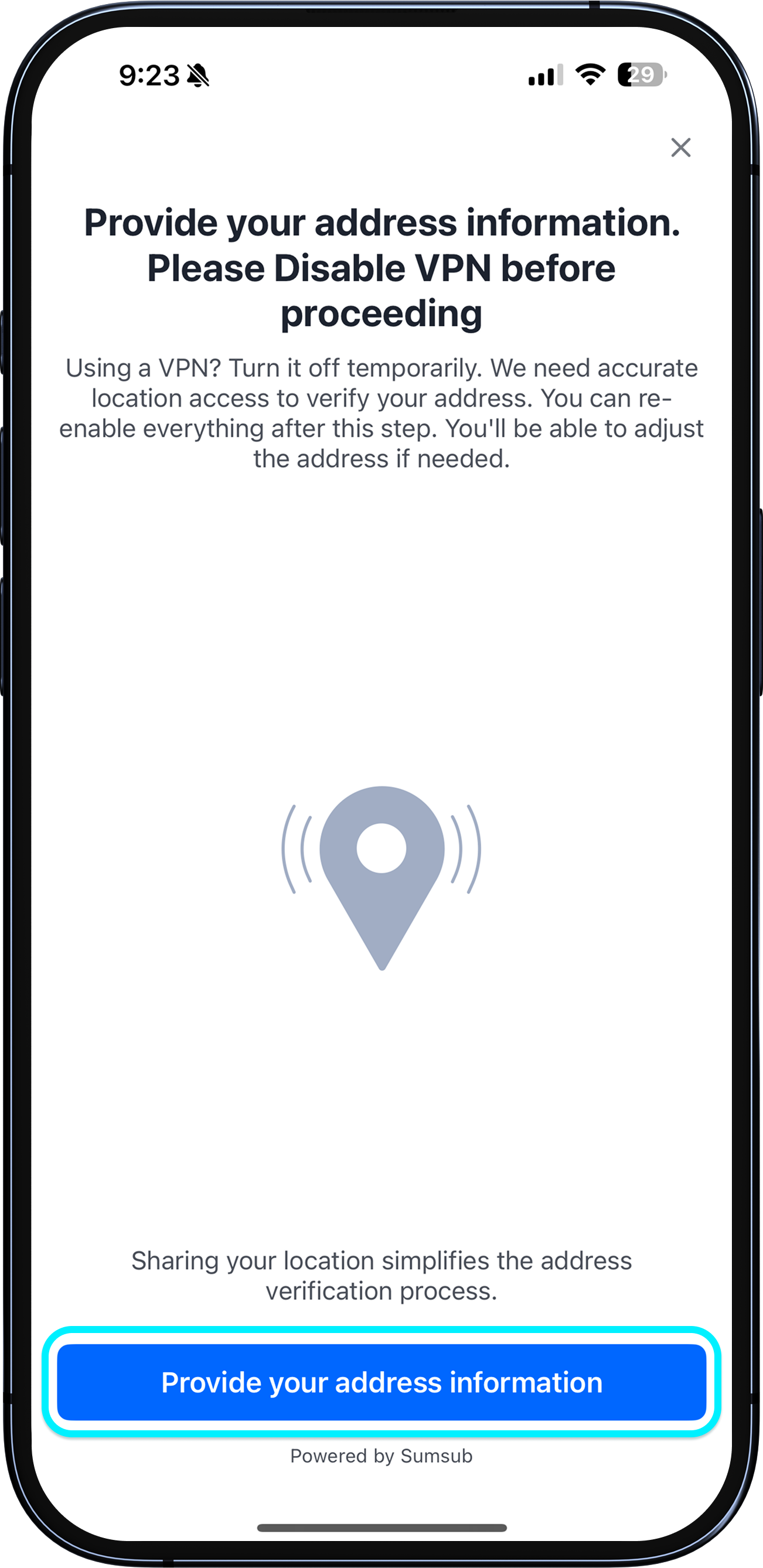
Confirm your address
Tap "Share your location" to enable location access. Confirm your address details and tap Continue. Check the address confirmation agreement.
1
/
11
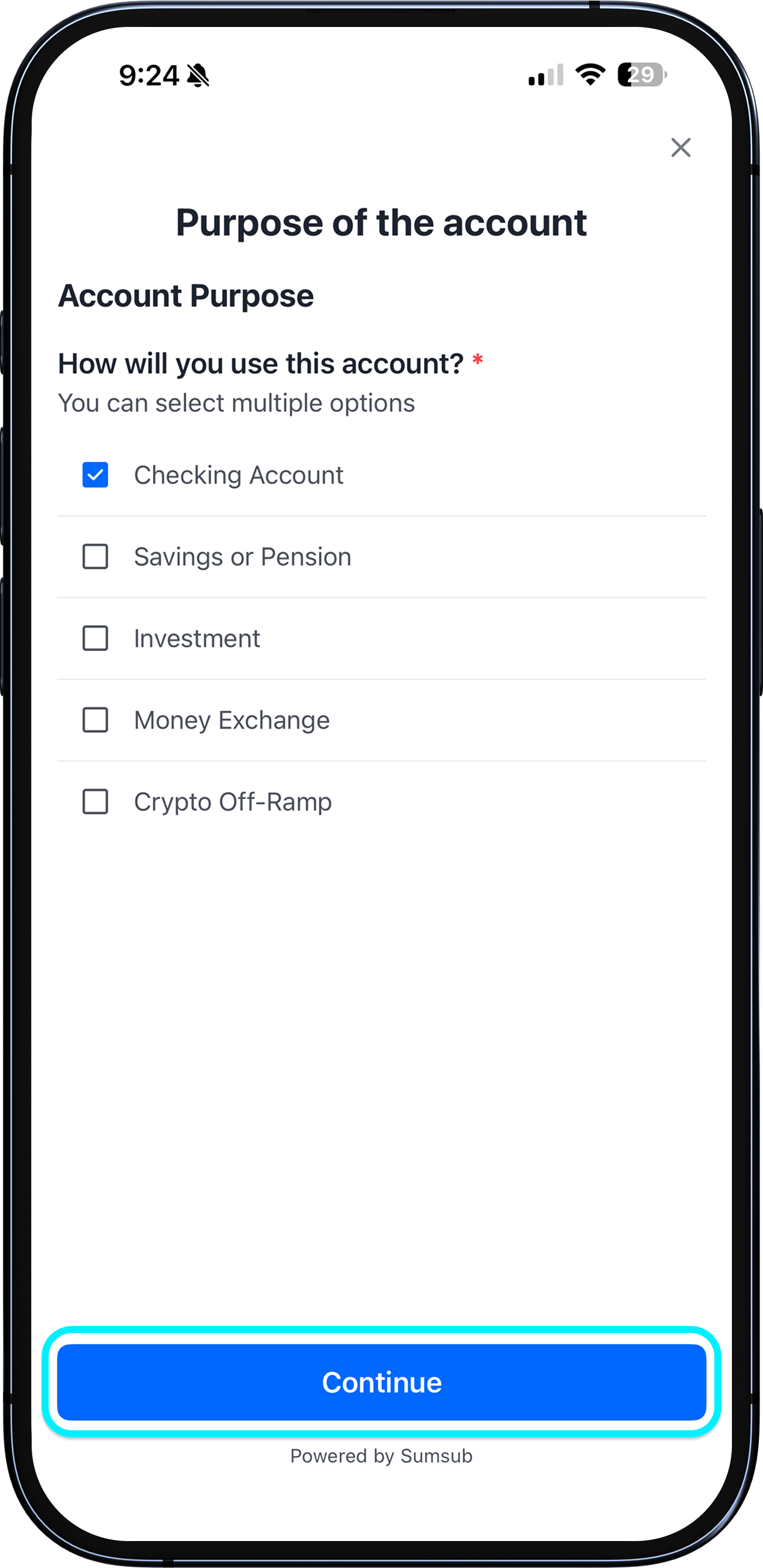
Enter account purpose and occupation
Select your account purpose (Current account recommended). Enter your occupation. Check the no-deposit-protection and sole-account-holder confirmations.
1
/
11
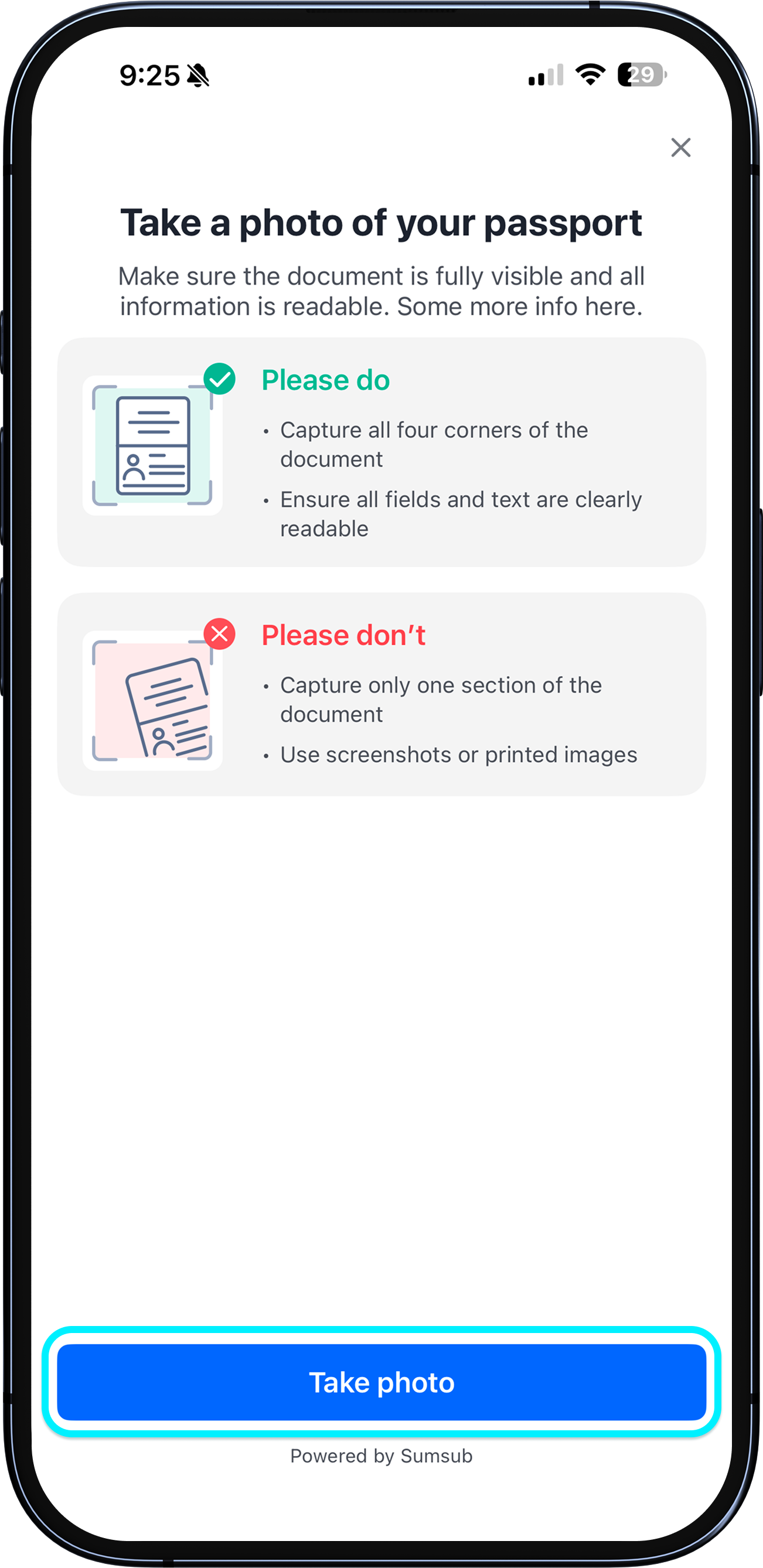
Photograph your passport
Select your nationality and document type (Passport). Take a clear photo: hold it upright so all four corners are visible, ensure all text including the MRZ strip is sharp, avoid glare and shadows. Use the original — no cropping, filters, or screenshots.
1
/
11
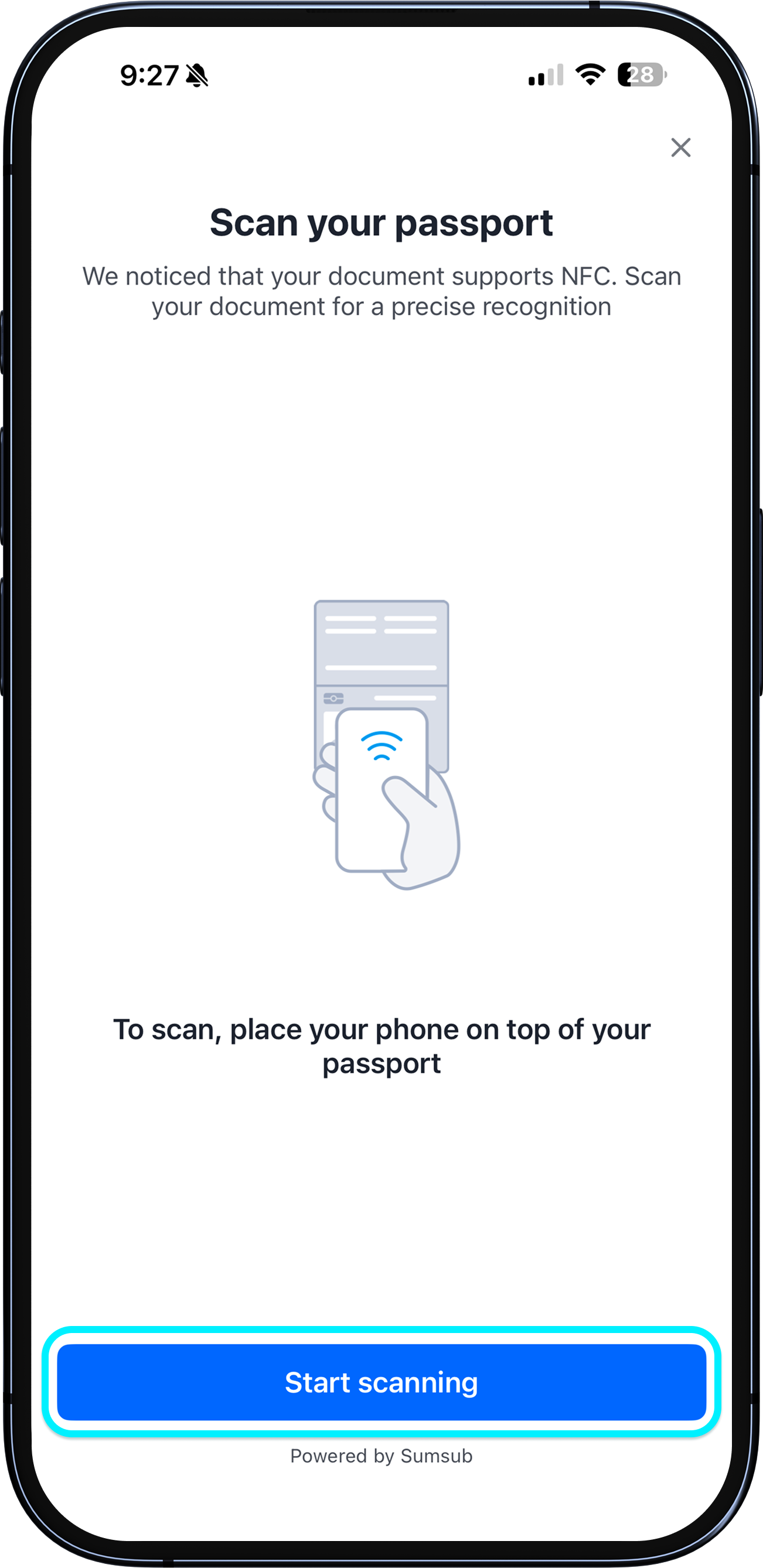
NFC chip scan
Hold your phone against your passport chip area and keep still for 5-10 seconds. iPhone: place the top of the phone near the camera over the chip. Android: center the passport against the back of your phone — if no response, slowly slide it around. You'll feel a brief vibration or see a confirmation once the scan succeeds.

1
/
11
NFC chip scan
If still not working, remove your phone case (especially metal or MagSafe) and try again. Also check your chip location — most modern passports have the chip on the photo page. German/Japanese/Korean passports — photo page; older Chinese and Hong Kong passports — inside back cover; UK passports after Dec 2020 — photo page.
1
/
11
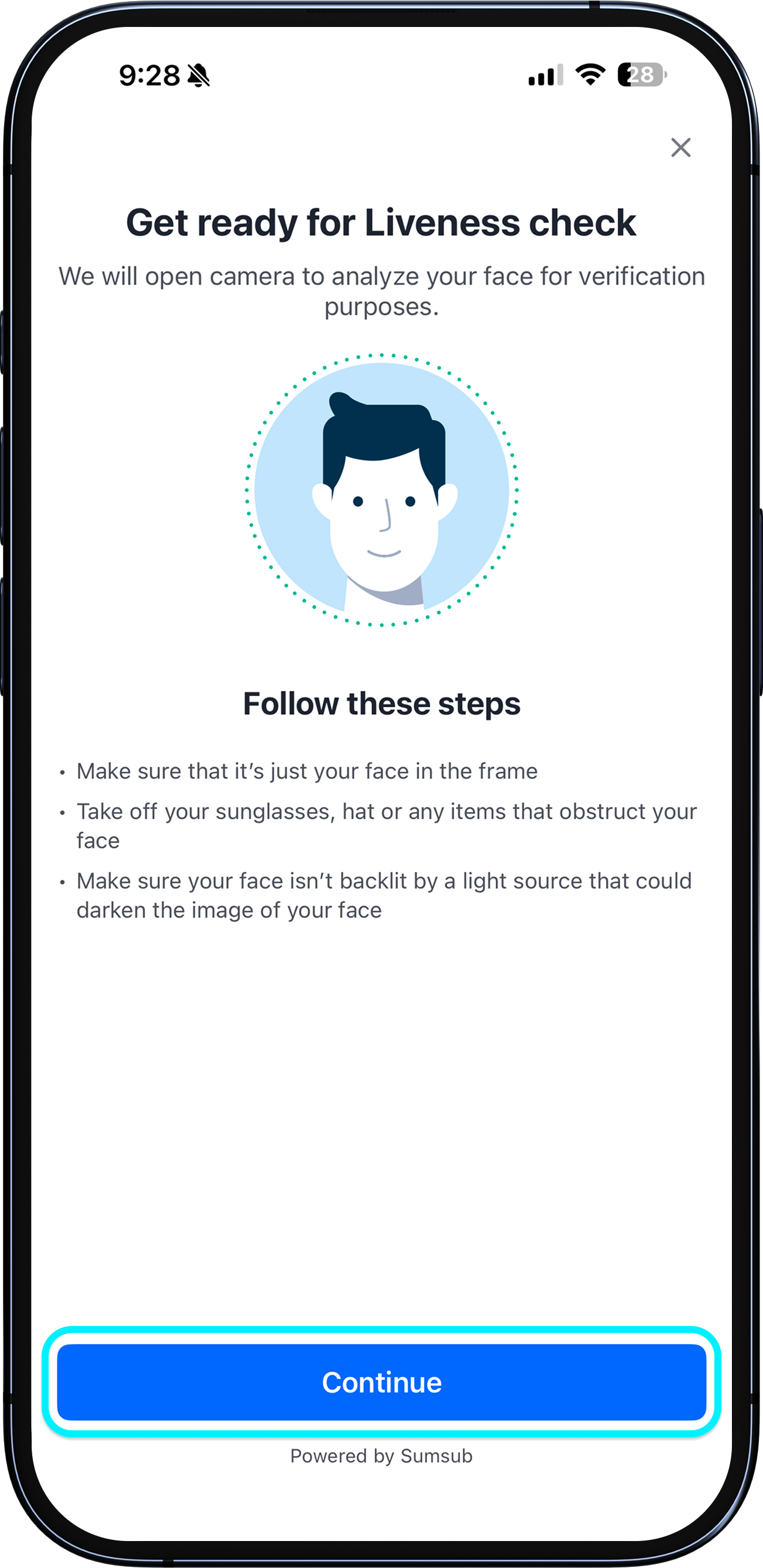
Face verification
Follow the on-screen instructions for the face scan. Ensure only your face is in the frame, remove sunglasses or anything covering your face, and avoid backlighting.
1
/
11
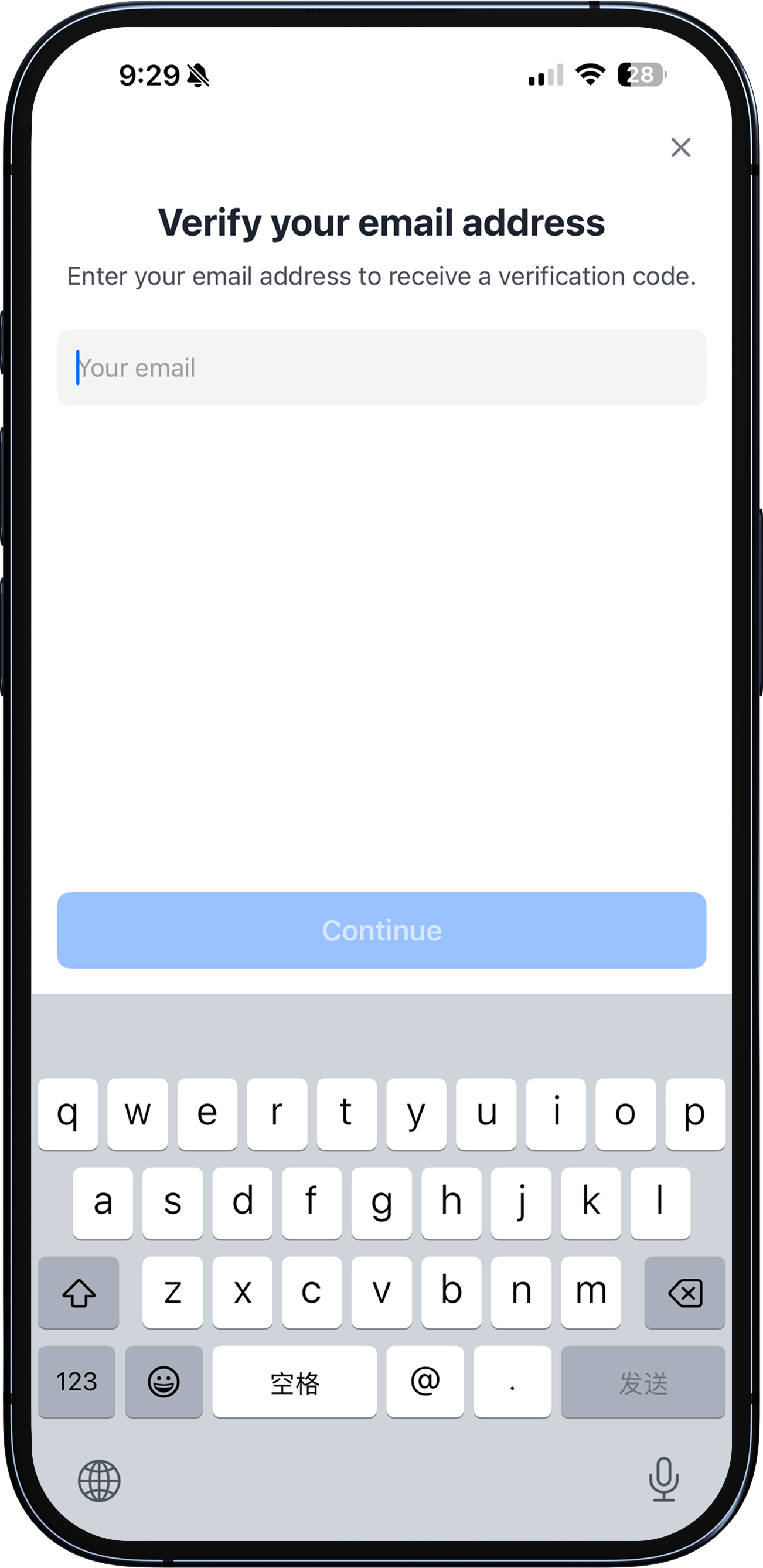
Review form and verify email
Check "I am ready to review", confirm your details, and tap Continue. Enter your email address and the one-time verification code to sign the declaration and submit.
1
/
11
What happens next?
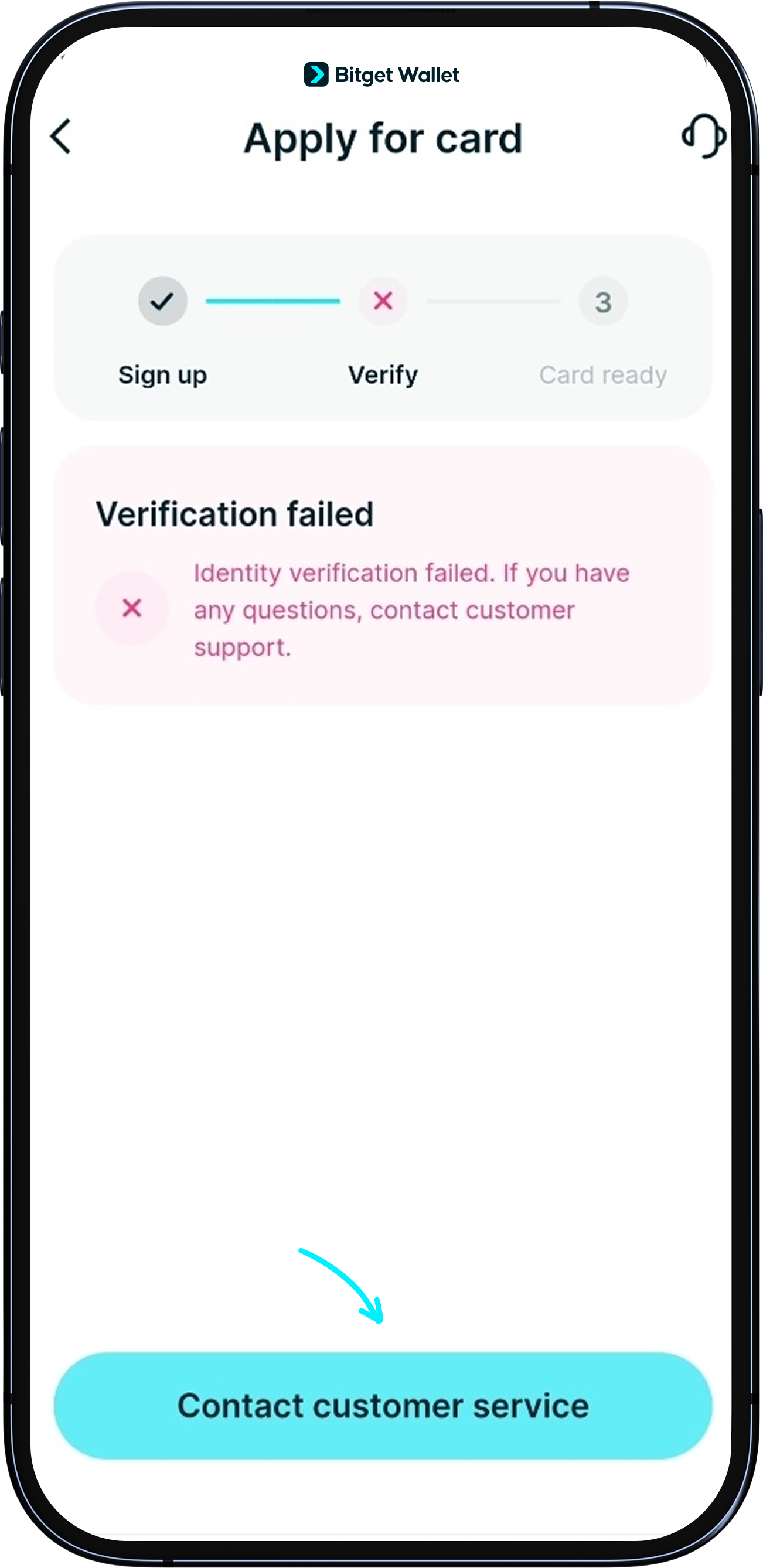
Results are typically emailed within 1–2 minutes. Manual review may take 1–2 days. If verification fails, Fiat24 will email you to re-submit.
<b>Common failure reasons:</b> expired document, NFC scan error, face mismatch, or address mismatch. Fix the flagged issue before re-submitting.
<b>Stuck on the verification screen?</b> Turn off VPN, force-close the app, and restart. If still stuck, contact Customer Support.
<b>Note:</b> Chinese passport holders residing outside Mainland China are not eligible.
