



1
/
11
Before you start
Have your original passport ready (at least 6 months validity remaining). Turn off your VPN. Make sure your phone supports NFC (most iPads do not support NFC). Photocopies and screenshots are not accepted.
1
/
11
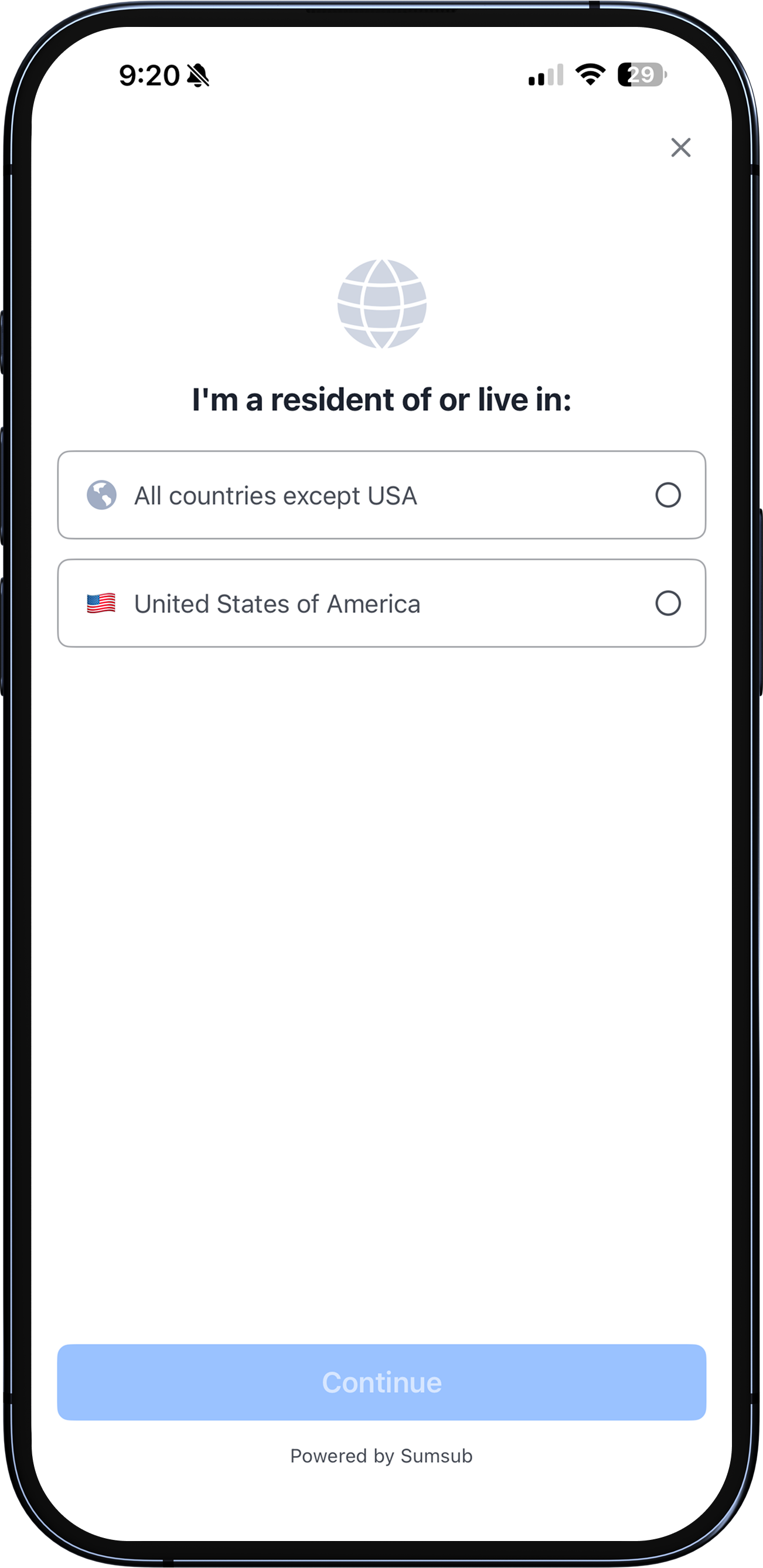
Select your country of residence
Select "All countries except the USA".
1
/
11
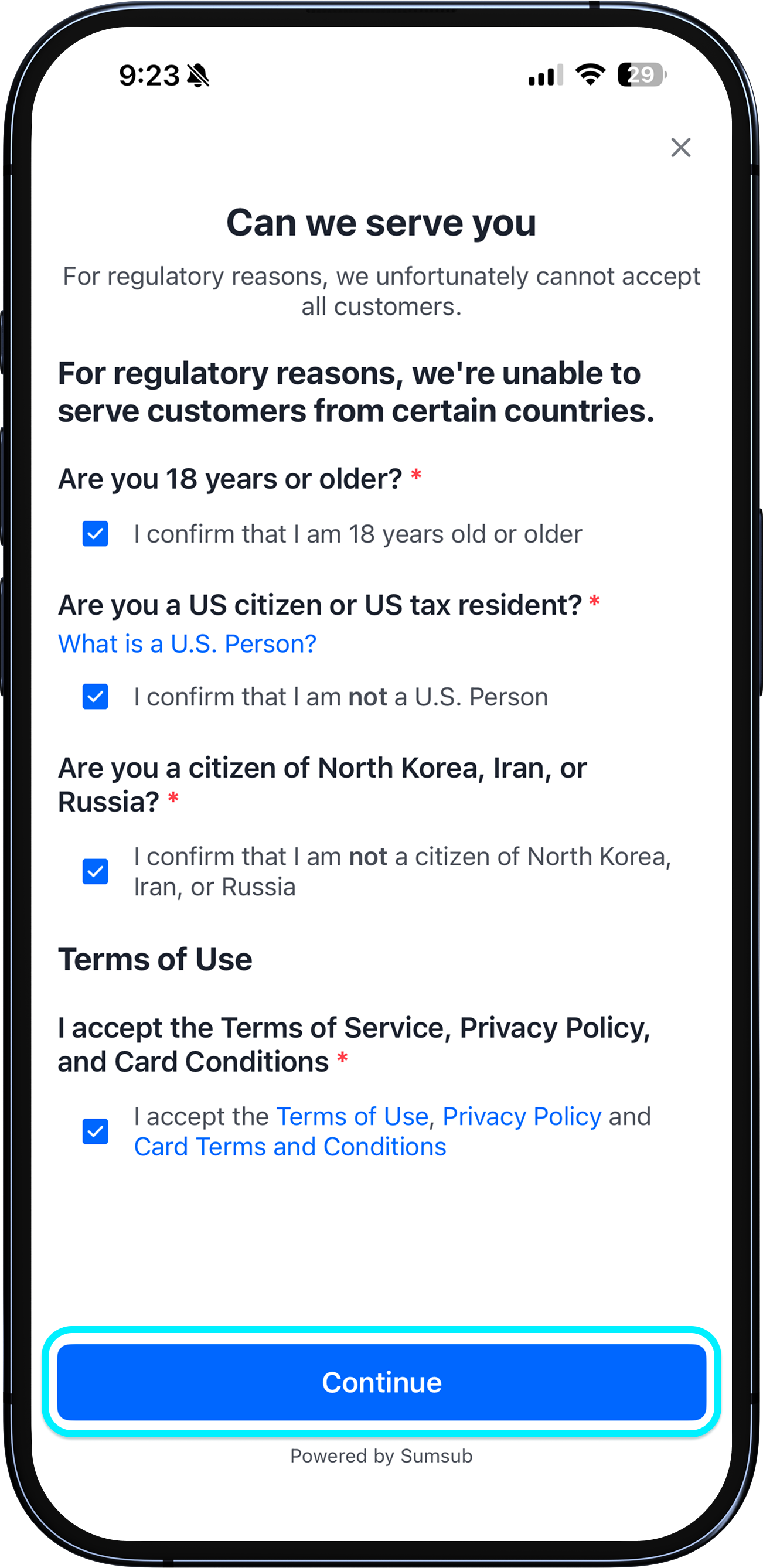
Answer basic questions
Answer a few basic questions and select your gender.
1
/
11
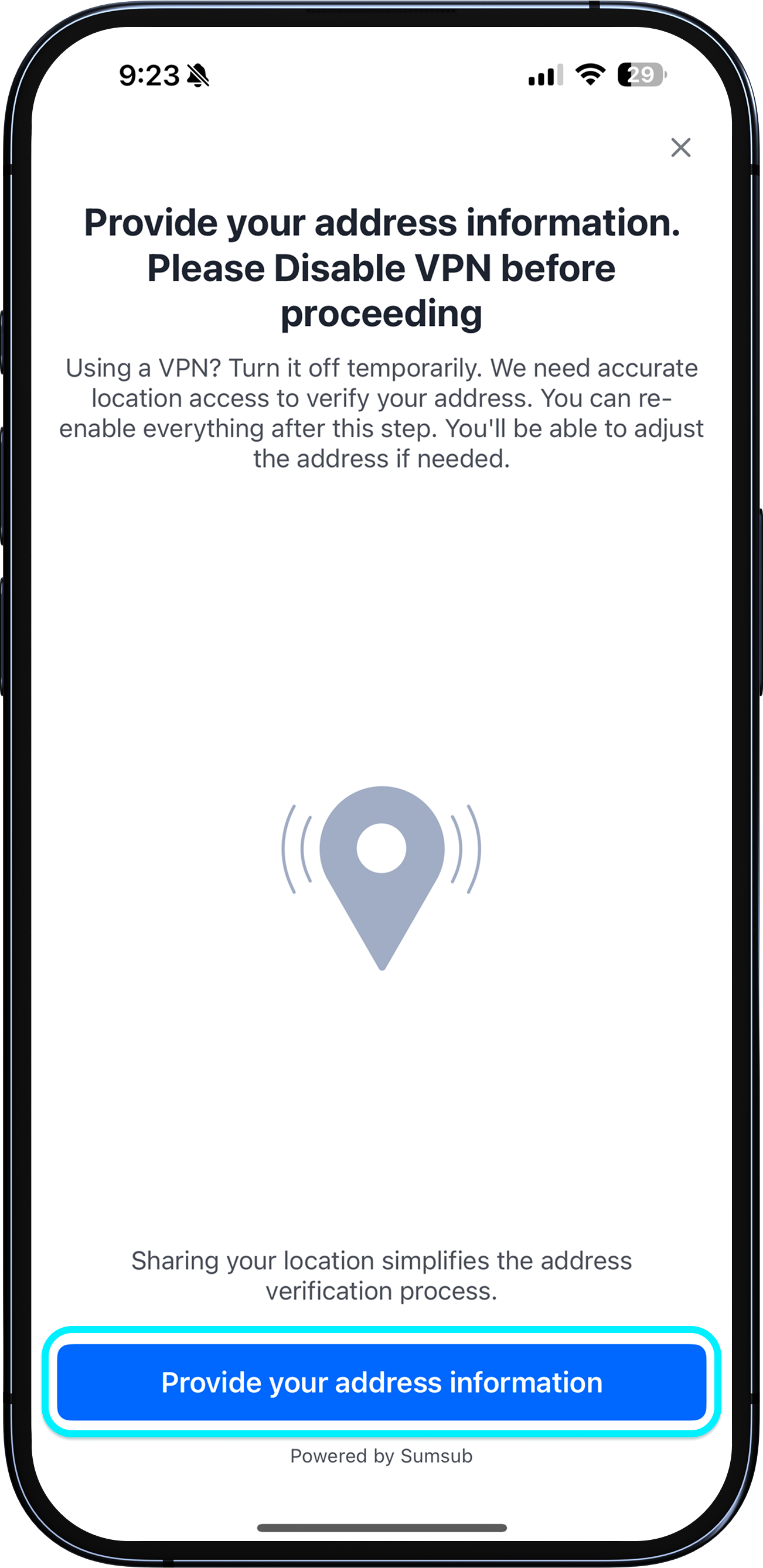
Confirm your address
Tap "Share your location" to enable location access. Confirm your address details and tap Continue. Check the address confirmation agreement.
1
/
11
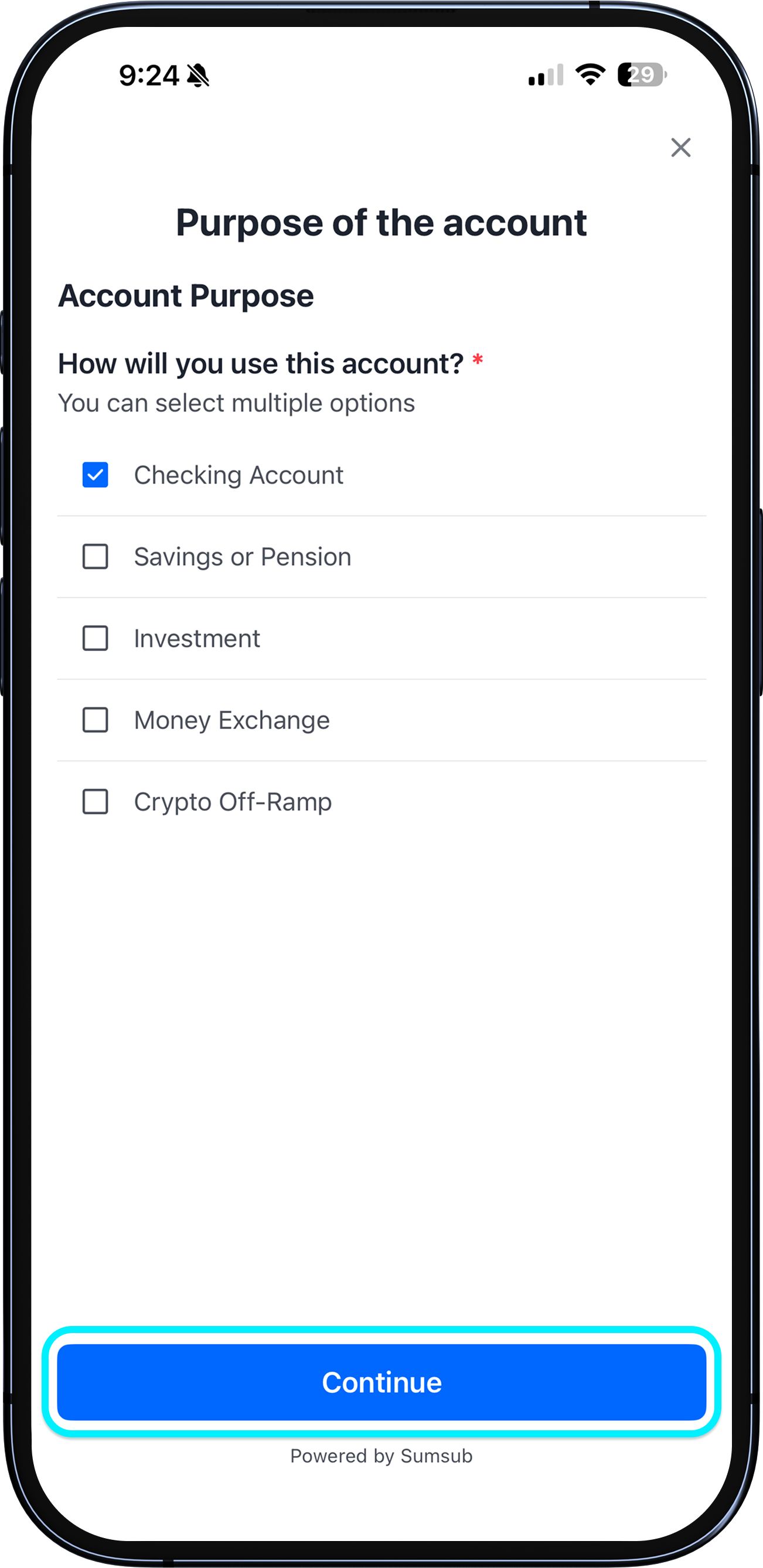
Enter account purpose and occupation
Select your account purpose (Current account recommended). Enter your occupation. Check the no-deposit-protection and sole-account-holder confirmations.
1
/
11
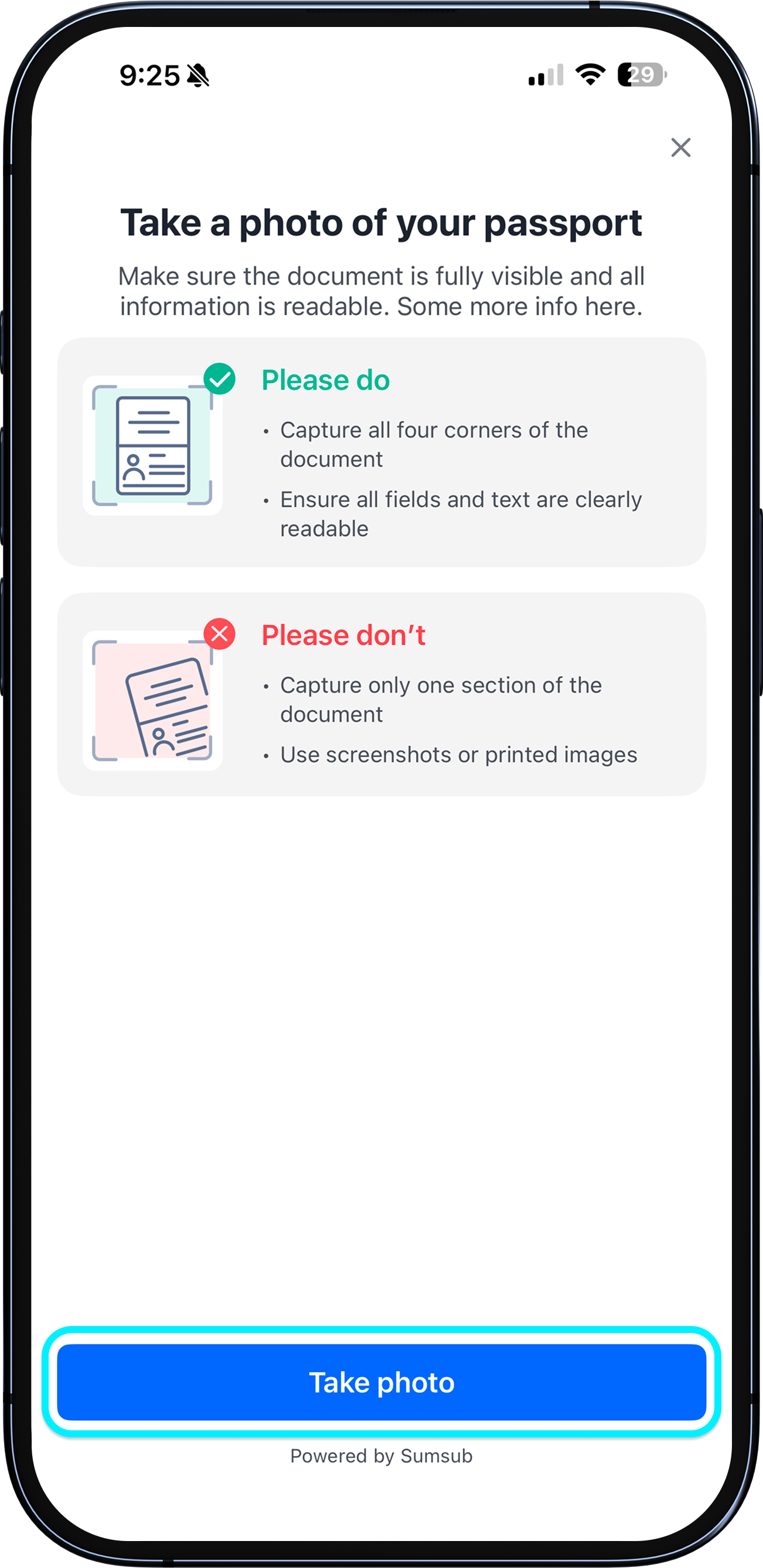
Photograph your passport
Select your nationality and document type (Passport). Take a clear photo: hold it upright so all four corners are visible, ensure all text including the MRZ strip is sharp, avoid glare and shadows. Use the original — no cropping, filters, or screenshots.
1
/
11
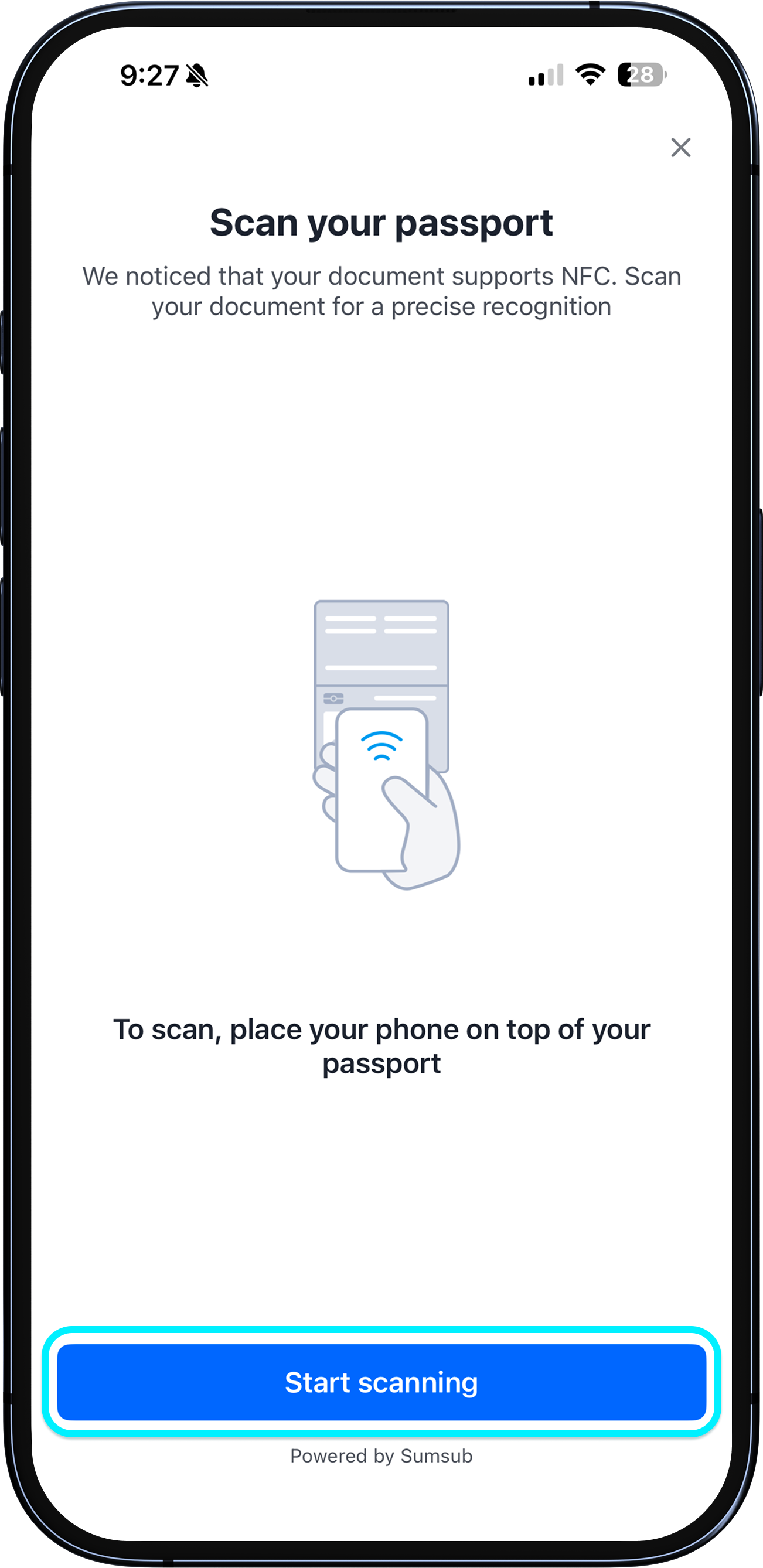
NFC chip scan
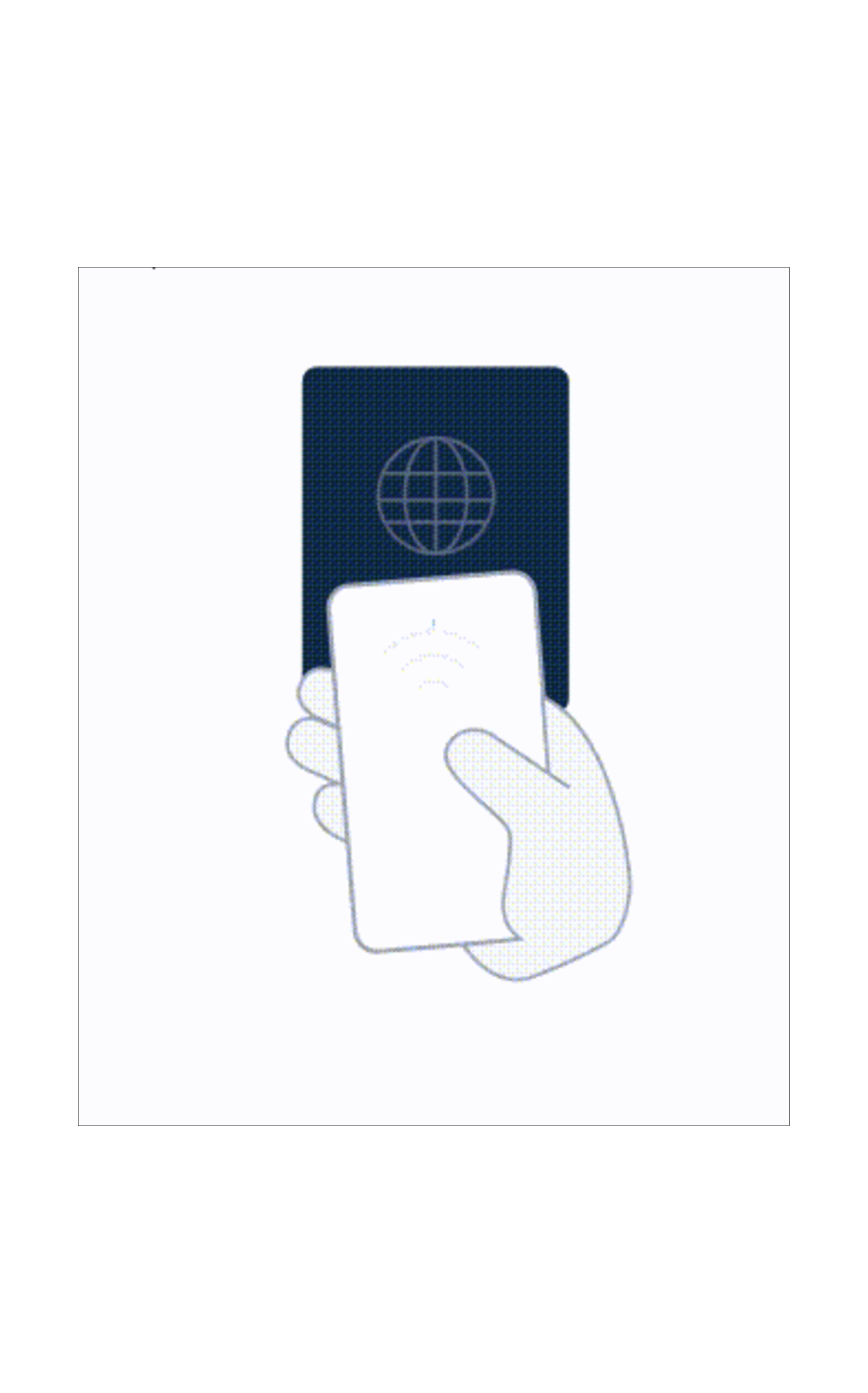
Hold your phone against your passport chip area and keep still for 5-10 seconds. iPhone: place the top of the phone near the camera over the chip. Android: center the passport against the back of your phone — if no response, slowly slide it around. You'll feel a brief vibration or see a confirmation once the scan succeeds.
1
/
11
NFC chip scan
If still not working, remove your phone case (especially metal or MagSafe) and try again. Also check your chip location — most modern passports have the chip on the photo page. German/Japanese/Korean passports — photo page; older Chinese and Hong Kong passports — inside back cover; UK passports after Dec 2020 — photo page.
1
/
11
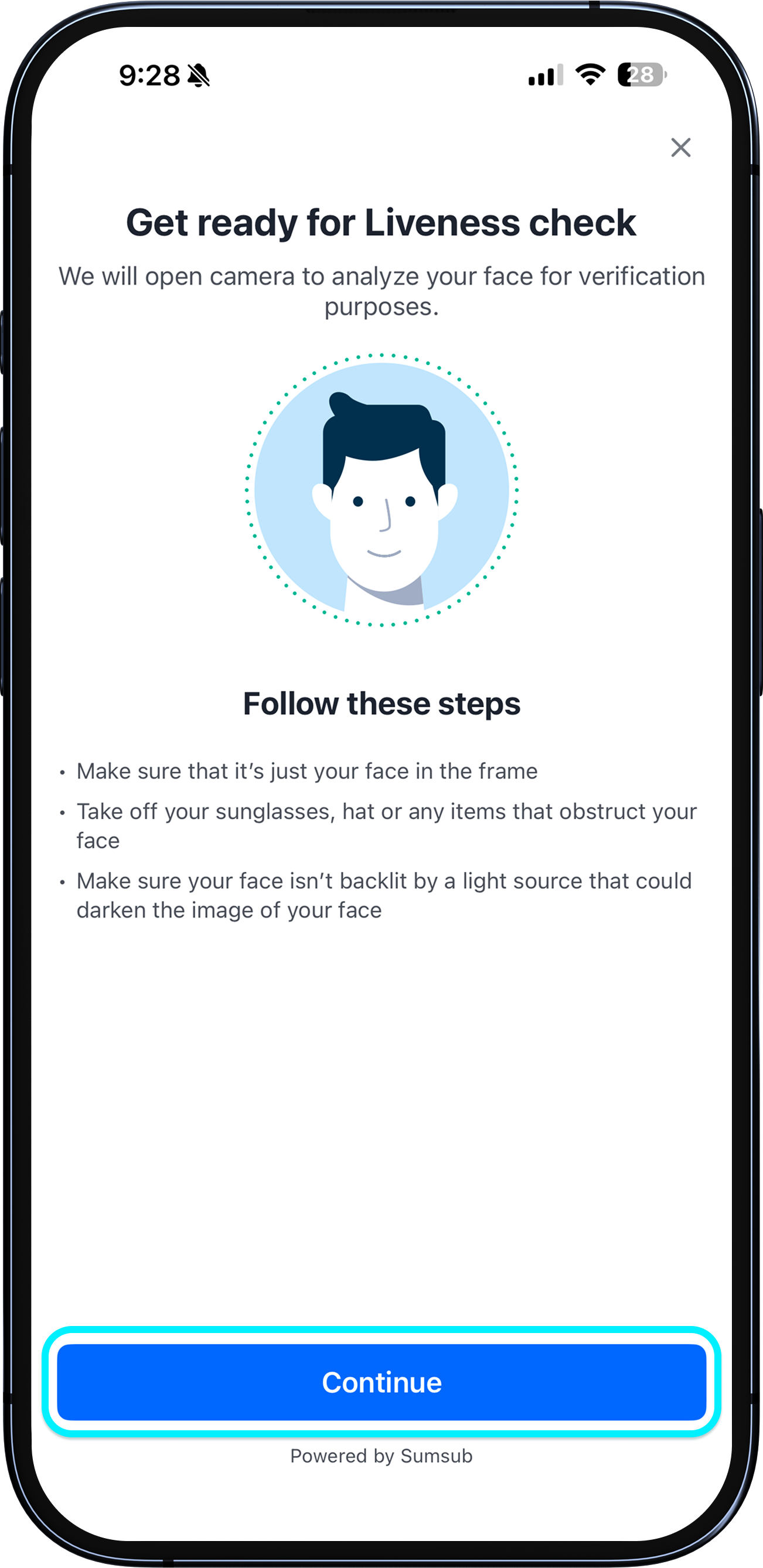
Face verification
Follow the on-screen instructions for the face scan. Ensure only your face is in the frame, remove sunglasses or anything covering your face, and avoid backlighting.
1
/
11
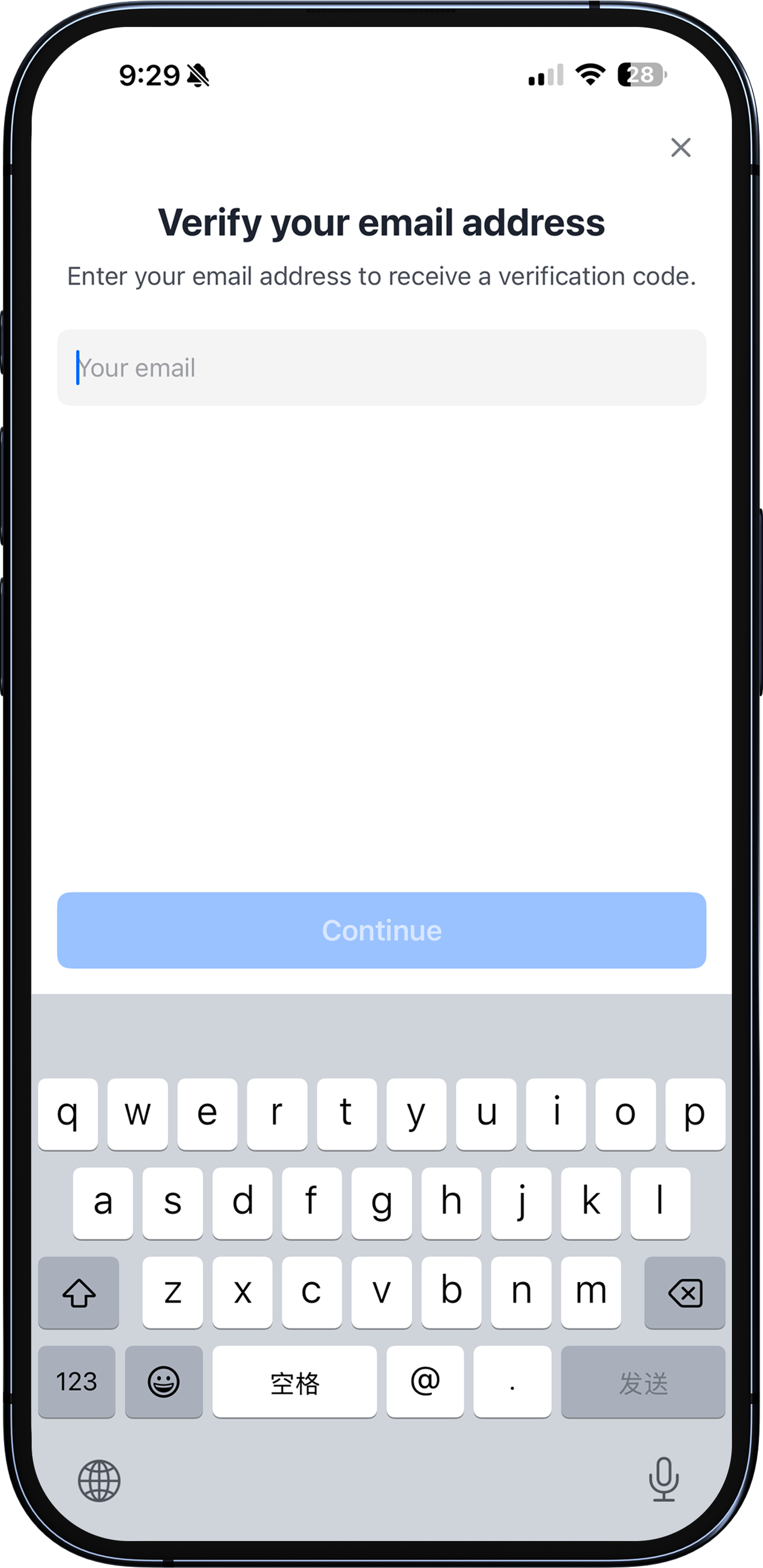
Review form and verify email
Check "I am ready to review", confirm your details, and tap Continue. Enter your email address and the one-time verification code to sign the declaration and submit.
1
/
11
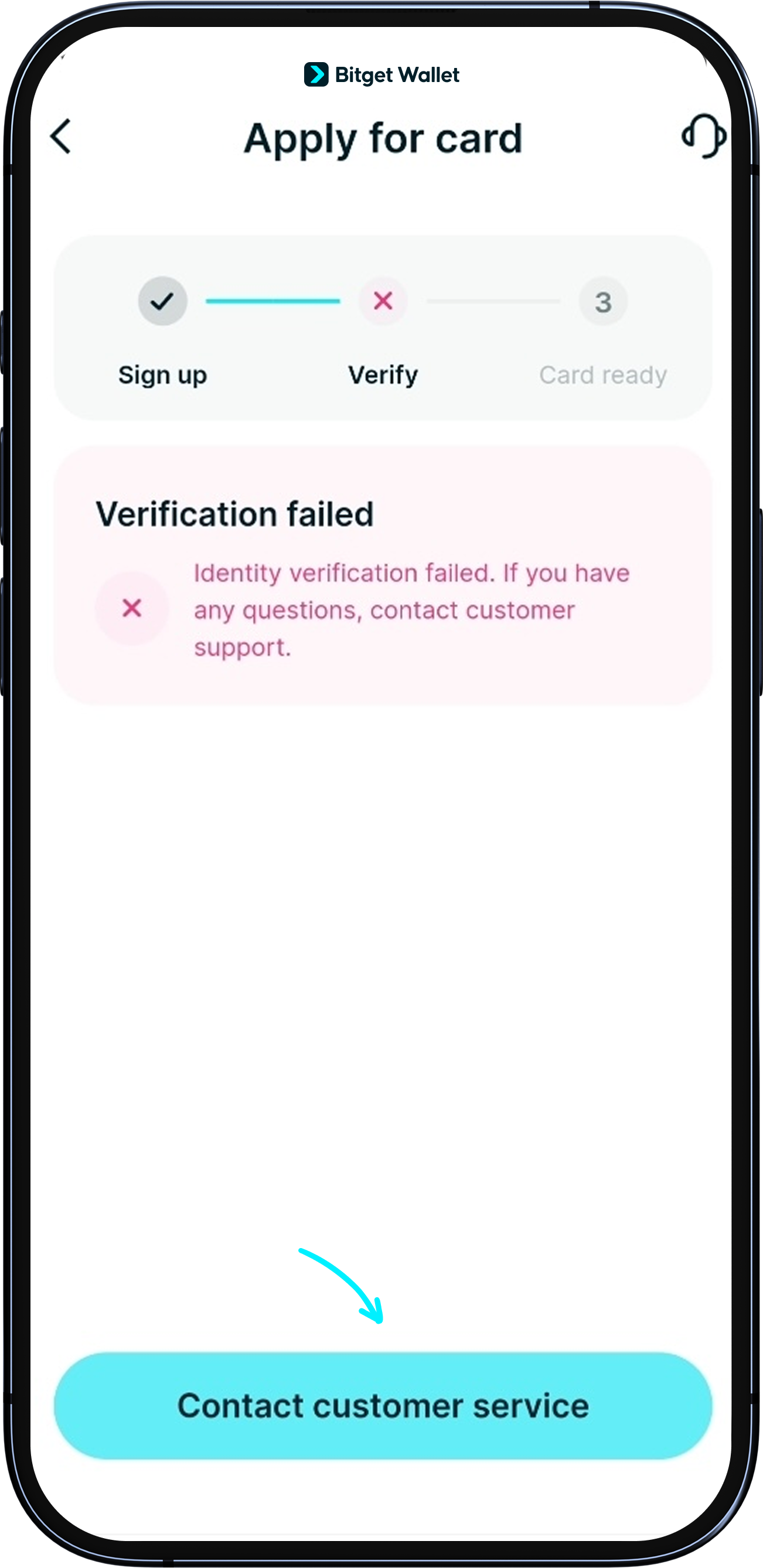
What happens next?
Results are typically emailed within 1–2 minutes. Manual review may take 1–2 days. If verification fails, Fiat24 will email you to re-submit.
<b>Common failure reasons:</b> expired document, NFC scan error, face mismatch, or address mismatch. Fix the flagged issue before re-submitting.
<b>Stuck on the verification screen?</b> Turn off VPN, force-close the app, and restart. If still stuck, contact Customer Support.
<b>Note:</b> Chinese passport holders residing outside Mainland China are not eligible.
Go to "Bitget Wallet Card"
